 100% Free
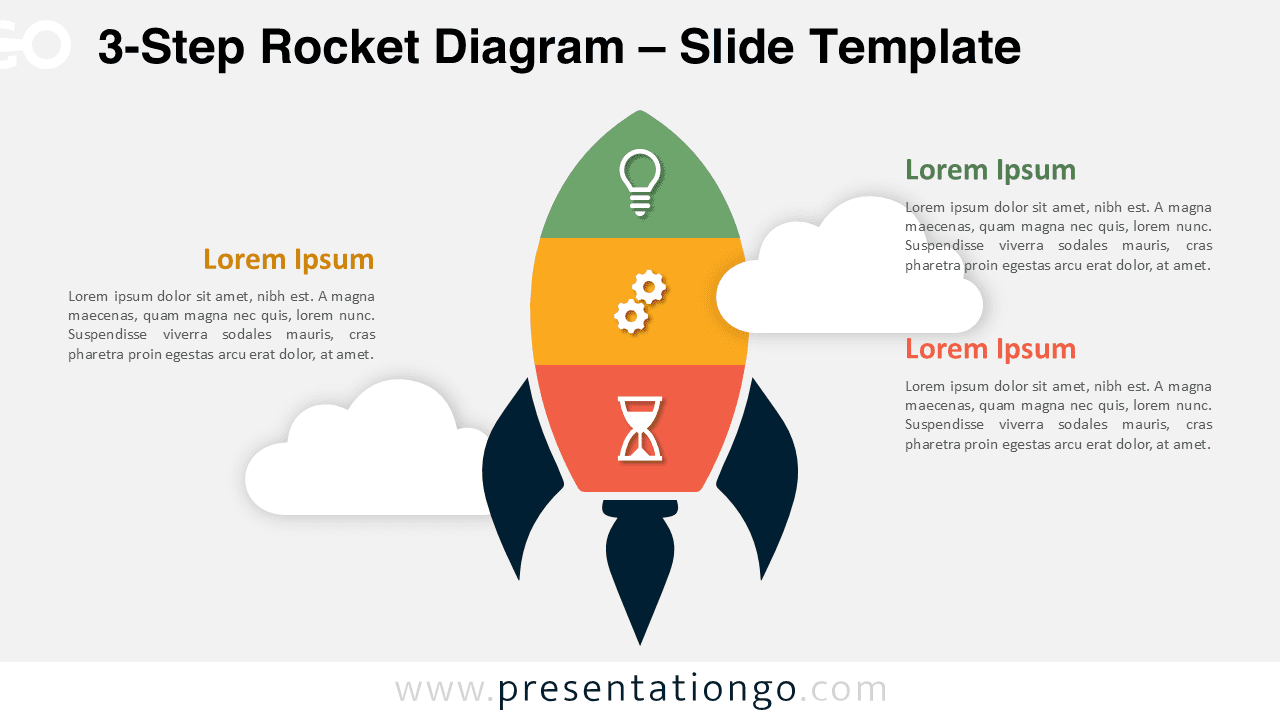
3-Step Rocket Diagram
Download this 3-Step Rocket Diagram for PowerPoint and Google Slides. A great choice for illustrating stages, strategies, and progress.
Template Details
The 3-Step Rocket Diagram features a unique rocket-shaped infographic with three segments designed for illustrating stages, concepts, or processes in PowerPoint and Google Slides. This diagram incorporates a modern rocket as its centerpiece, divided into three distinct, color-coded sections. Each segment includes space for an icon and matching text blocks symmetrically placed on either side of the rocket. Subtle cloud graphics in the background add depth and a thematic touch, while the vertical structure naturally directs the viewer’s eye through the content sequence. Using a rocket as a visual metaphor conveys themes of progress, growth, and innovation. This template is ideal for presentations about startup launches, strategic planning, or multi-phase projects. Each section can represent stages of a journey, steps in a process, or critical milestones. For instance, business professionals might use this to outline development phases, while educators could detail a learning progression or timeline. This template offers two slide variations preloaded with customizable icons and placeholder text. It supports light and dark themes, standard (4:3) and widescreen (16:9) layouts, and is available for both PowerPoint and Google Slides.
Template Features
- 2 unique slides
- Options for both light and dark themes
- Pre-populated with icons and text placeholders
- Fully customizable shapes for complete control
- Available in both Standard (4:3) and Widescreen (16:9) ratios
- Offered in both PowerPoint PPTX and Google Slides formats
- Source
- PresentationGo
- Format
- pptx
- File size
- 118 KB
- Downloads
- 0
- Slides
- 2
- Aspect Ratio
- 16:9
Author / Copyright:PresentationGo
Original source:PresentationGo original