Loading resources…
Total 1760 resources
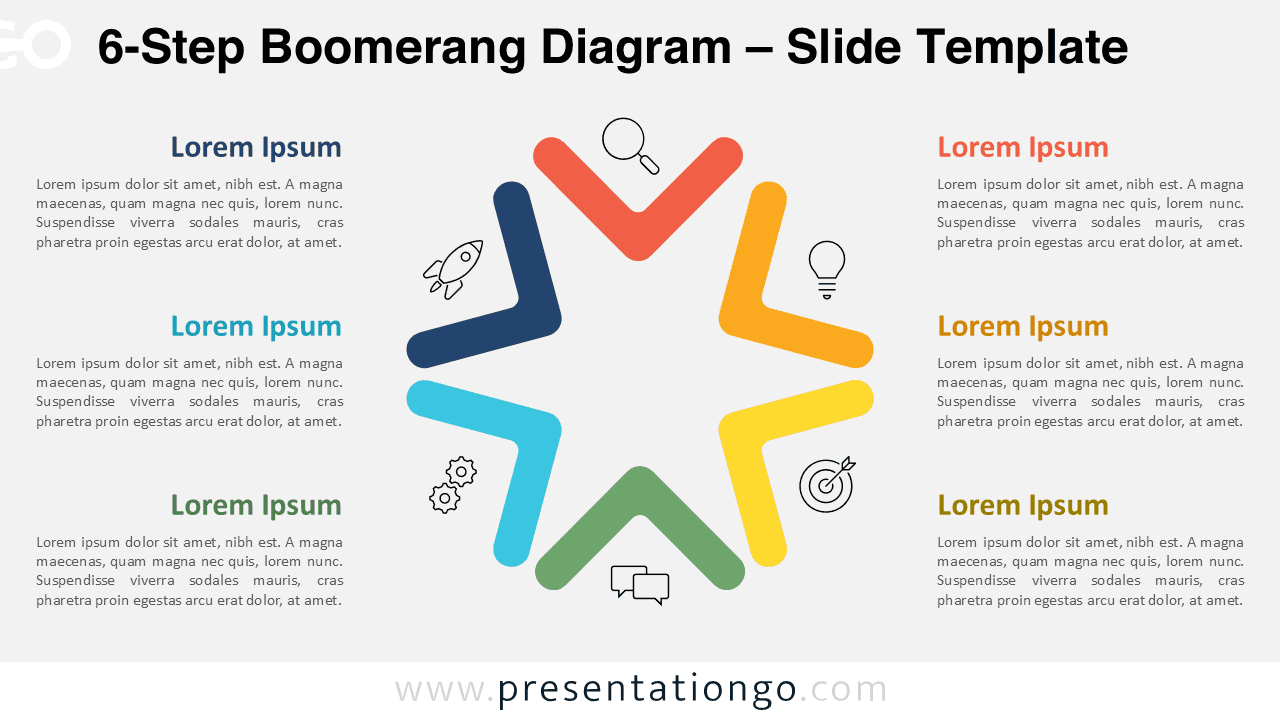
Download the 6-Step Boomerang Diagram for PowerPoint and Google Slides. Perfect for mapping phases, loops, and continuous steps.
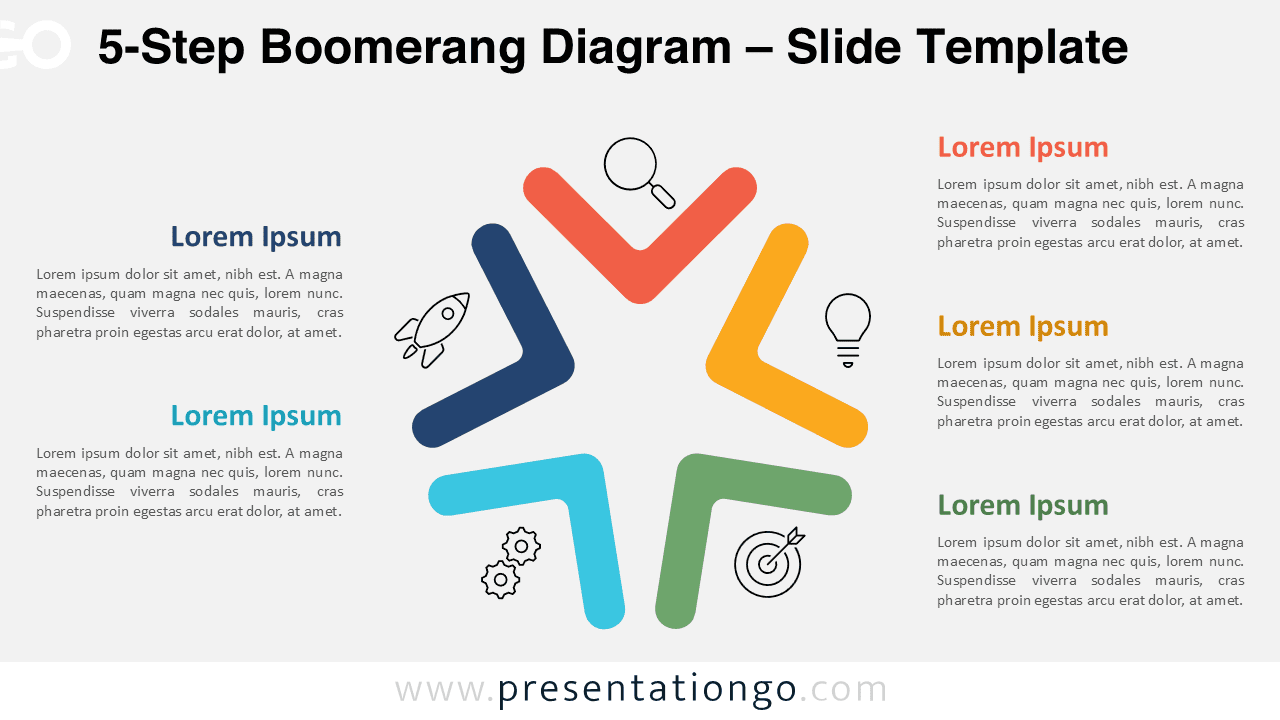
Download this 5-Step Boomerang Diagram for PowerPoint and Google Slides to show cycles, workflows, or performance loops.
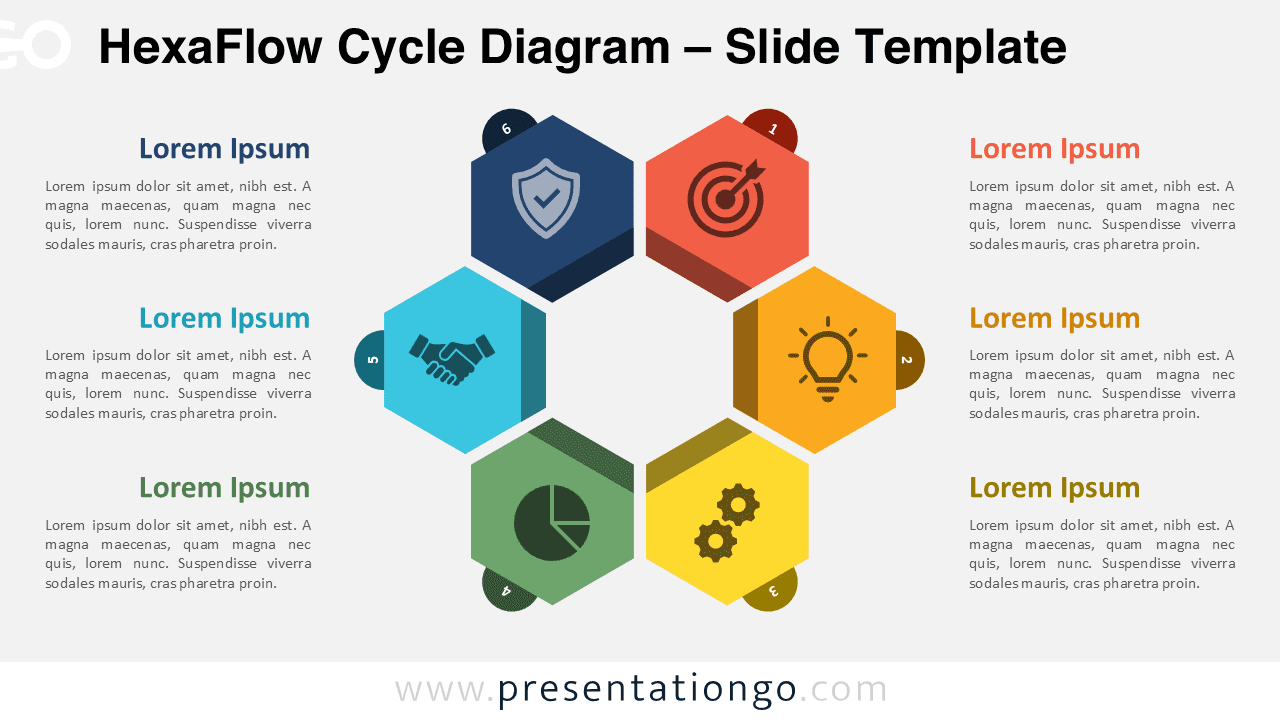
Download this free HexaFlow Cycle Diagram for PowerPoint and Google Slides, ideal for presenting a 6-step process or lifecycle.
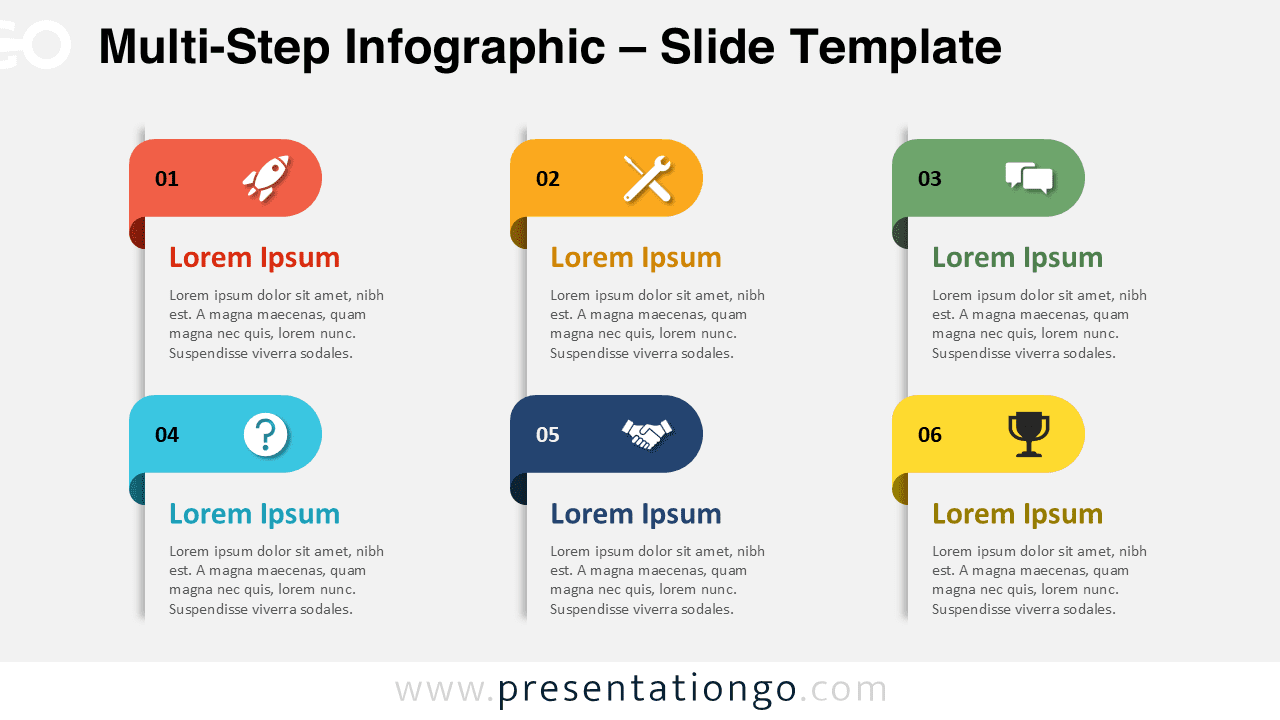
Download free Multi-Step Infographic templates for PowerPoint and Google Slides with 4-step and 6-step layout options.
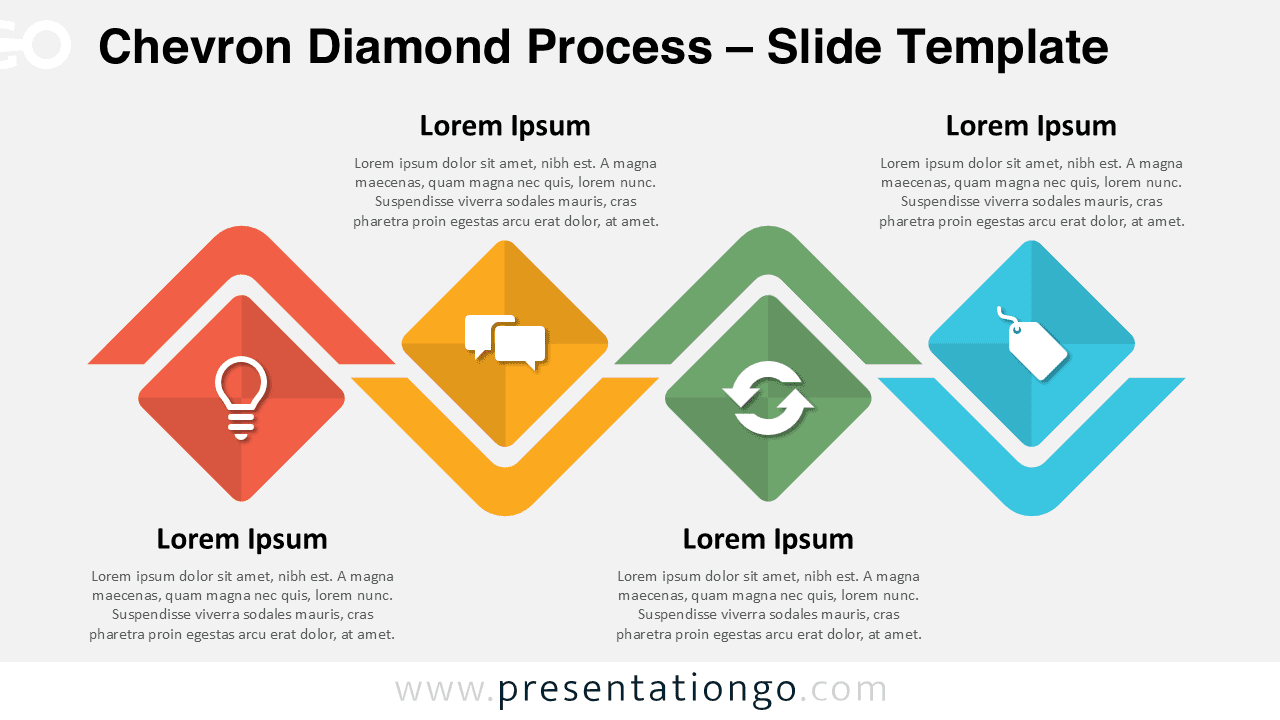
Download the Chevron Diamond Process for PowerPoint and Google Slides—an editable 4-step infographic ideal for process and flow presentations.
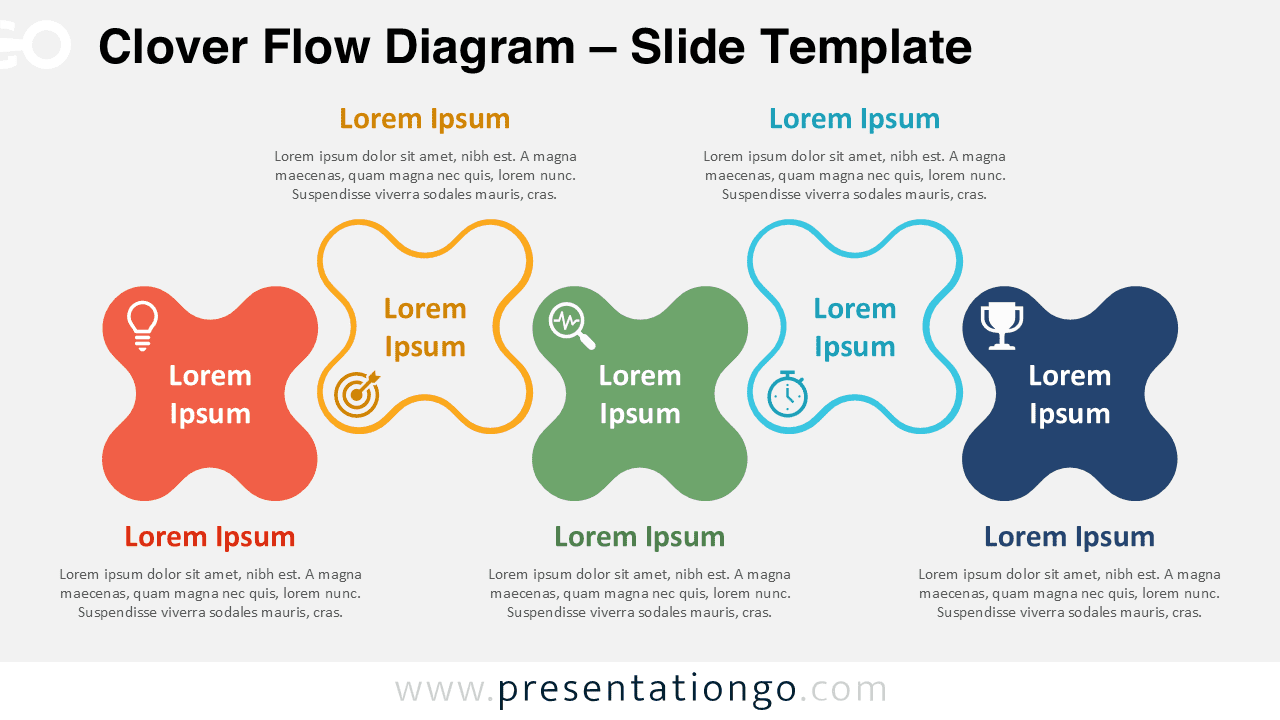
The Clover Flow Diagram for PowerPoint and Google Slides features five alternating shapes for clear process visualization. Fully editable.
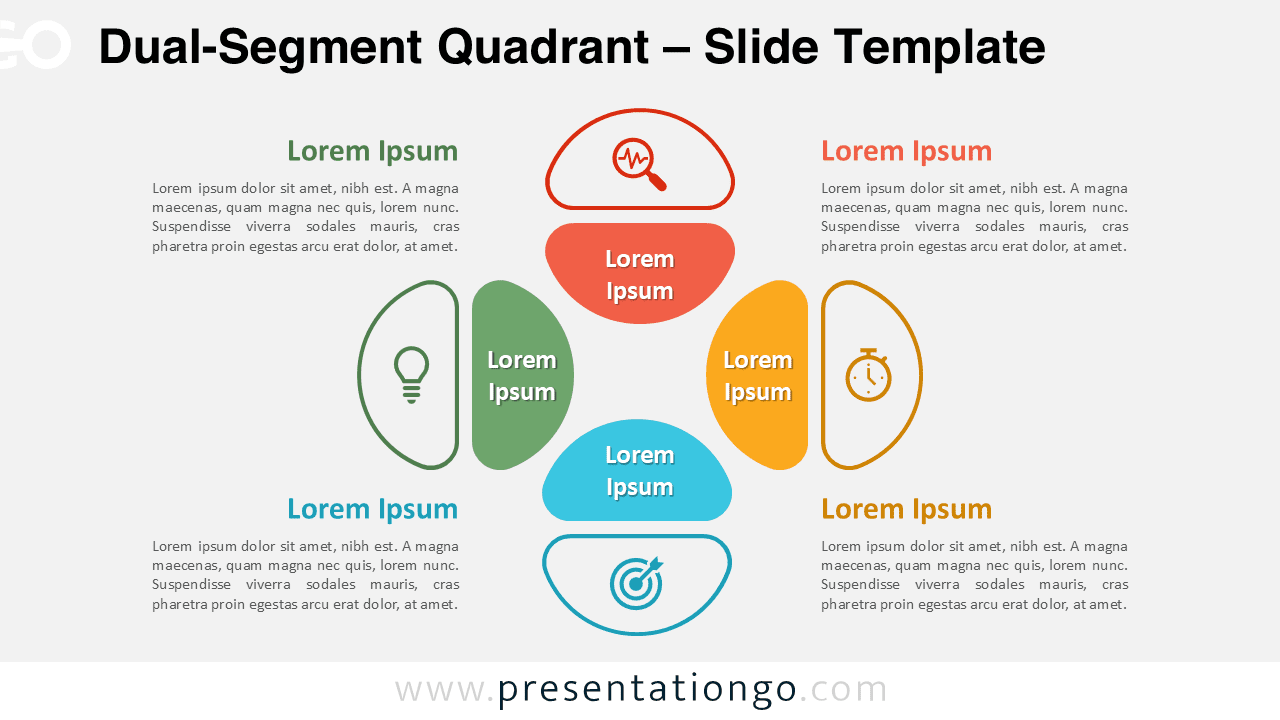
Download the Dual-Segment Quadrant for PowerPoint and Google Slides. Ideal for showing balanced strategies, inputs, and outputs in 4 parts.
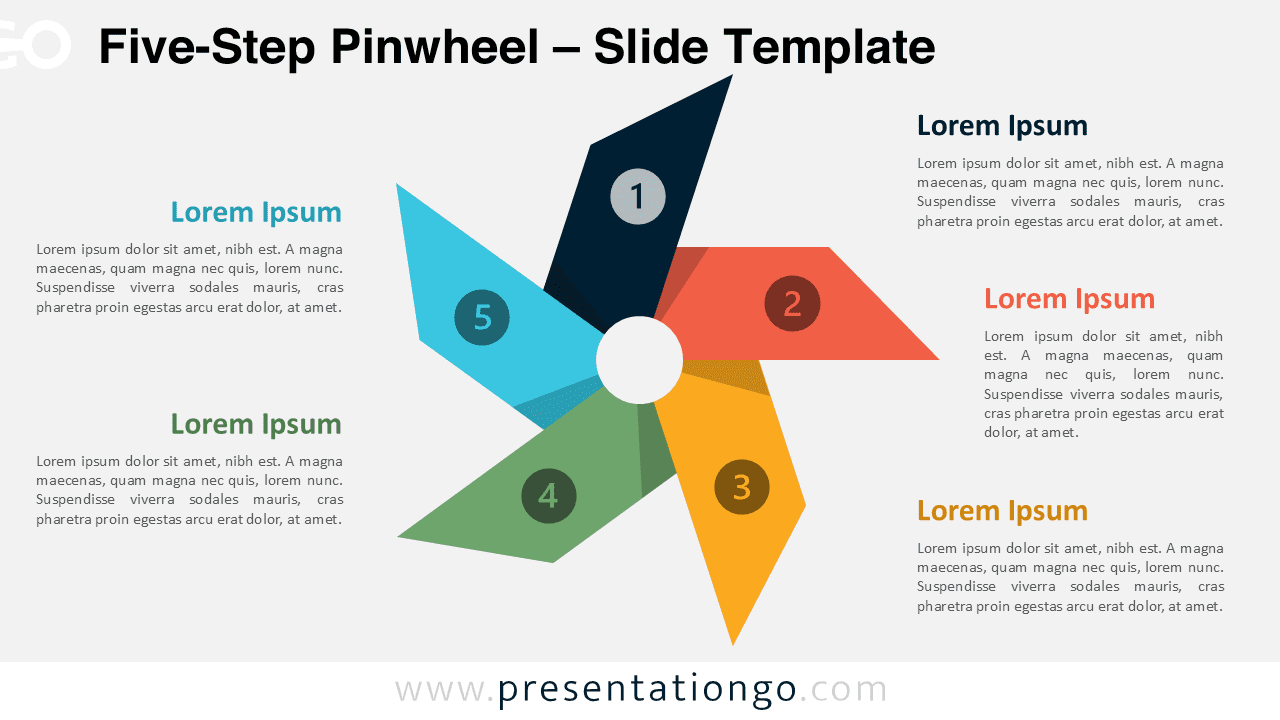
Download the Five-Step Pinwheel Diagram for PowerPoint and Google Slides to clearly present five-step processes or rotational workflows.
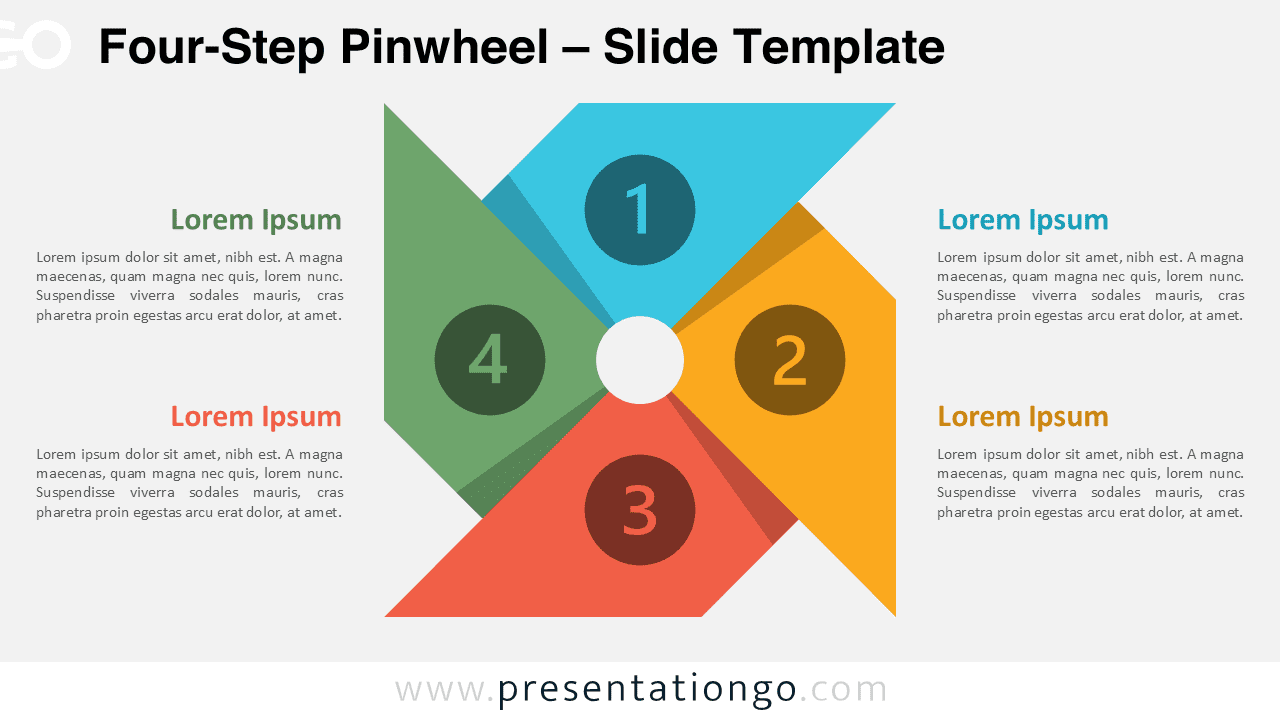
Download this Four-Step Pinwheel Diagram for PowerPoint and Google Slides to illustrate cyclic stages or balanced, interconnected concepts.
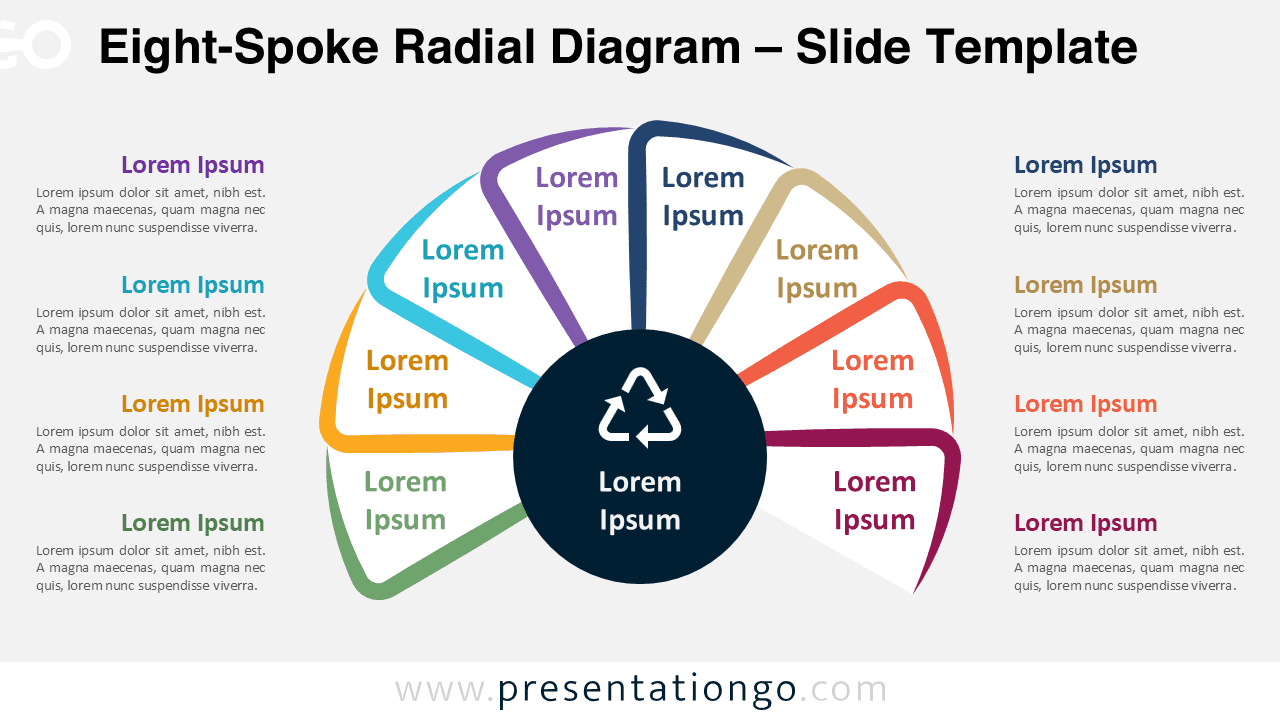
Download this Eight-Spoke Radial Diagram for PowerPoint and Google Slides—ideal for balanced strategies or circular processes.
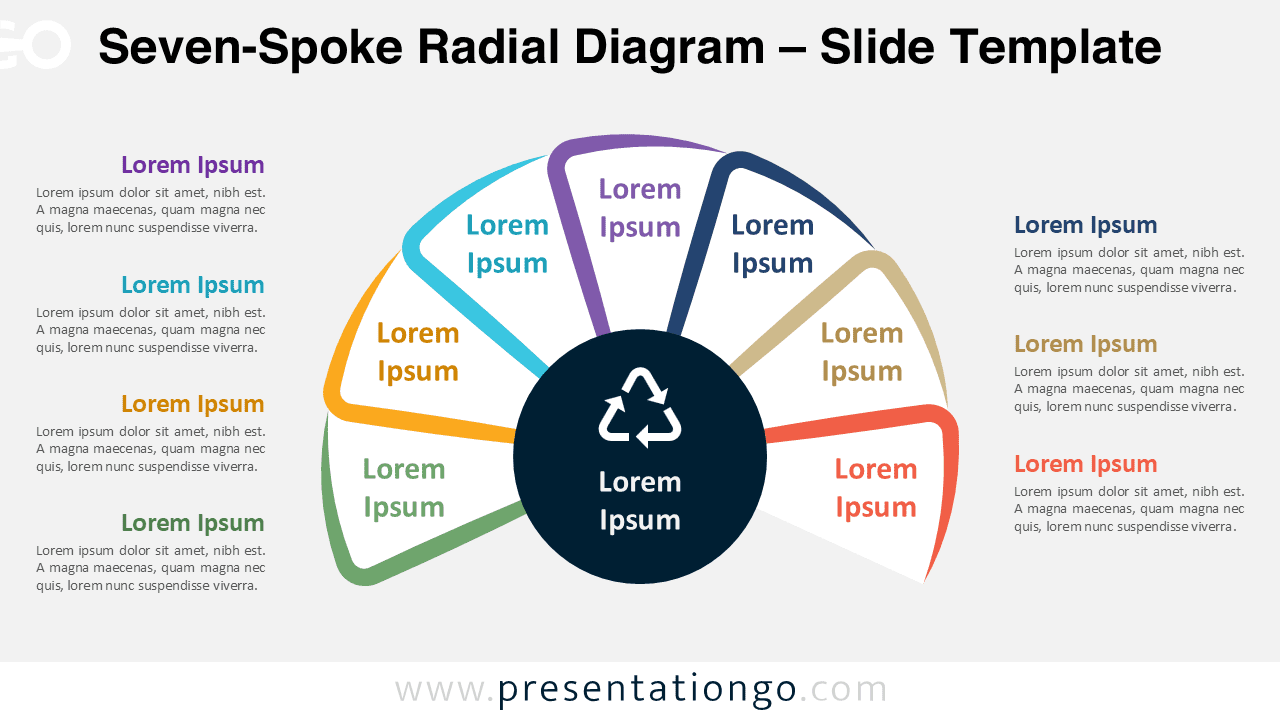
The Seven-Spoke Radial Diagram template for PowerPoint and Google Slides showcases a central idea and seven symmetrical elements.
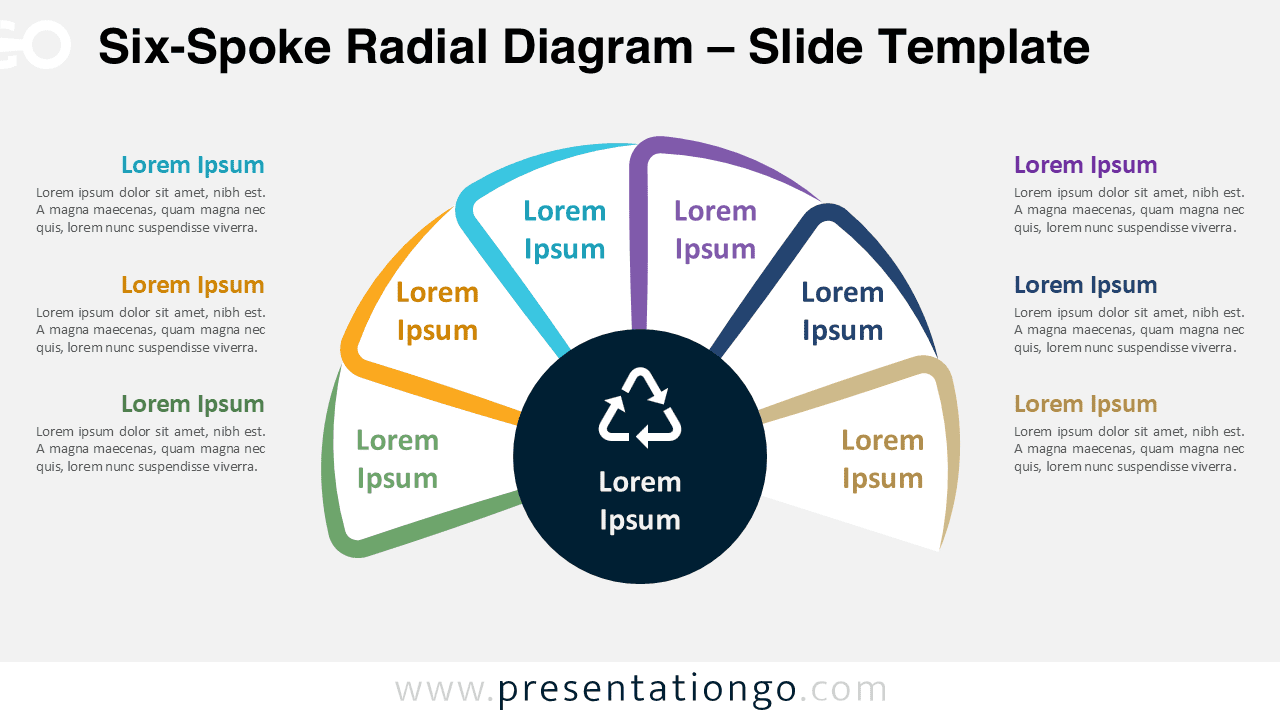
The Six-Spoke Radial Diagram for PowerPoint and Google Slides is great for showcasing six interconnected parts in a circular format.
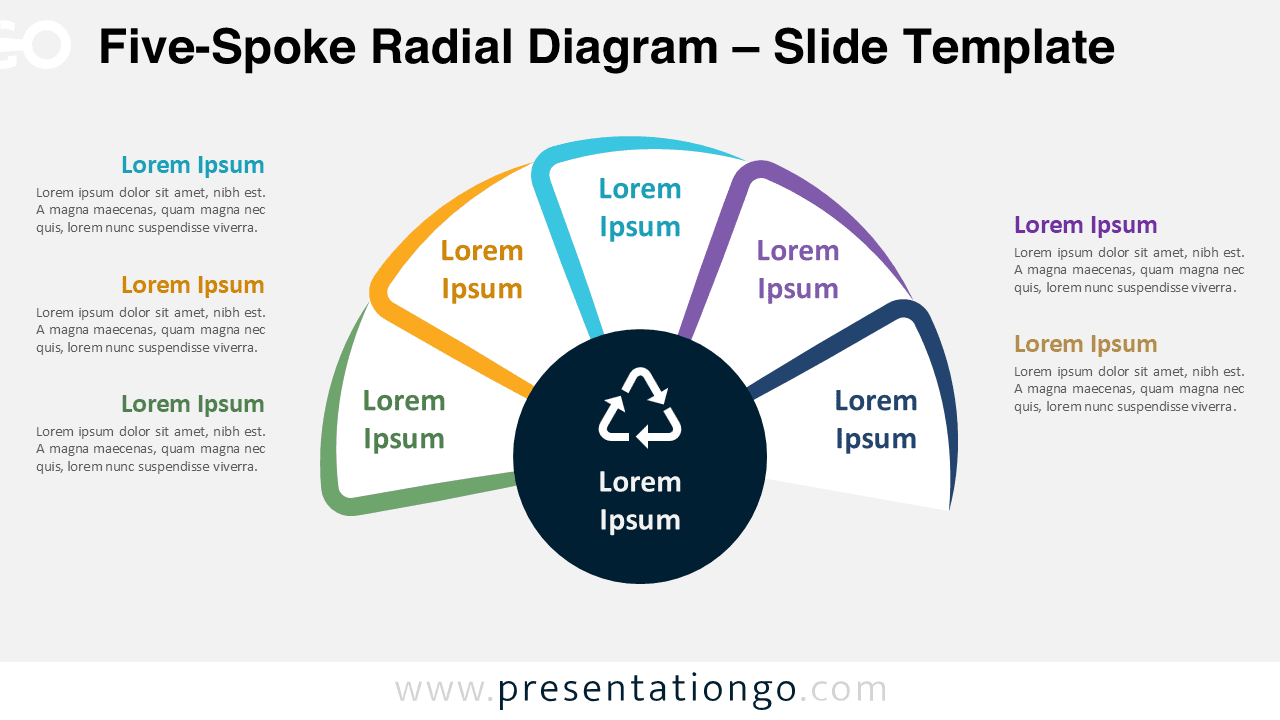
Download this free Five-Spoke Radial Diagram for PowerPoint and Google Slides to highlight core ideas and their five key components.
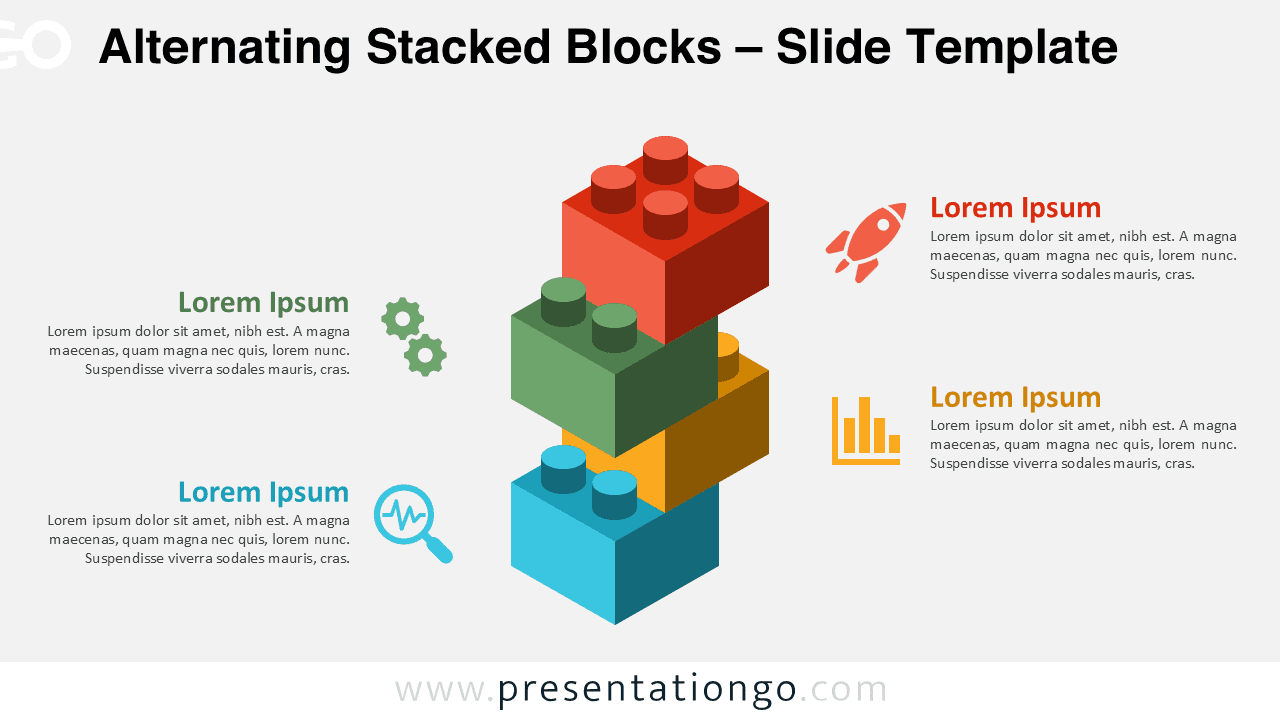
Download the Alternating Stacked Blocks for PowerPoint and Google Slides. Show progress in four clear steps with editable block visuals.
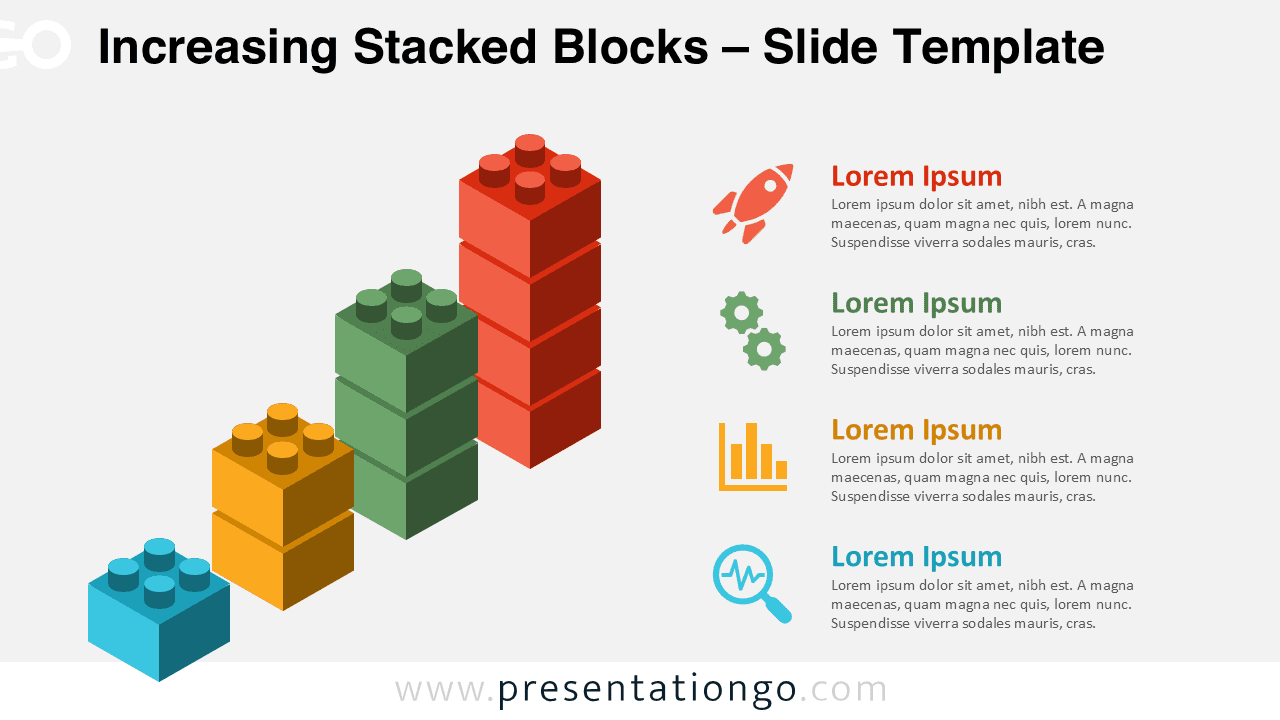
Download this Increasing Stacked Blocks chart for PowerPoint and Google Slides to show milestones, growth, or sequential development.
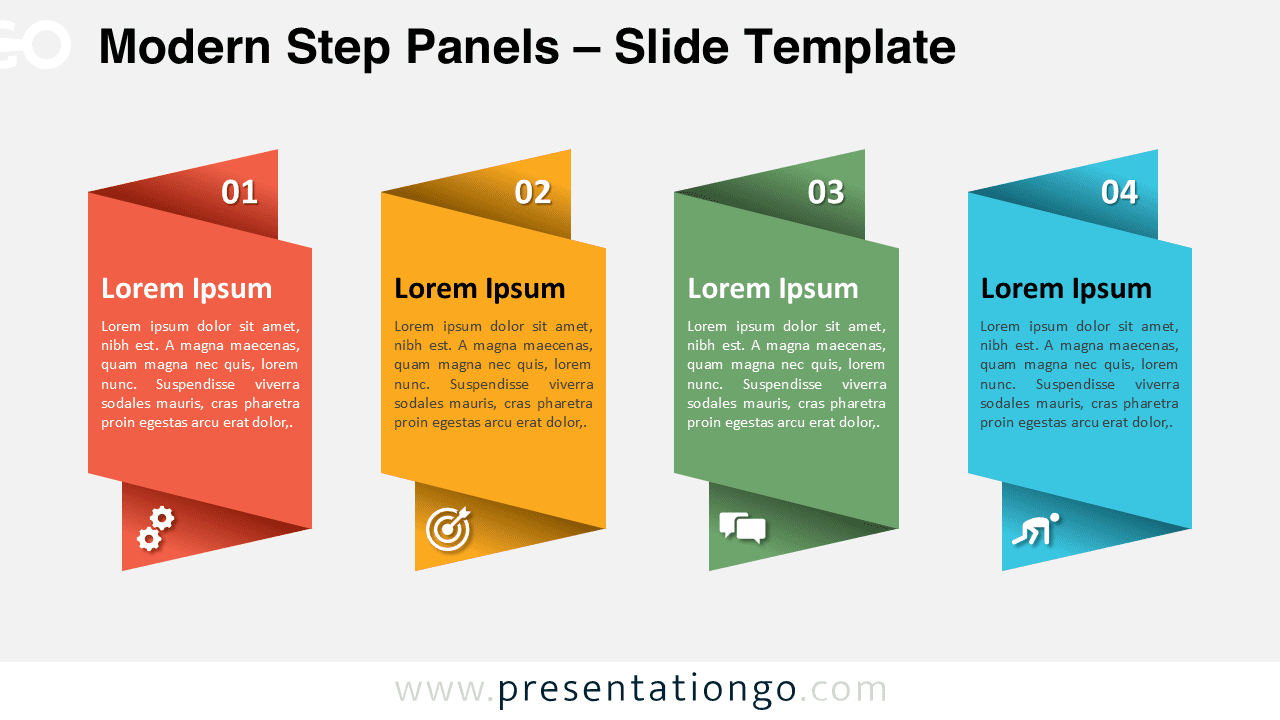
Download Modern Step Panels for PowerPoint and Google Slides—four folded banners with icons, perfect for workflows and process steps.
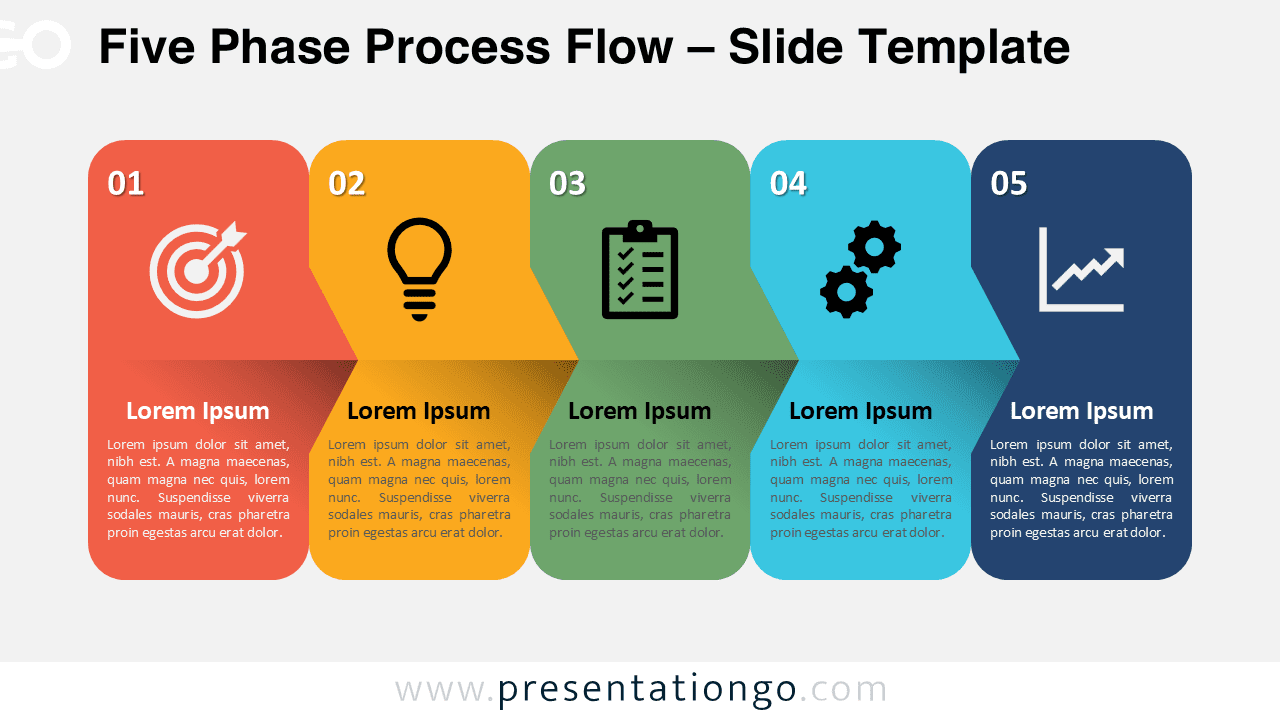
Download the Five Phase Process Flow for PowerPoint & Google Slides: a free, professional diagram ideal for workflows and sequential layouts.
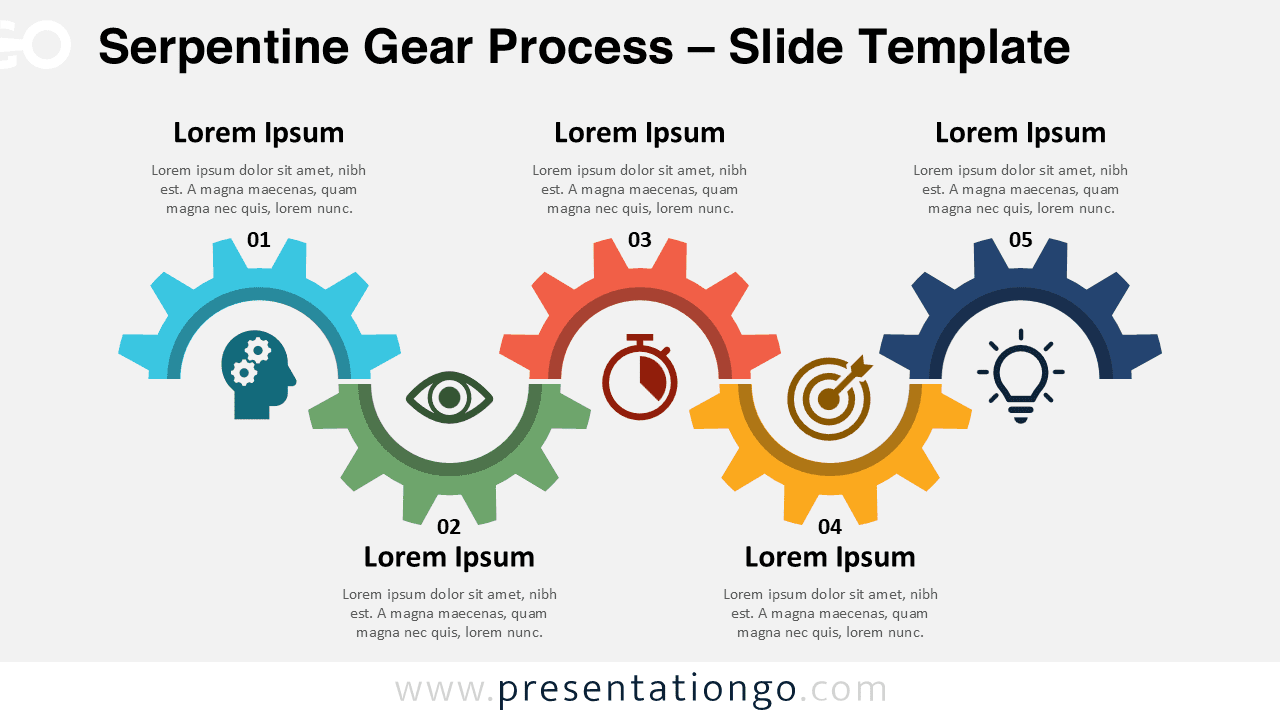
Download this Serpentine Gear Process for PowerPoint and Google Slides. Features 5 gears, icons, and editable labels in a horizontal flow.
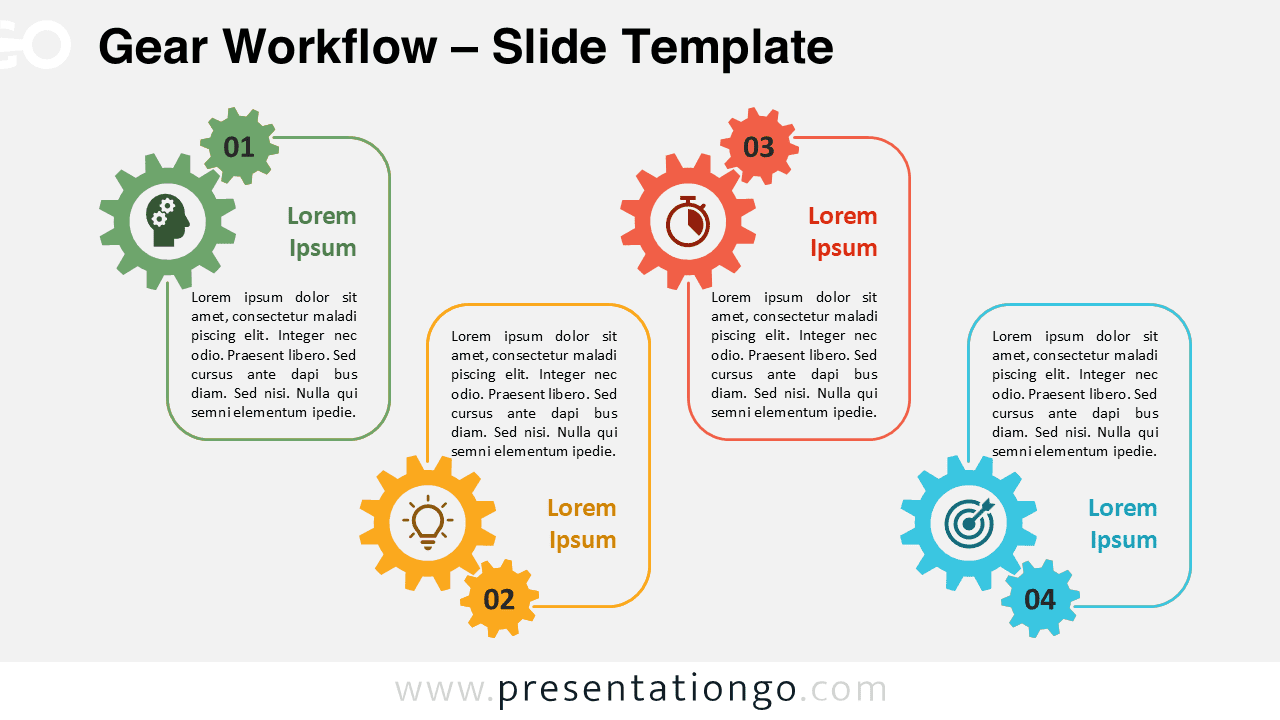
The Gear Workflow for PowerPoint and Google Slides includes 4 gears with numbers and icons to clearly present any linear process.
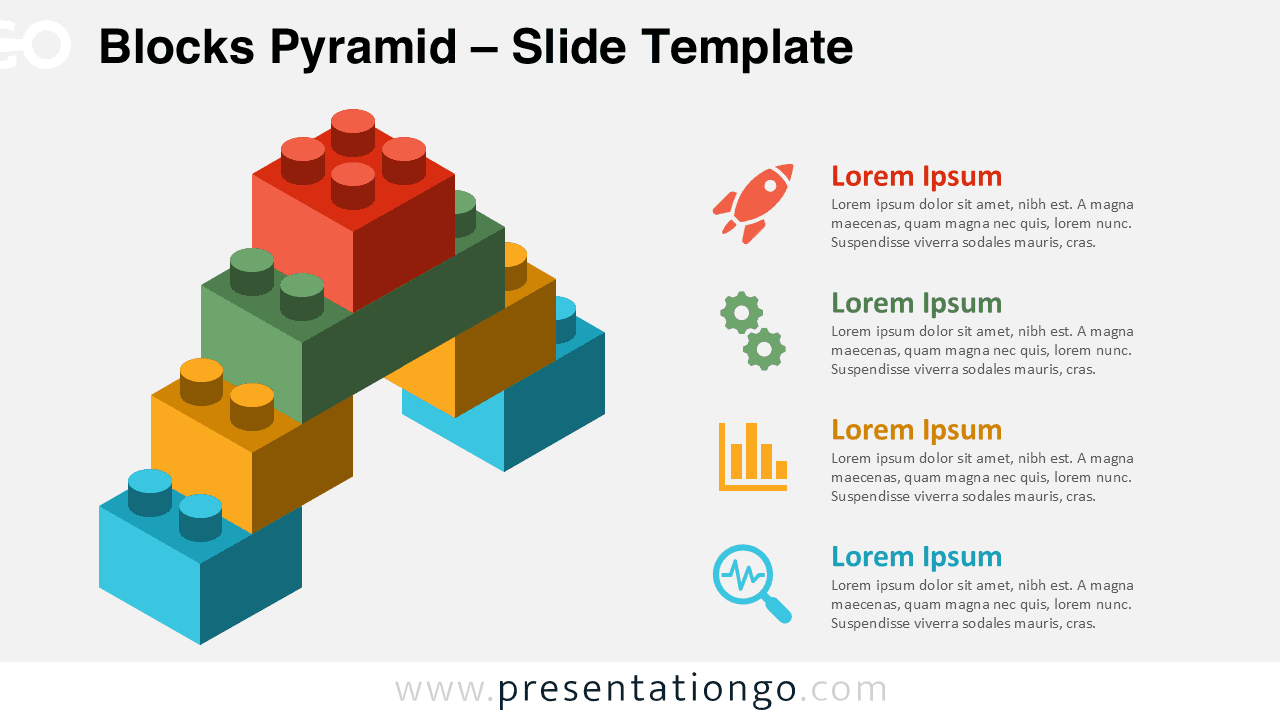
Download the Blocks Pyramid for PowerPoint and Google Slides to represent 4-tier hierarchies. Fully customizable and free to use.
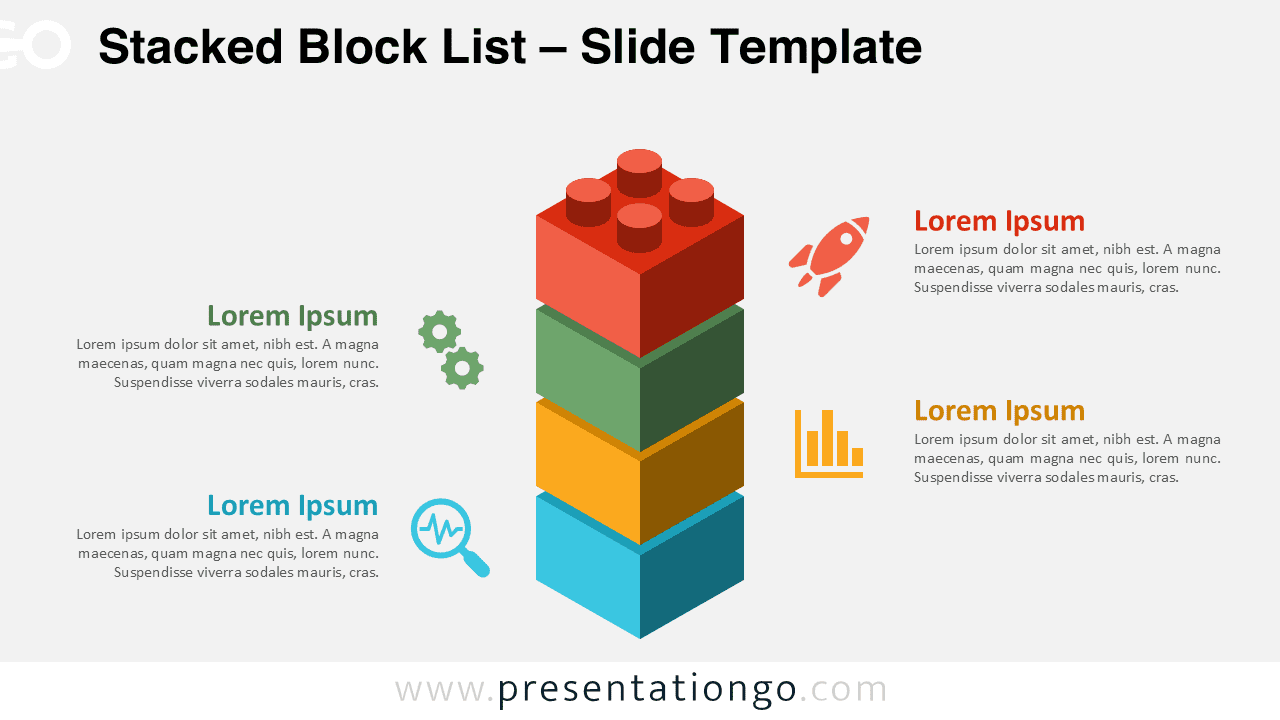
Download the Stacked Block List template for PowerPoint and Google Slides to show 4 vertical steps with modular Lego-style blocks.
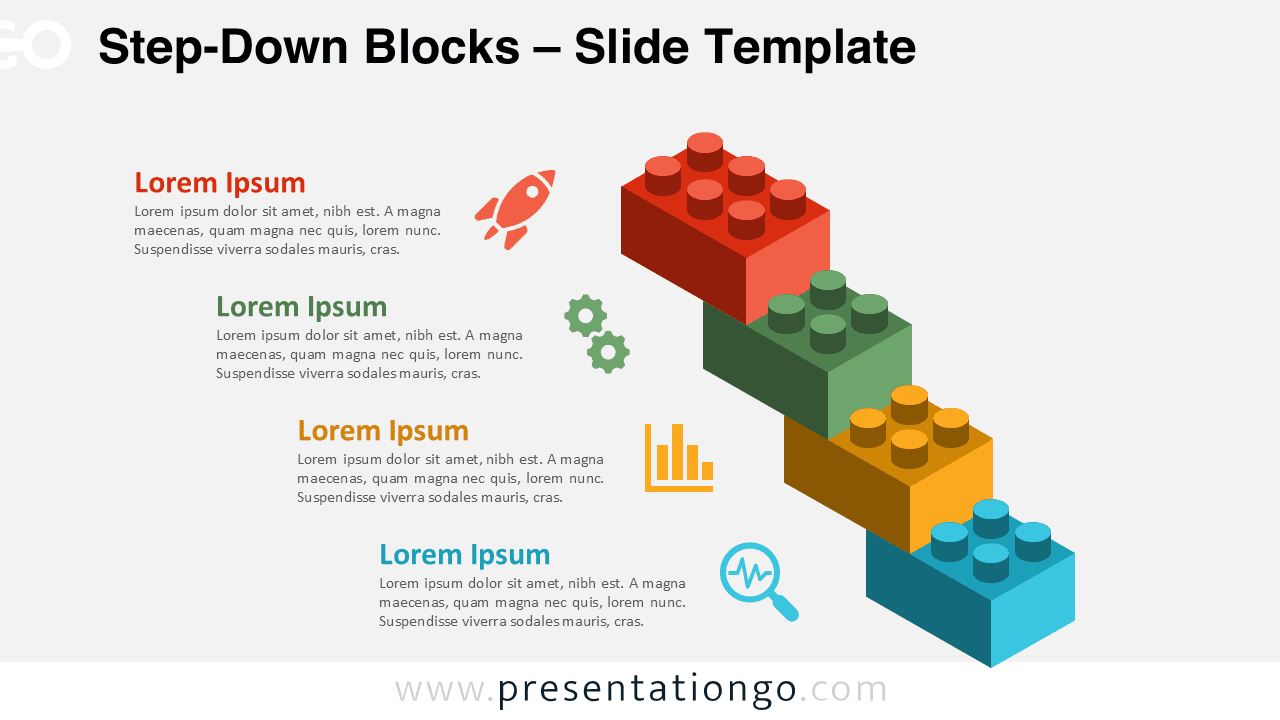
Download this 4-step Step-Down Blocks layout for PowerPoint and Google Slides. Visualize process breakdowns and de-escalation plans.
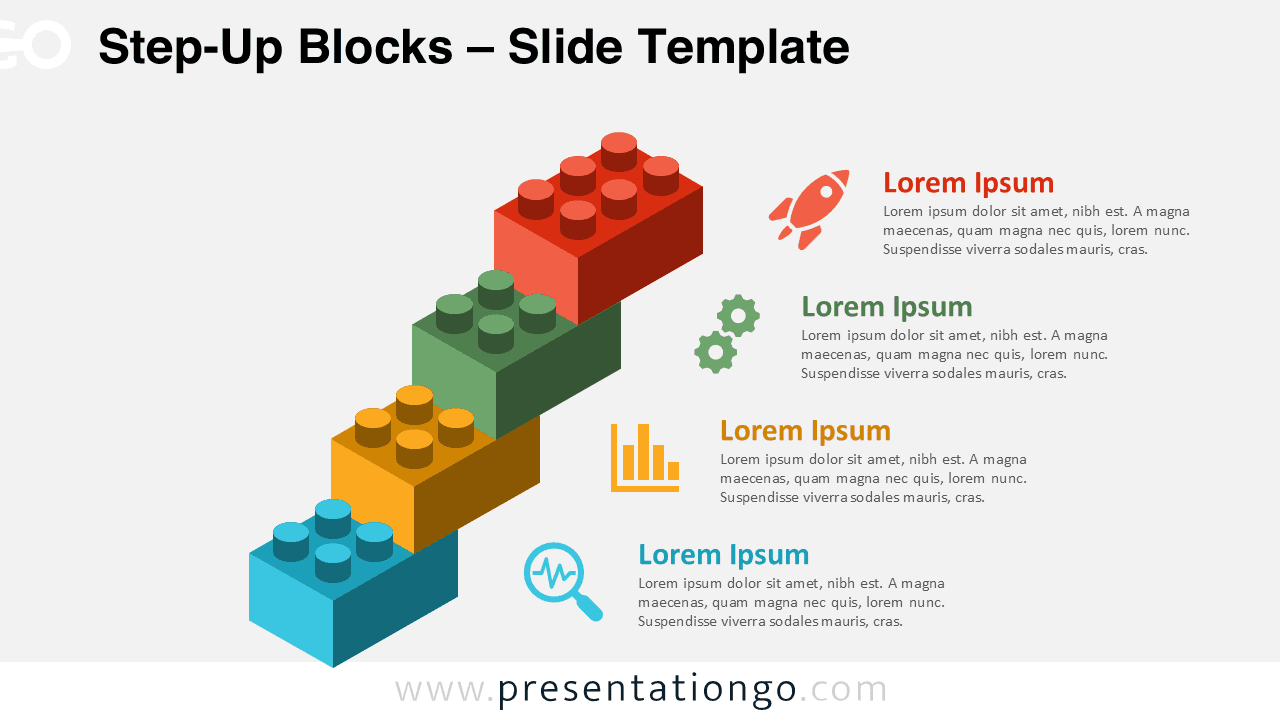
Download free Step-Up Blocks for PowerPoint and Google Slides to show growth stages, workflows, or business plans with four clear segments.
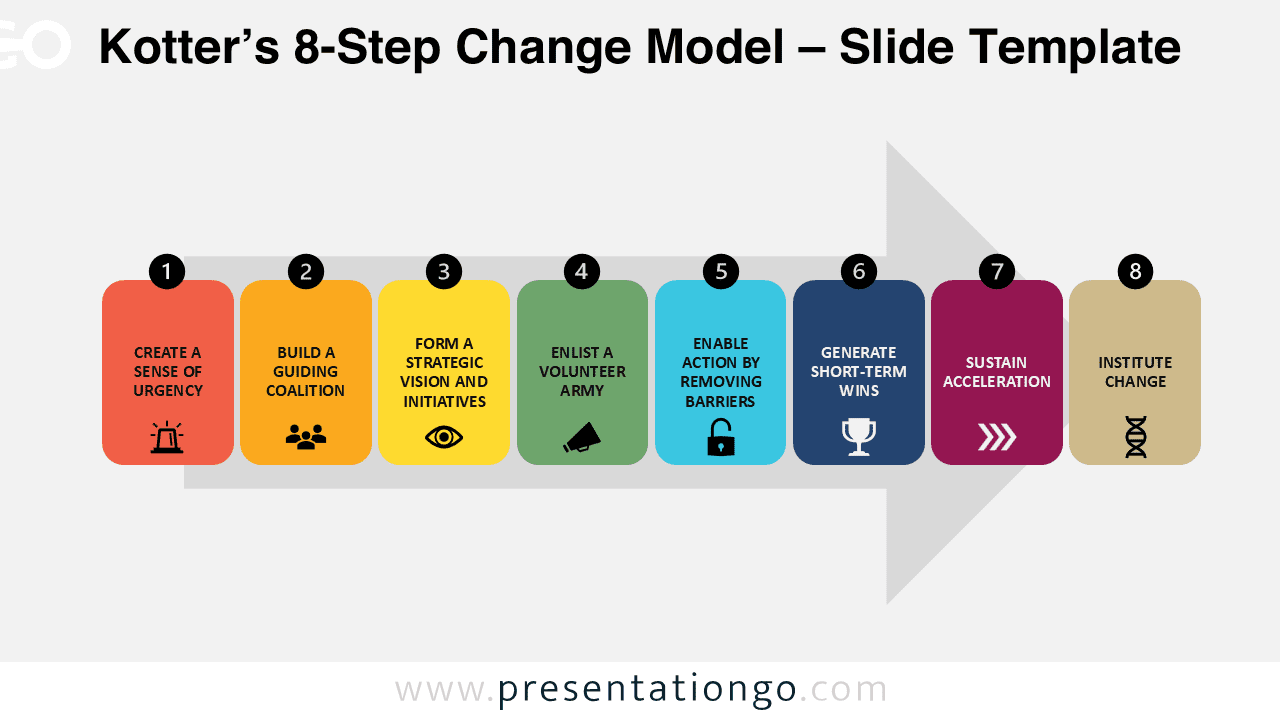
Kotter’s 8-Step Change Model for PowerPoint and Google Slides features 4 slides with editable layouts for presenting strategic transformation.