Loading resources…
Total 1760 resources
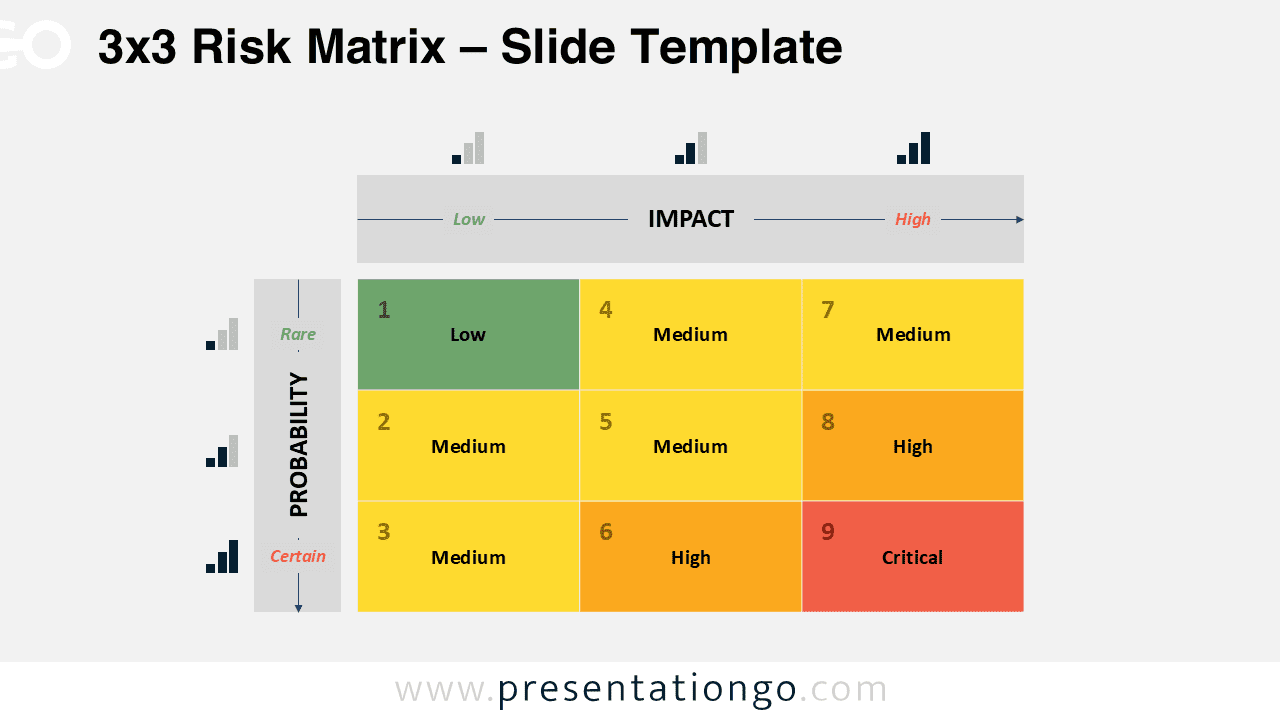
Download this Risk Matrix for PowerPoint and Google Slides. Includes editable 3×3, 4×4, and 5×5 table-based layouts for visualizing risk.
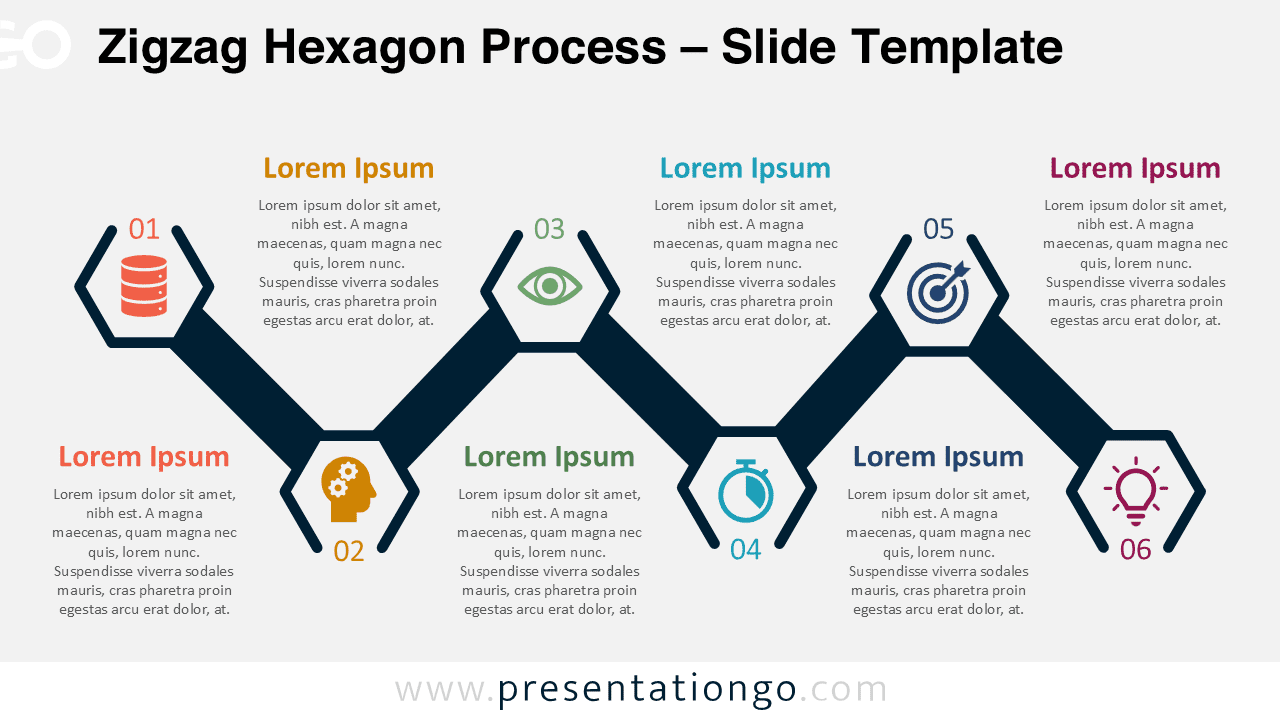
Illustrate workflows with the Zigzag Hexagon Process for PowerPoint and Google Slides. Features six alternating and customizable steps.
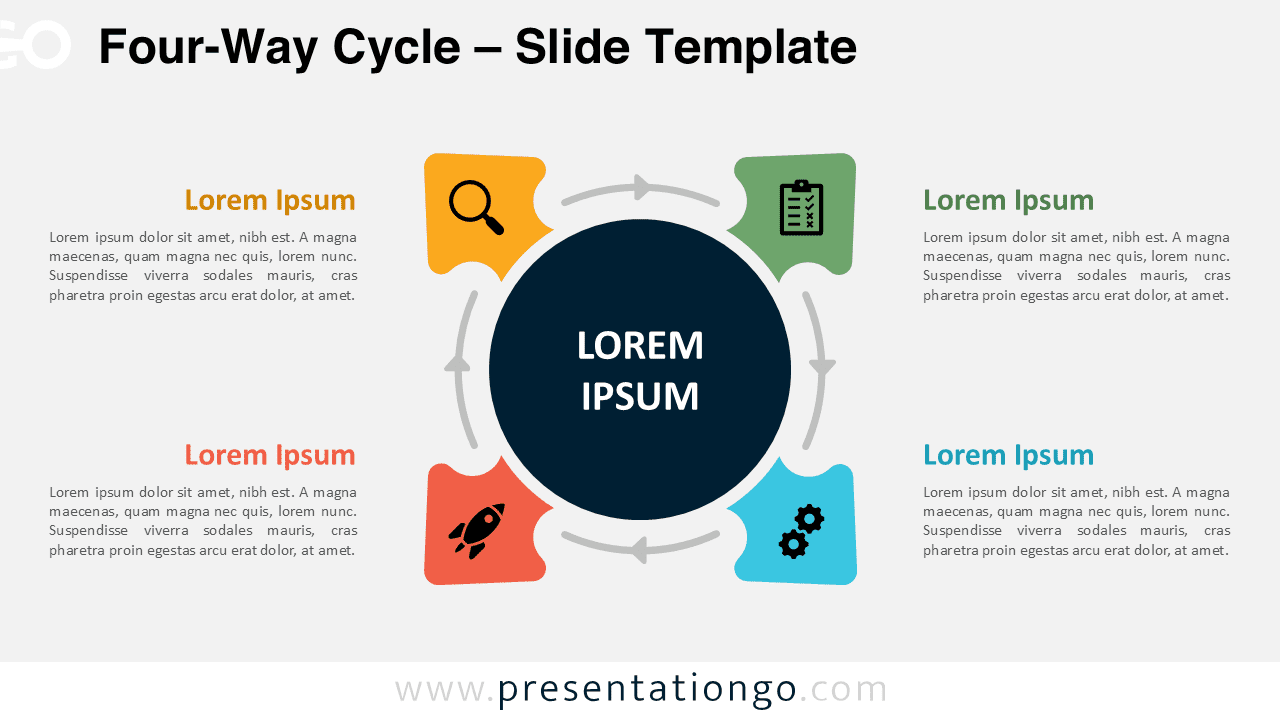
Download this Four-Way Cycle for PowerPoint and Google Slides: a free circular diagram with four diverging parts.
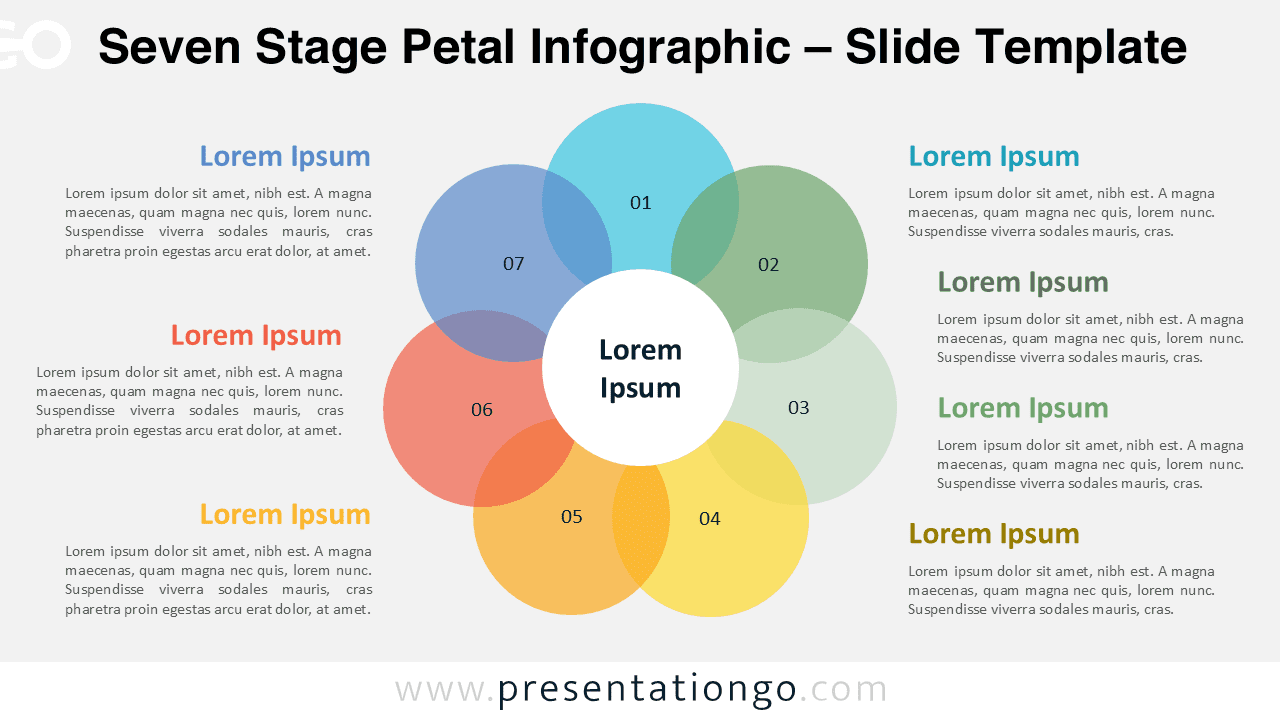
Download the Seven Stage Petal Infographic for PowerPoint and Google Slides and present seven interconnected stages in a radial format.
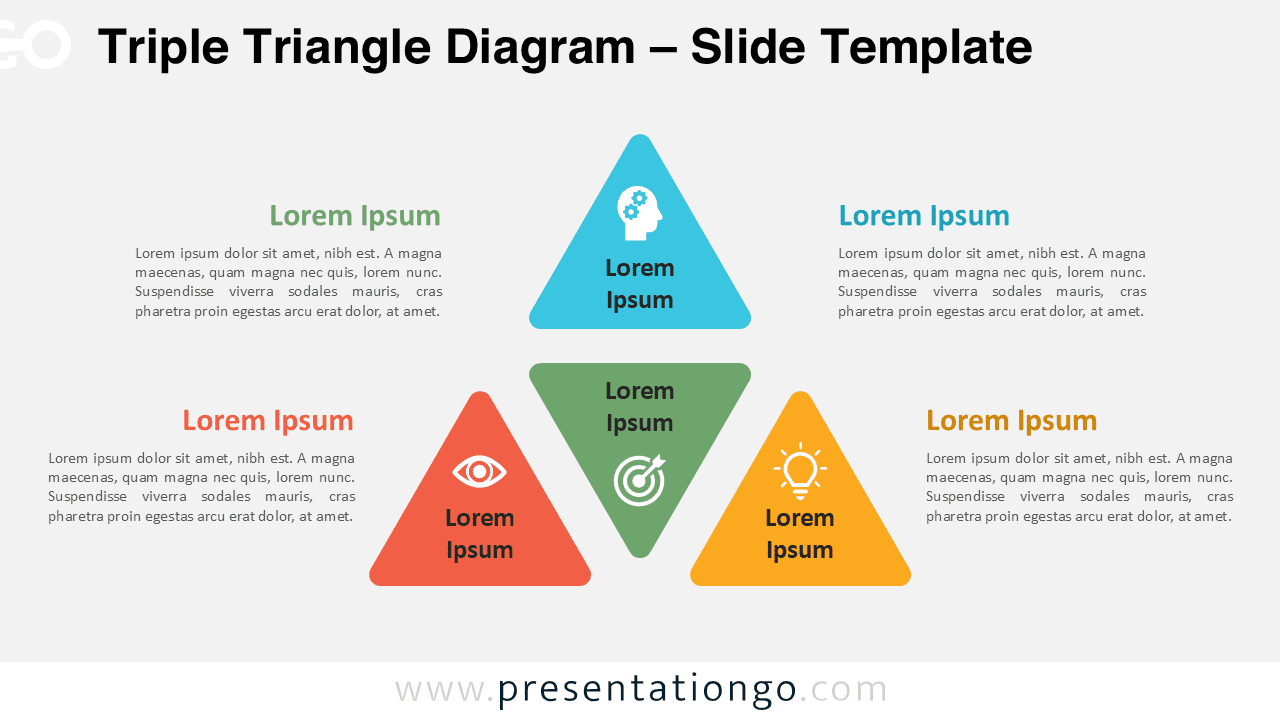
Download the free Triple Triangle Diagram for PowerPoint and Google Slides. A colorful, modern layout built for triadic frameworks and ideas.
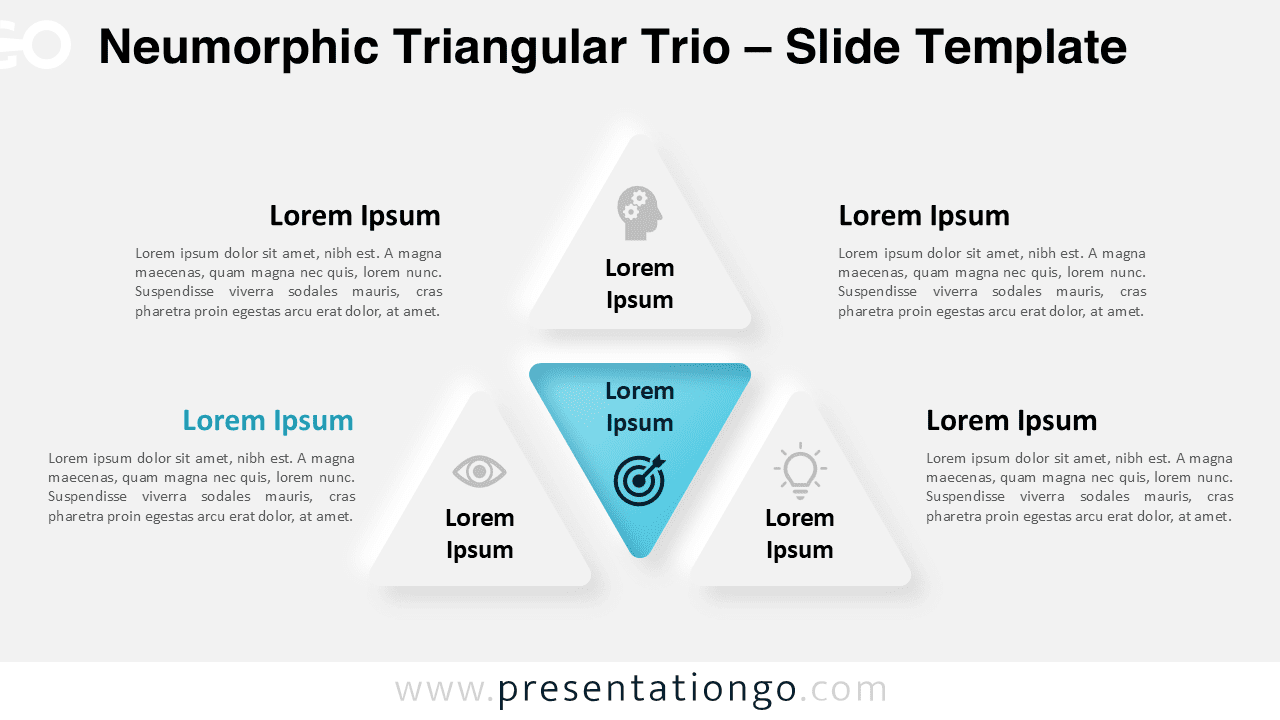
Download the Neumorphic Triangular Trio for PowerPoint and Google Slides, a free diagram for showcasing 3-part models and relationships.
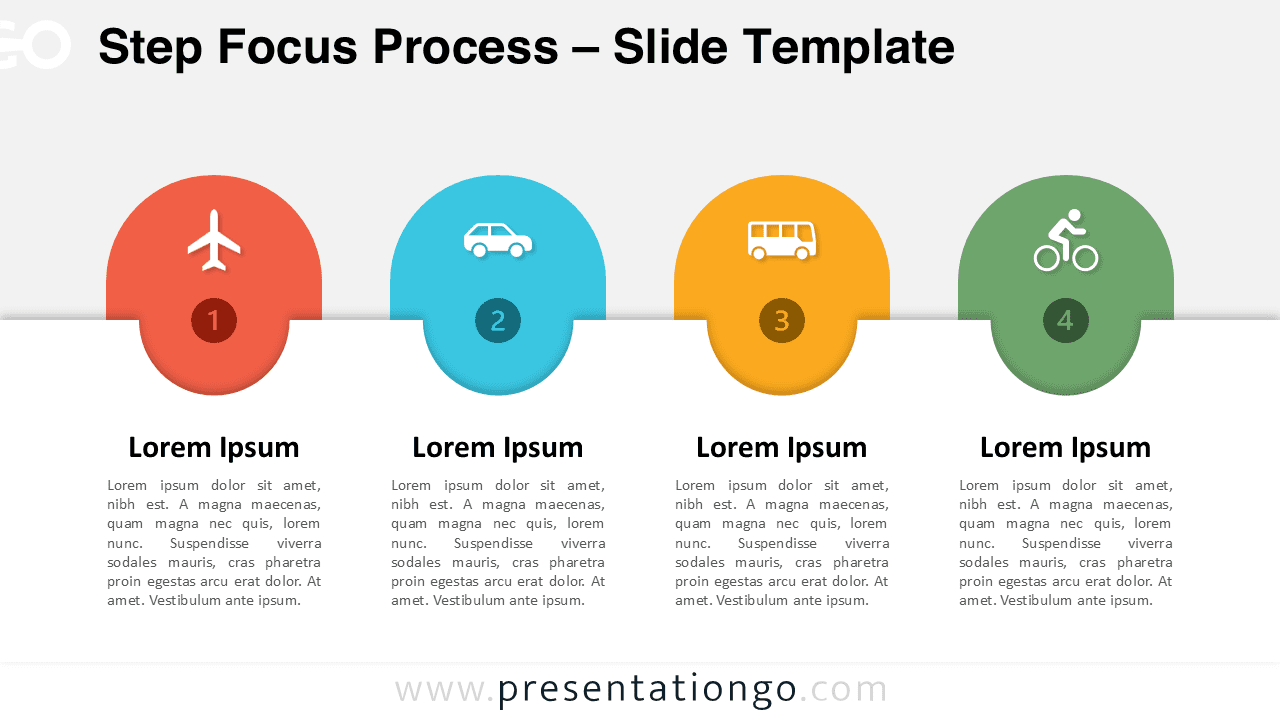
Download a free Step Focus Process infographic for PowerPoint and Google Slides, highlighting four steps with bold icons and number badges.
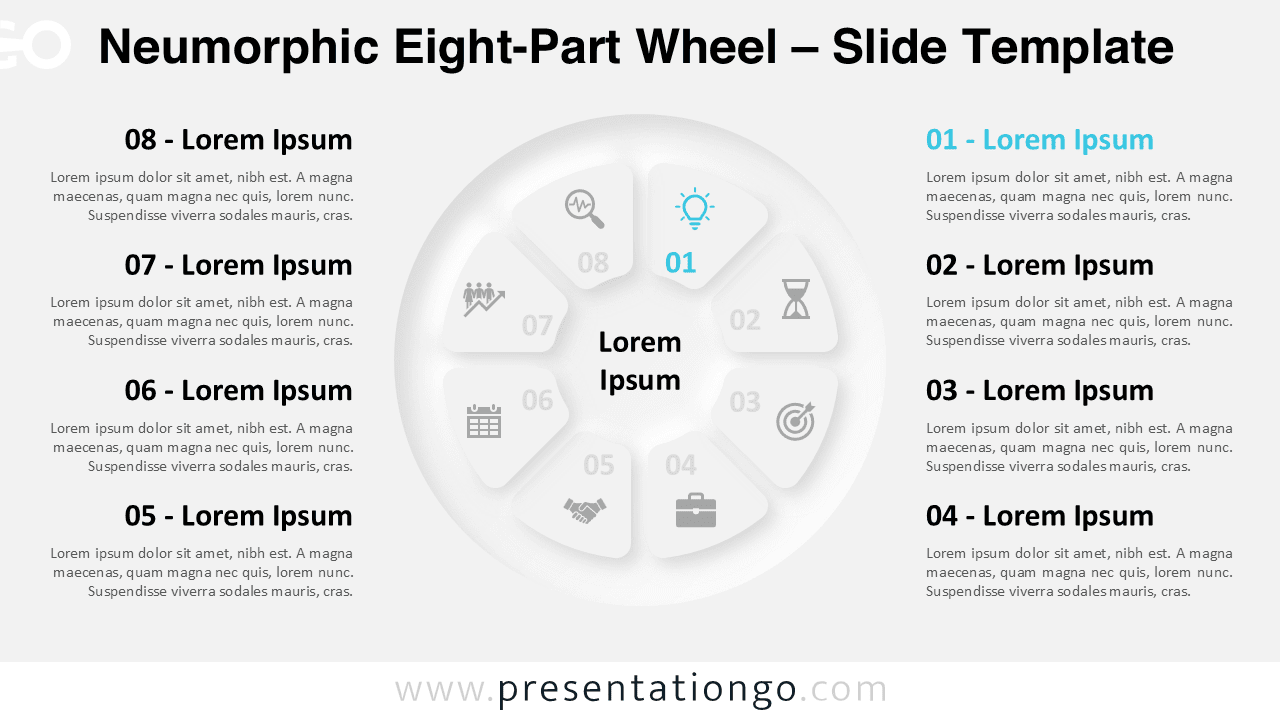
Present connected concepts with the Neumorphic Eight-Part Wheel template for PowerPoint and Google Slides featuring modern soft-UI styling.
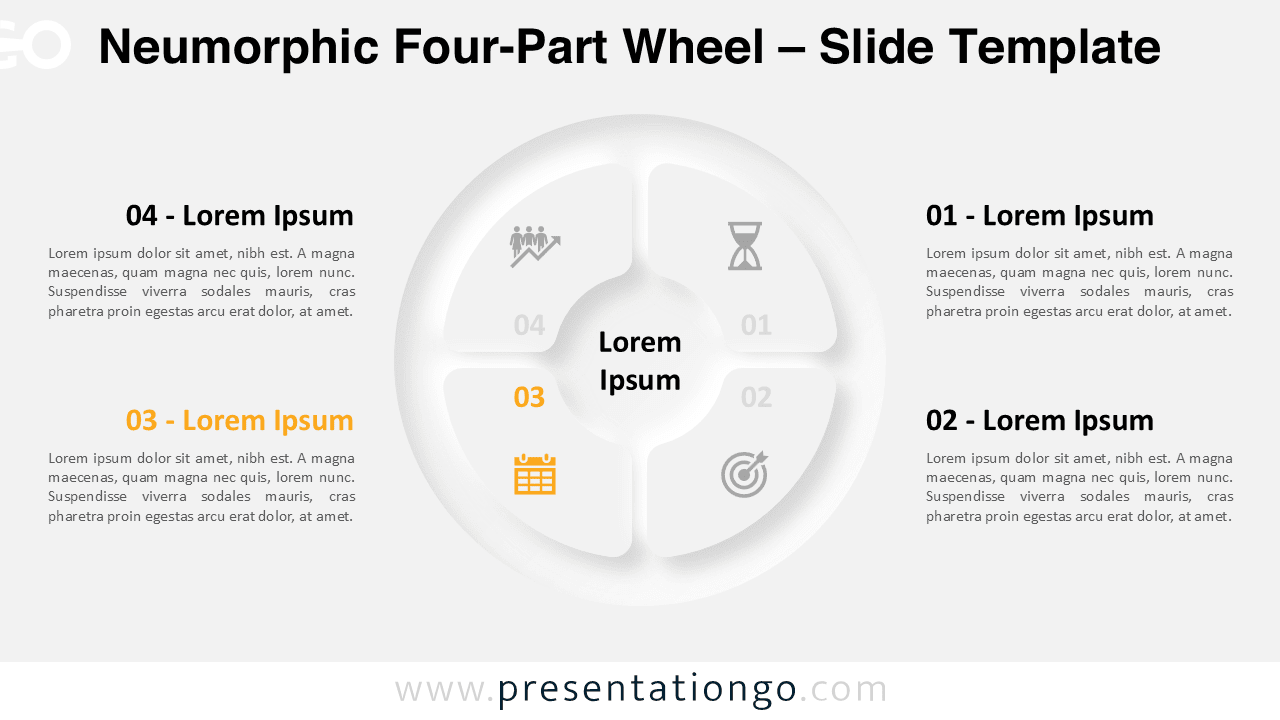
Download the Neumorphic Four-Part Wheel for PowerPoint and Google Slides - a four-step diagram with editable elements and modern style.
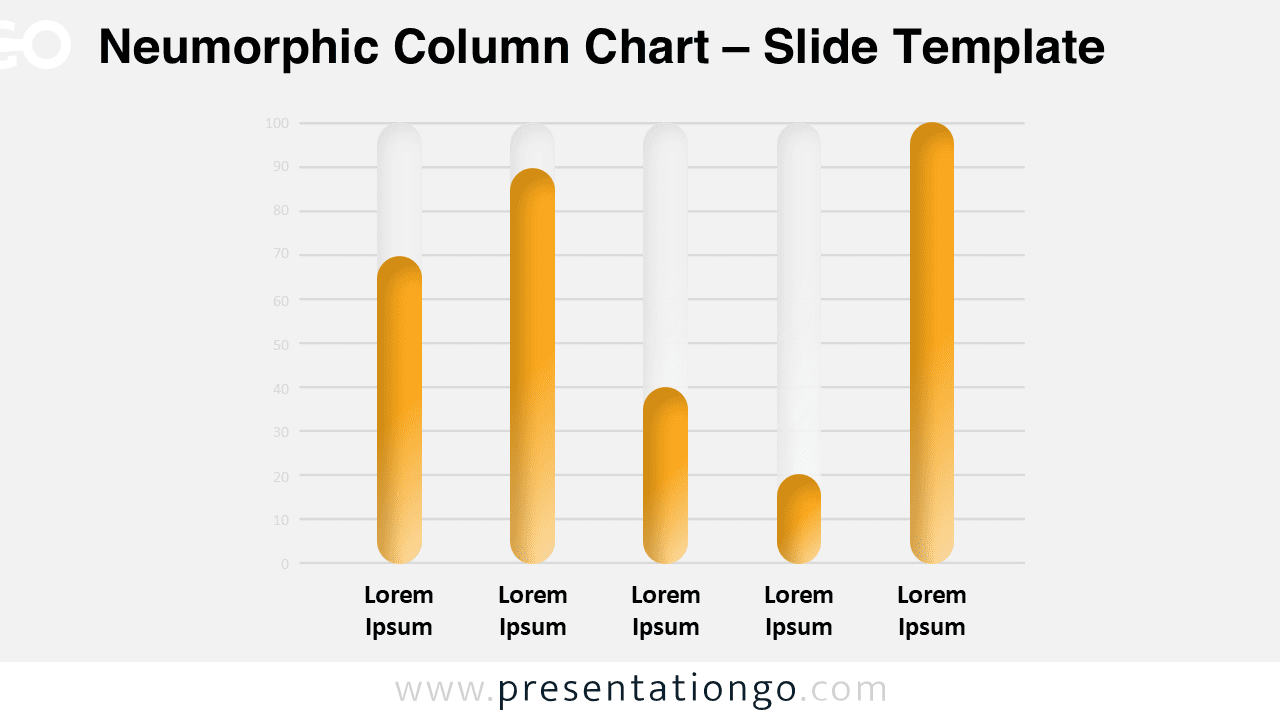
Create stunning data visualizations with the Neumorphic Column Chart template for PowerPoint and Google Slides, featuring soft 3D design.
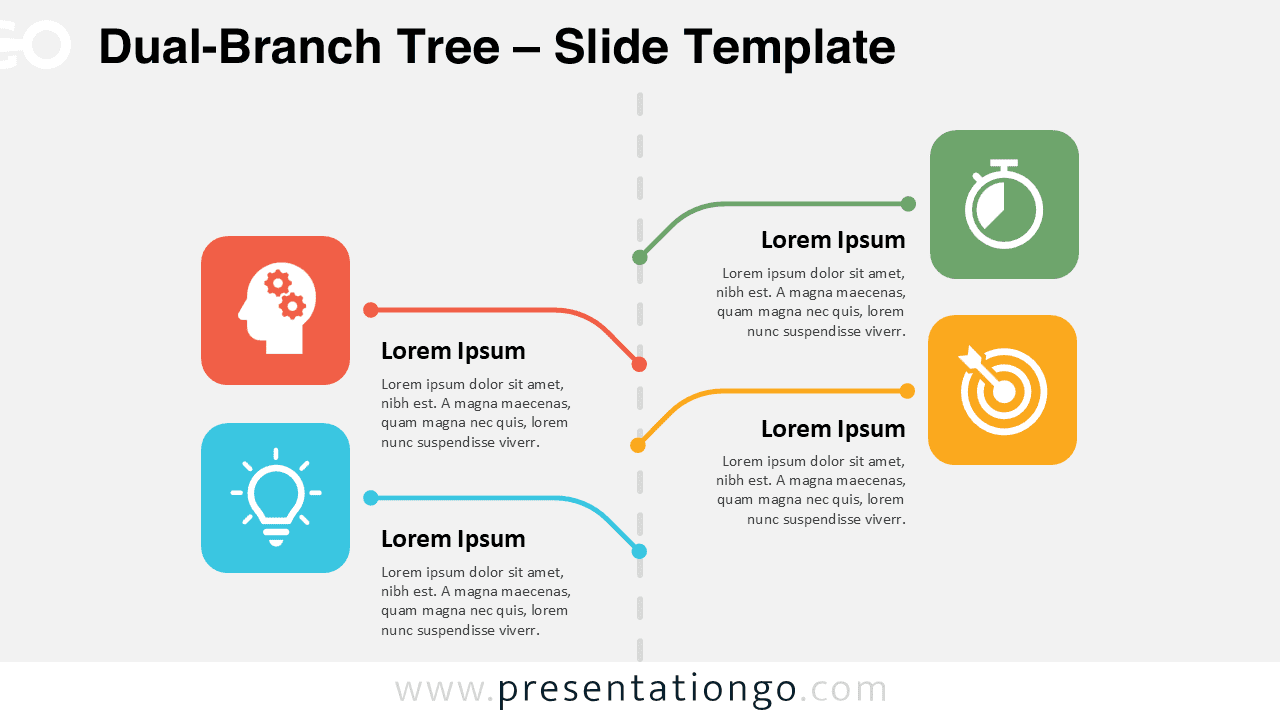
The Dual-Branch Tree for PowerPoint and Google Slides features a free timeline layout with 4 steps and editable visuals and icons.
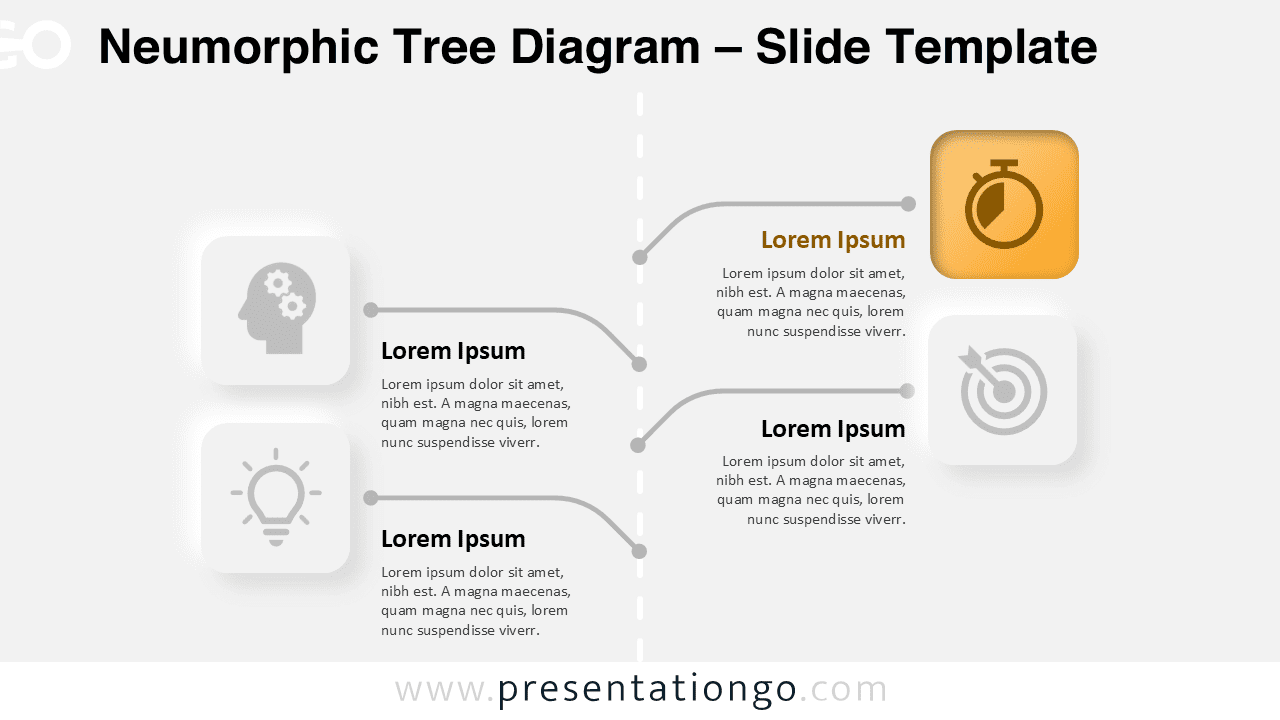
Download this free Neumorphic Tree Diagram for PowerPoint and Google Slides, ideal for planning, strategy, and process visualization.
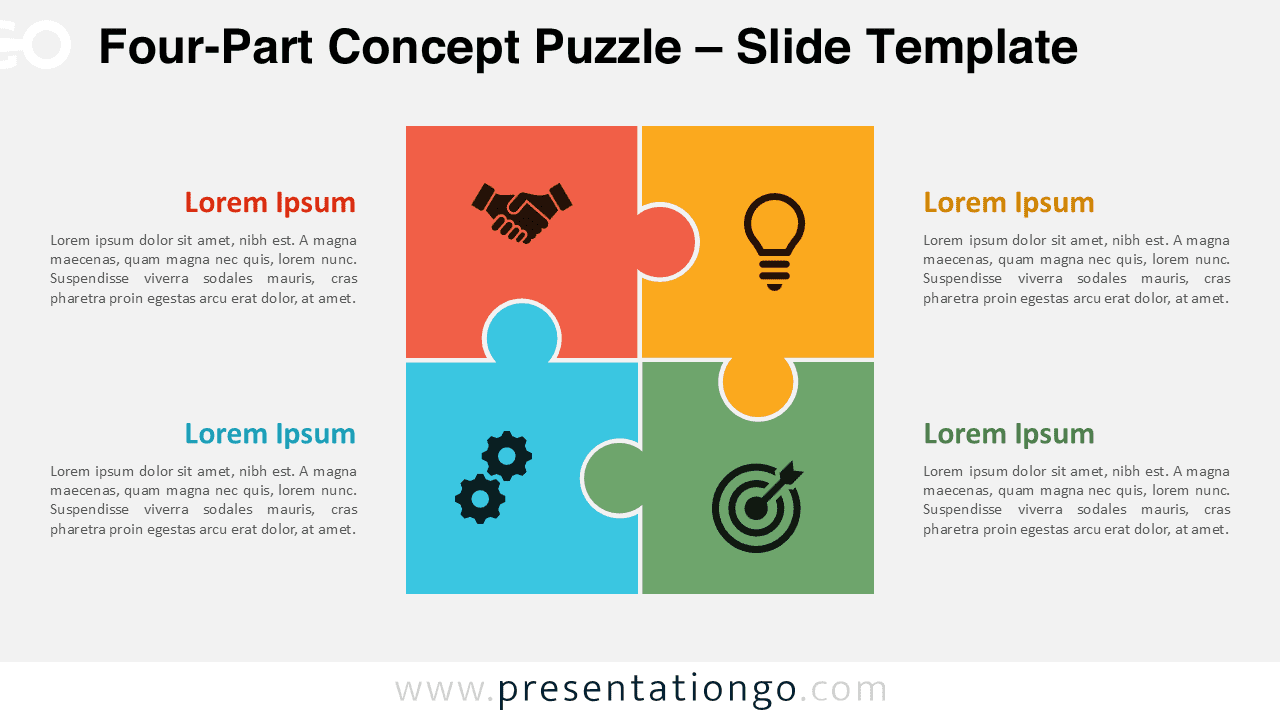
Download the Four-Part Concept Puzzle for PowerPoint and Google Slides. A visual diagram to highlight 4 interconnected concepts or stages.
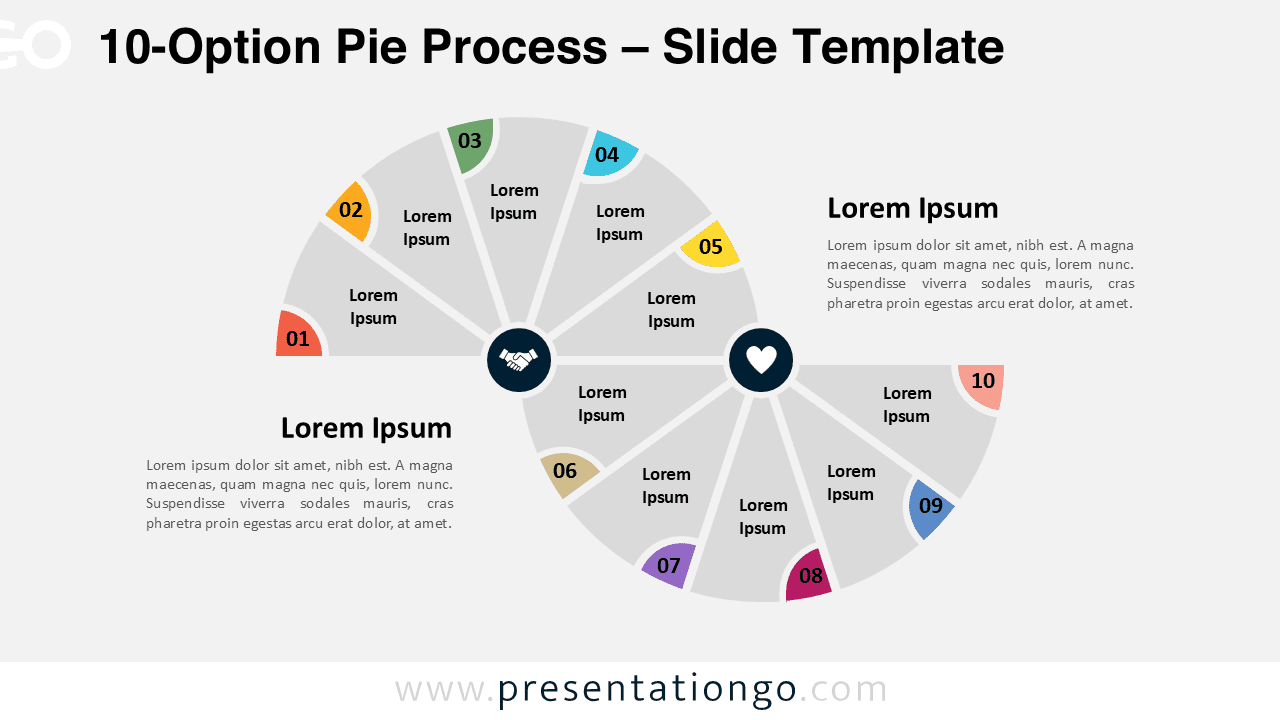
Download 10-Option Pie Process for PowerPoint and Google Slides with editable 10-step layout, icons, and flexible customization.
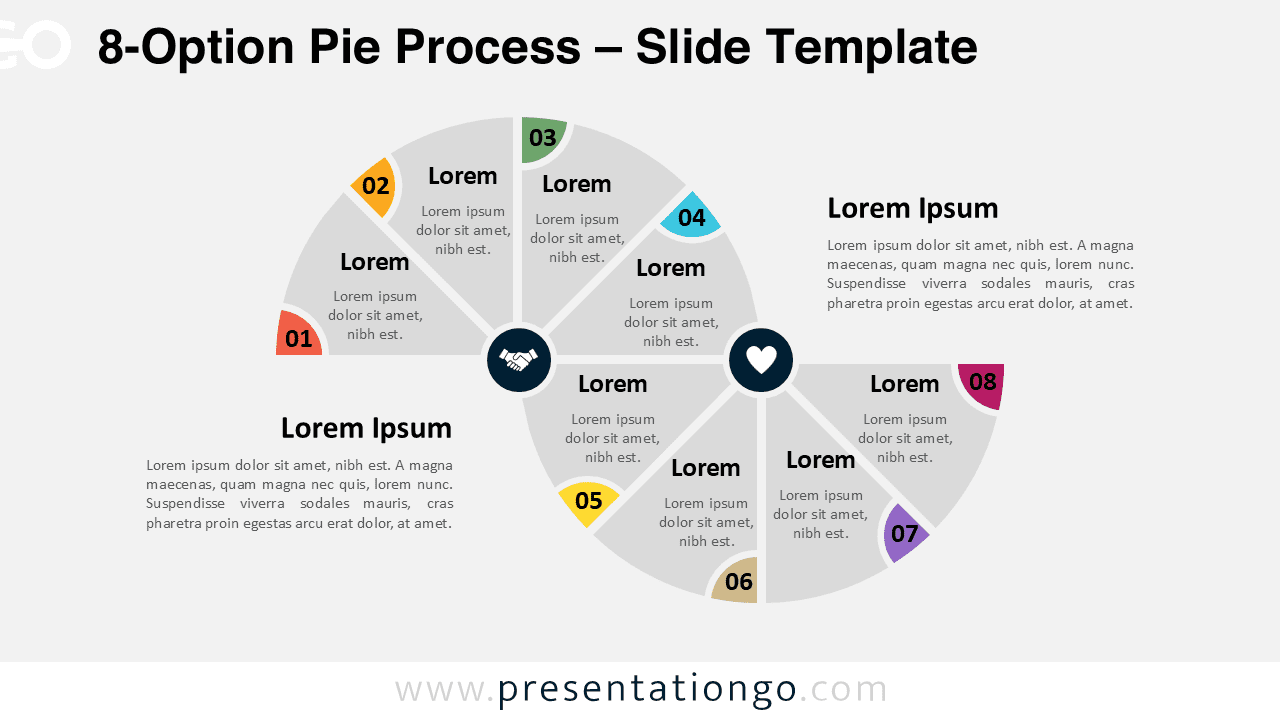
Download the 8-Option Pie Process for PowerPoint & Google Slides. Use for workflows, comparisons, and 8-step sequences with clear visuals.
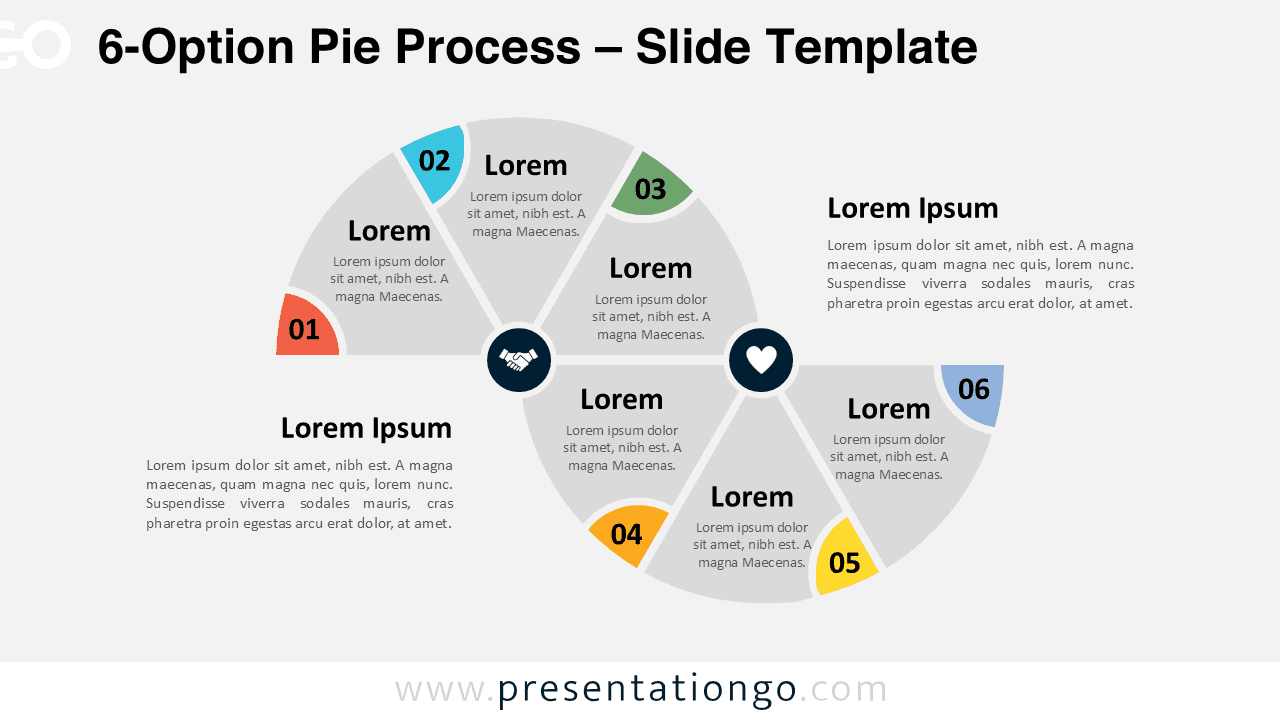
Download this free 6-Option Pie Process diagram for PowerPoint & Google Slides. Ideal for visual workflows and contrasting actions.
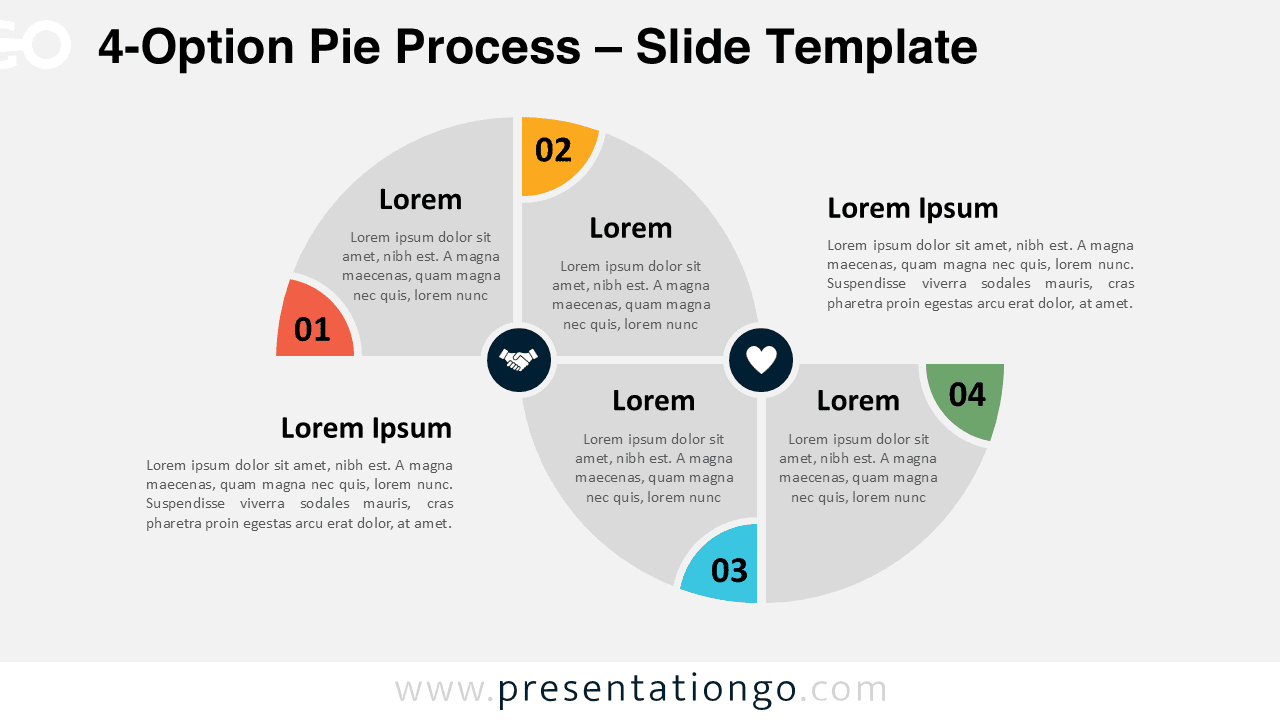
Showcase processes with the 4-Option Pie Process template for PowerPoint and Google Slides, featuring upward and downward pie segments.
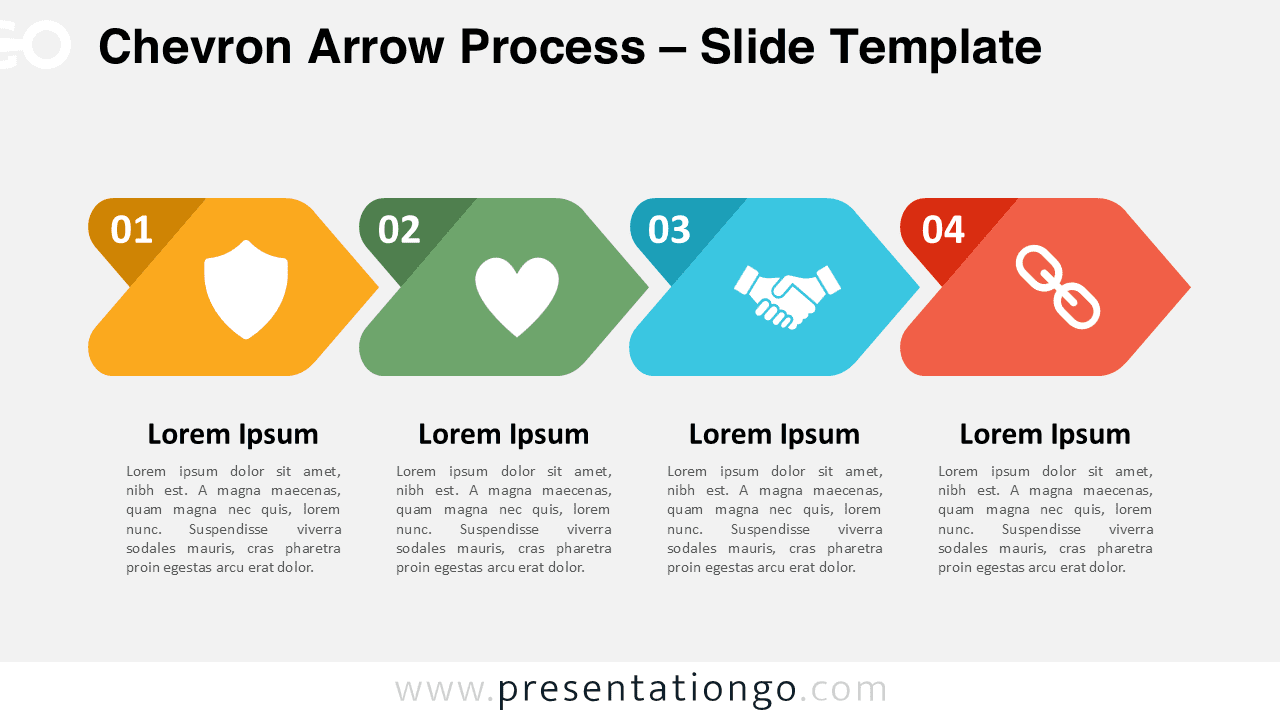
Download the Chevron Arrow Process template for PowerPoint and Google Slides. A four-step visual to showcase workflows and task sequences.
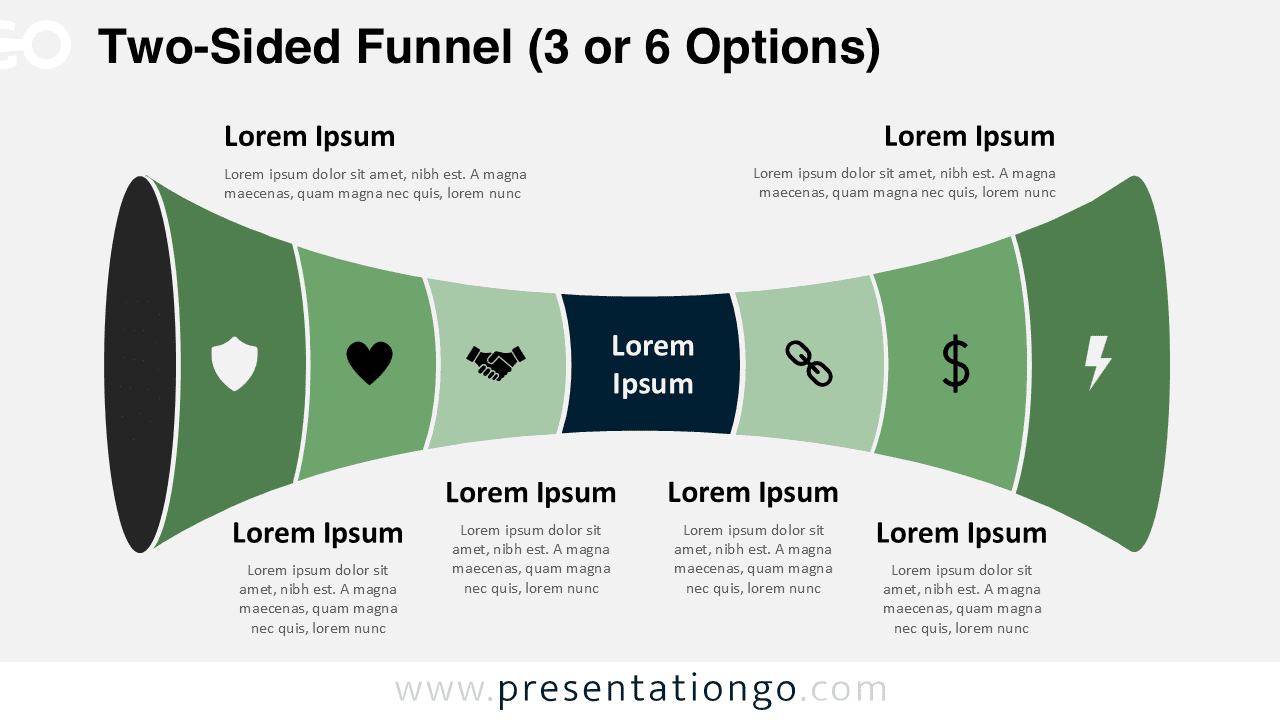
Visualize dual processes with the Two-Sided Funnel for PowerPoint and Google Slides, offering 3 options per side in one elegant diagram.
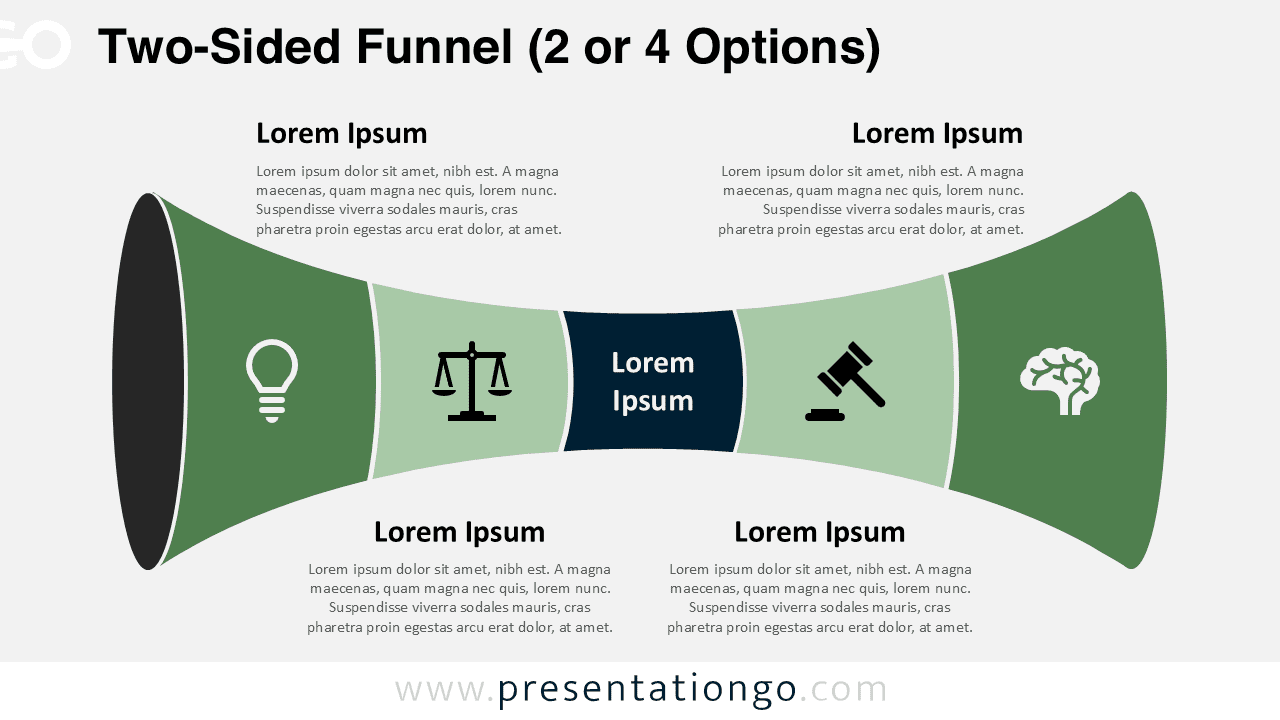
Use the Two-Sided Funnel (2 or 4 Options) for PowerPoint & Google Slides to showcase opposing perspectives, choices, or strategic insights.
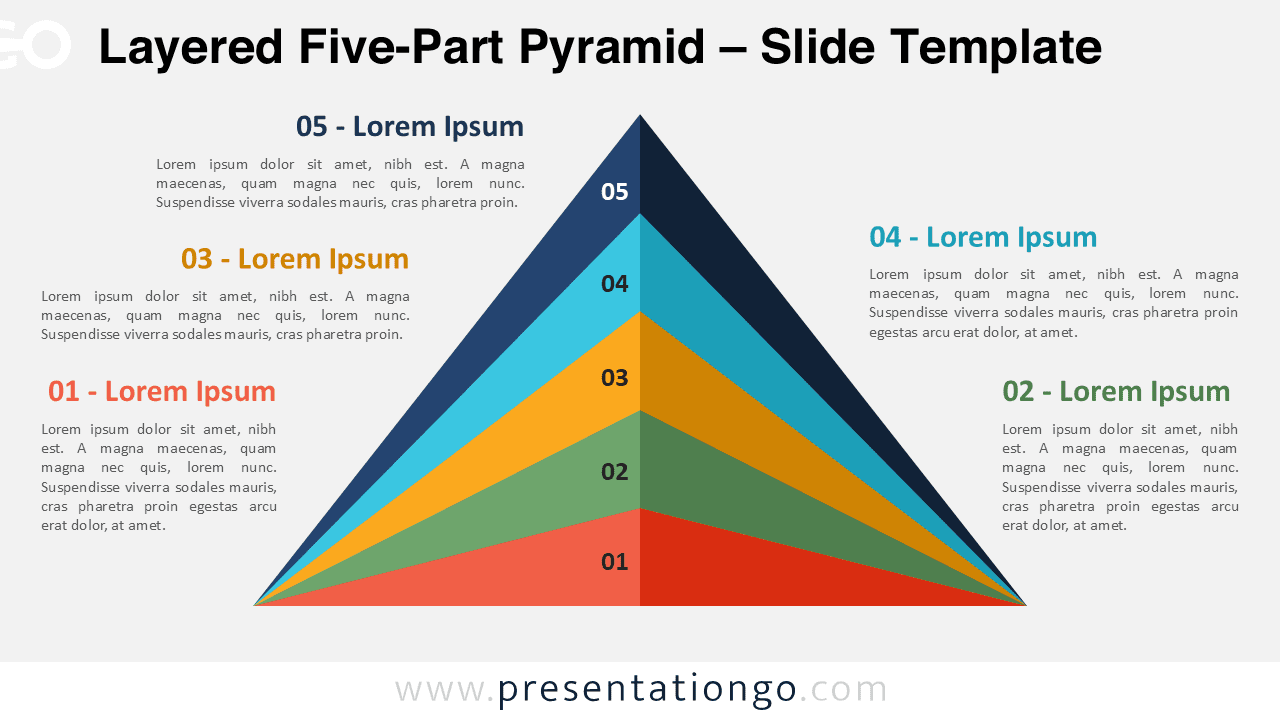
Download the Layered Five-Part Pyramid template for PowerPoint & Google Slides—perfect for illustrating multi-step processes.
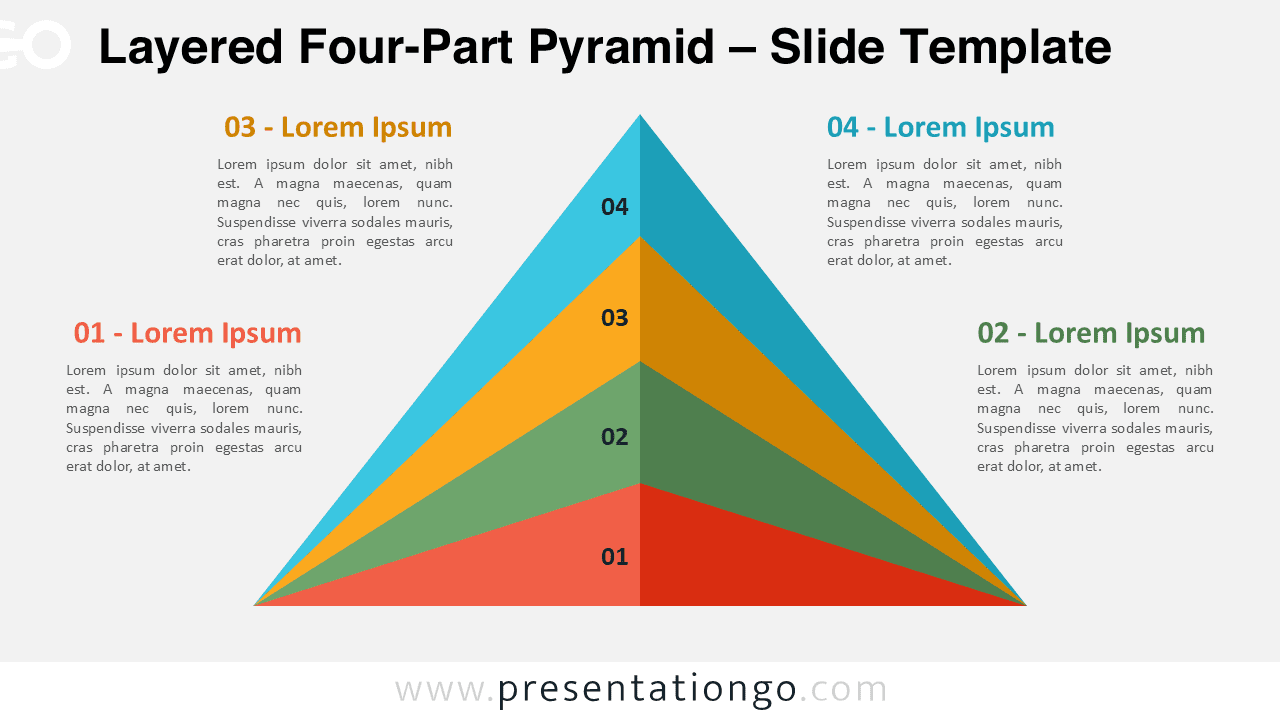
Download the Layered Four-Part Pyramid for PowerPoint & Google Slides—ideal for illustrating hierarchies and multi-step processes.
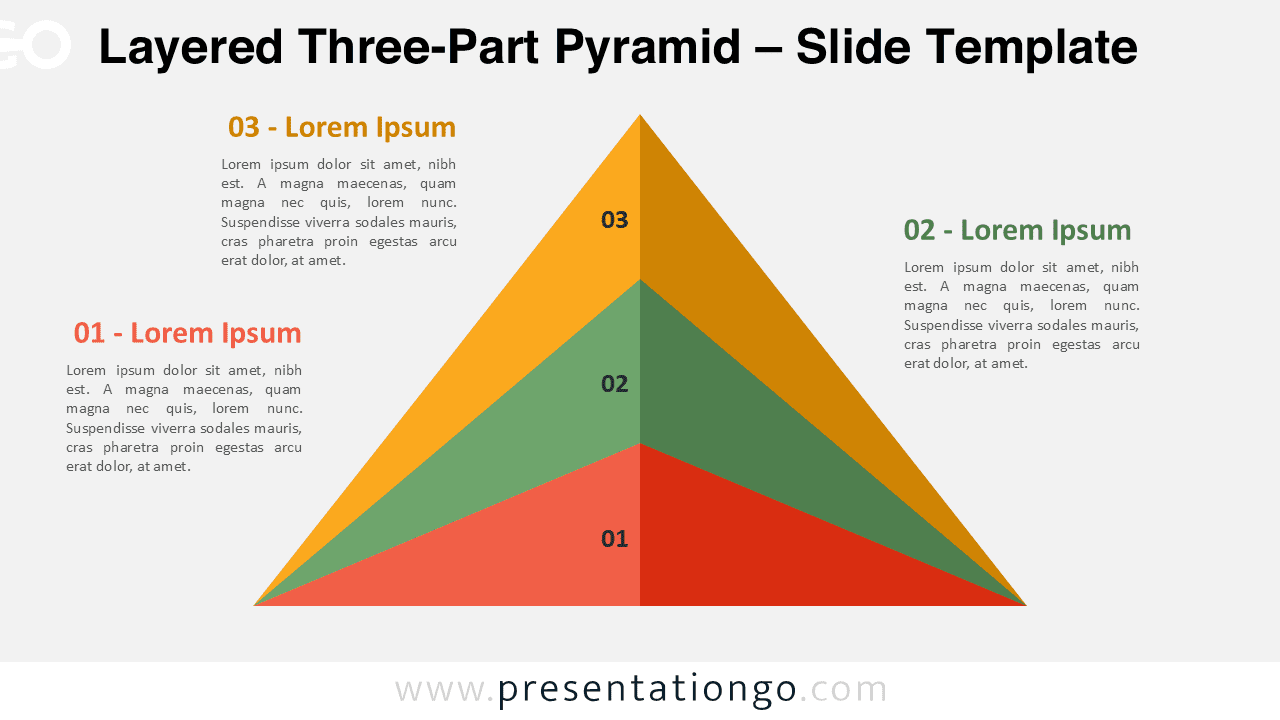
Download the Layered Three-Part Pyramid for PowerPoint & Google Slides – A 3D visual for step-by-step processes and hierarchy.
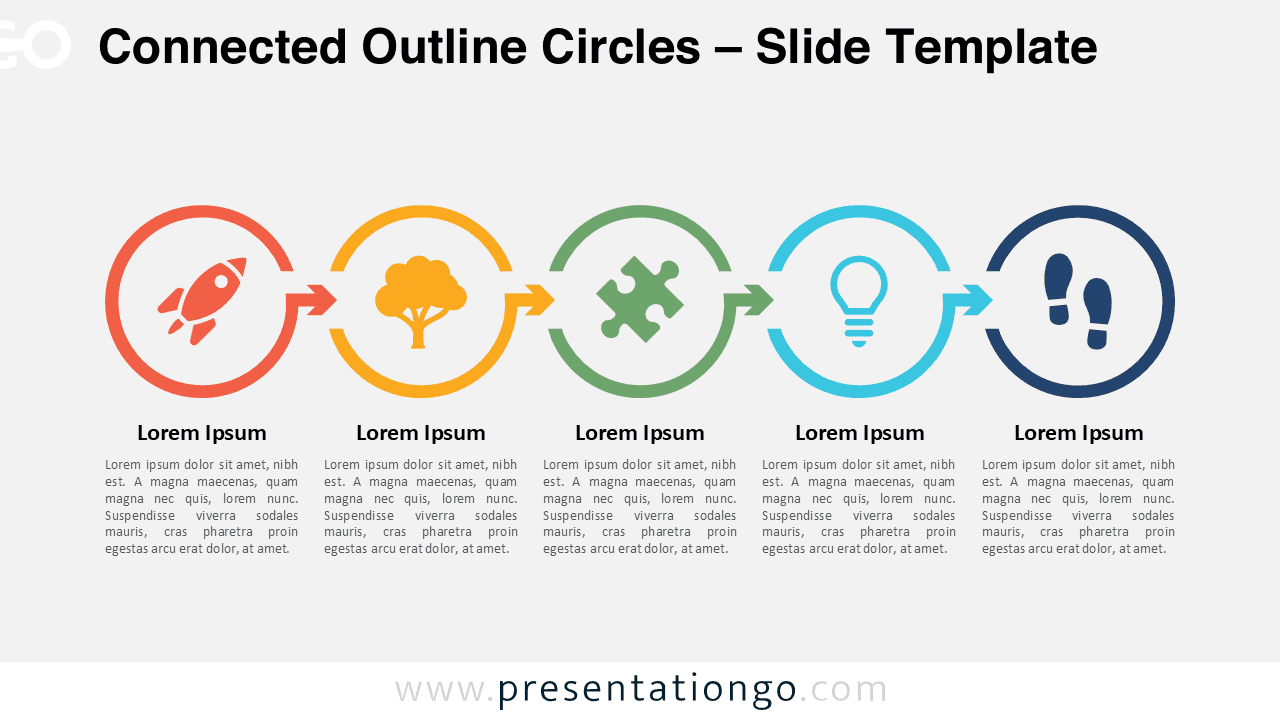
Download this five-step Connected Outline Circles template for PowerPoint & Google Slides. Perfect for visualizing workflows and processes.