Loading resources…
Total 1760 resources
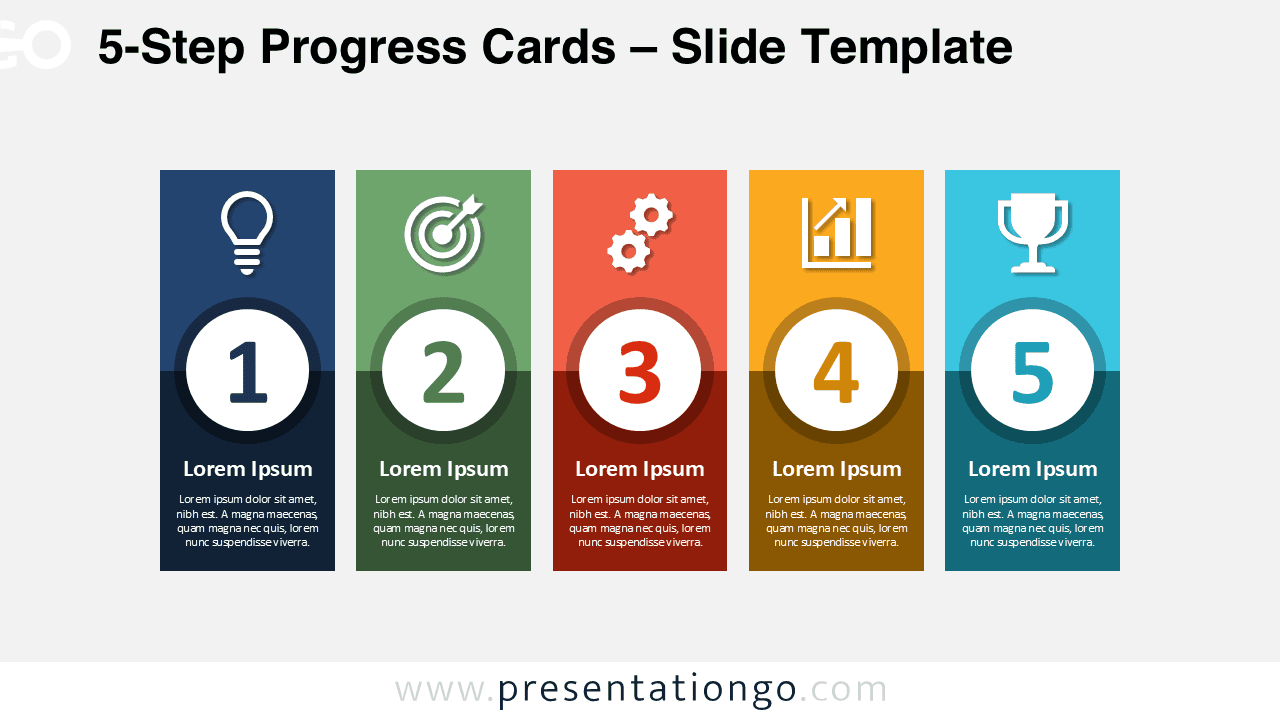
Download the 5-Step Progress Cards diagram for PowerPoint and Google Slides. Present processes, plans, milestones, and strategies with five clear stages.
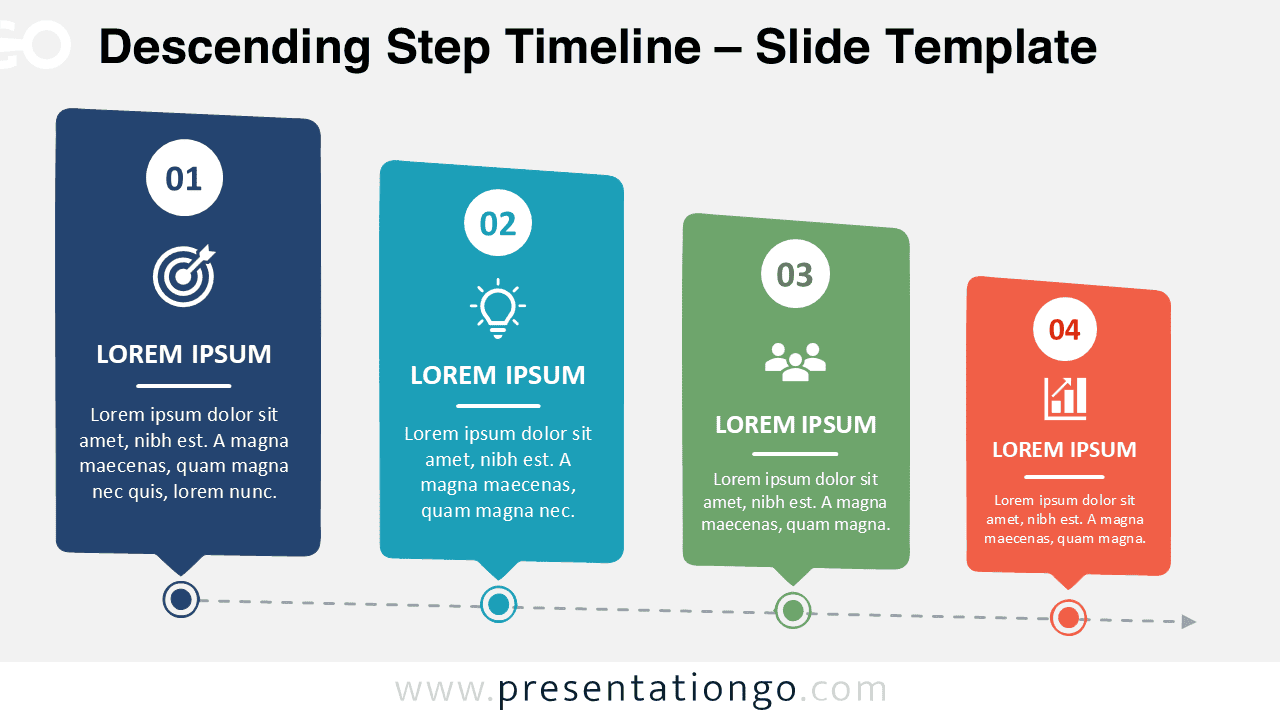
Download a Descending Step Timeline for PowerPoint and Google Slides. Highlight workflows, milestones, priorities, and project phases.
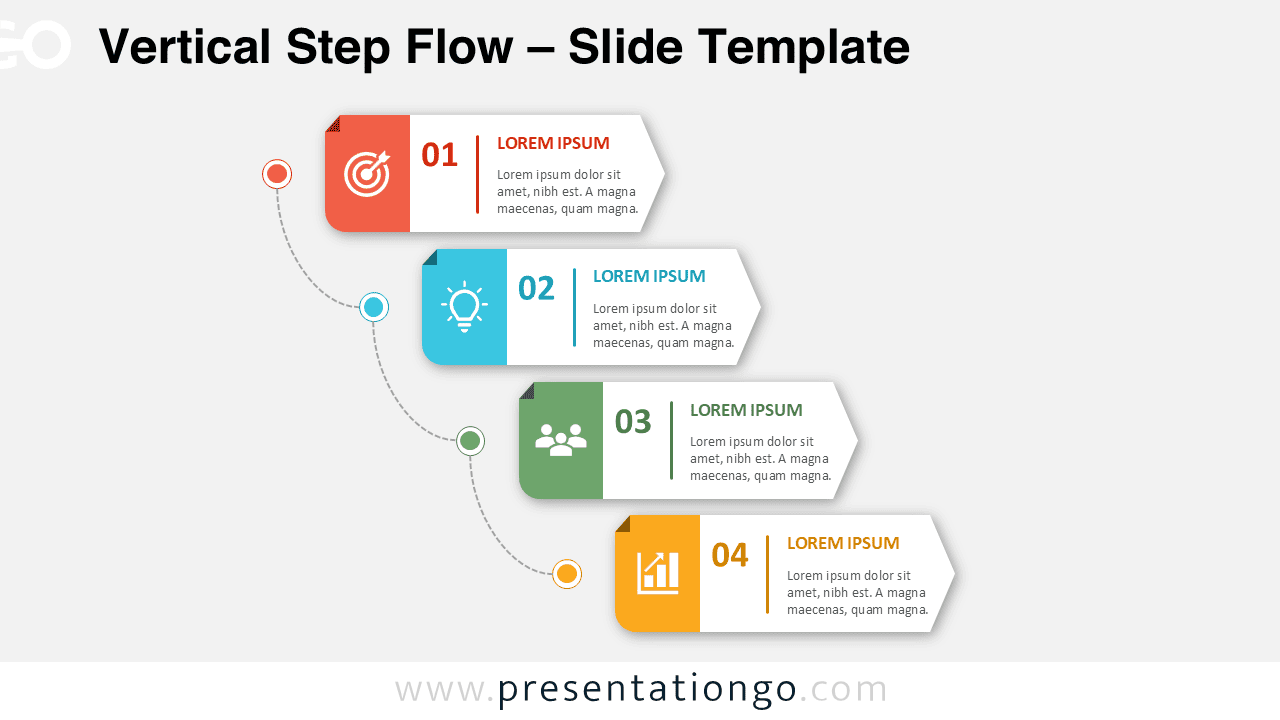
Download and use the Vertical Step Flow PowerPoint diagram to explain processes, workflows, and milestones with four decreasing steps.
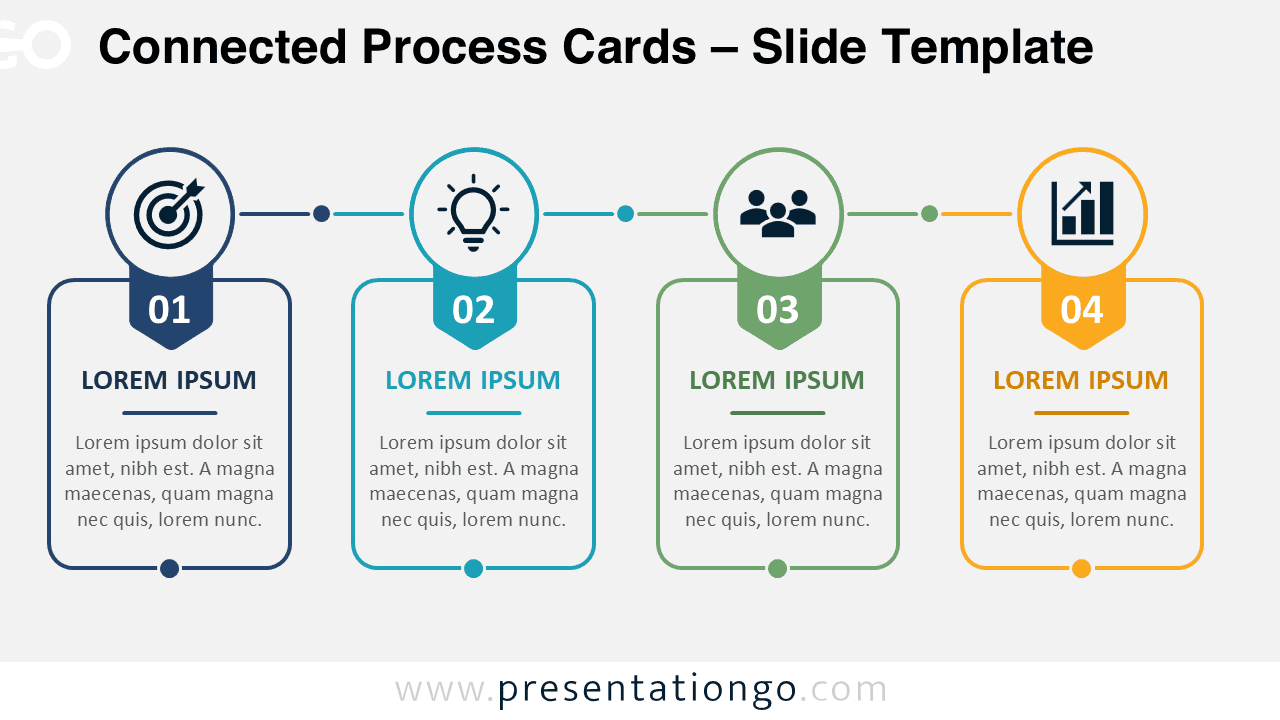
Download Connected Process Cards for PowerPoint and Google Slides to present four-step workflows with editable content and modifiable Office library icons.
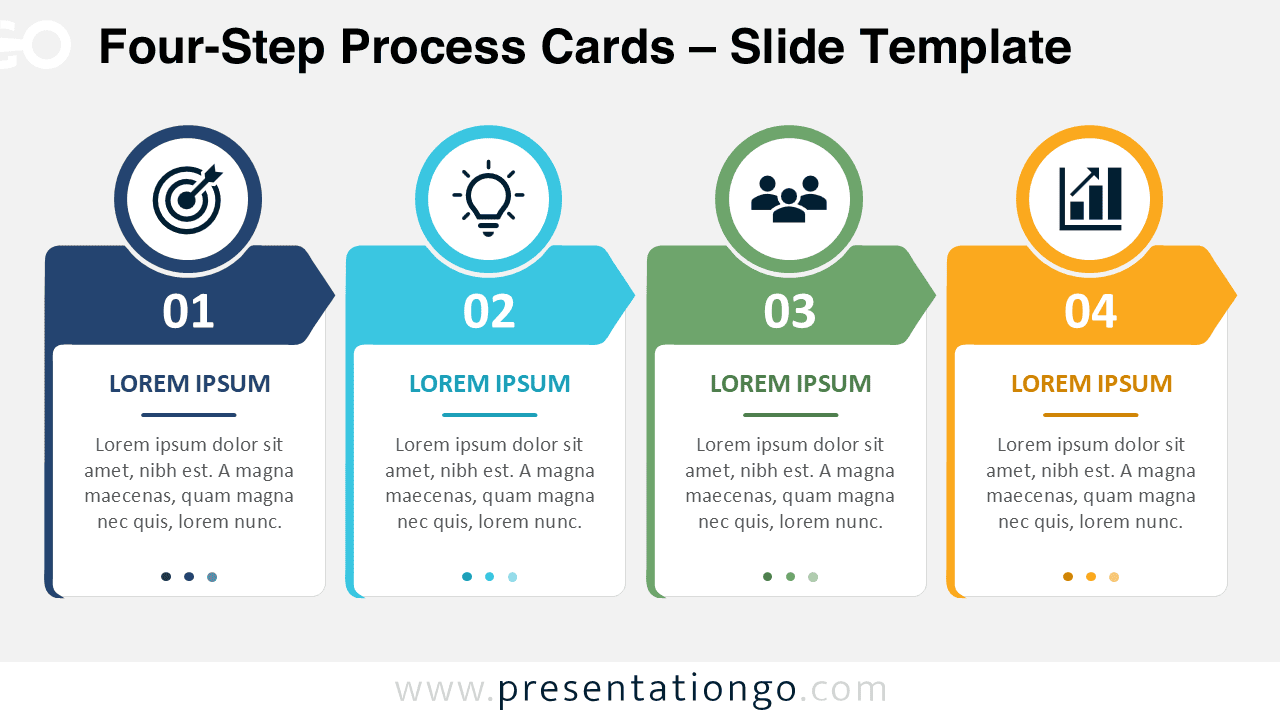
Use the Four-Step Process Cards diagram to explain four-stage workflows in PowerPoint and Google Slides with editable text, shapes, and Office icons.
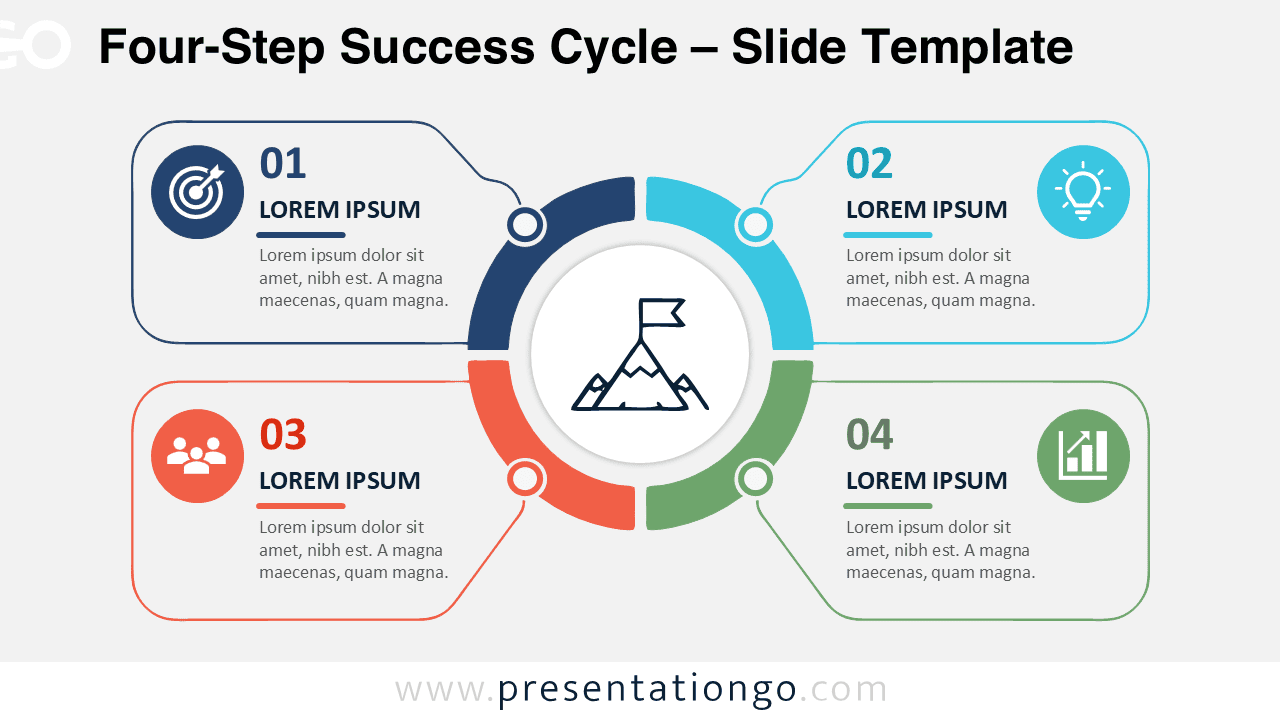
Present goals, stages, and strategic actions with the Four-Step Success Cycle PowerPoint diagram, fully editable in PowerPoint and Google Slides.
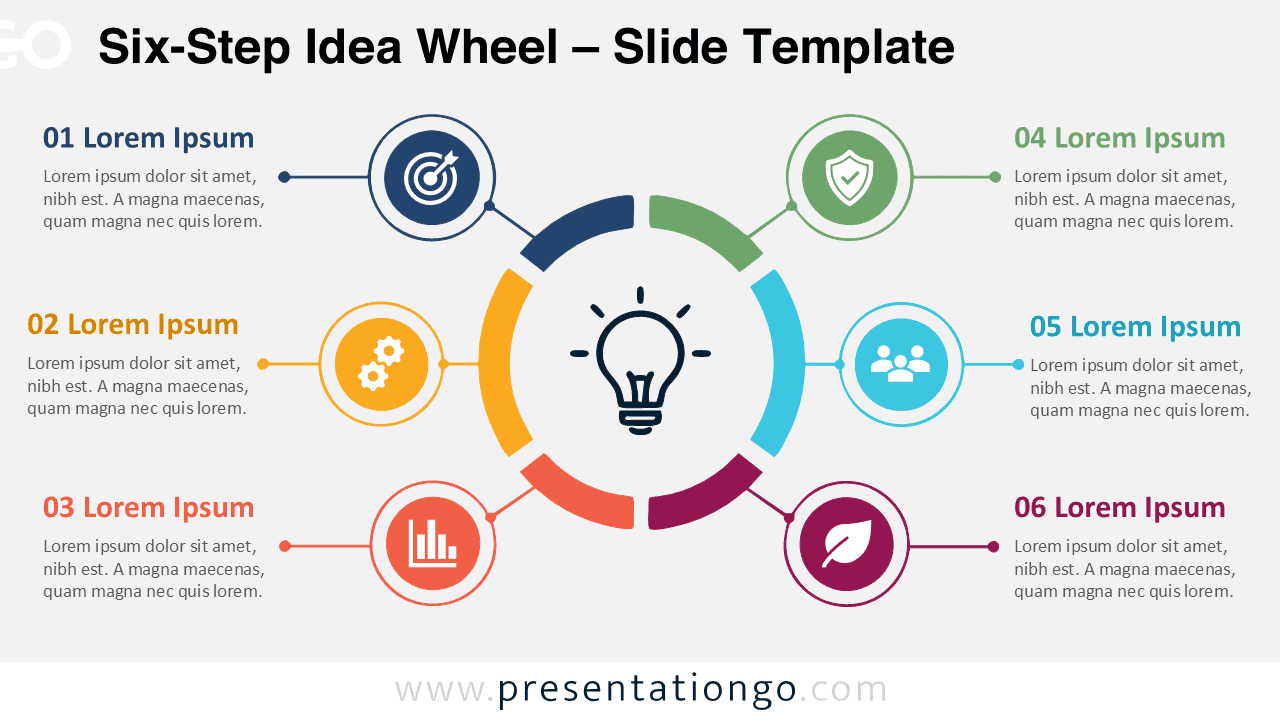
Download the Six-Step Idea Wheel and explain connected ideas, business stages, innovation steps, or strategic priorities in PowerPoint and Google Slides.
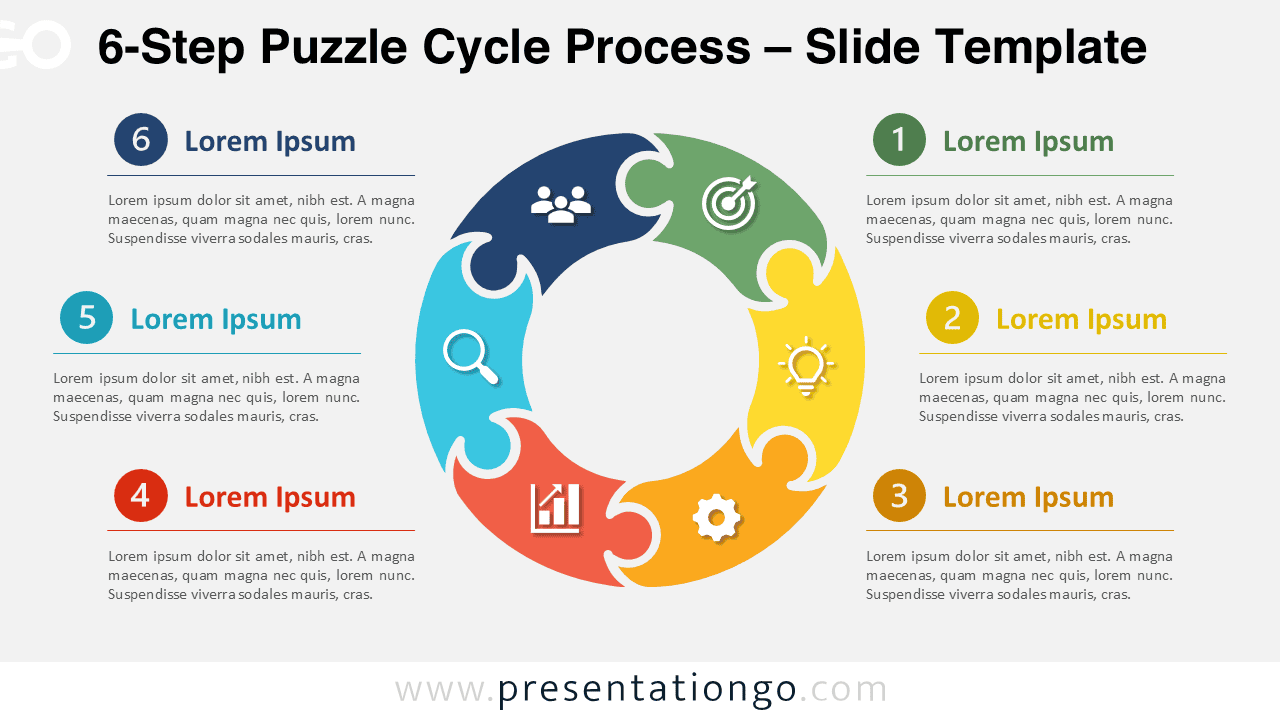
Download the 6-Step Puzzle Cycle Process for PowerPoint and Google Slides. Present six connected stages with editable shapes, text, and icons.
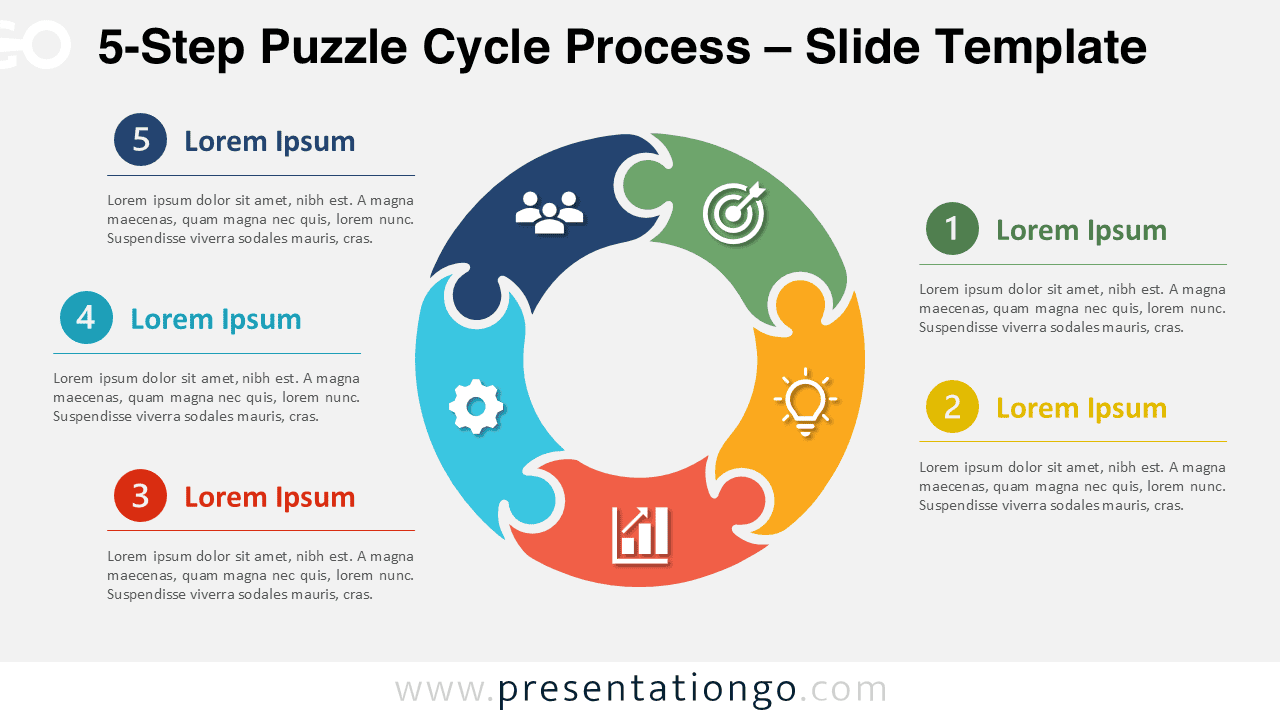
Download the 5-Step Puzzle Cycle Process for PowerPoint and Google Slides. Present five connected stages with editable shapes, text, and icons.
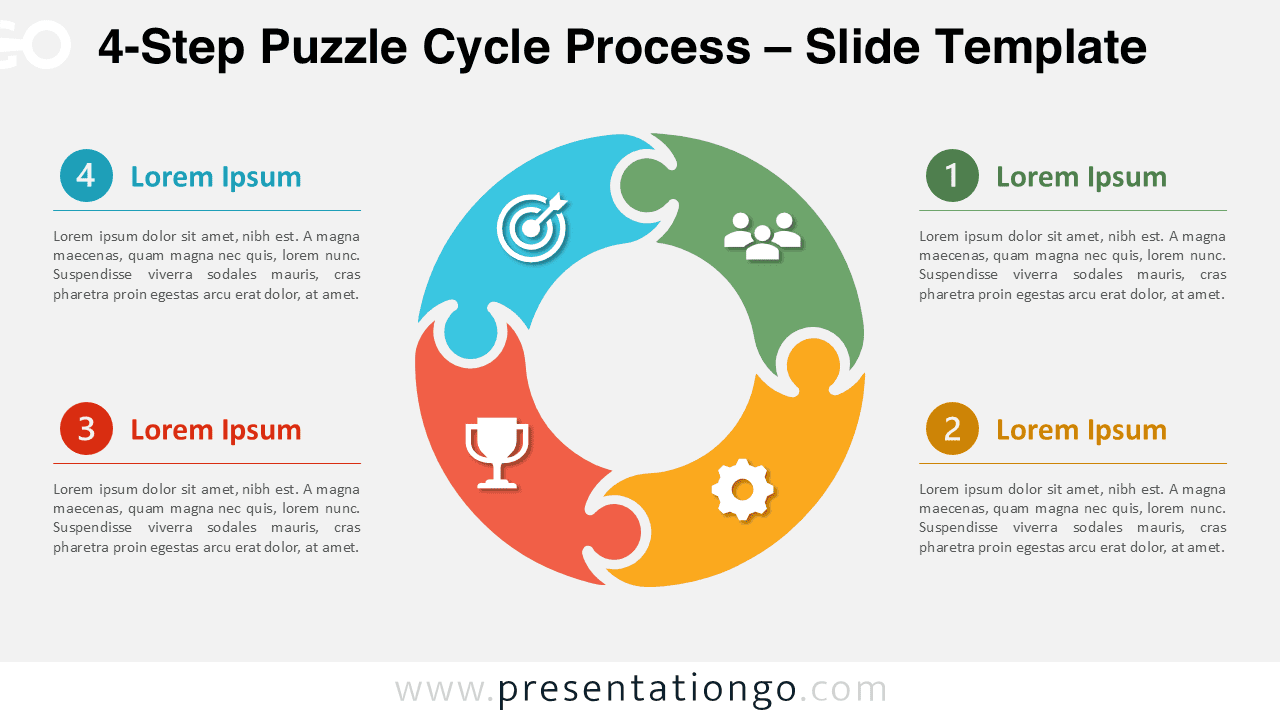
Download the 4-Step Puzzle Cycle Process for PowerPoint and Google Slides. Present four connected stages with editable shapes, text, and icons.
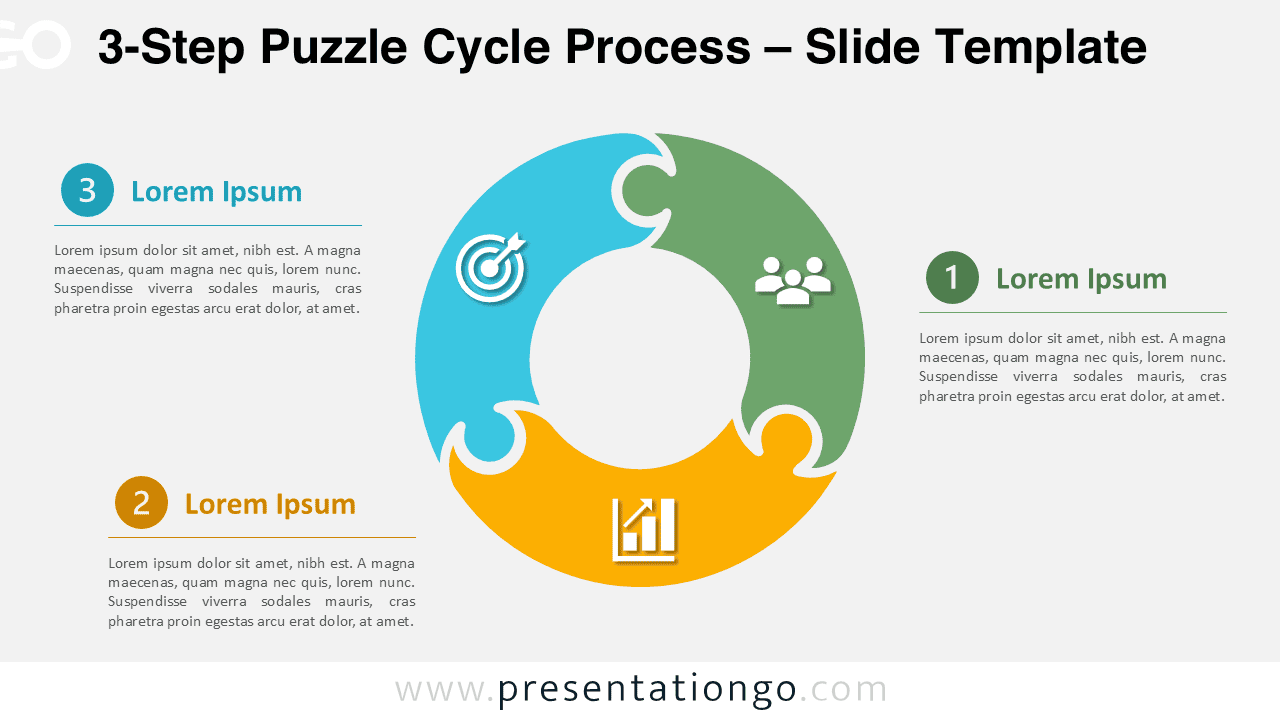
Download the 3-Step Puzzle Cycle Process for PowerPoint and Google Slides. Show three connected stages with editable shapes, text, and icons.
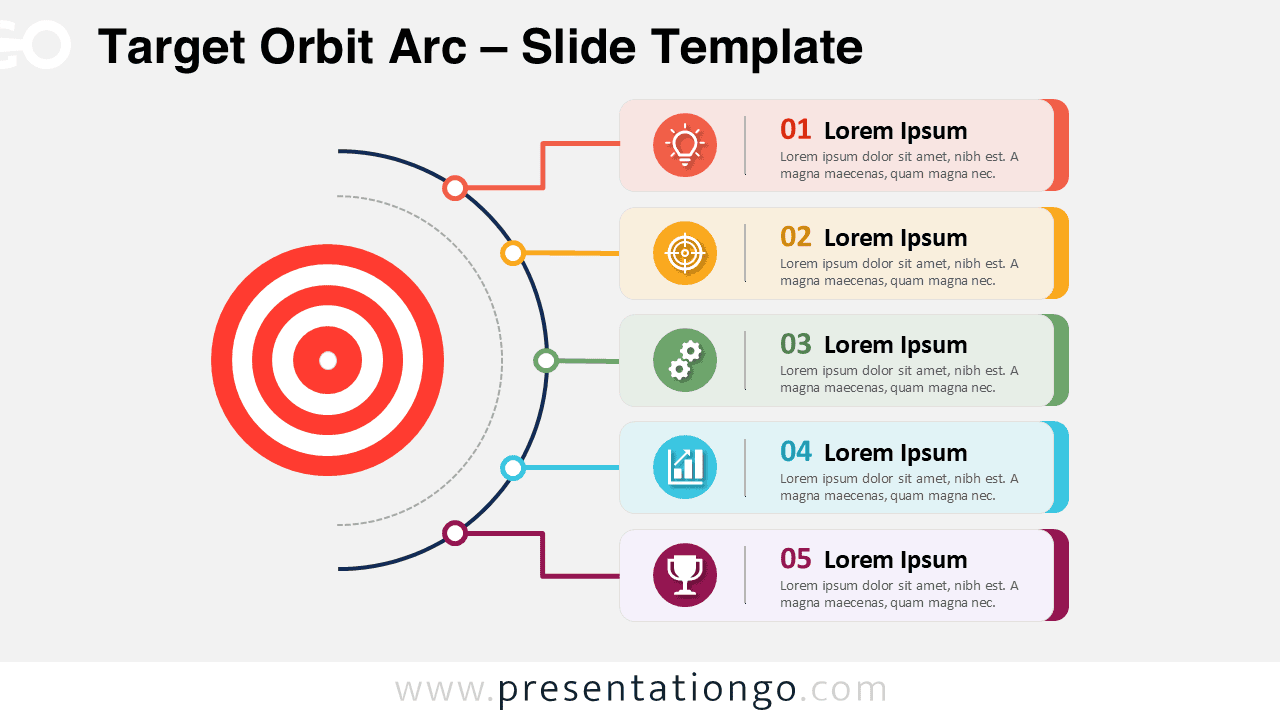
Show strategy, performance goals, or project actions with Target Orbit Arc. Download the editable PowerPoint and Google Slides diagram for free.
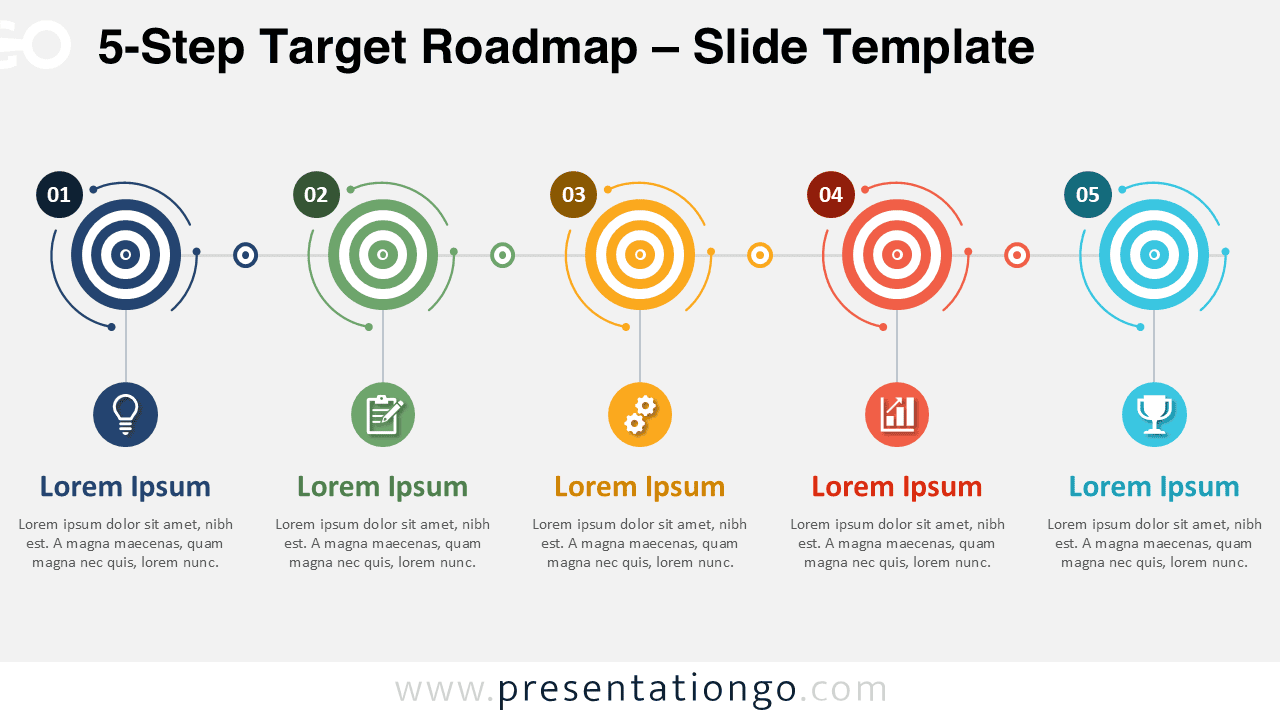
Download the 5-Step Target Roadmap diagram for PowerPoint and Google Slides. Present goals, milestones, and progress in a clear visual flow.
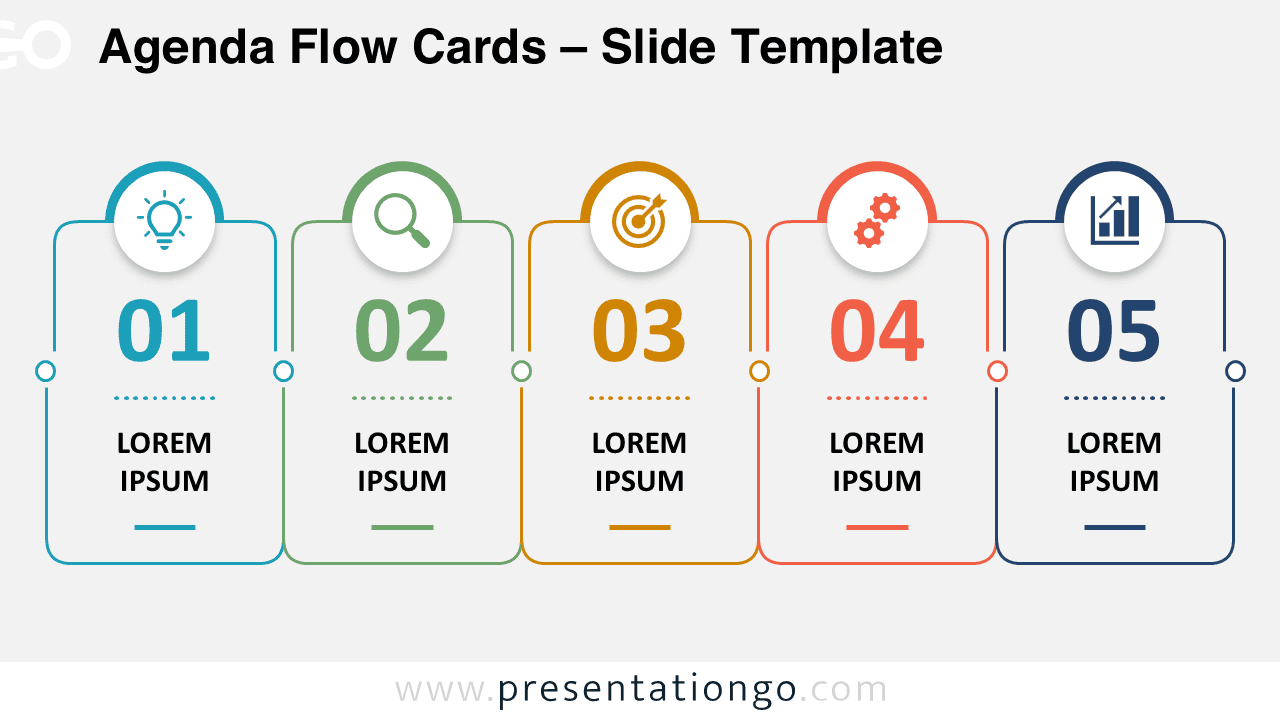
Download Agenda Flow Cards, a free 5-item agenda diagram for PowerPoint and Google Slides with editable cards, numbers, text, and Office icons
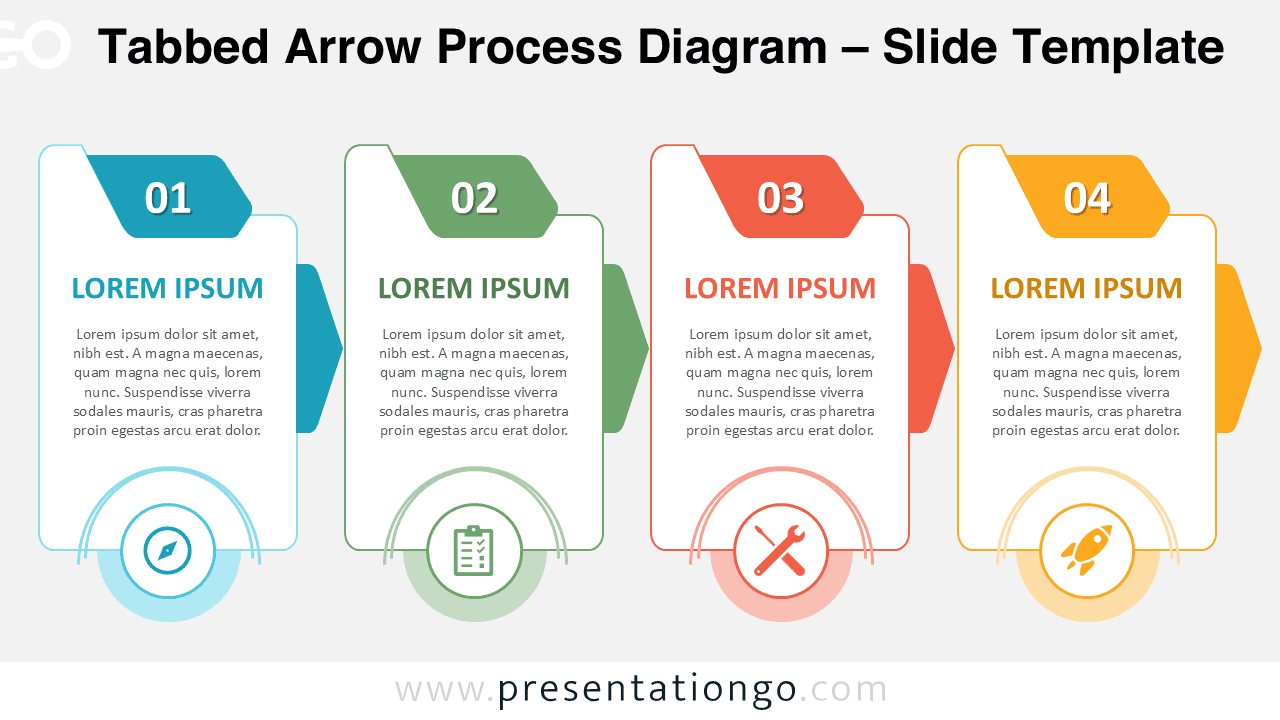
Download the Tabbed Arrow Process Diagram for PowerPoint and Google Slides. Explain four stages with editable cards, arrows, text, and icons.
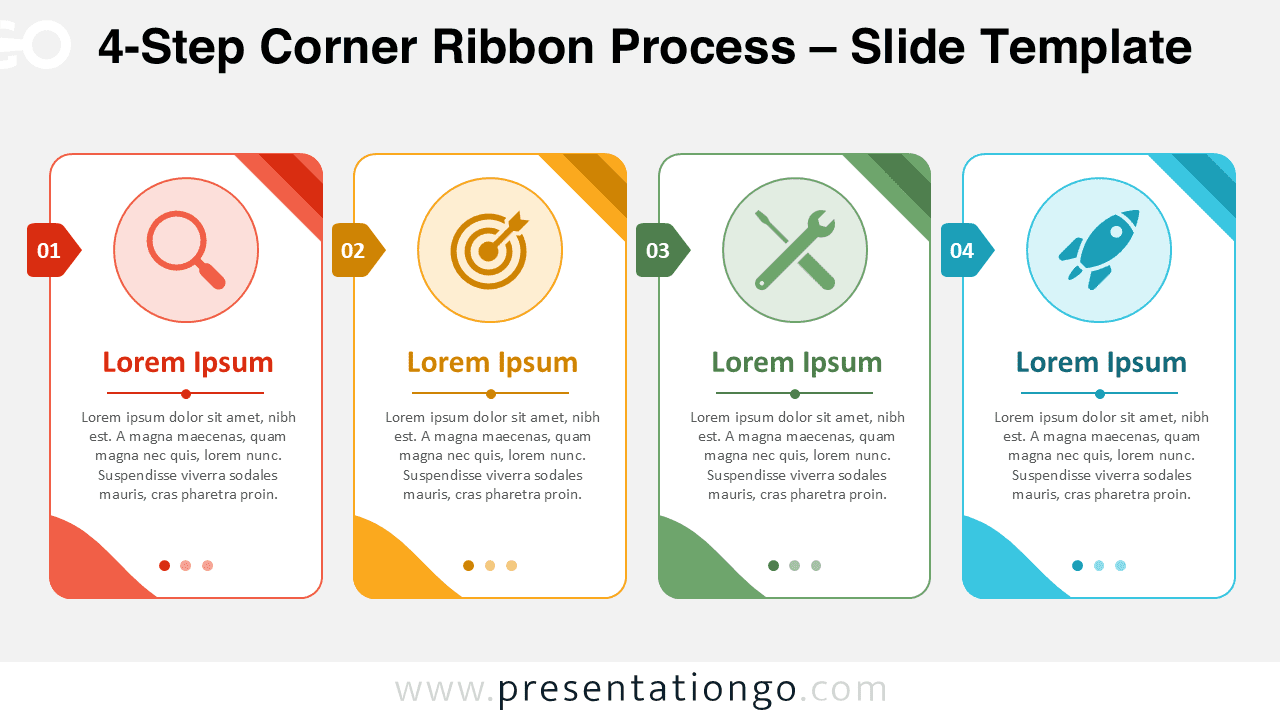
Download the 4-Step Corner Ribbon Process for PowerPoint and Google Slides. Present workflows with editable cards, text, and Office icons quickly.
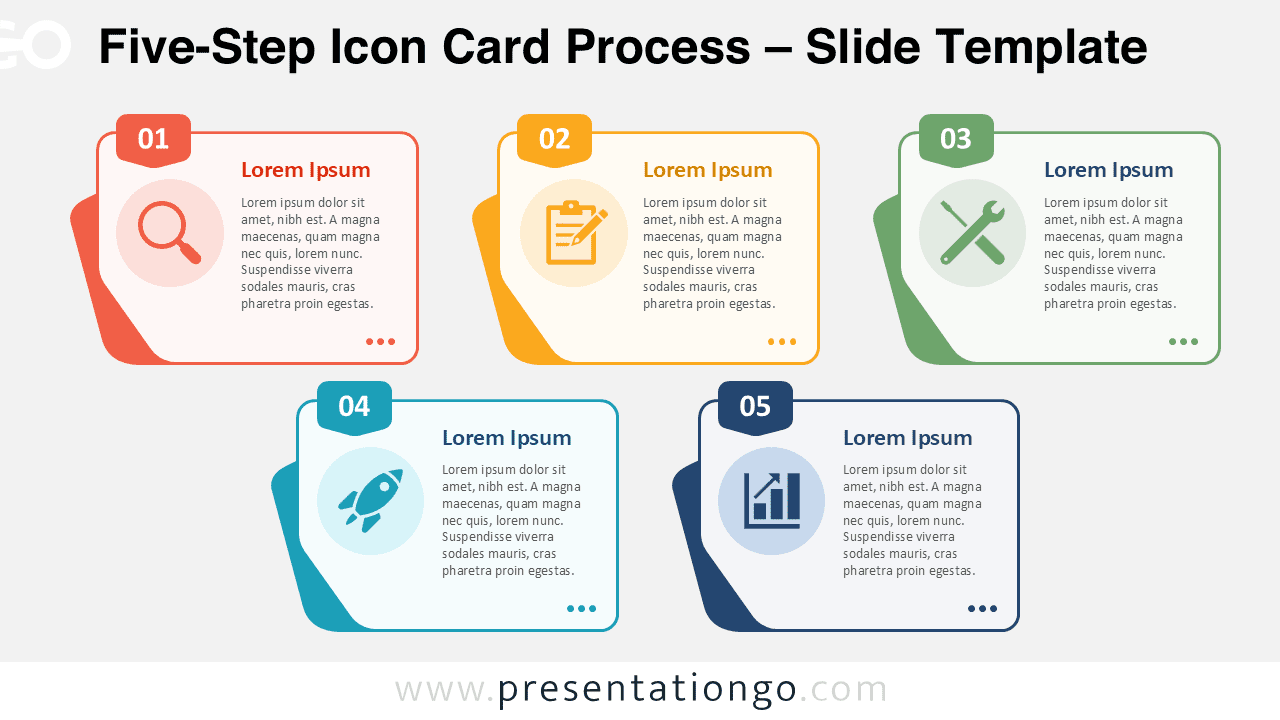
Five-Step Icon Card Process diagram for PowerPoint and Google Slides. Customize cards, icons, and text to explain any process.
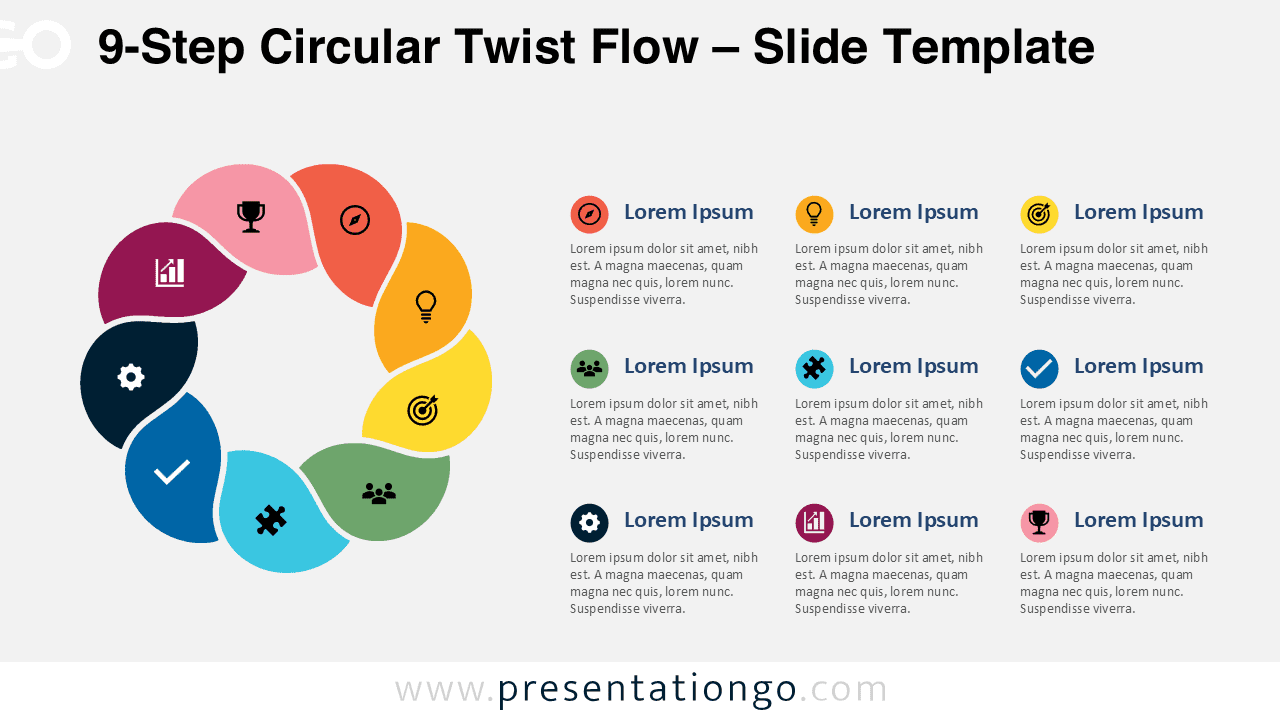
Download the free 9-Step Circular Twist Flow diagram for PowerPoint and Google Slides to present complex workflows with editable Office icons.
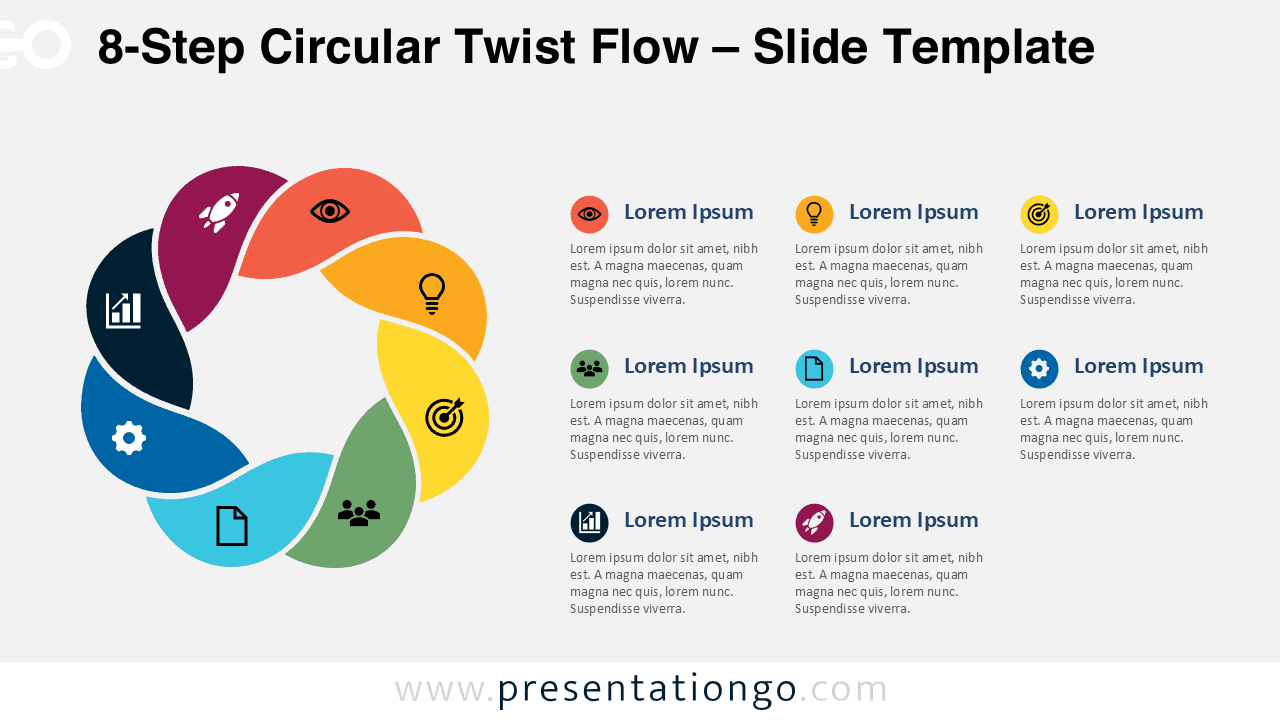
Download this free 8-Step Circular Twist Flow diagram for PowerPoint and Google Slides to explain cycles, workflows, strategies, and action plans clearly.
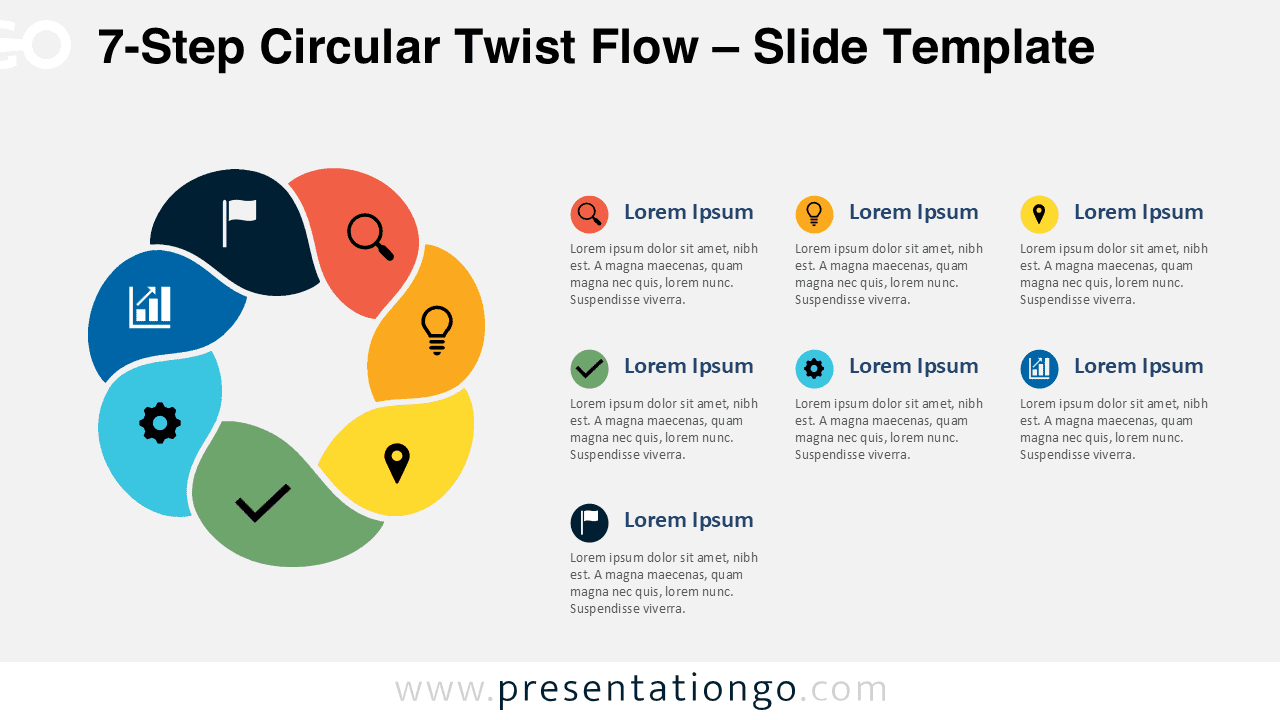
Present seven connected stages with the 7-Step Circular Twist Flow diagram for PowerPoint and Google Slides, featuring editable text and Office icons.
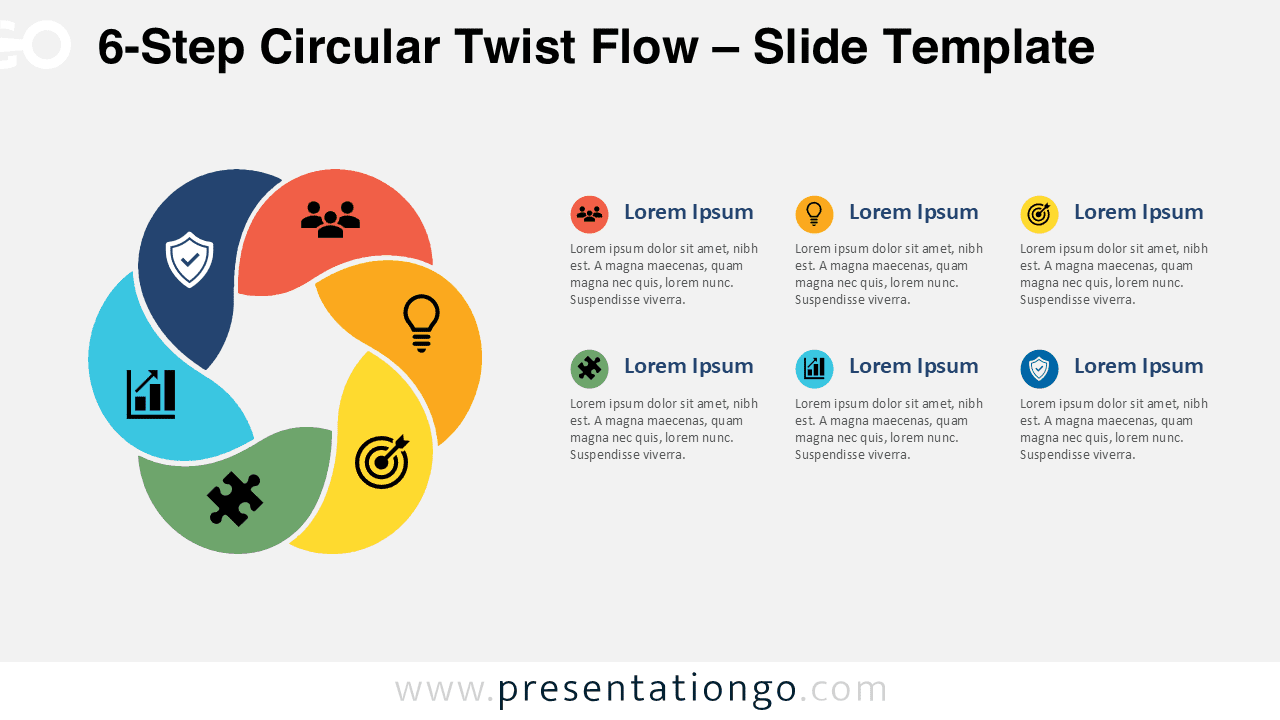
Download the free 6-Step Circular Twist Flow diagram for PowerPoint and Google Slides to present workflows, plans, and ideas with editable Office icons.
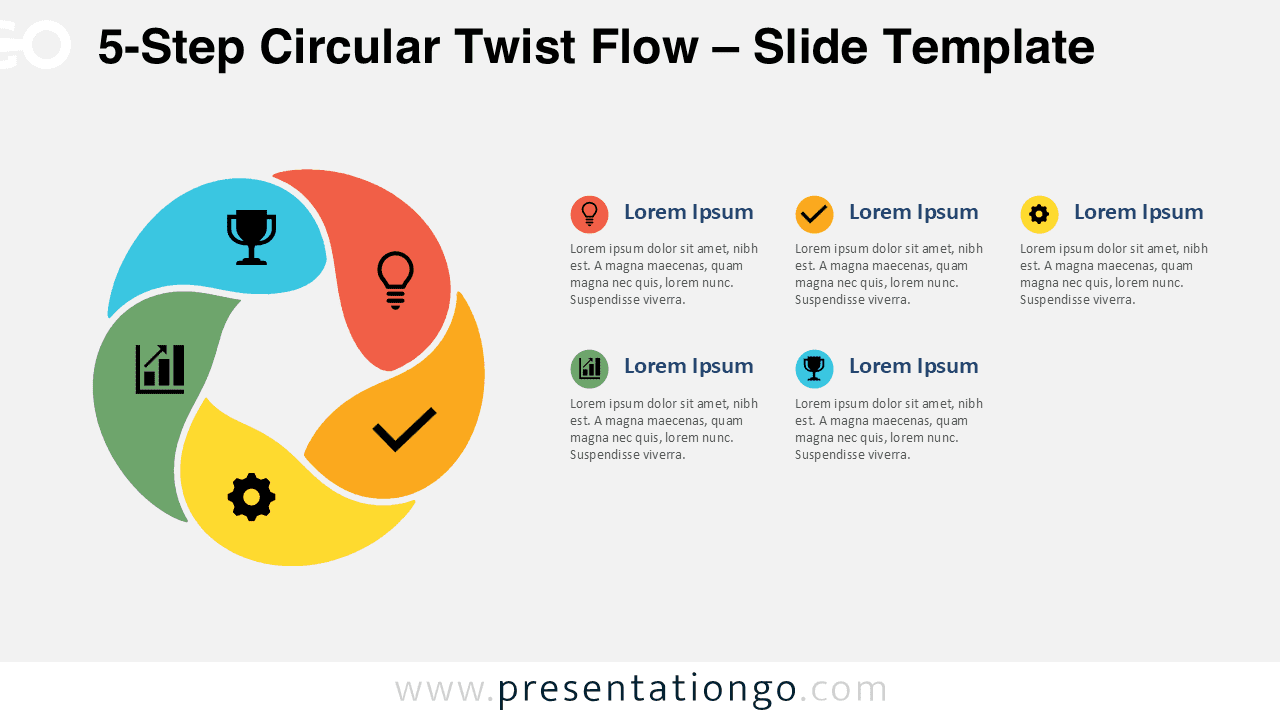
Download the free 5-Step Circular Twist Flow diagram for PowerPoint and Google Slides to present workflows, plans, and ideas with editable icons with ease.
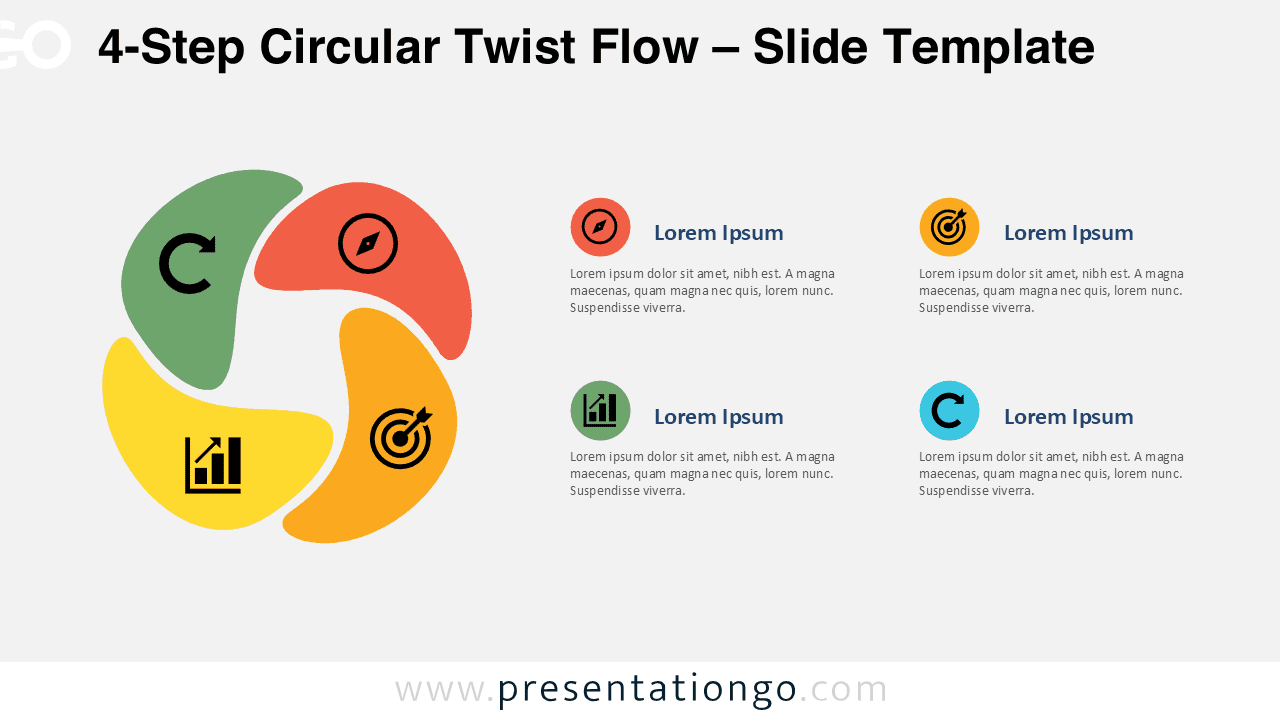
Present four stages clearly with the 4-Step Circular Twist Flow diagram for PowerPoint and Google Slides, featuring editable text and icons.
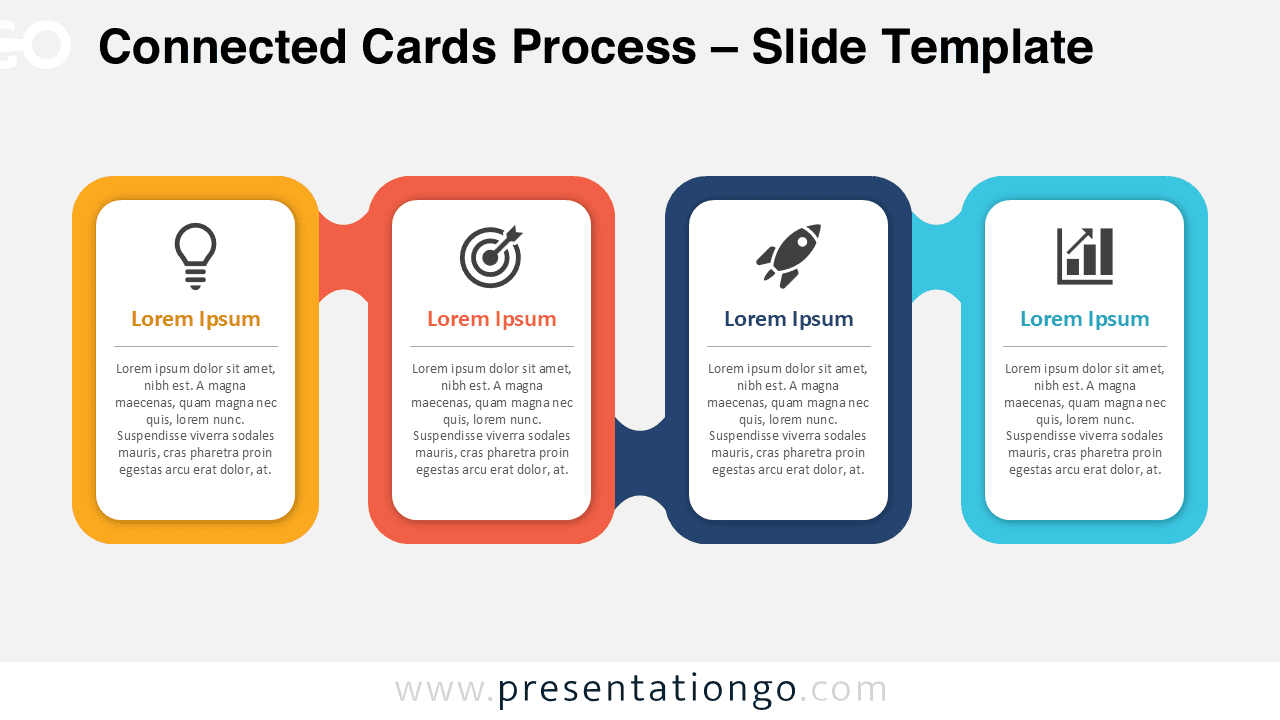
Present a clean sequence with the Connected Cards Process diagram for PowerPoint and Google Slides. Customize labels, cards, and icons with ease.