Loading resources…
Total 1760 resources
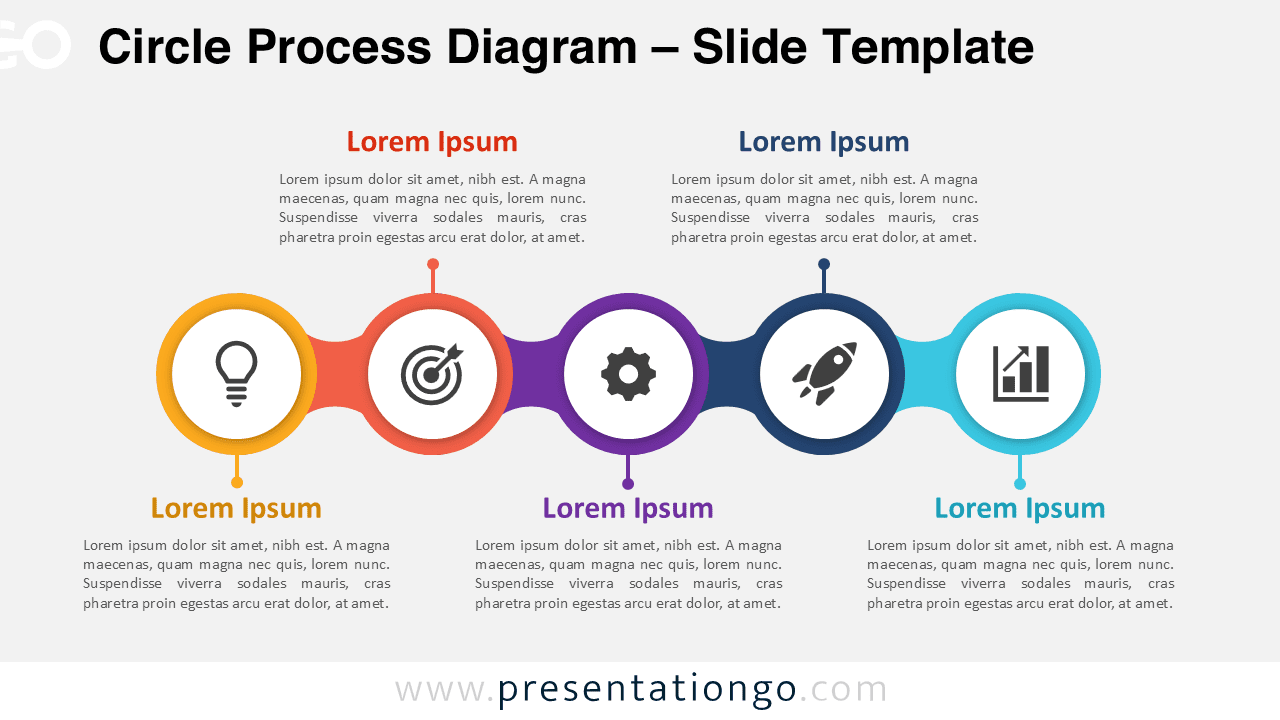
Download the Circle Process Diagram for PowerPoint and Google Slides. Use five editable stages with Office library icons for clear workflows and plans.
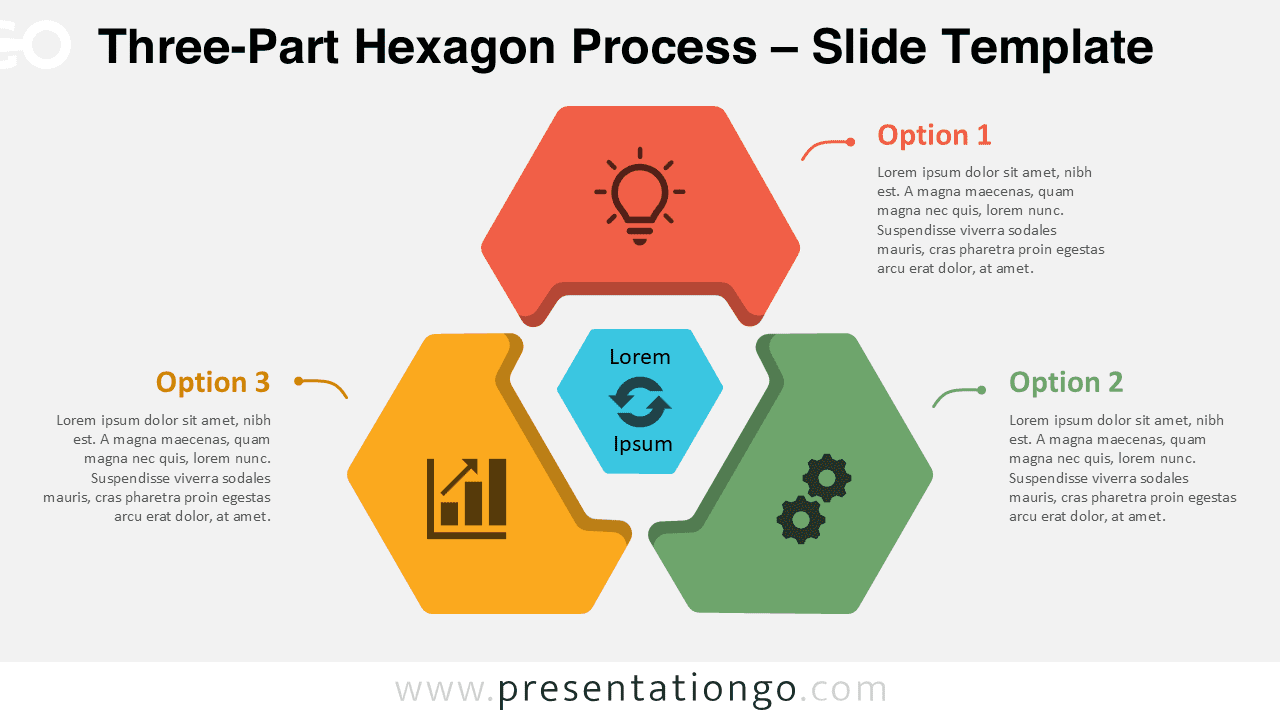
Present three connected ideas with this Three-Part Hexagon Process diagram for PowerPoint and Google Slides. Includes editable Office icons.
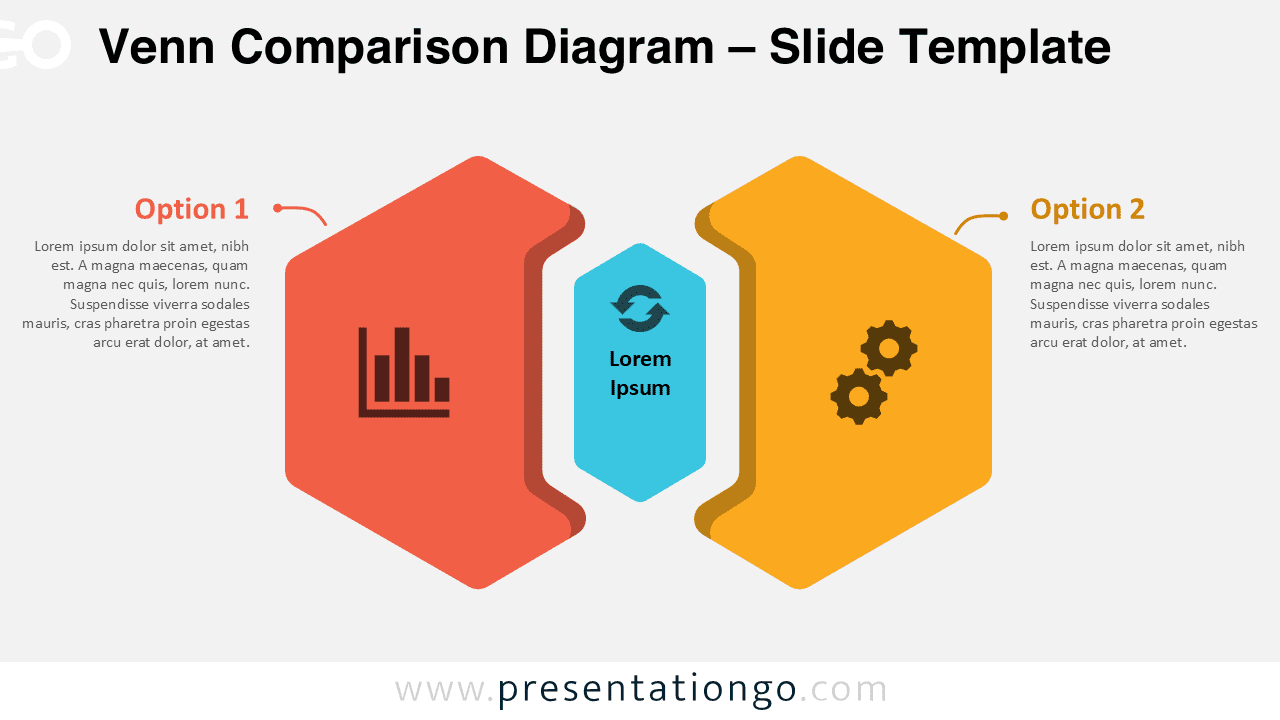
Download this Venn Comparison Diagram for PowerPoint and Google Slides to compare two options, explain decisions, with editable icons.
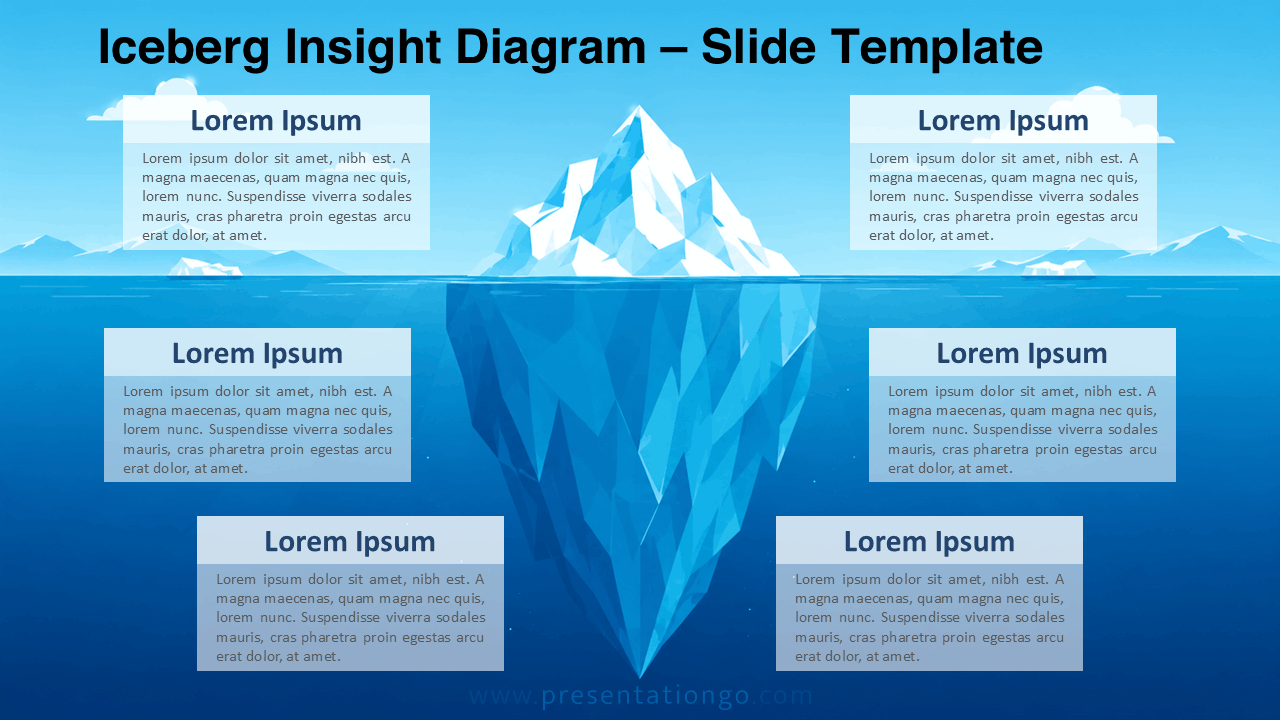
Download the Iceberg Insight Diagram for PowerPoint and Google Slides to explain hidden factors, root causes, risks, and strategic insights clearly.
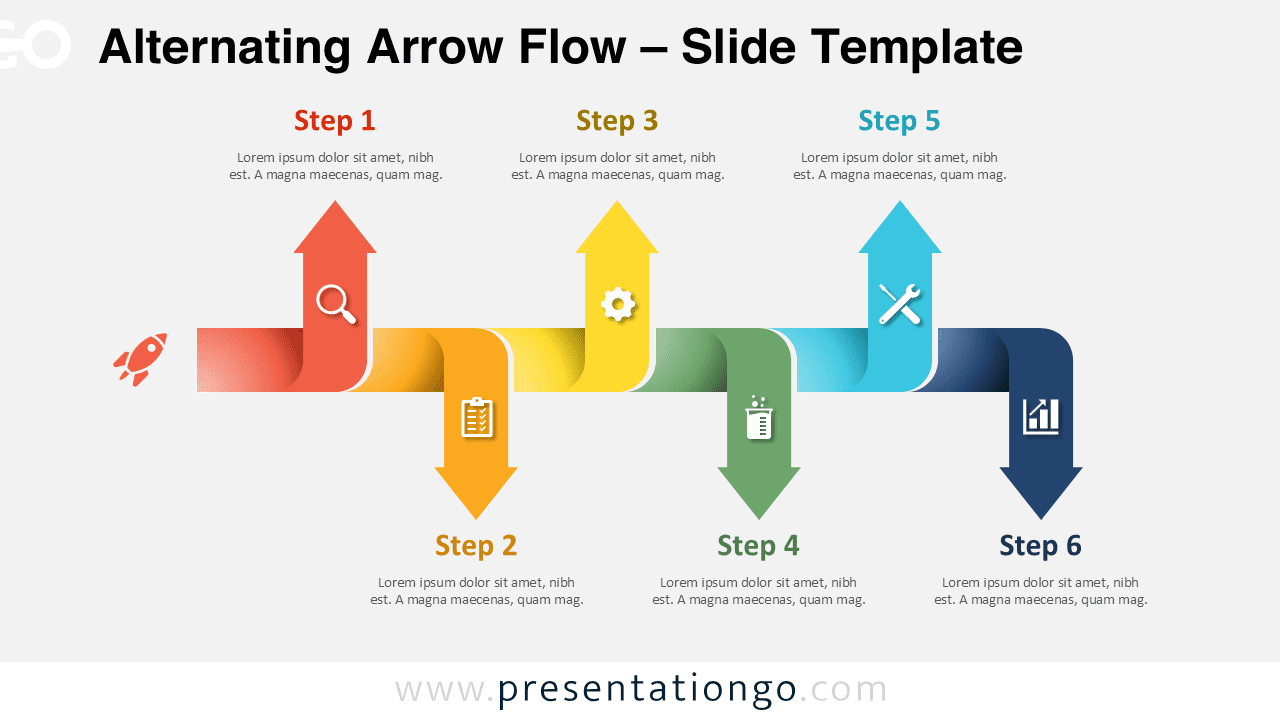
Download the free Alternating Arrow Flow PowerPoint diagram with six editable arrow steps for workflows, roadmaps, planning, and Google Slides decks.
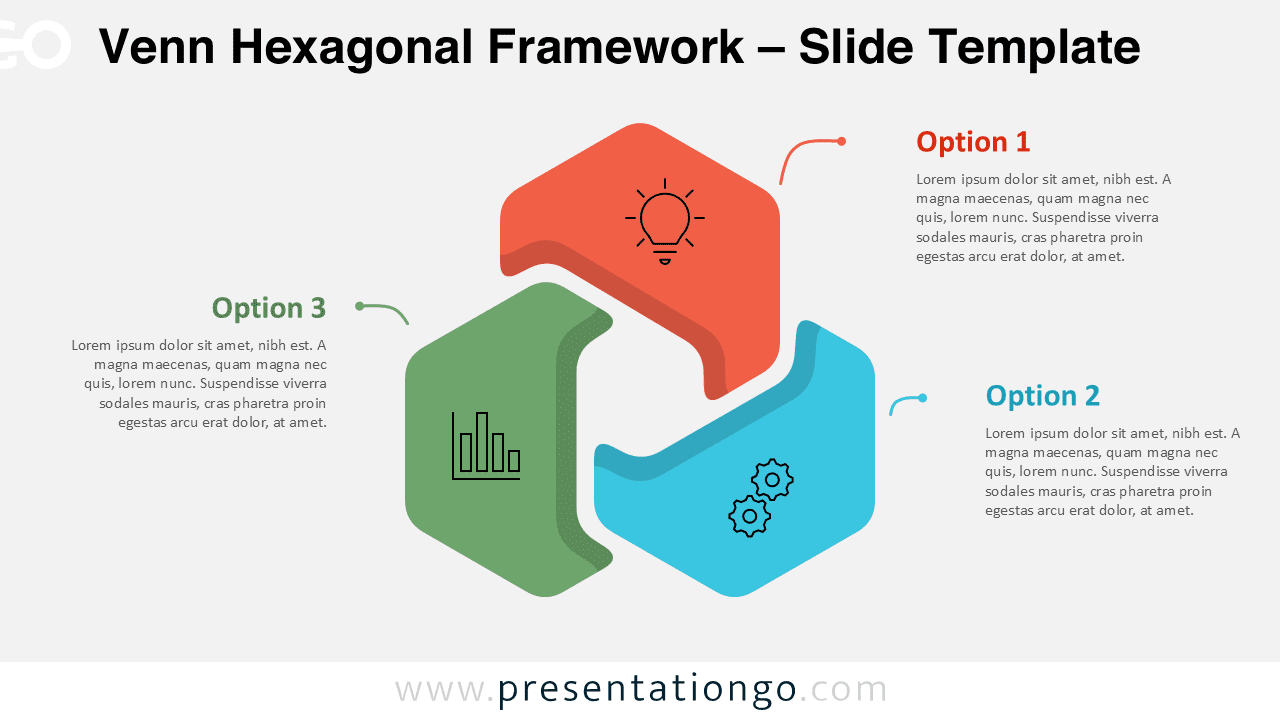
Download the free Venn Hexagonal Framework diagram for PowerPoint and Google Slides. Edit three linked sections, Office icons, text, and layout with ease.
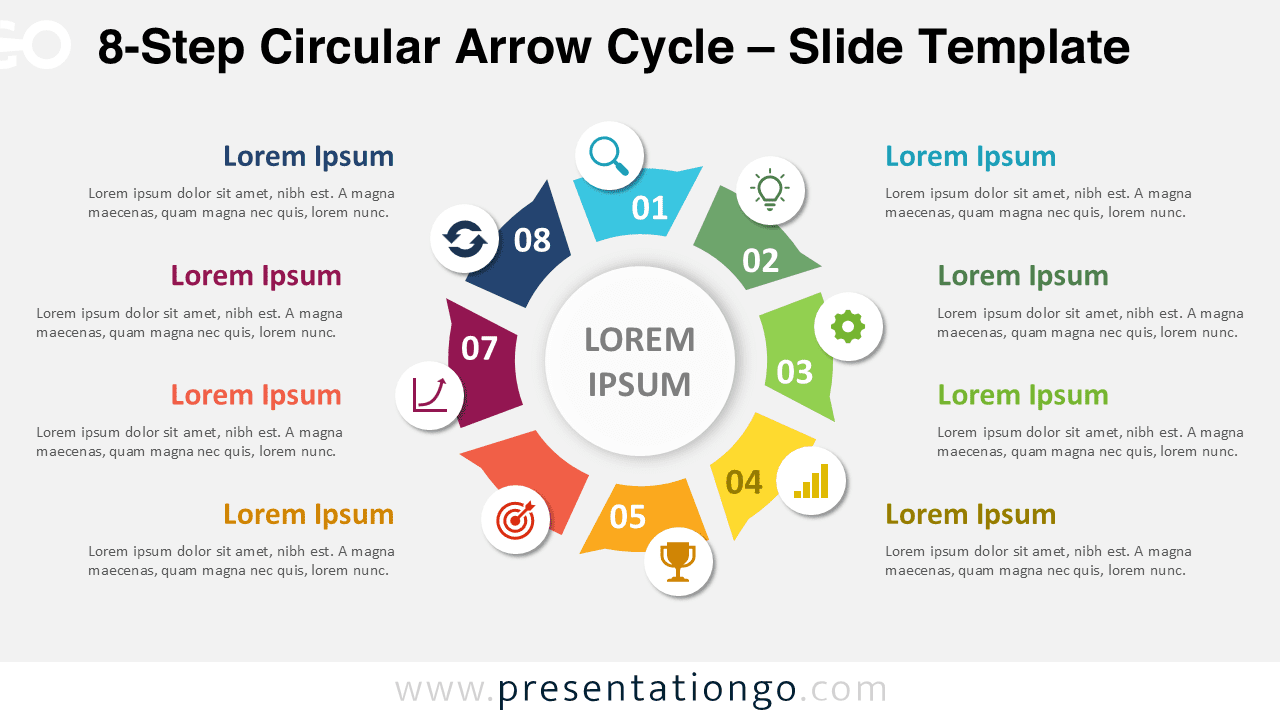
Download this 8-Step Circular Arrow Cycle diagram for PowerPoint and Google Slides to present complex workflows, strategy phases, and recurring methods.
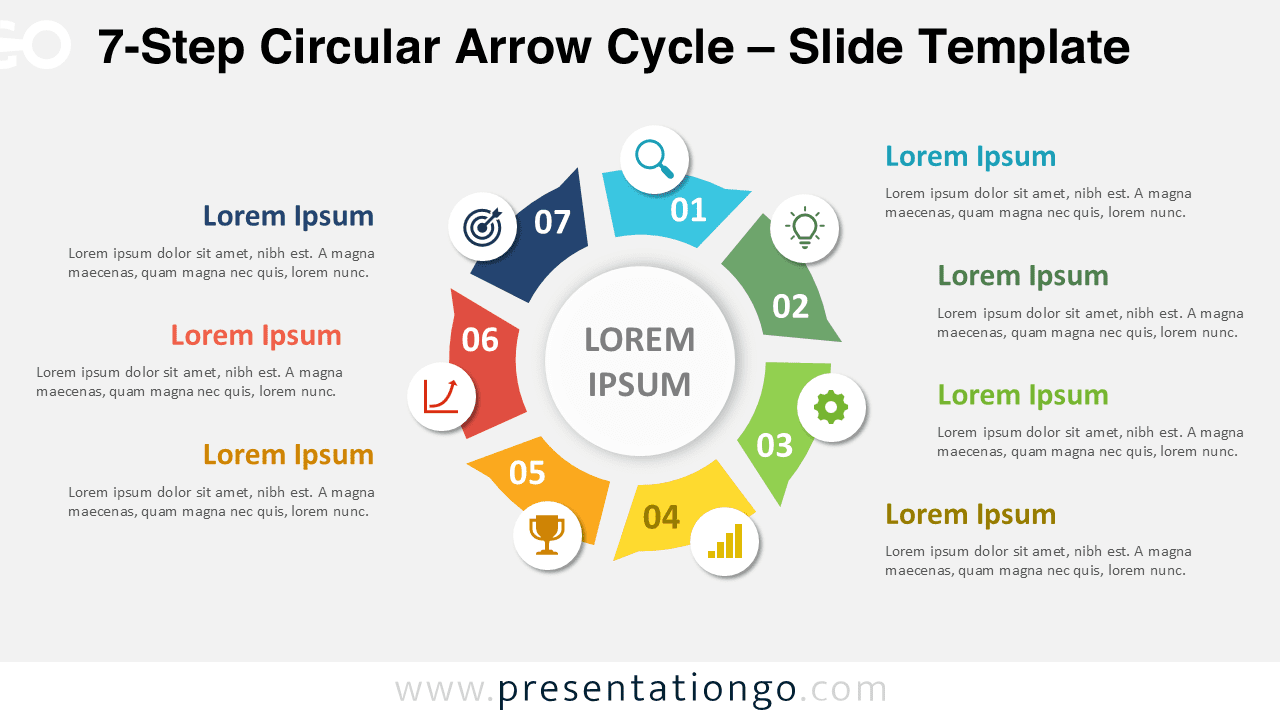
Download this 7-Step Circular Arrow Cycle diagram for PowerPoint and Google Slides to present detailed workflows, methods, and business phases.
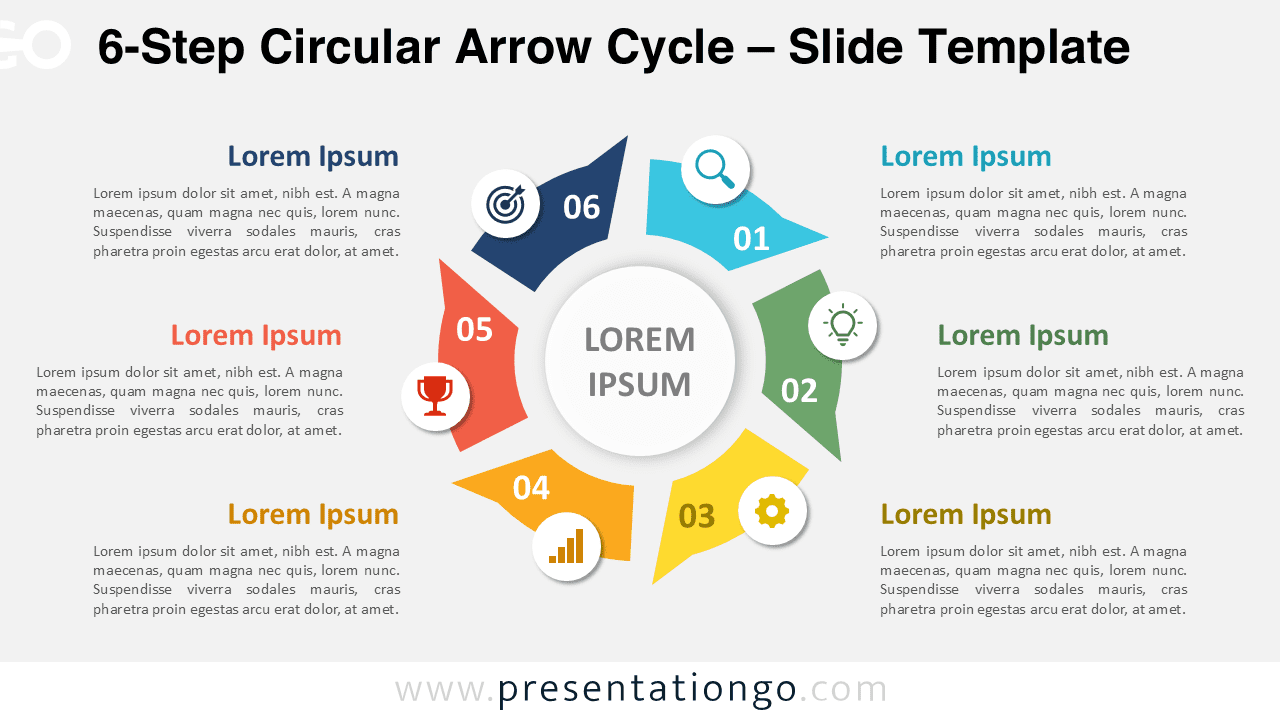
Download this 6-Step Circular Arrow Cycle diagram for PowerPoint and Google Slides to present workflows, business phases, and recurring methods.
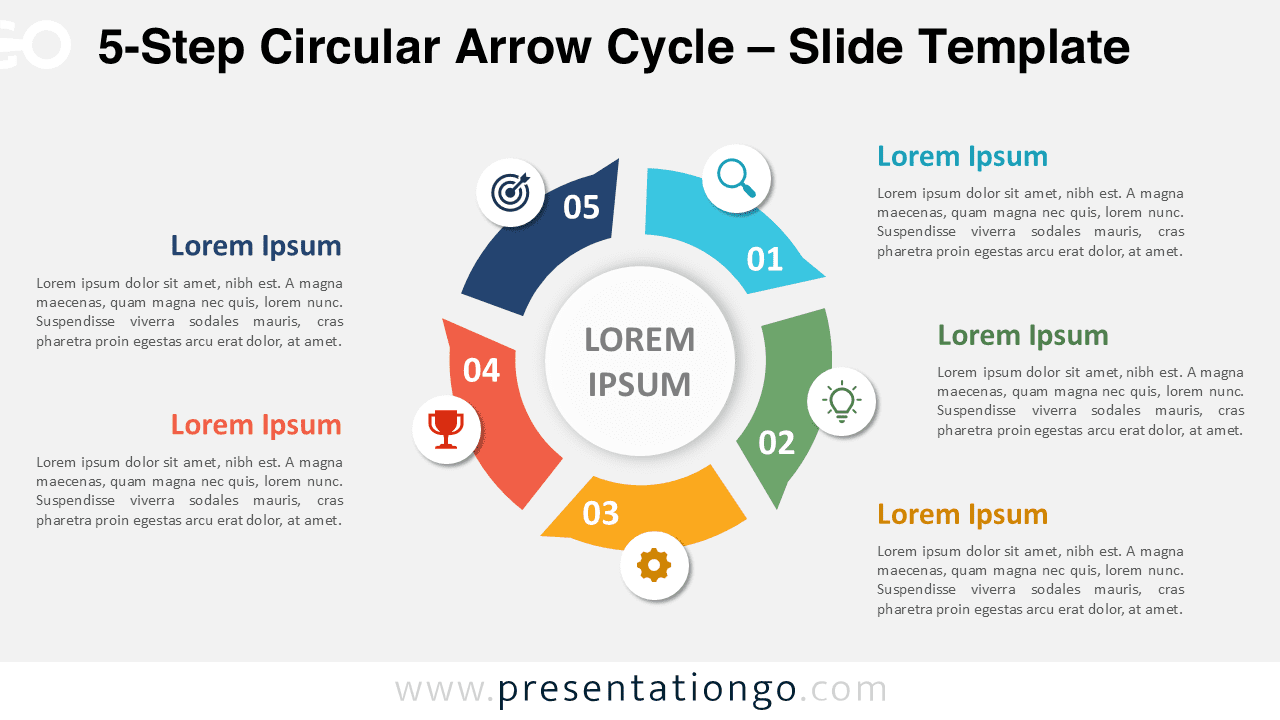
Download this 5-Step Circular Arrow Cycle diagram for PowerPoint and Google Slides to show processes, workflows, and strategy phases clearly.
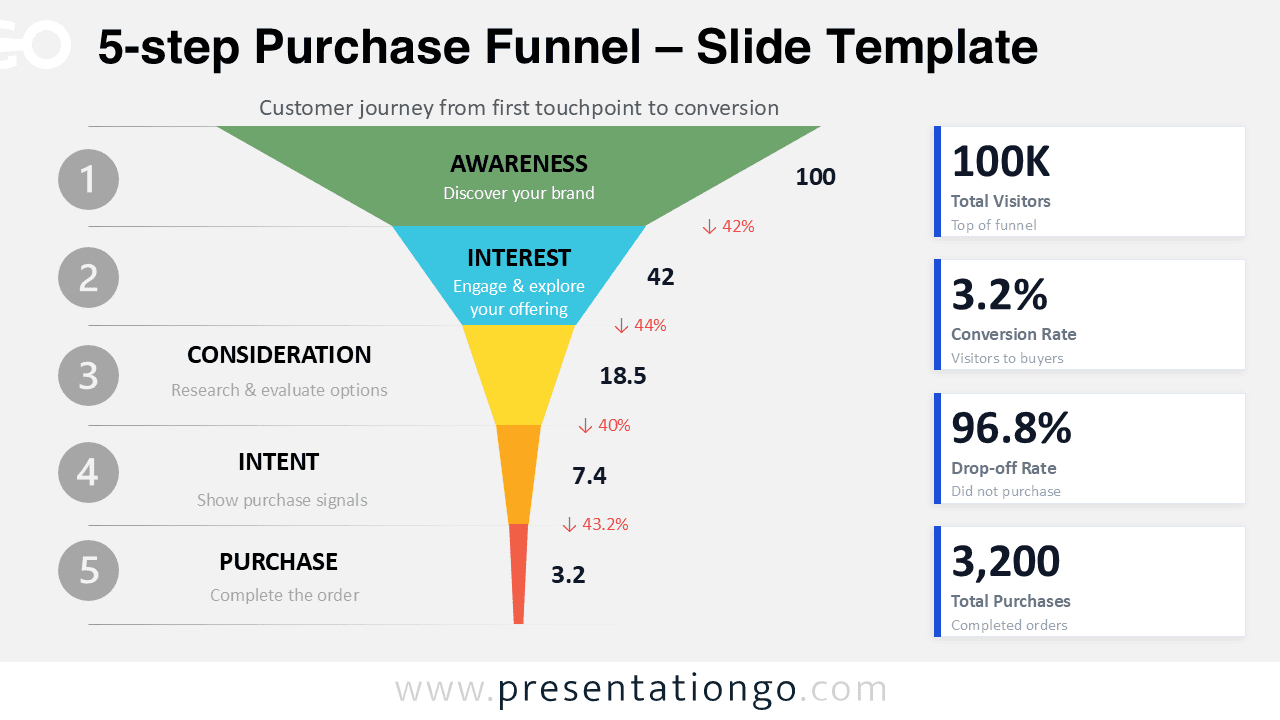
Present customer journey data with this 5-Step Purchase Funnel for PowerPoint and Google Slides, featuring editable stages and KPI cards.
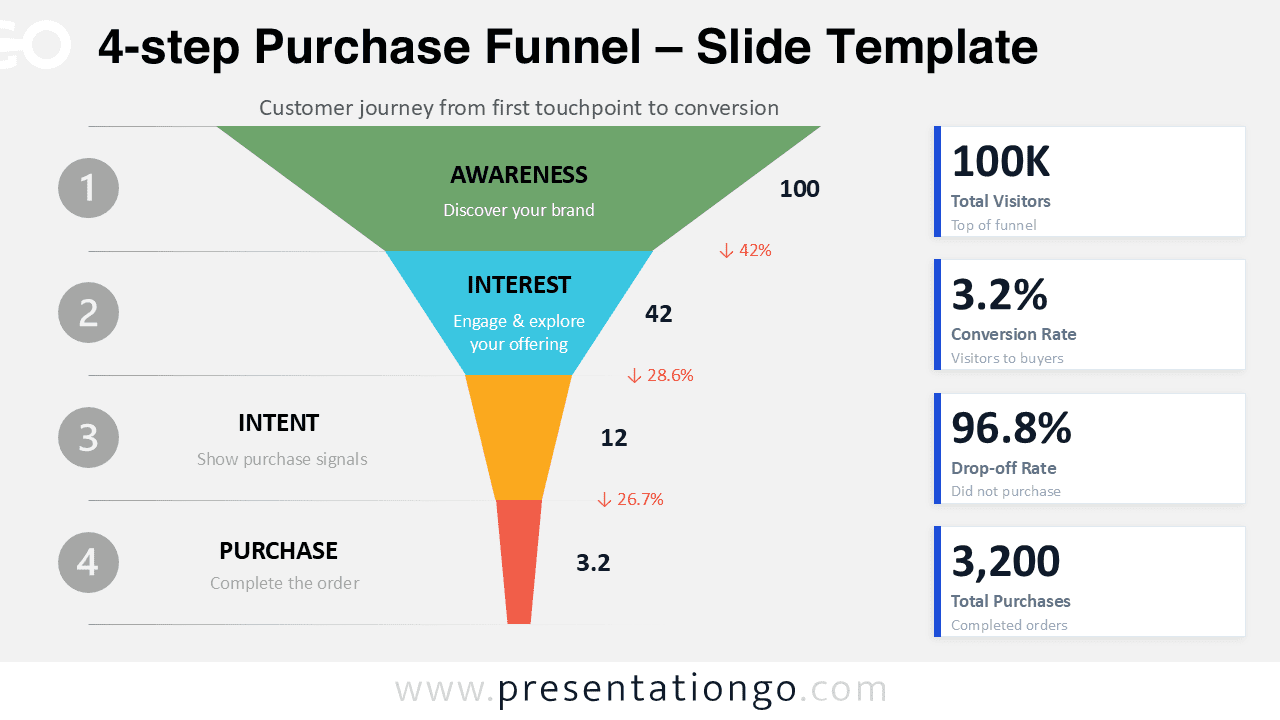
Get the 4-Step Purchase Funnel for PowerPoint and Google Slides. This editable funnel helps visualize awareness, interest, intent, and purchase.
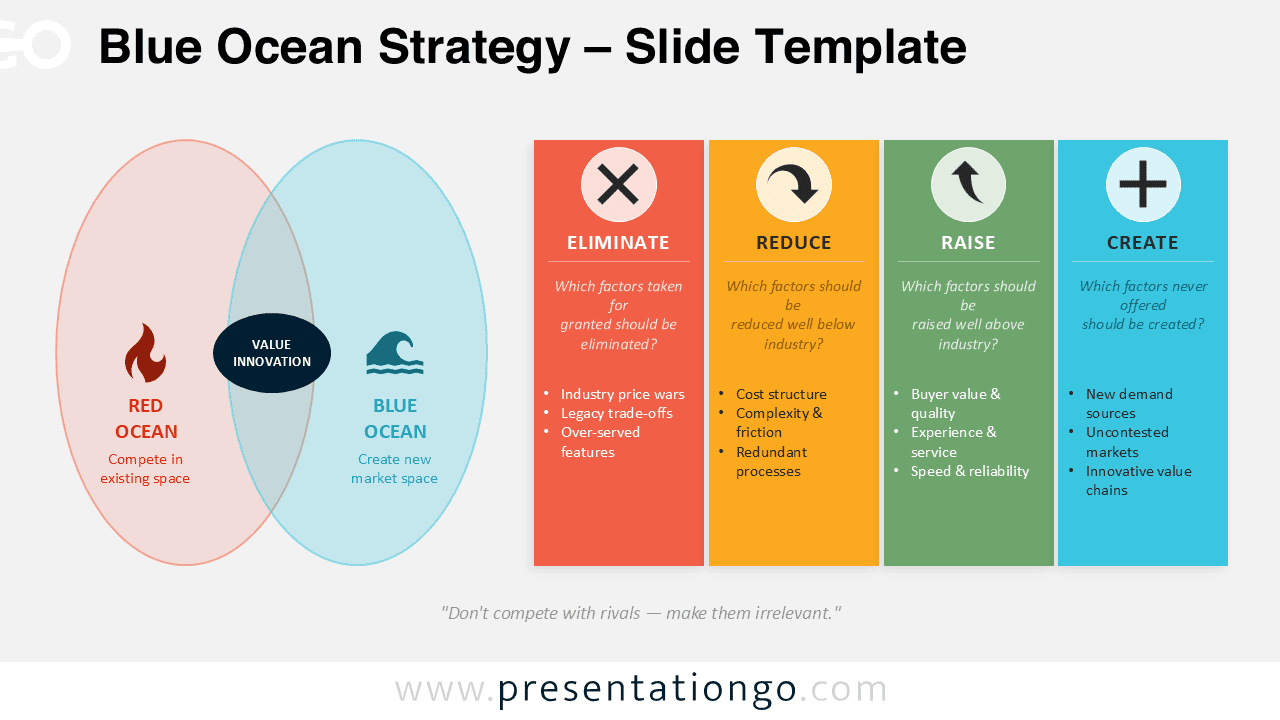
Download a Blue Ocean Strategy slide diagram with editable elements for innovation, positioning, and strategic planning presentations.
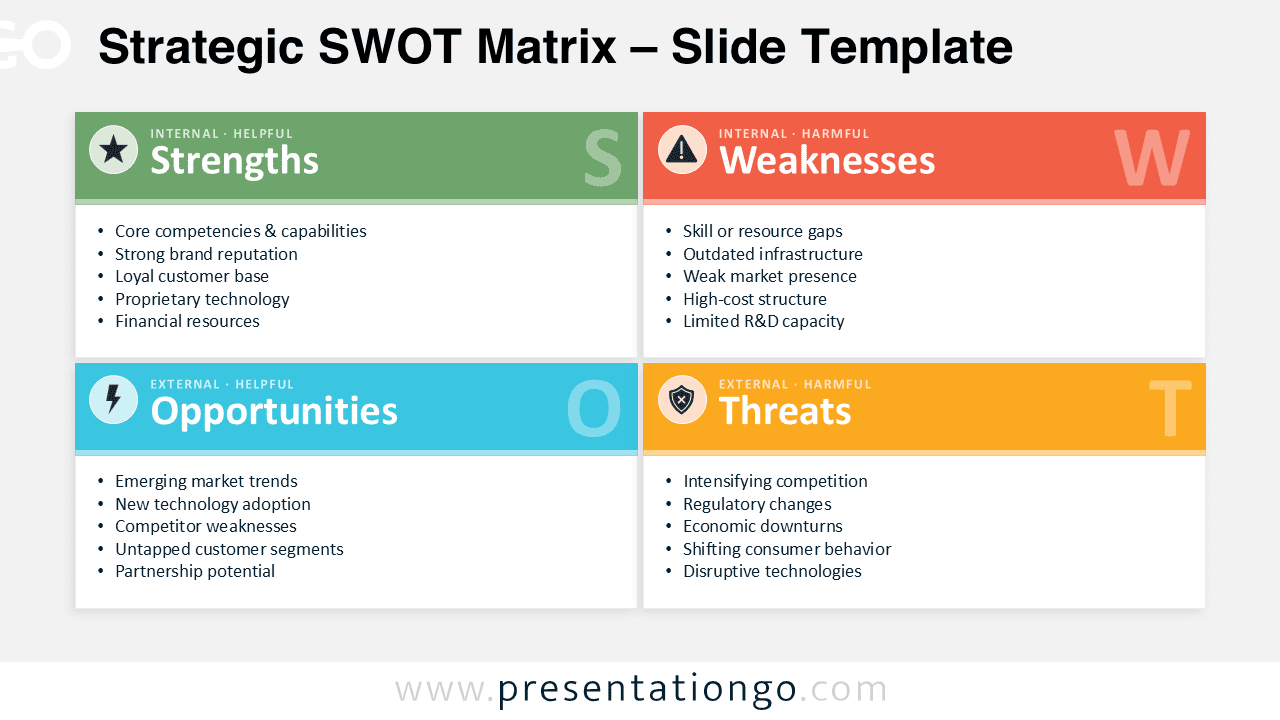
Create clear strategic presentations with this SWOT Matrix diagram for PowerPoint and Google Slides. Fully editable and easy to customize.
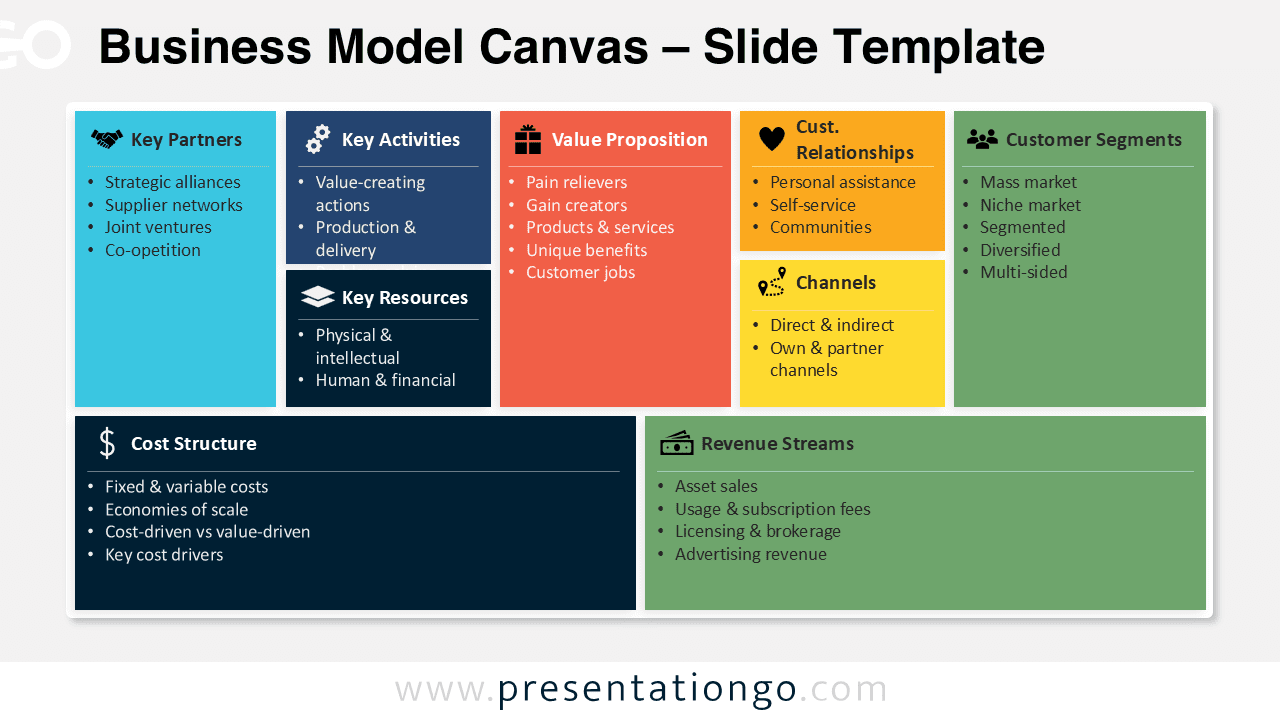
Create startup and business strategy presentations using this Business Model Canvas template for PowerPoint and Google Slides.
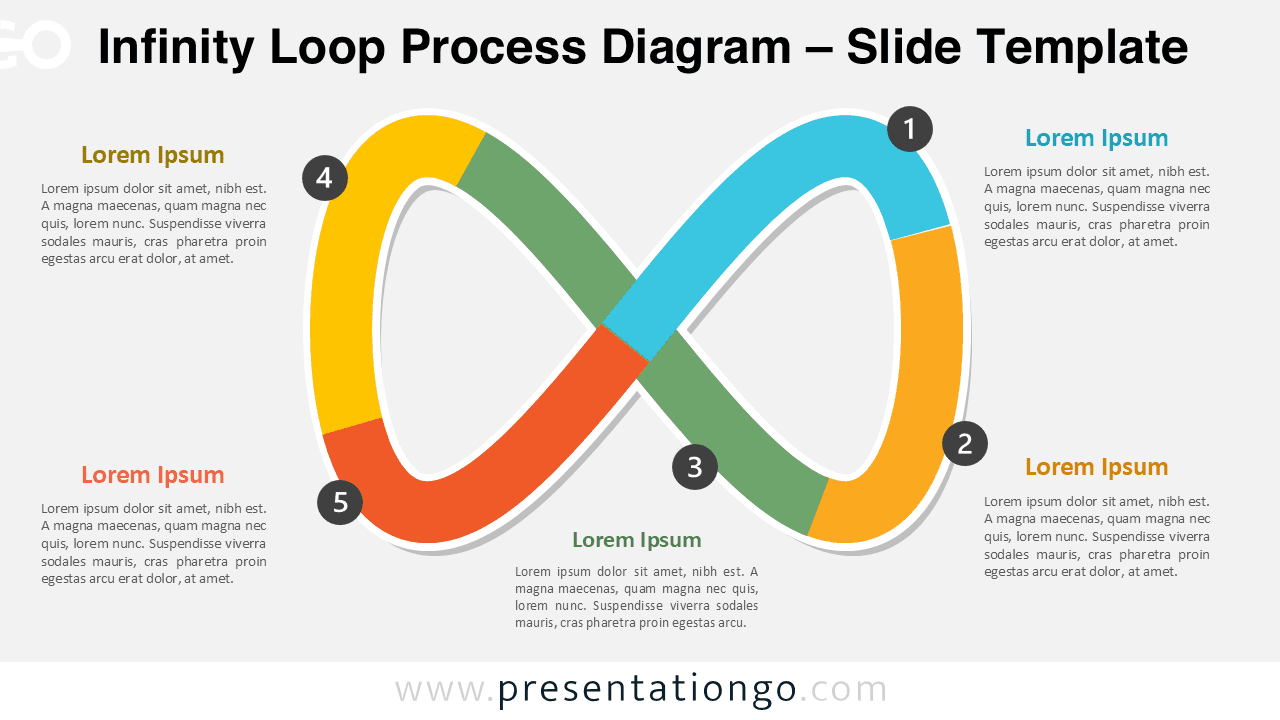
Download this editable Infinity Loop Process Diagram for PowerPoint and Google Slides to present 5-step workflows, cycles, and strategic processes.
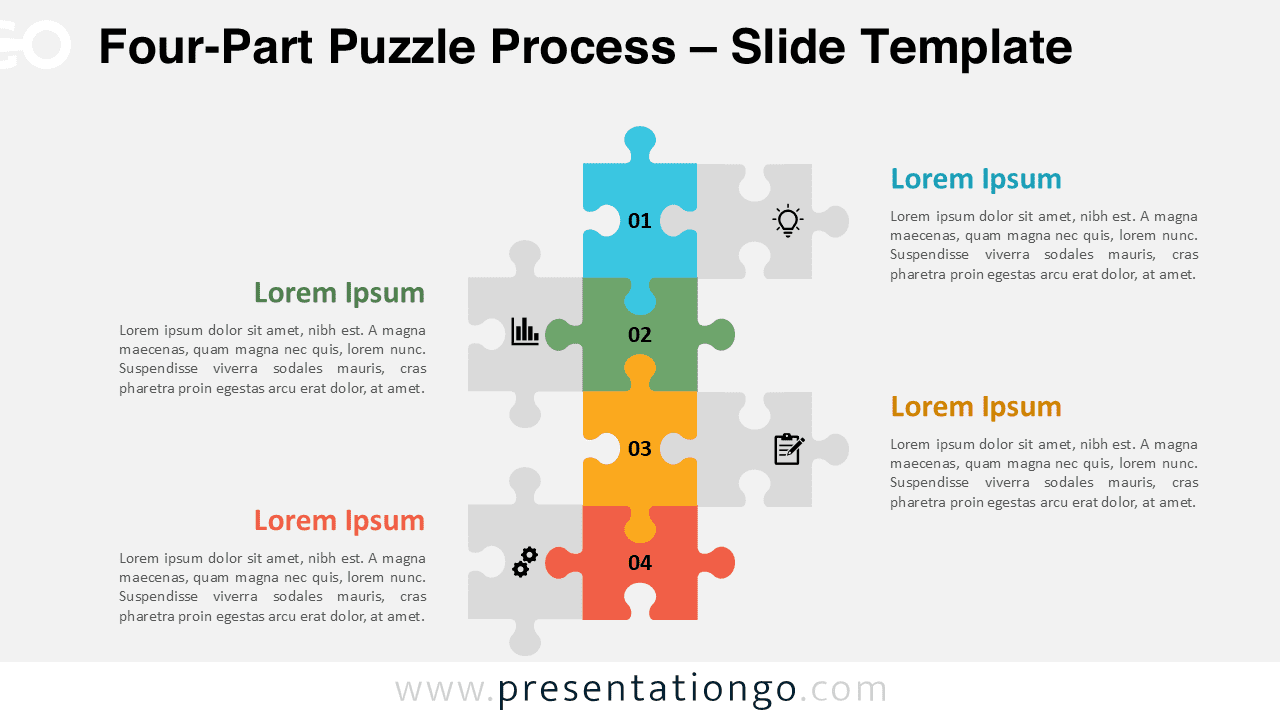
Show a four-step workflow with this editable puzzle process diagram for PowerPoint and Google Slides, featuring colored pieces and icons.
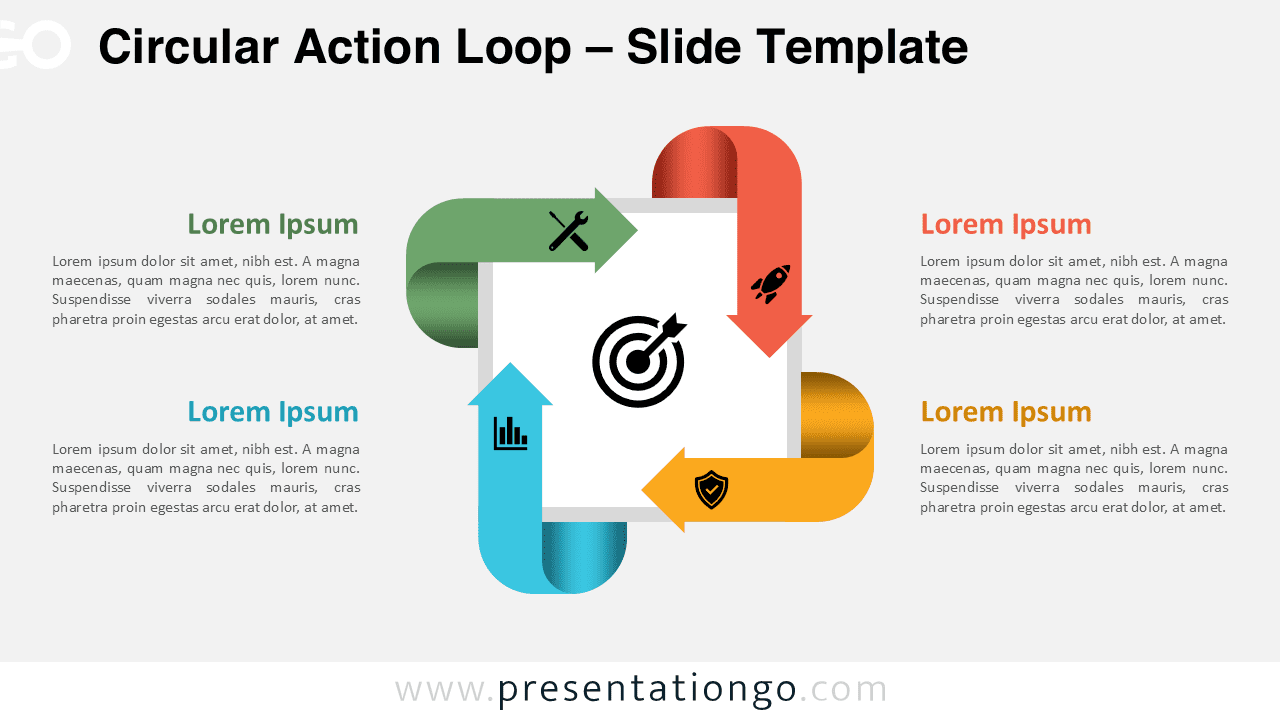
Create a clear four-stage workflow with the Circular Action Loop diagram. Works in PowerPoint and Google Slides with editable shapes.
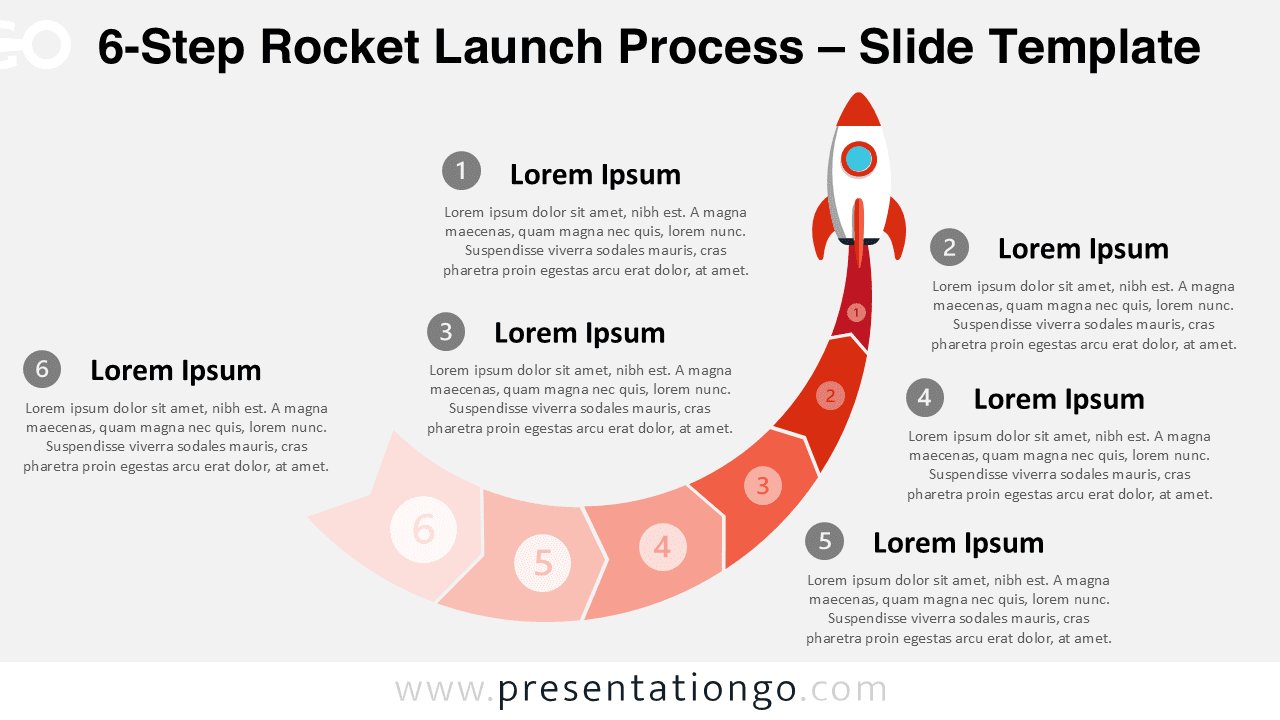
Use this 6-Step Rocket Launch Process diagram to show product launches, project phases, or milestones in PowerPoint and Google Slides.
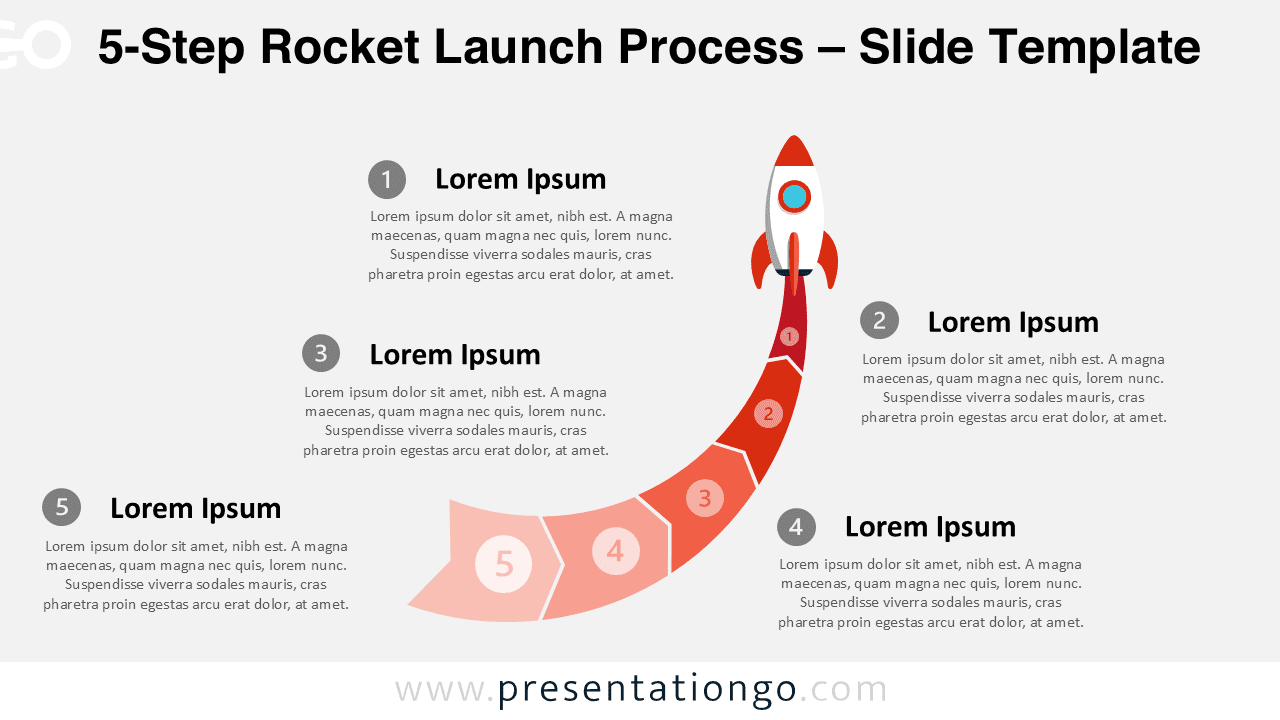
Download the free 5-Step Rocket Launch Process diagram for PowerPoint and Google Slides. Present launch stages with a curved path.
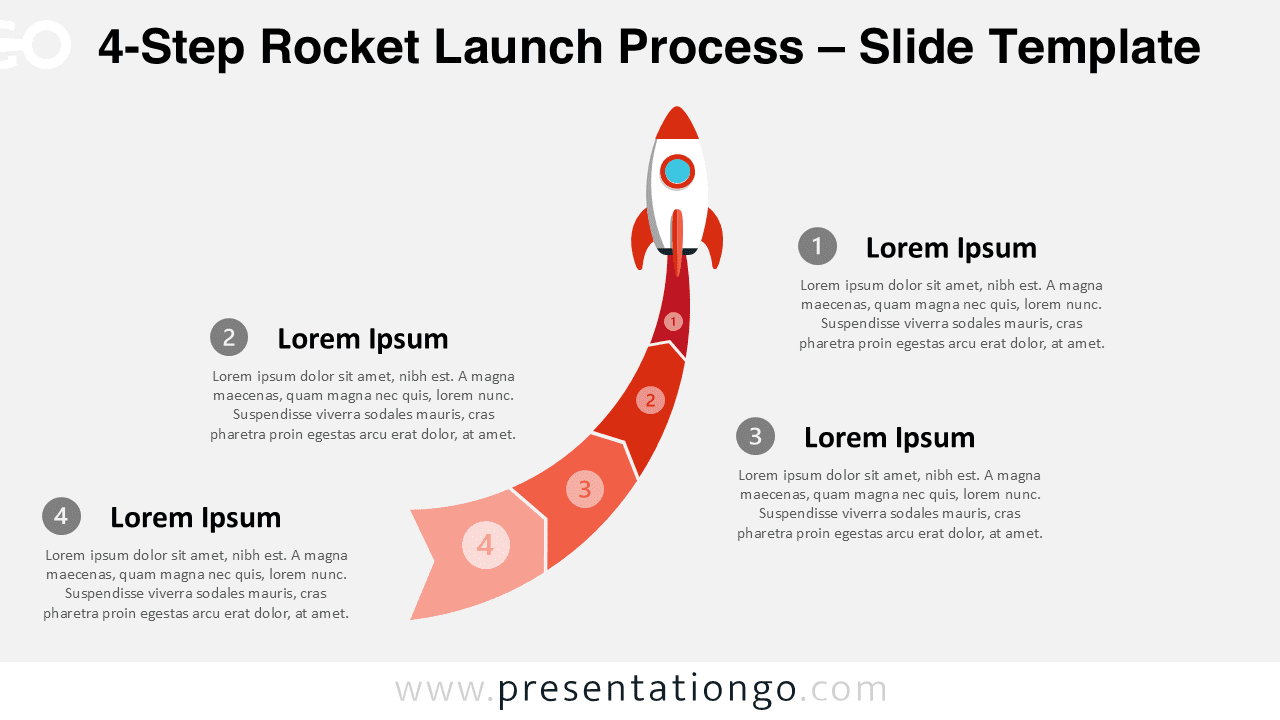
Use this 4-Step Rocket Launch Process diagram to show product launches, startup plans, or project stages in PowerPoint and Google Slides.
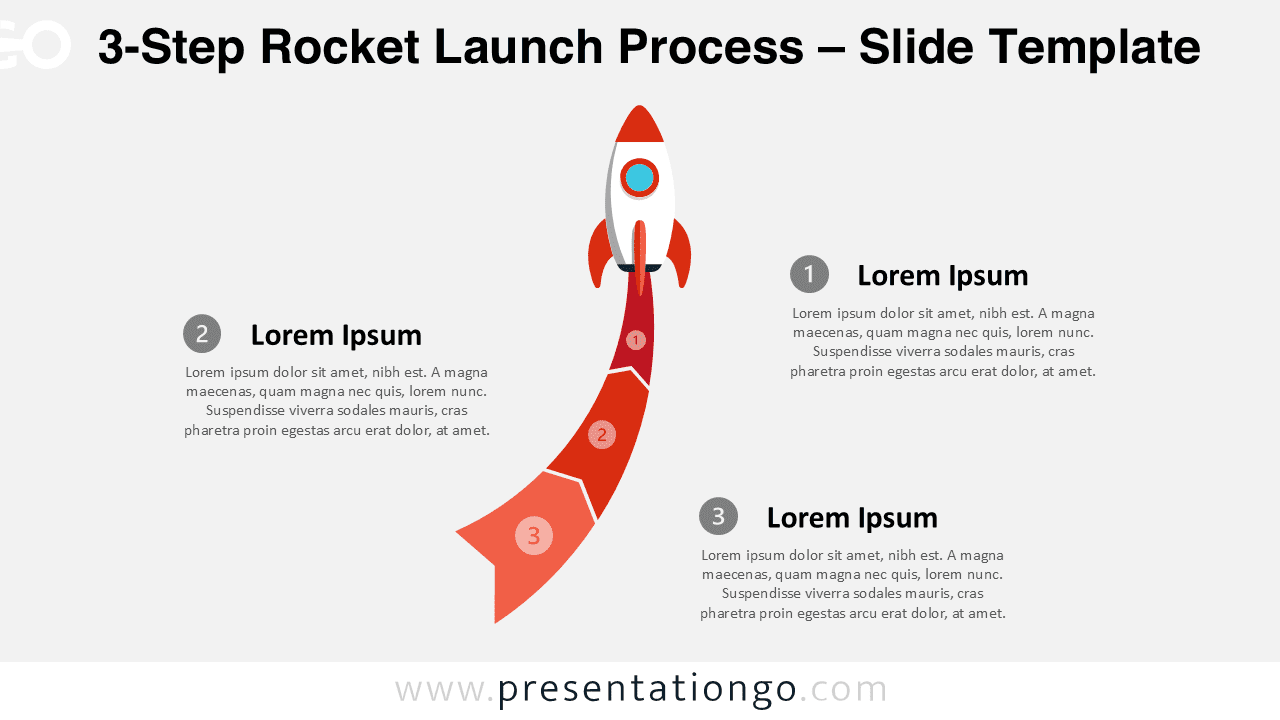
Use this 3-Step Rocket Launch Process diagram to present product launches, startup plans, or project stages in PowerPoint and Google Slides.
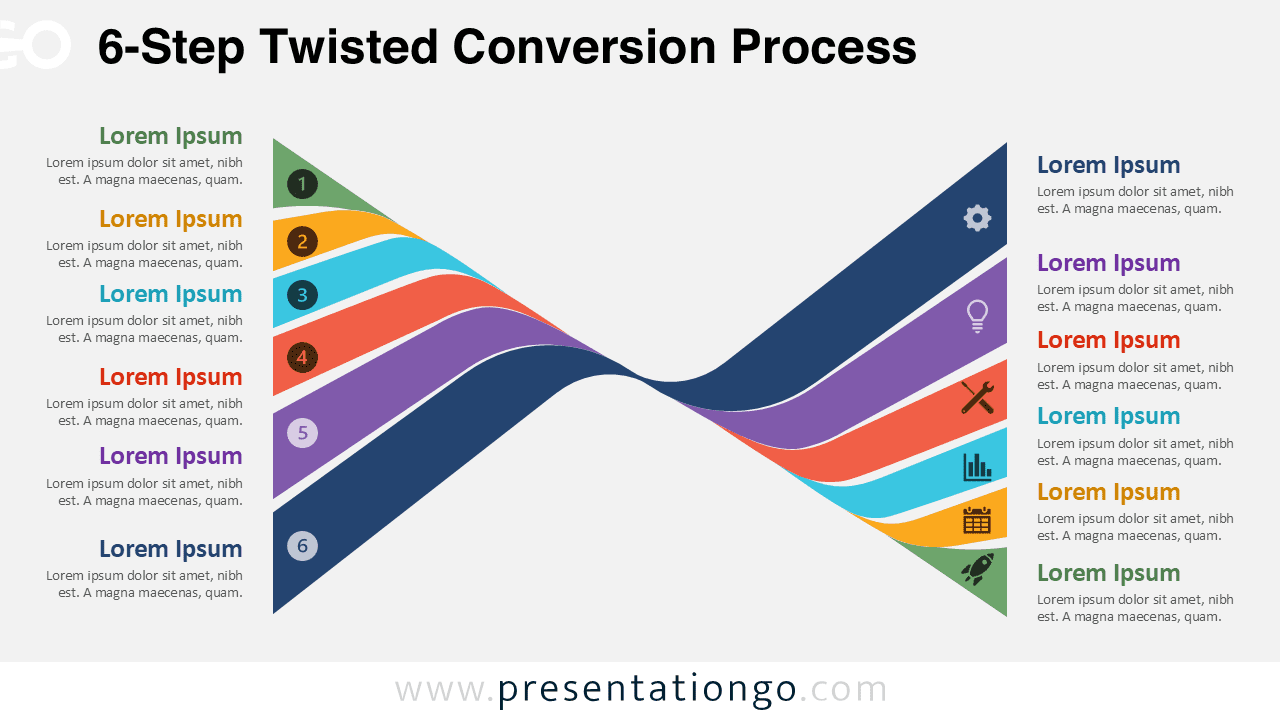
Get the 6-Step Twisted Conversion Process for PowerPoint and Google Slides. Show a six-stage workflow with curved ribbons and icon placeholders.
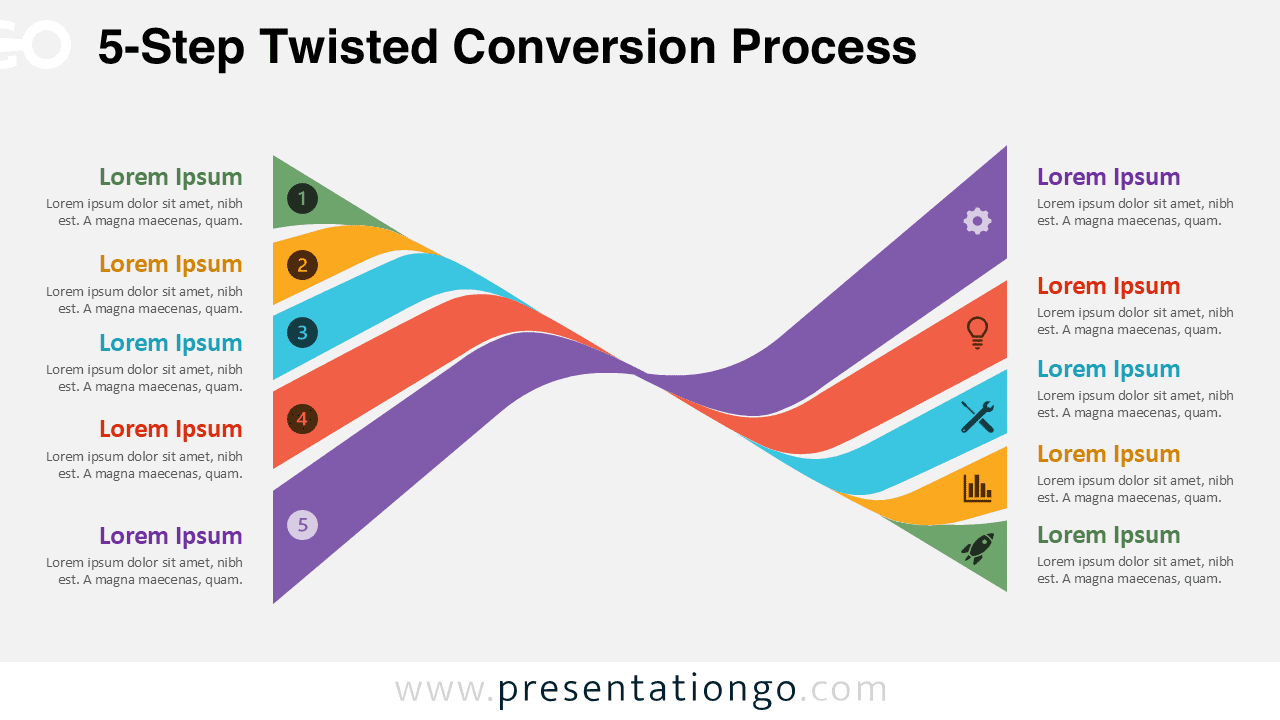
Showcase five key conversion stages with the 5-Step Twisted Conversion Process for PowerPoint and Google Slides. Fully editable and easy to customize.