Loading resources…
Total 1760 resources
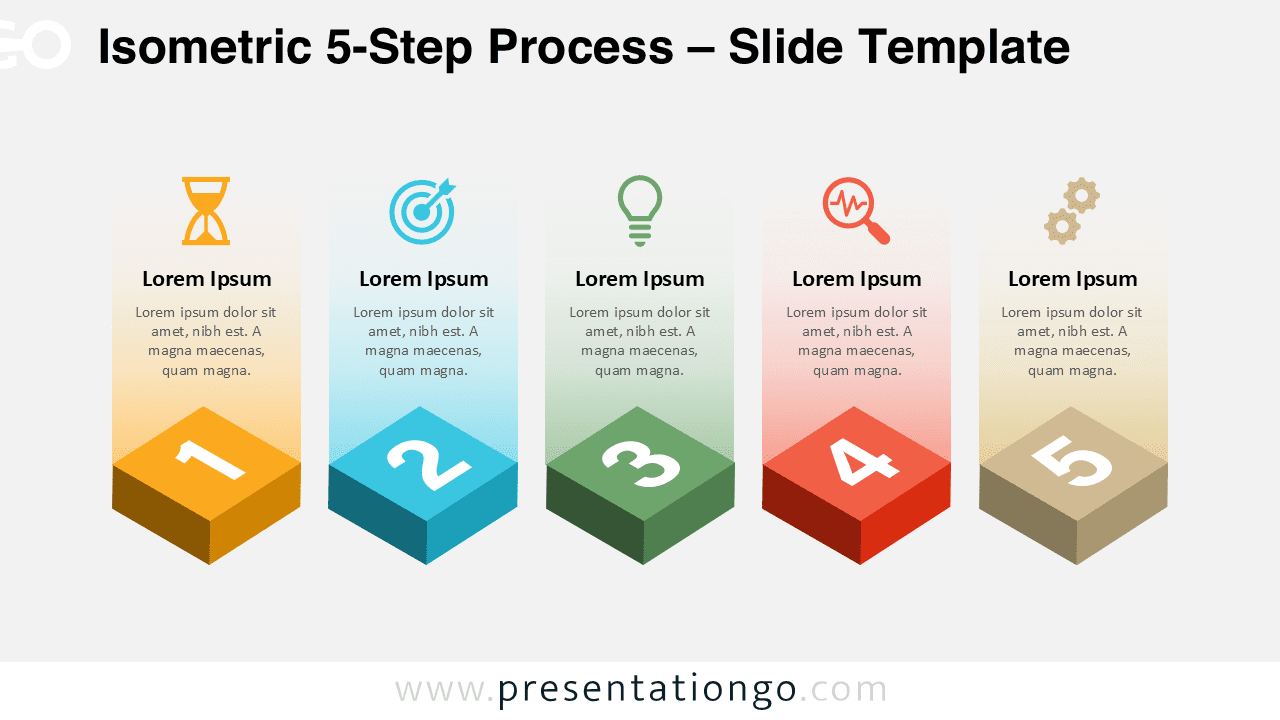
Download a free isometric 5-step process for PowerPoint and Google Slides. Perfect for workflows, strategies, and step-by-step explanations.
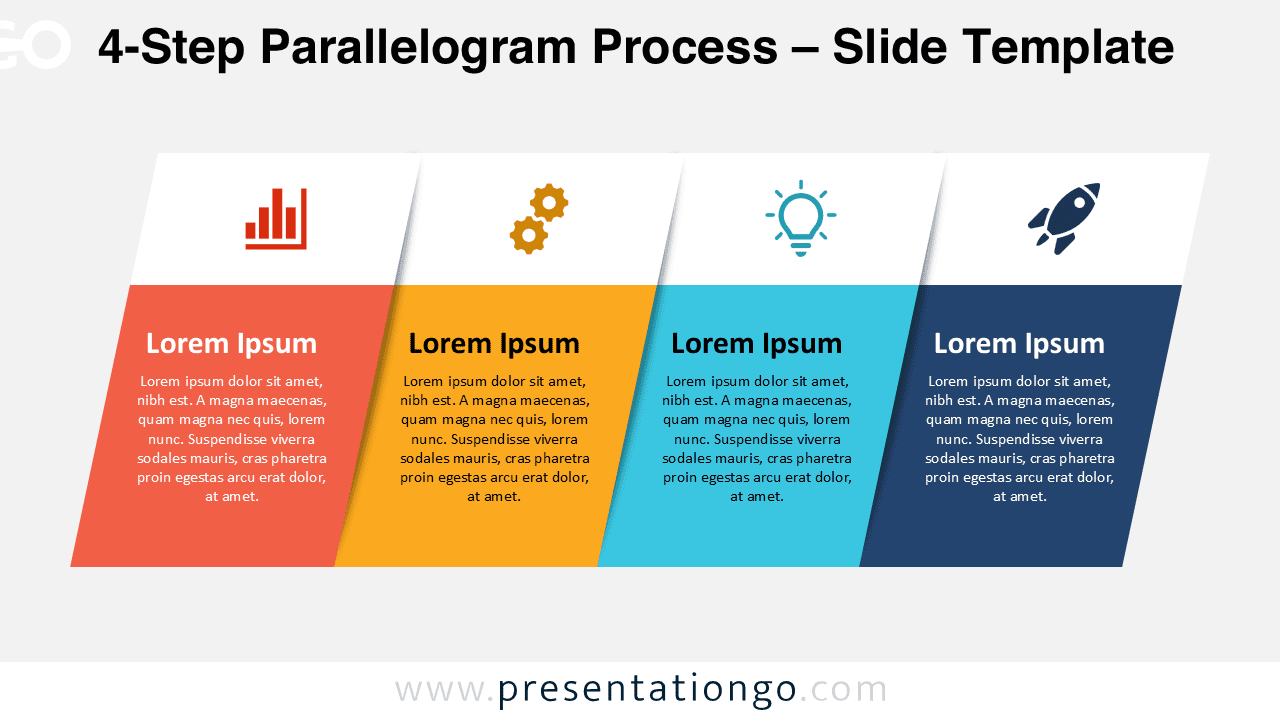
Download a free 4-Step Parallelogram Process for PowerPoint and Google Slides. Ideal for workflows, business processes, and clear step-by-step explanations.
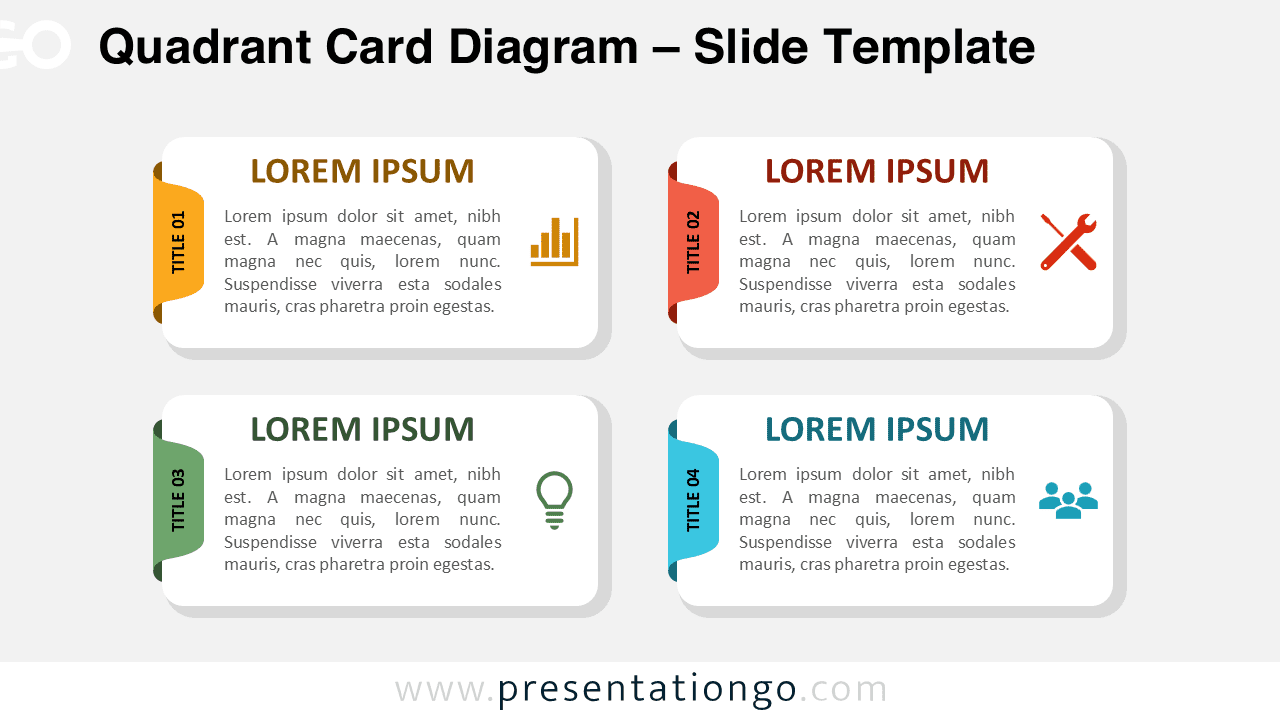
Showcase four ideas with this editable card diagram for PowerPoint and Google Slides. Simple, visual, and flexible. Free download.
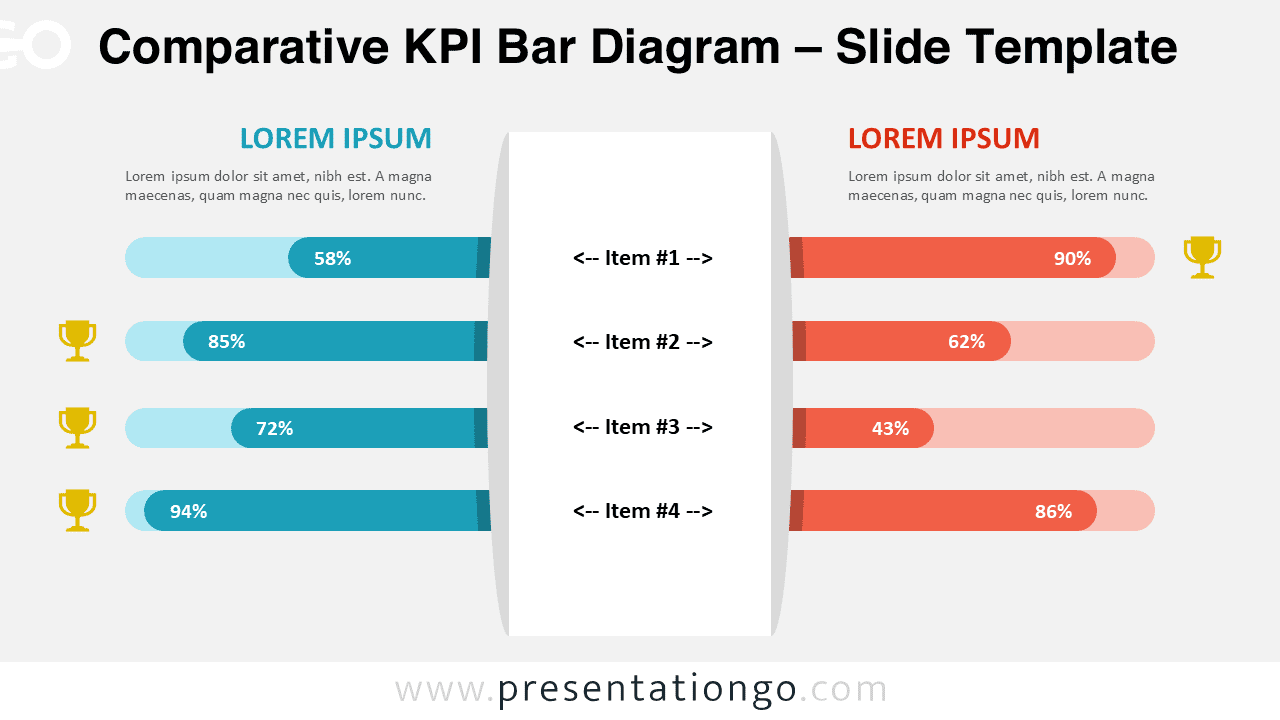
Compare KPIs visually with this dual bar diagram for PowerPoint and Google Slides. Editable infographic to to present side-by-side metrics.
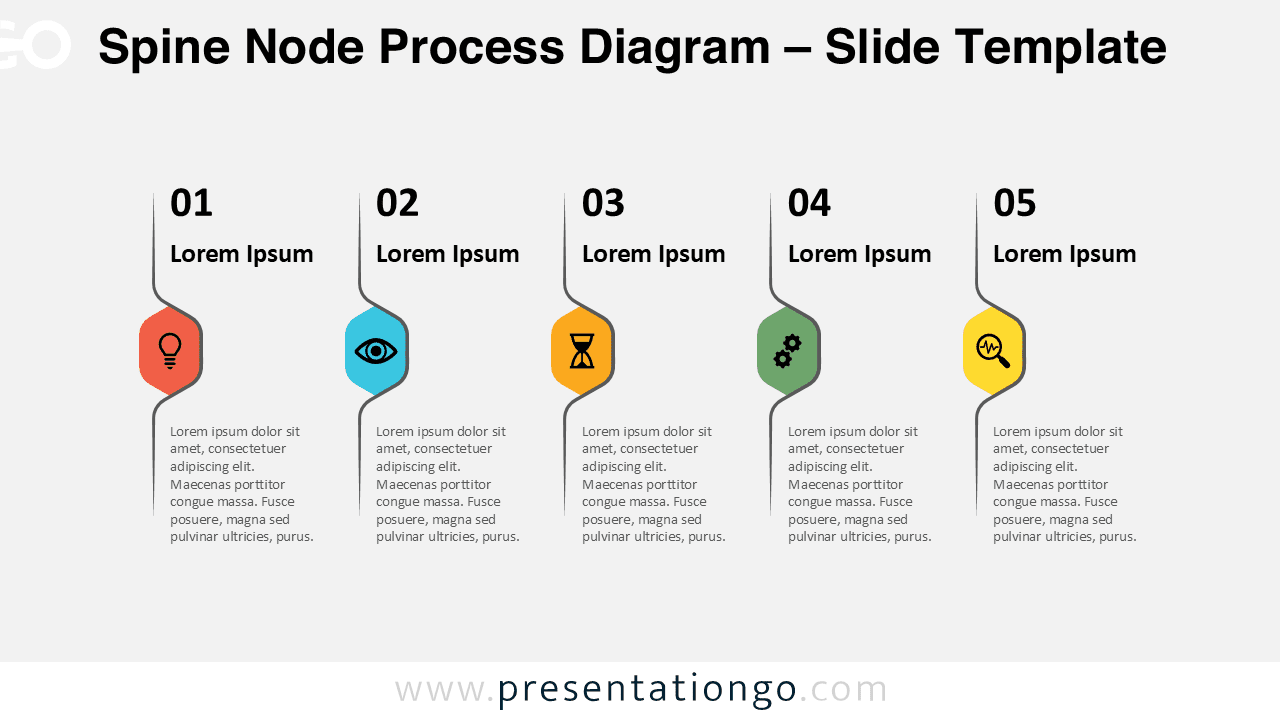
Download the Spine Node Process Diagram for PowerPoint and Google Slides. A 5-step vertical workflow with editable spine nodes and icons.
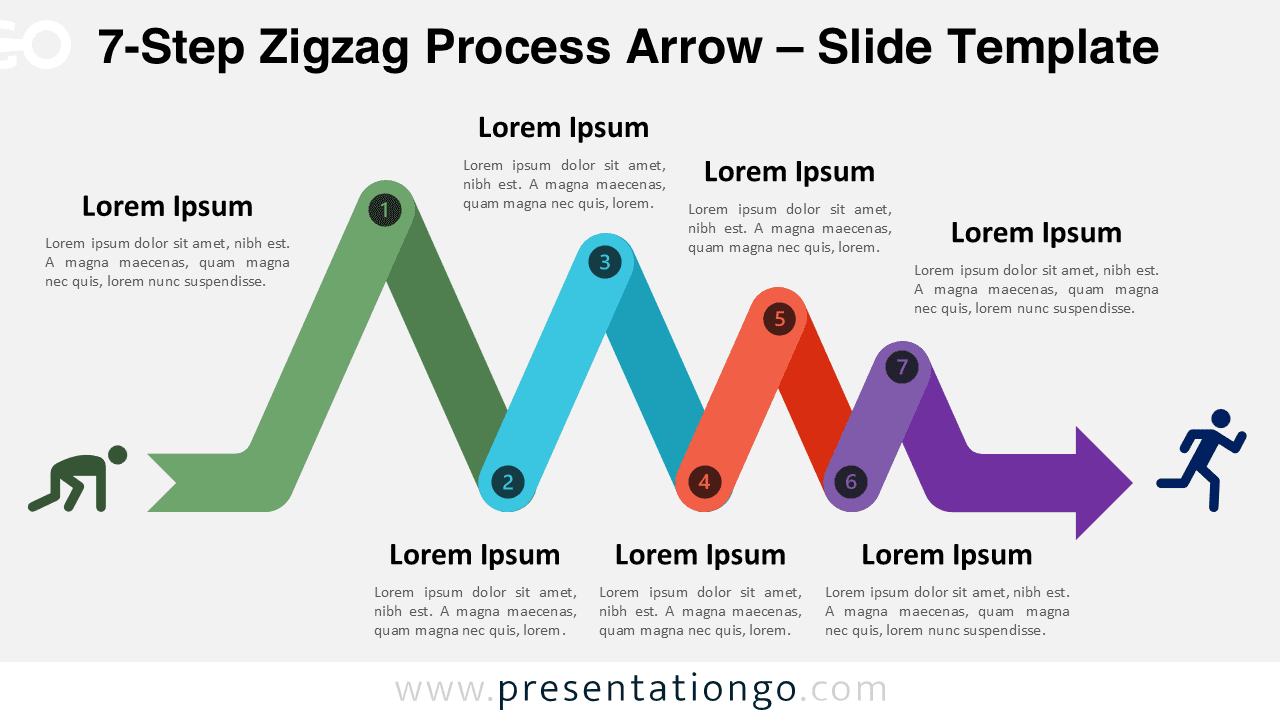
Visualize long workflows using the 7-Step Zigzag Process Arrow diagram for PowerPoint and Google Slides. Clean, structured, and editable.
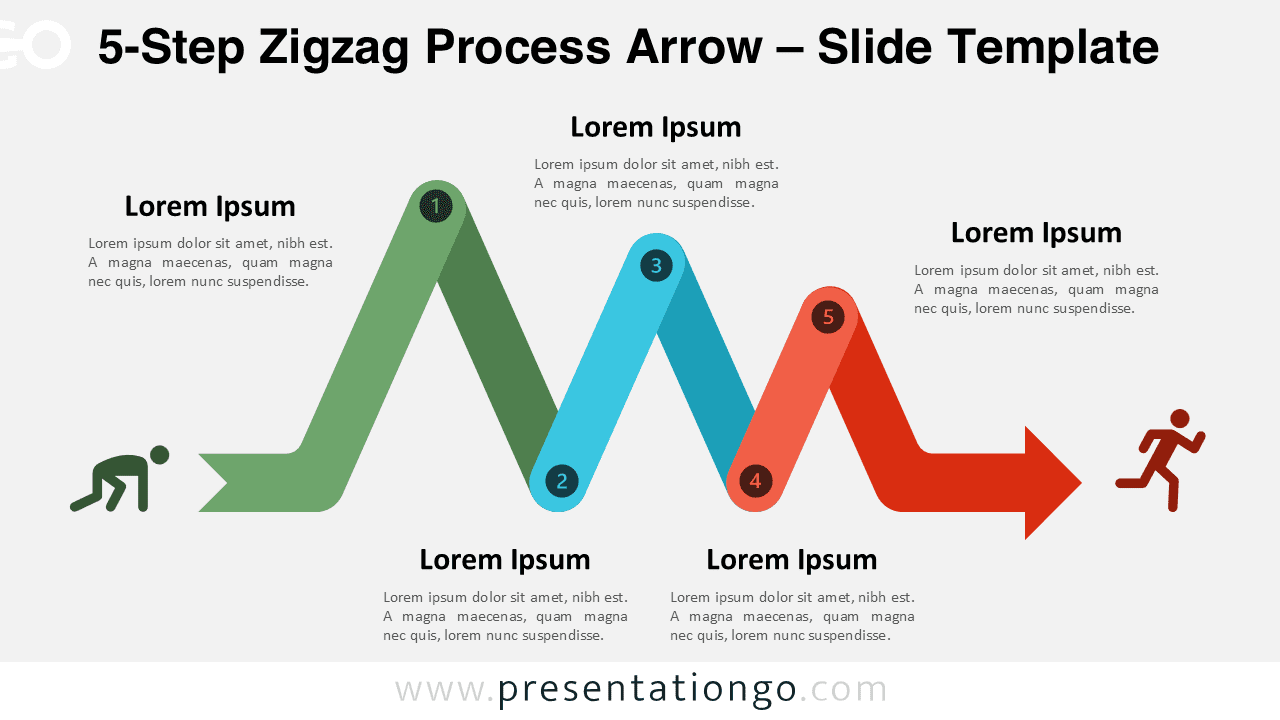
Download the free 5-Step Zigzag Process Arrow diagram for PowerPoint and Google Slides. Ideal for workflows and structured processes.
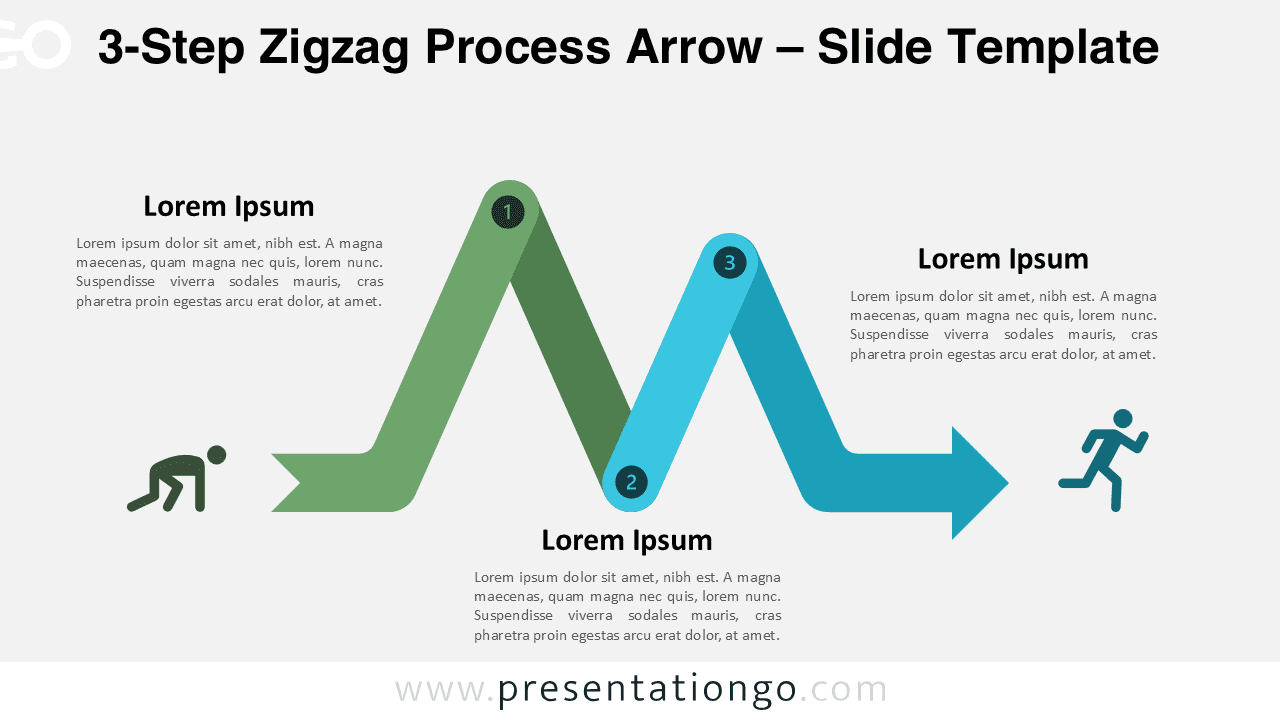
Download the free 3-Step Zigzag Process Arrow diagram for PowerPoint and Google Slides. Perfect for visualizing simple workflows and processes.
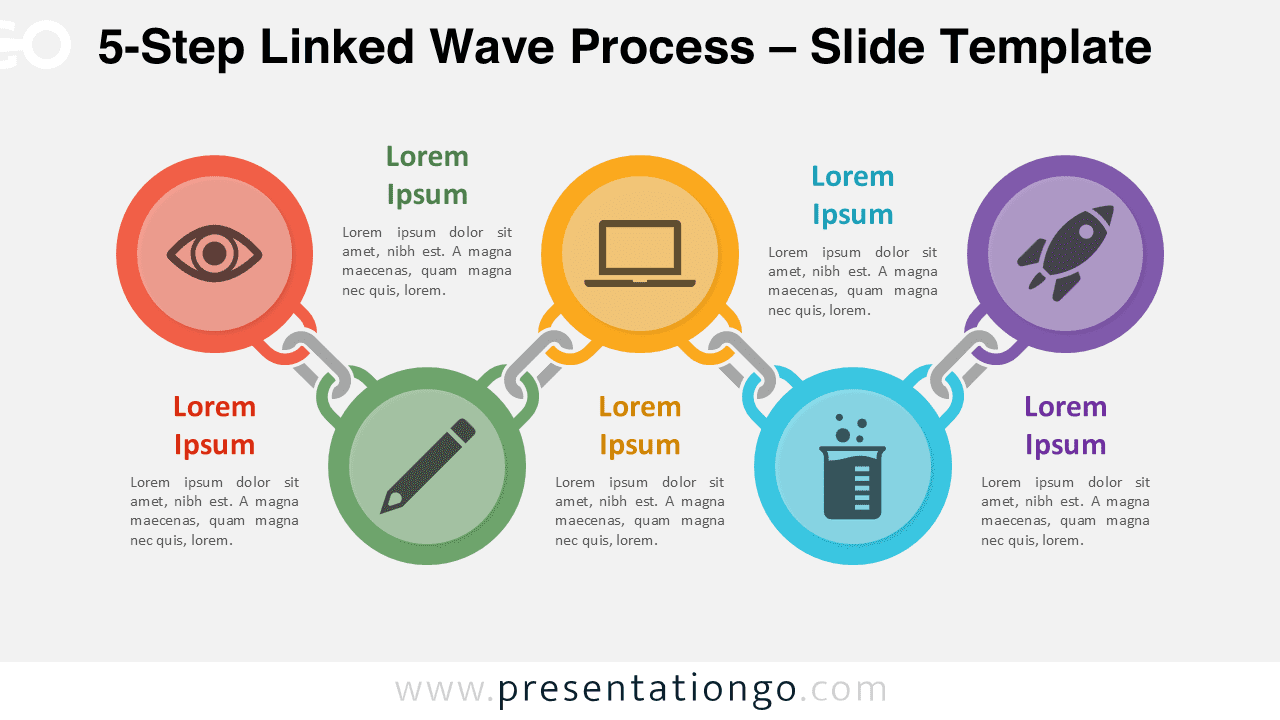
Download the 5-Step Linked Wave Process diagram for PowerPoint and Google Slides to present flowing workflows with five connected stages.
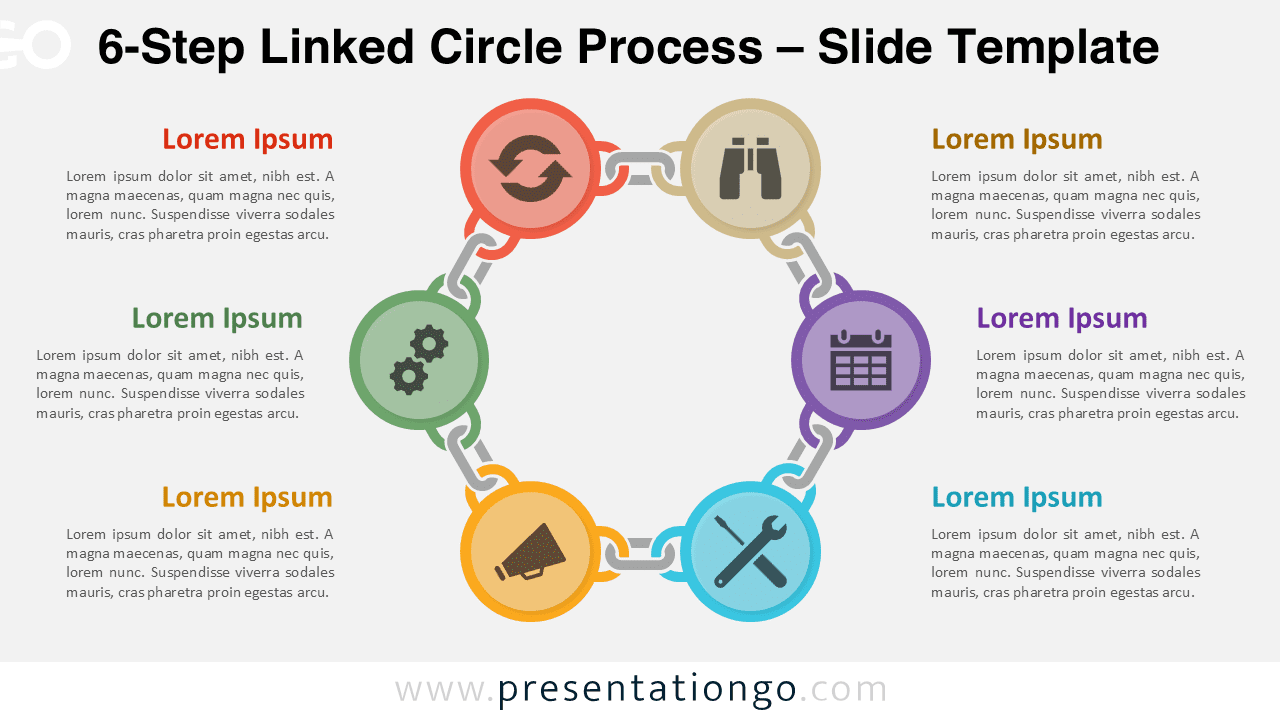
Download the 6-Step Linked Circle Process diagram for PowerPoint and Google Slides to present complex workflows with six connected stages.
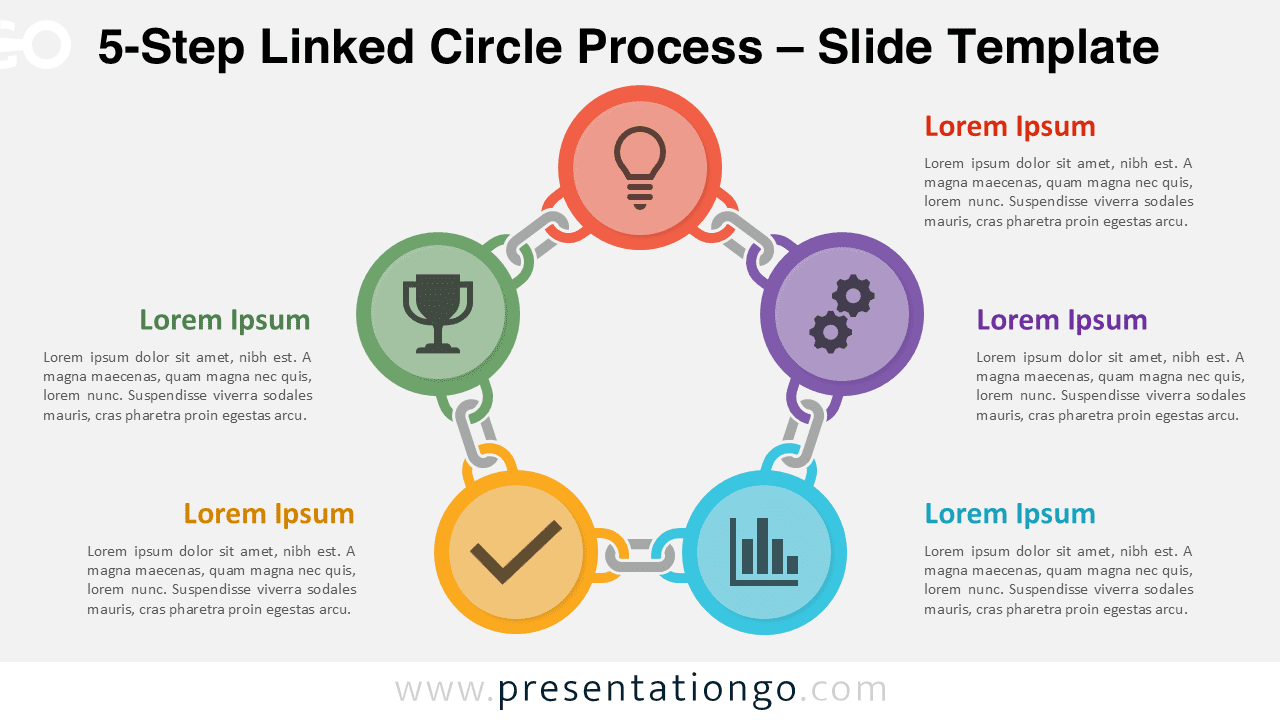
Download the 5-Step Linked Circle Process diagram for PowerPoint and Google Slides to present structured workflows with five connected stages.
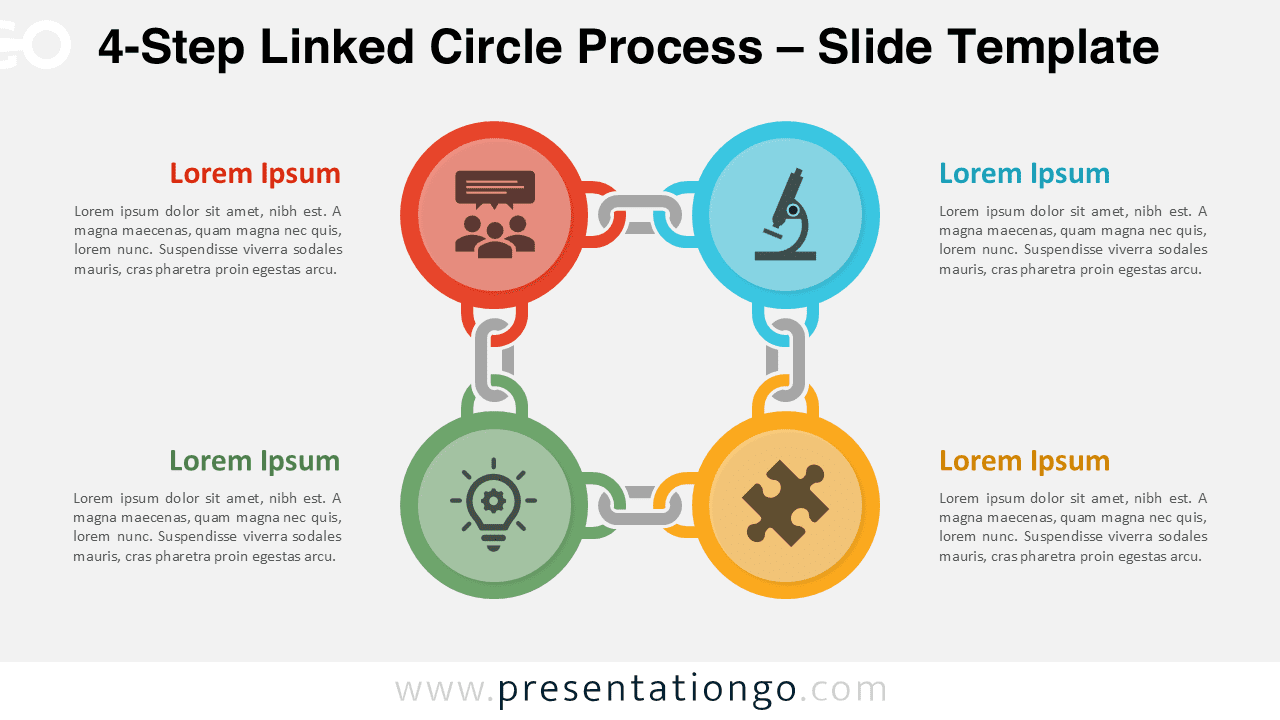
Download the 4-Step Linked Circle Process diagram for PowerPoint and Google Slides to present workflows, cycles, and structured processes clearly.
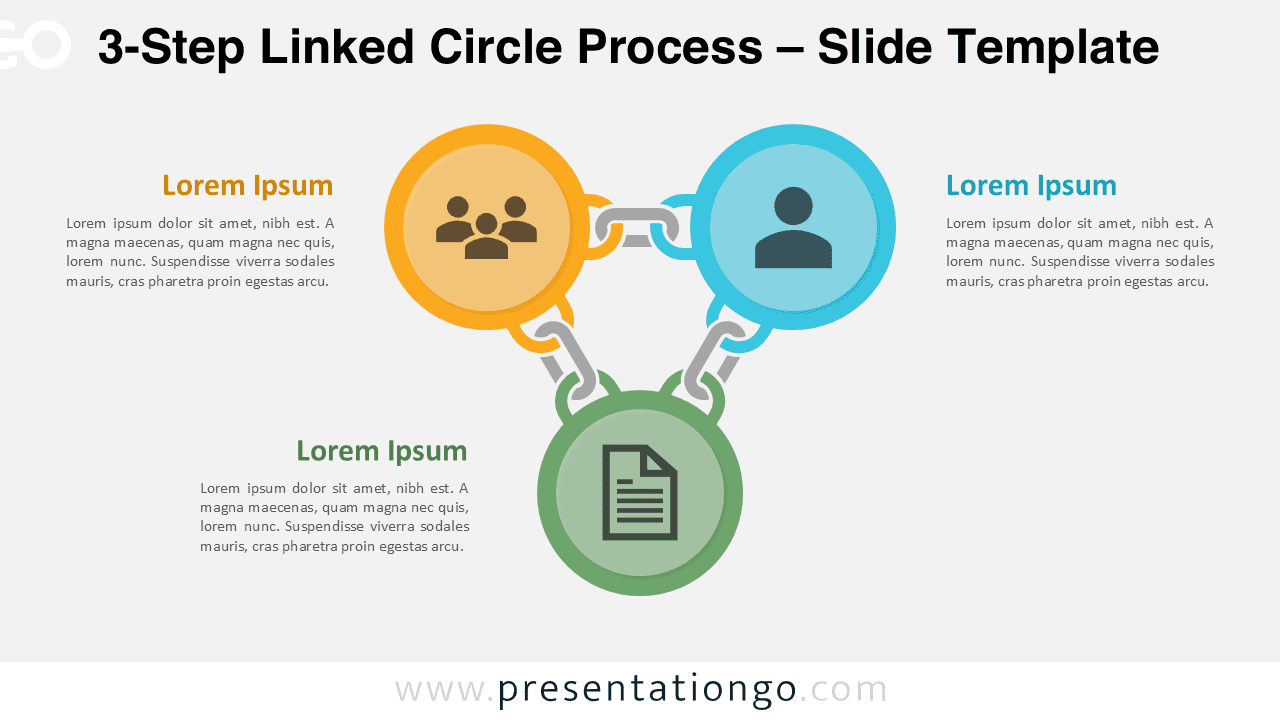
Download the 3-Step Linked Circle Process diagram for PowerPoint and Google Slides. Ideal for workflows, phases, and step-by-step explanations.
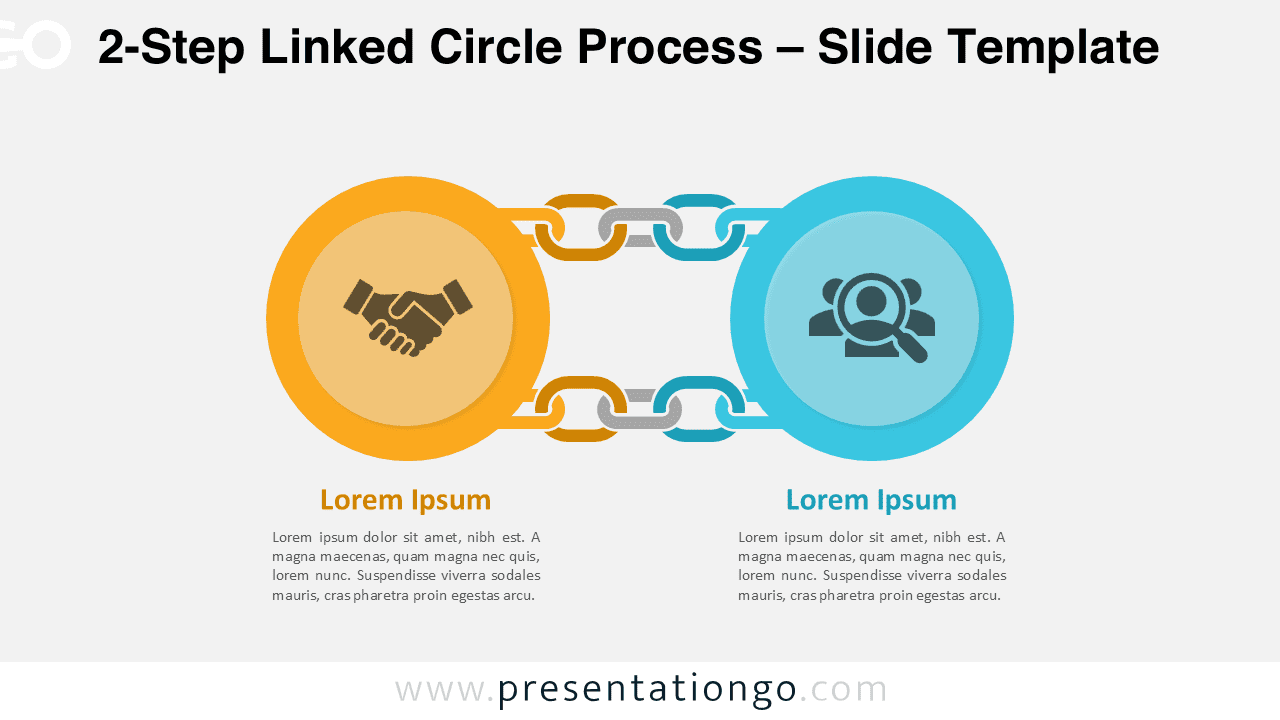
Download this 2-step linked circle diagram in PowerPoint and Google Slides and show relationships, pros/cons, or cause/effect ideas.
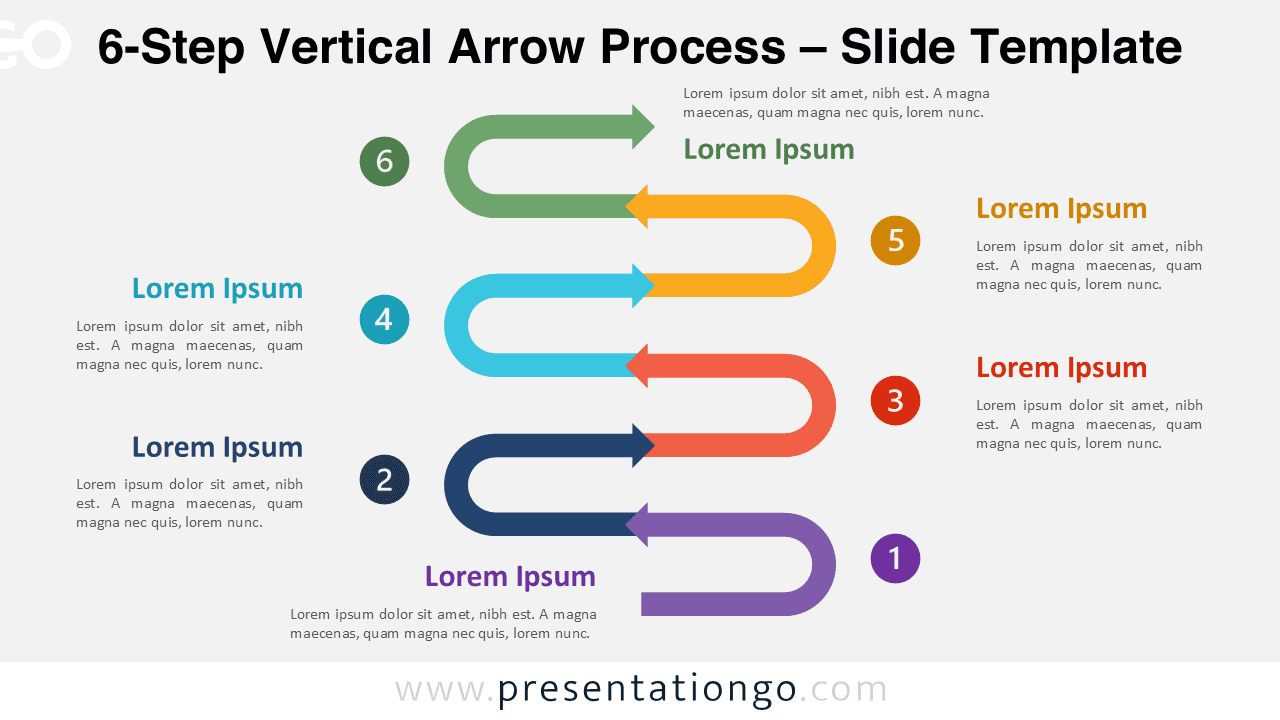
Explain six-step processes clearly using the 6-Step Vertical Arrow Process diagram for PowerPoint and Google Slides with a vertical flow layout.
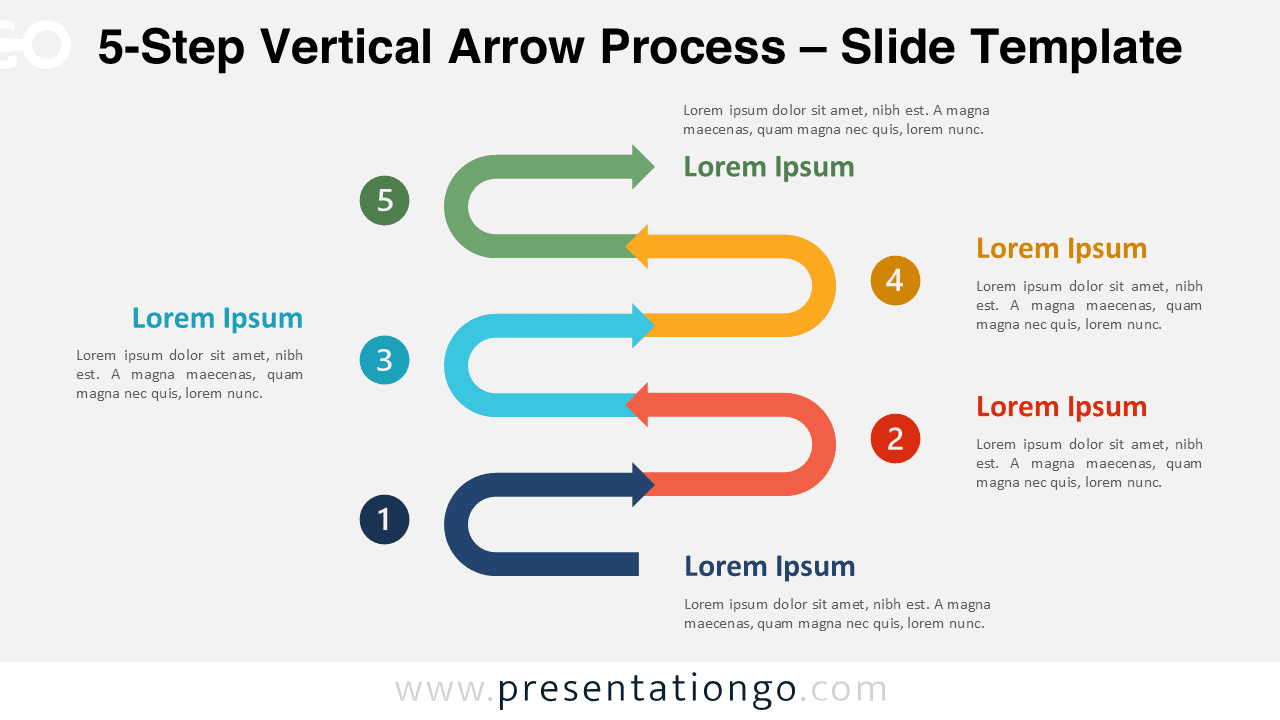
Download the free 5-Step Vertical Arrow Process diagram for PowerPoint and Google Slides to present complex workflows with editable shapes.
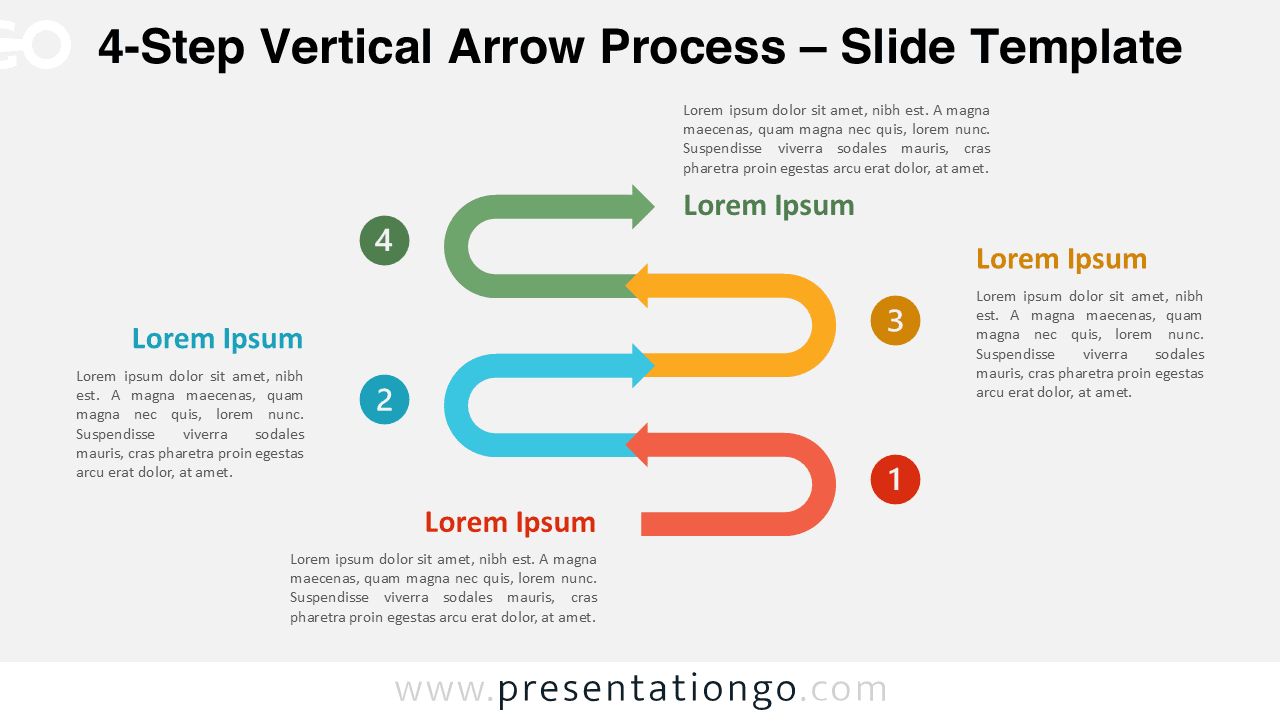
Explain four-step processes clearly using the 4-Step Vertical Arrow Process diagram for PowerPoint and Google Slides with a vertical flow layout.
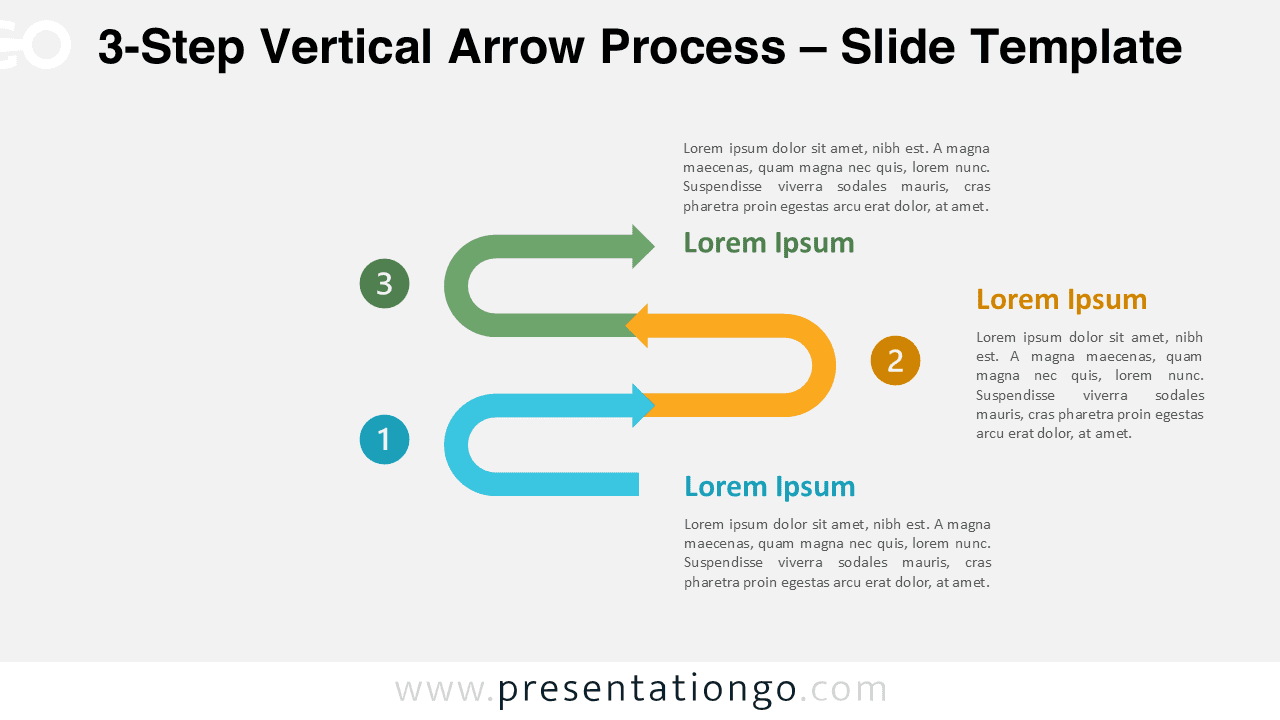
The 3-Step Vertical Arrow Process diagram helps visualize structured workflows in PowerPoint and Google Slides with editable arrows and icons.
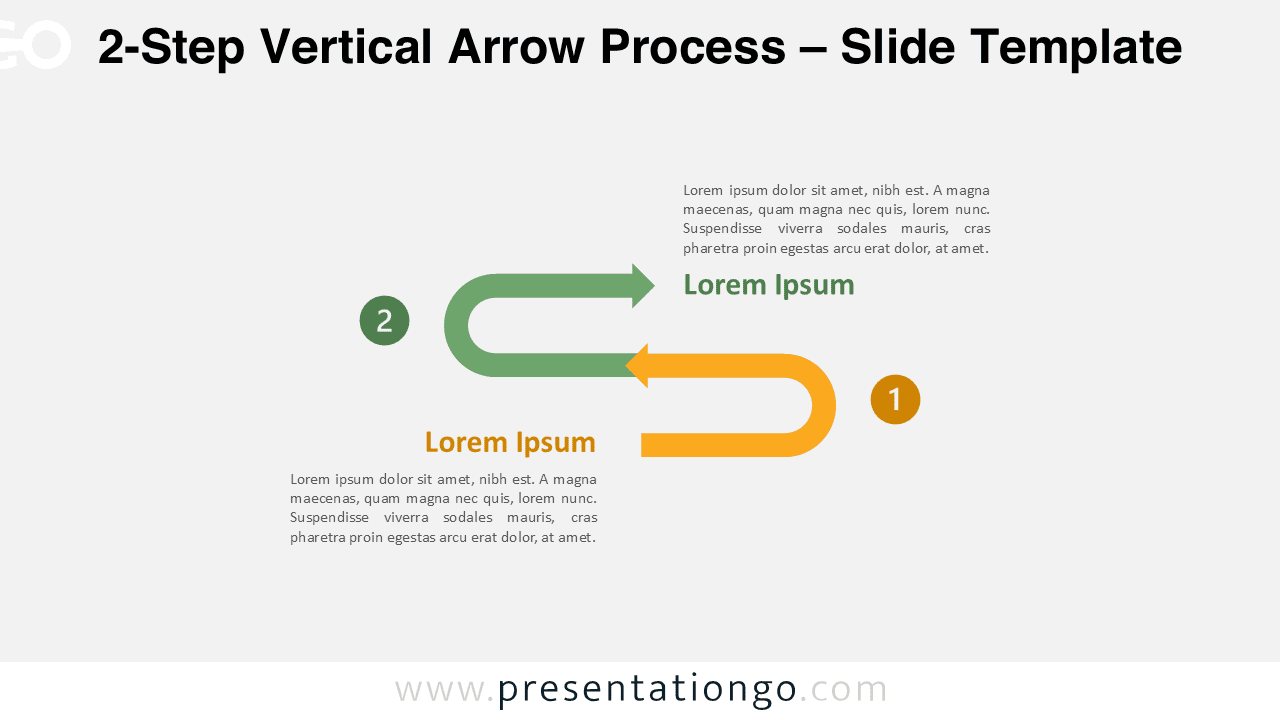
Present clear two-phase processes using the 2-Step Vertical Arrow Process diagram for PowerPoint and Google Slides with customizable shapes.
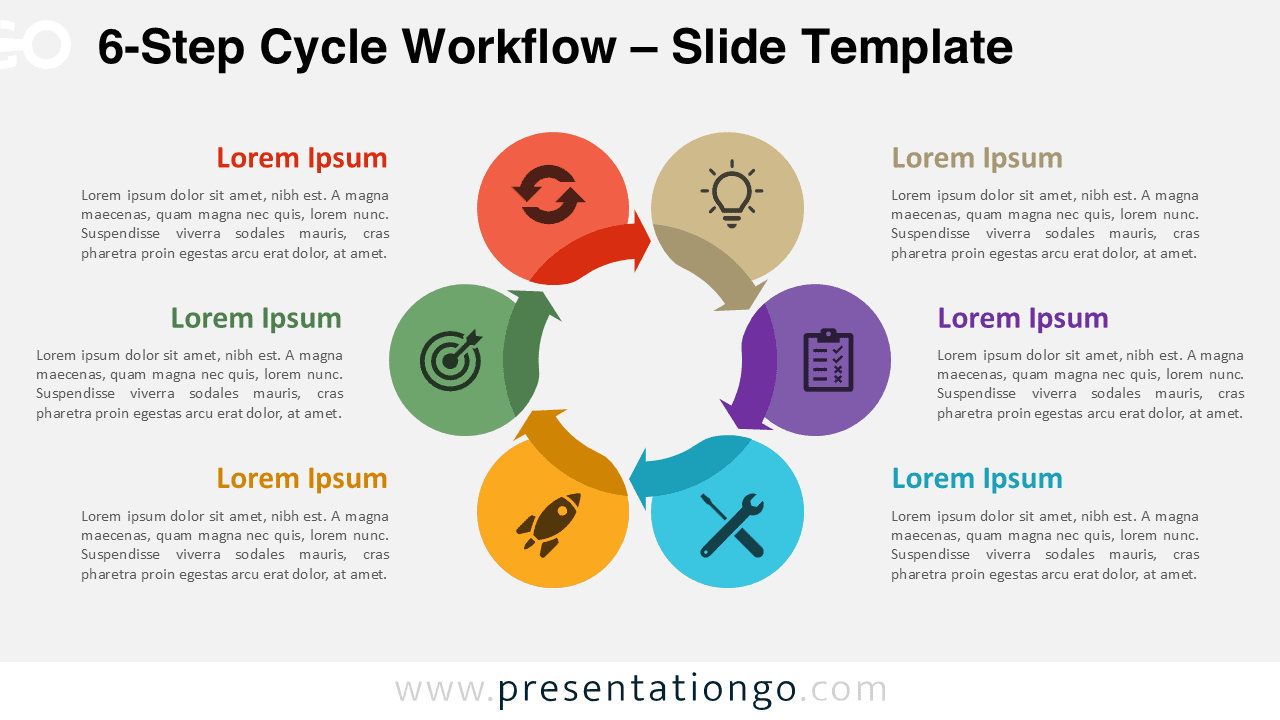
Download the 6-Step Cycle Workflow for PowerPoint and Google Slides to present complex processes using a clear circular structure.
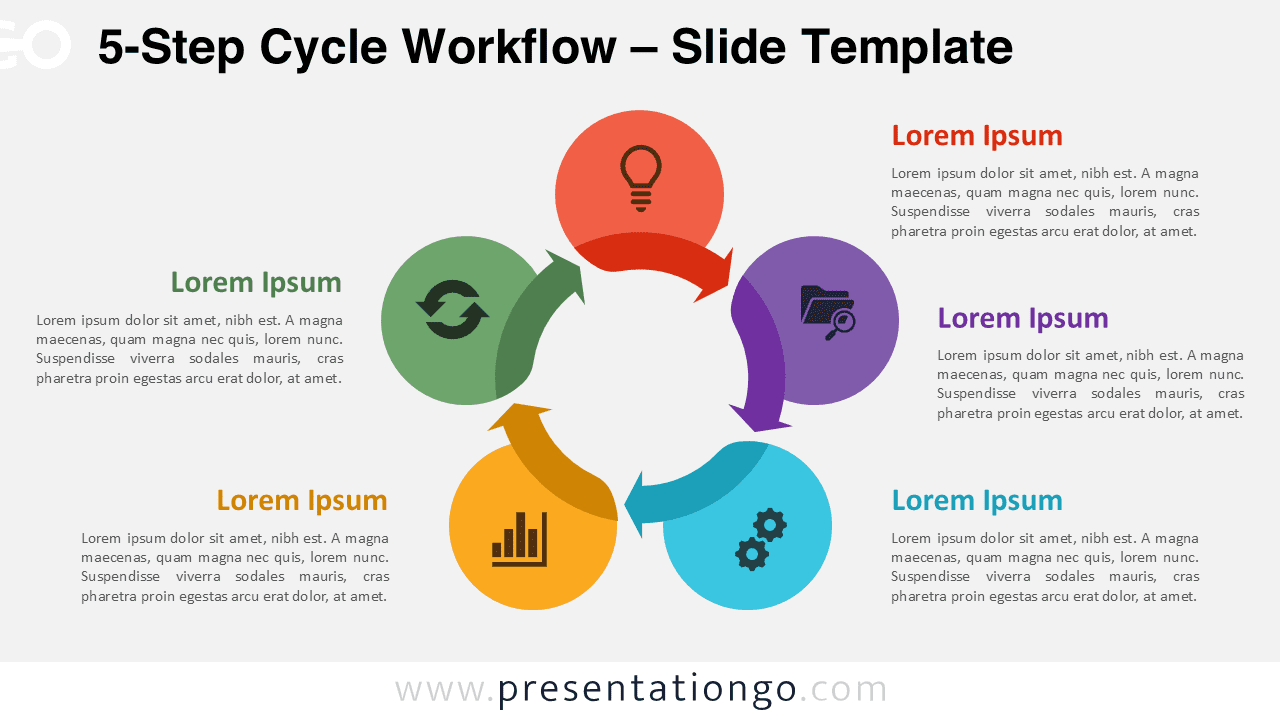
Download the 5-Step Cycle Workflow for PowerPoint and Google Slides to present detailed processes with a clear circular structure.
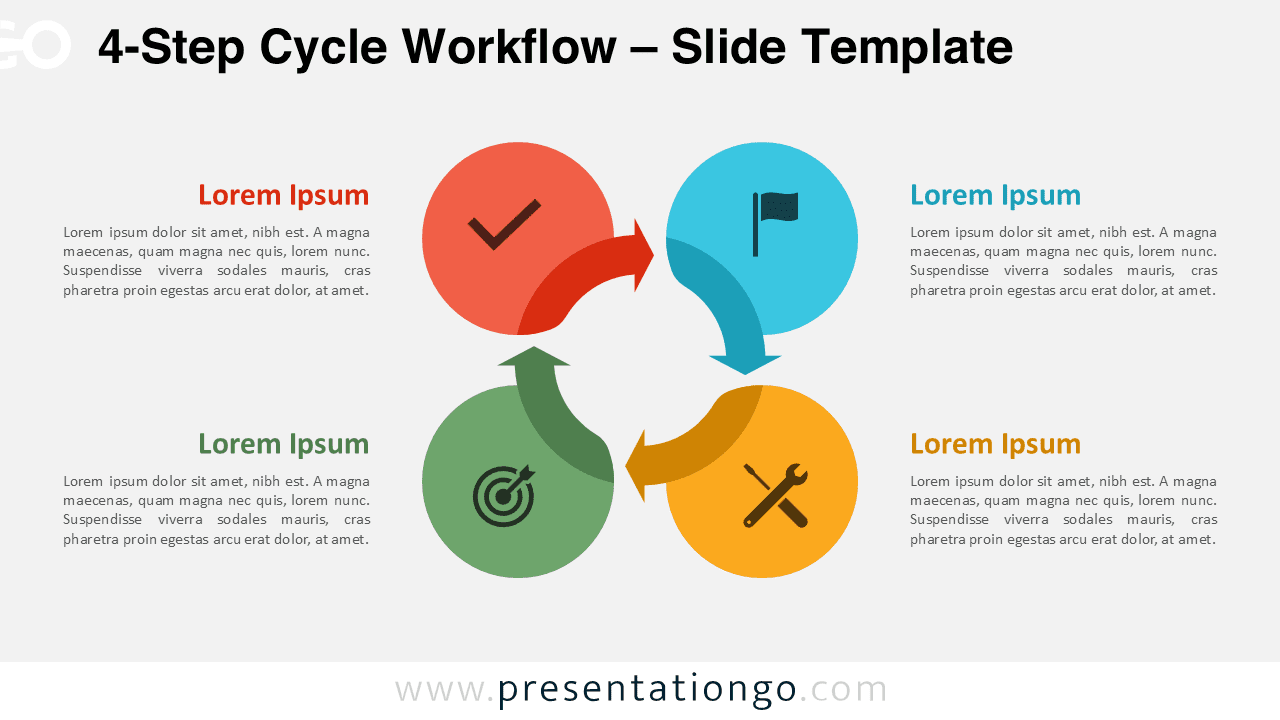
Download the 4-Step Cycle Workflow for PowerPoint and Google Slides to present structured processes with a clear circular flow.
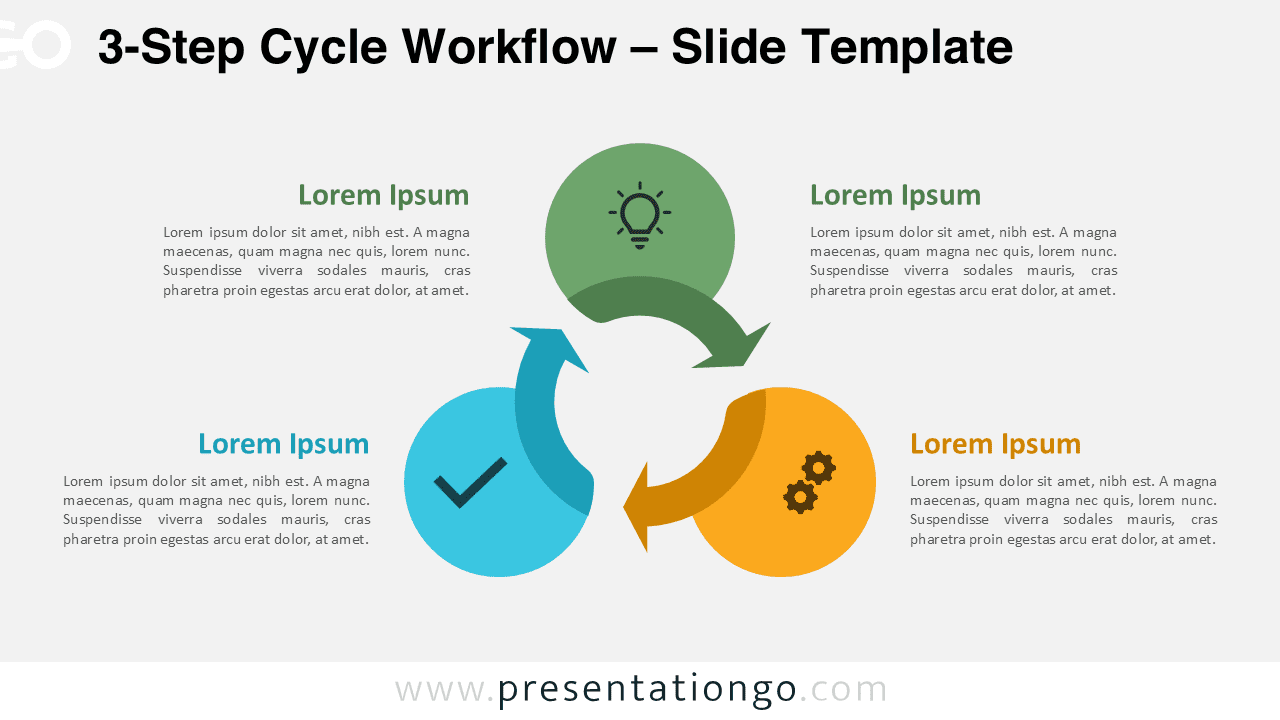
Download the 3-Step Cycle Workflow for PowerPoint and Google Slides. A clean circular process design with editable steps and icons.
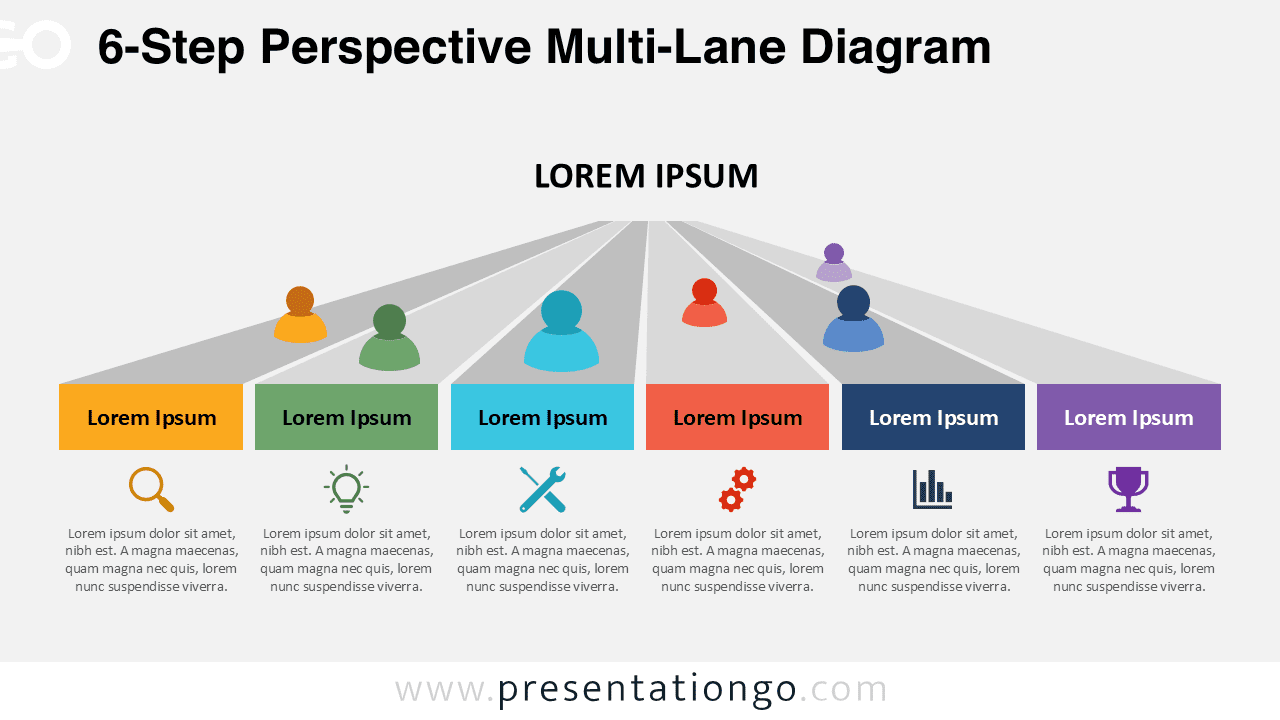
Download the free 6-Step Perspective Multi-Lane Diagram for PowerPoint and Google Slides. Ideal to present complex multi-step workflows.