Loading resources…
Total 304 resources
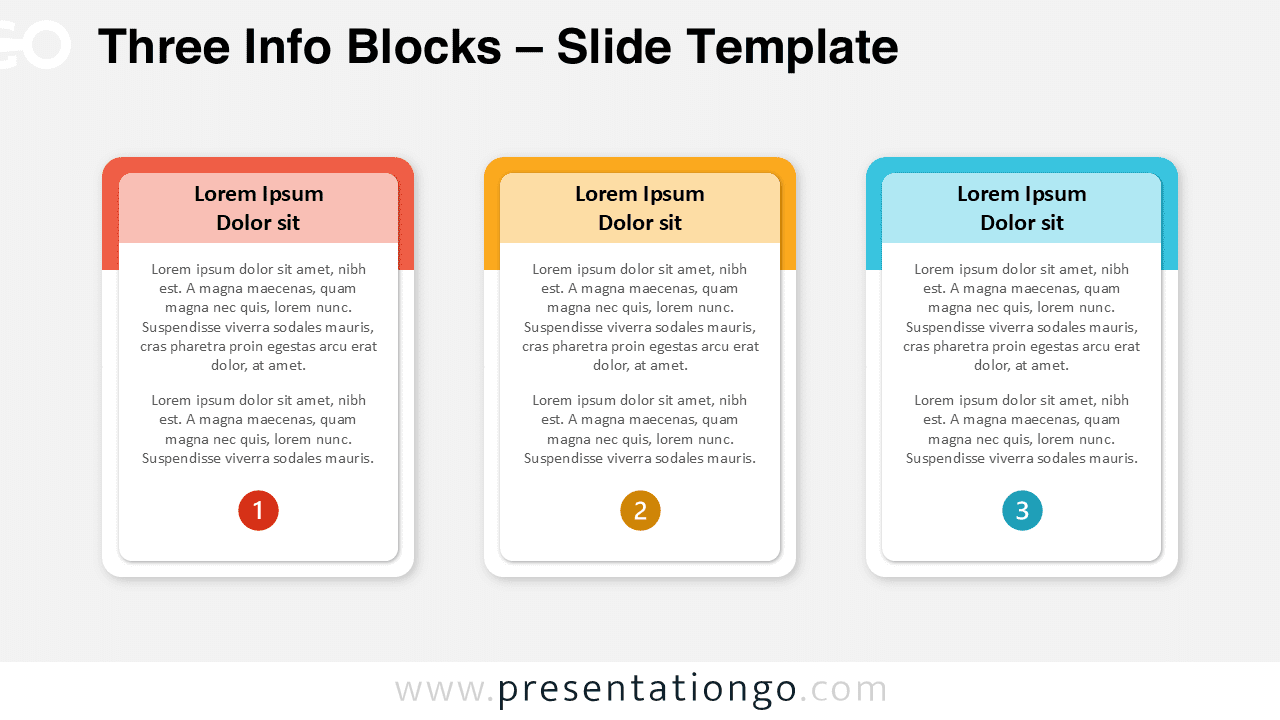
Showcase three steps, services, or options using this minimalist Three Info Blocks design for PowerPoint and Google Slides.
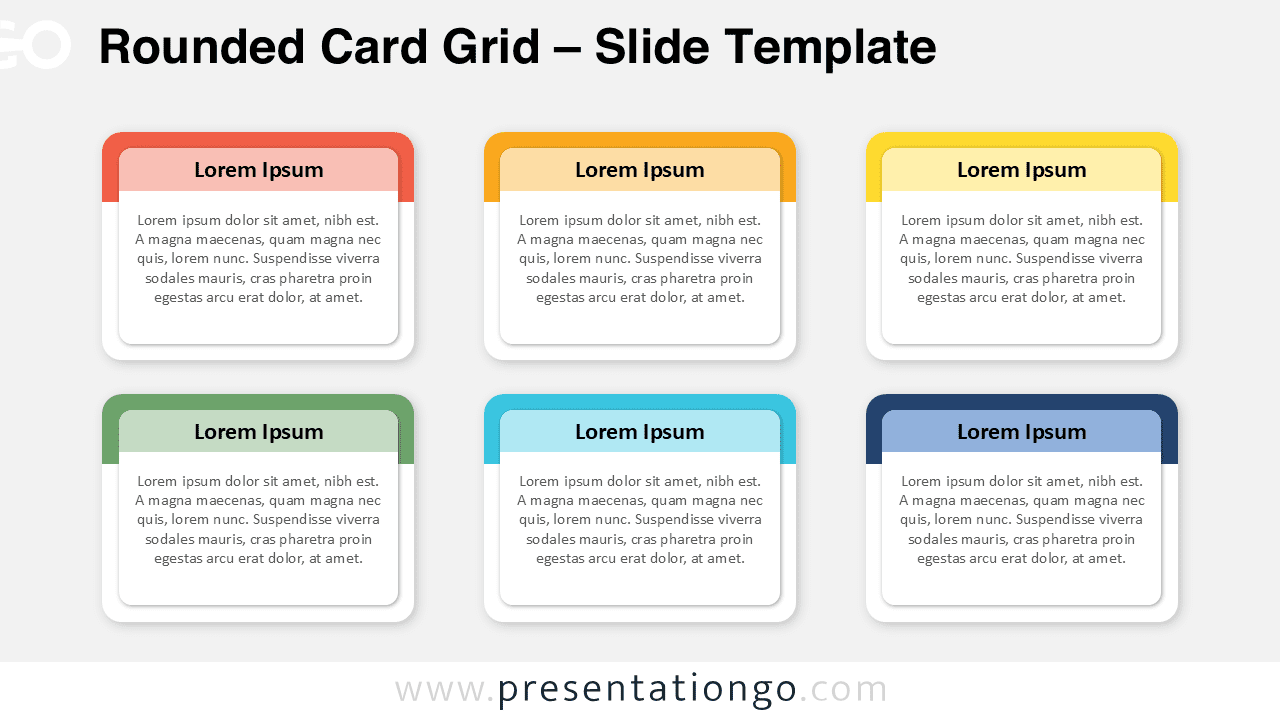
Modern and minimalist Rounded Card Grid template for PowerPoint and Google Slides. Perfect for comparisons, categories, or ideas.
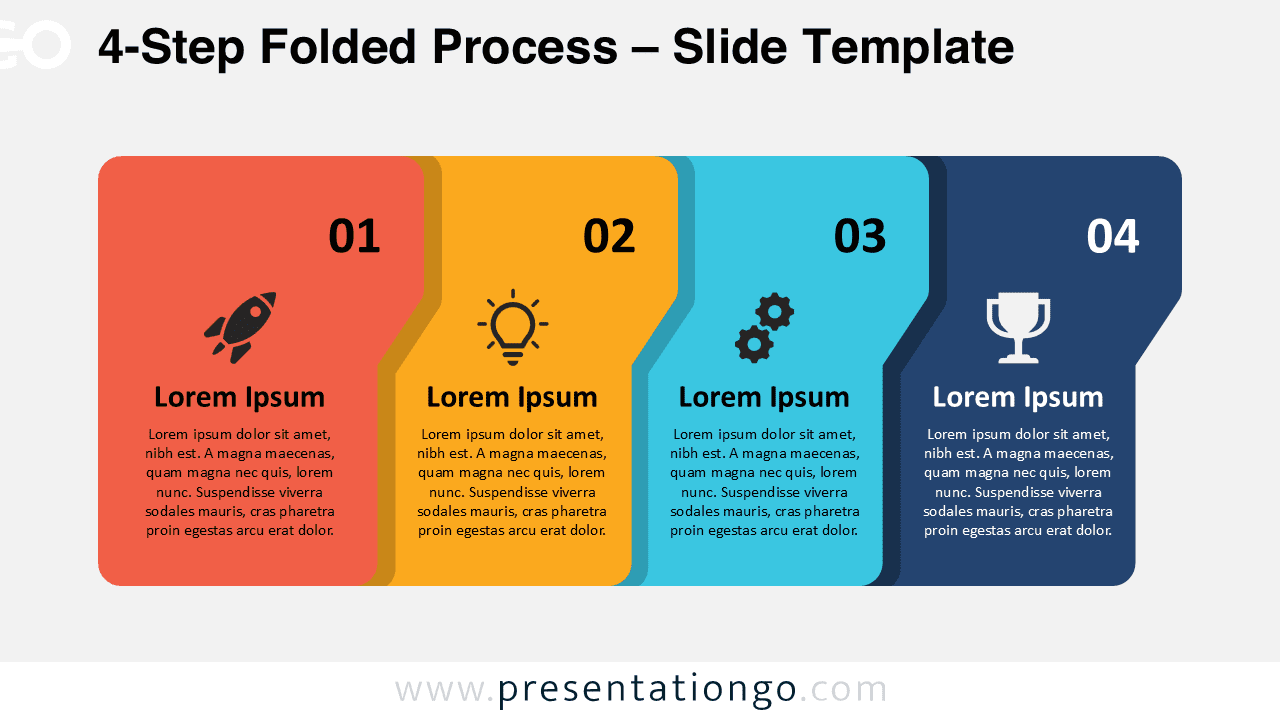
Simplify your process visualization with this 4-Step Folded Process design for PowerPoint and Google Slides. Free download.
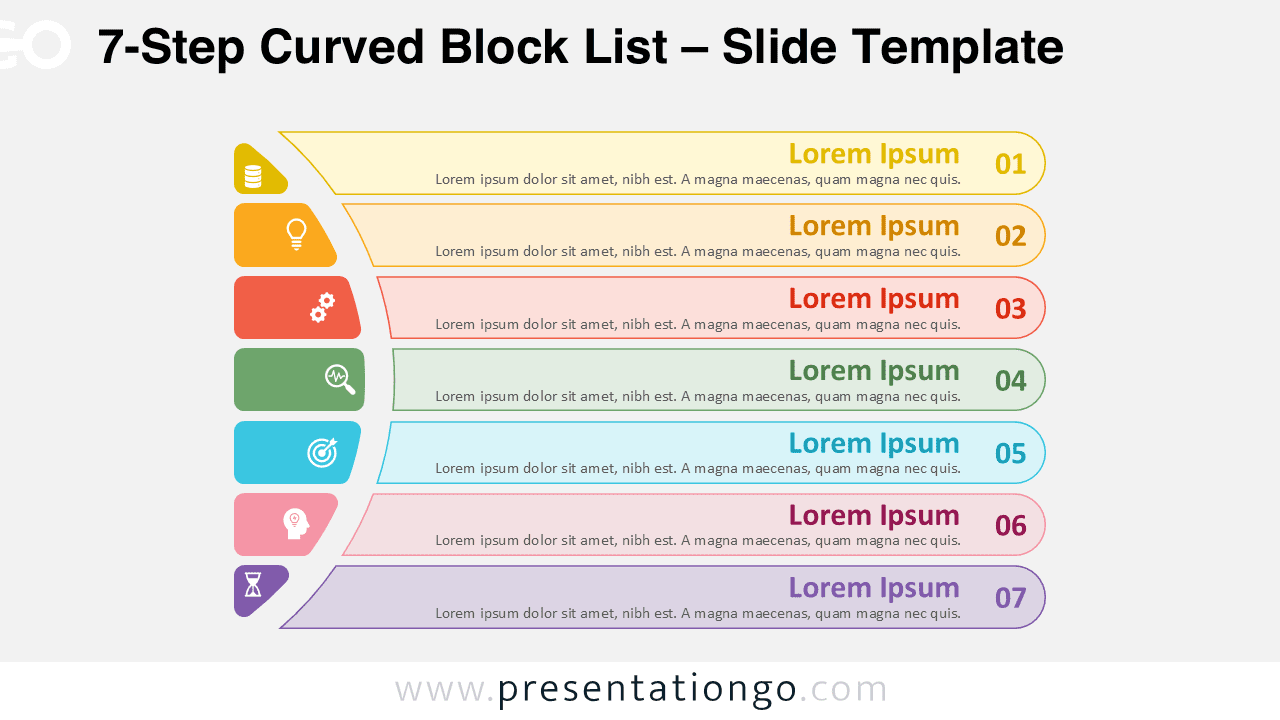
Download the 7-Step Curved Block List PowerPoint and Google Slides template to illustrate seven steps or stages in your presentation.
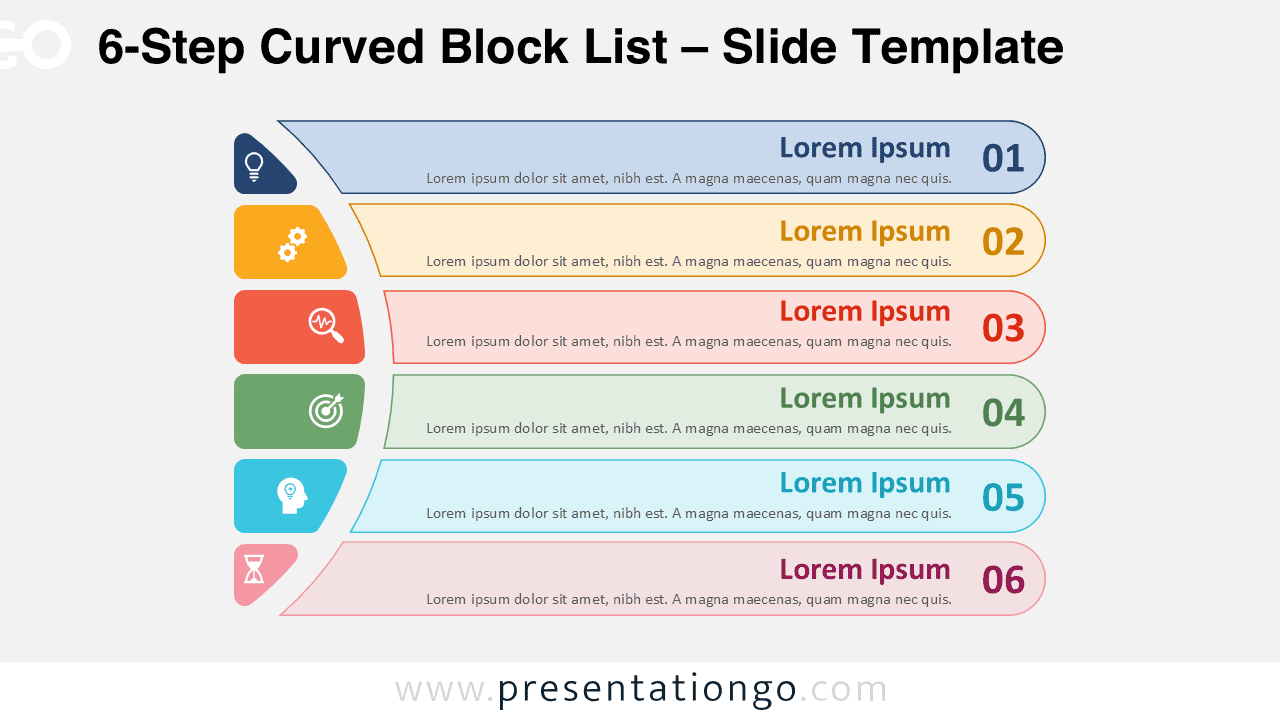
Download the 6-Step Curved Block List PowerPoint and Google Slides template to present workflows and ideas with six organized blocks.
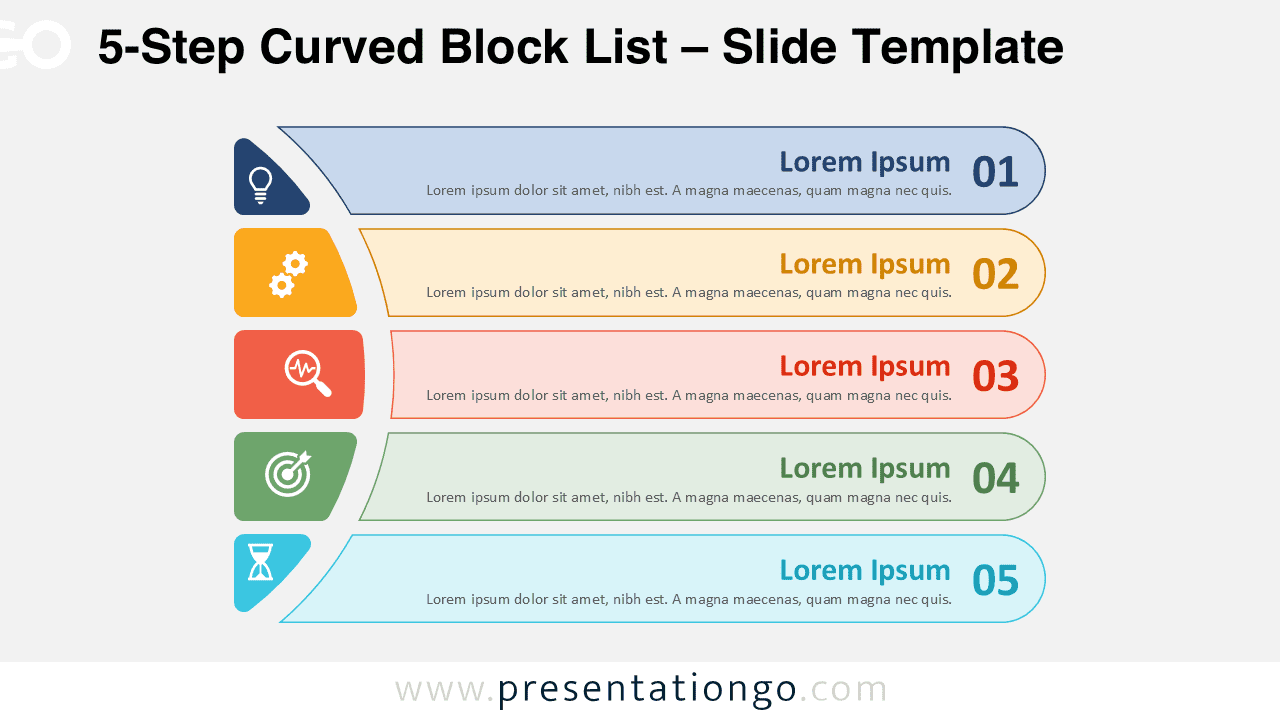
Download the 5-Step Curved Block List PowerPoint and Google Slides template to present five phases or categories in a clean diagram.
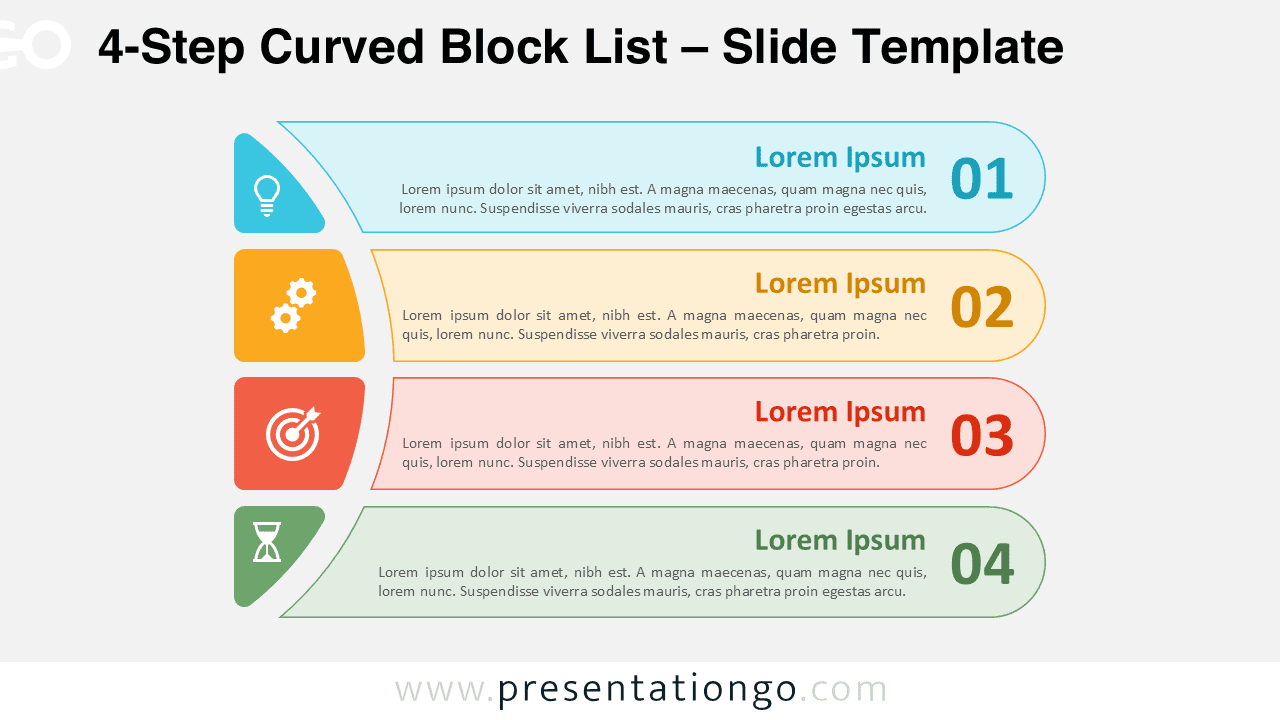
Download the 4-Step Curved Block List for PowerPoint and Google Slides with colorful, outlined, and dark background design options.
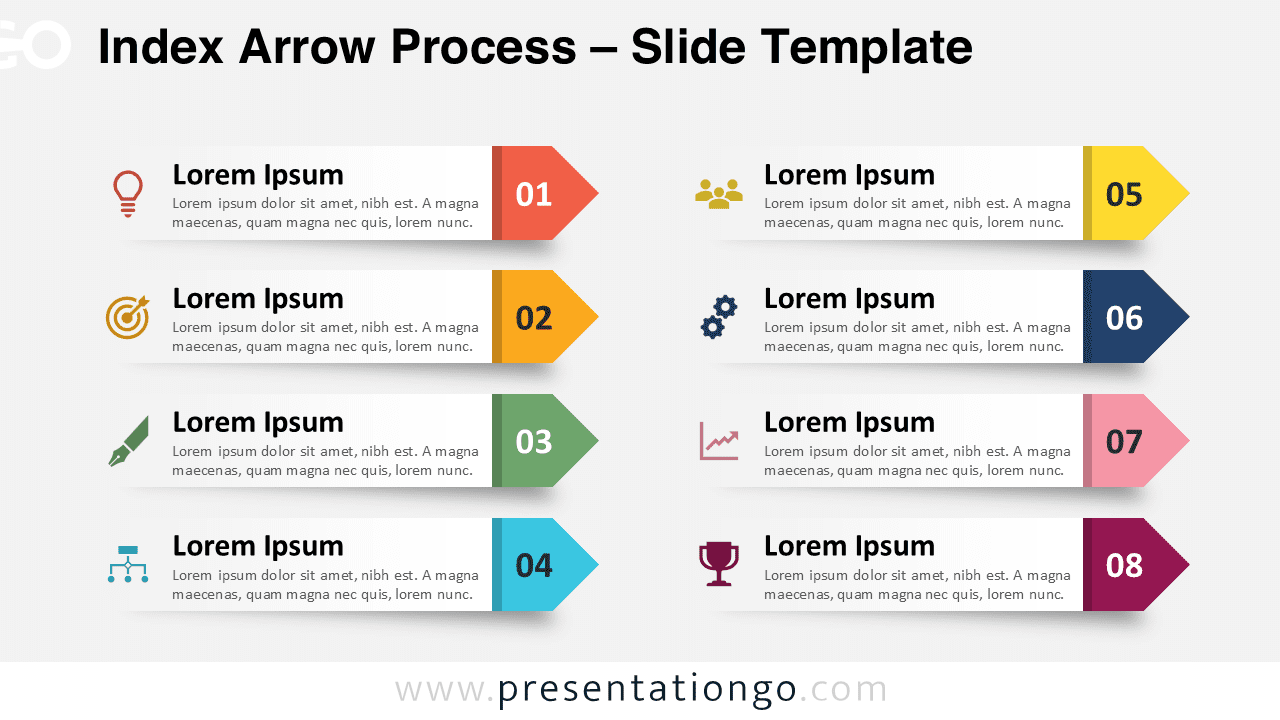
Download the Index Arrow Process for PowerPoint and Google Slides, a clear eight-step diagram for processes, workflows, and tasks.
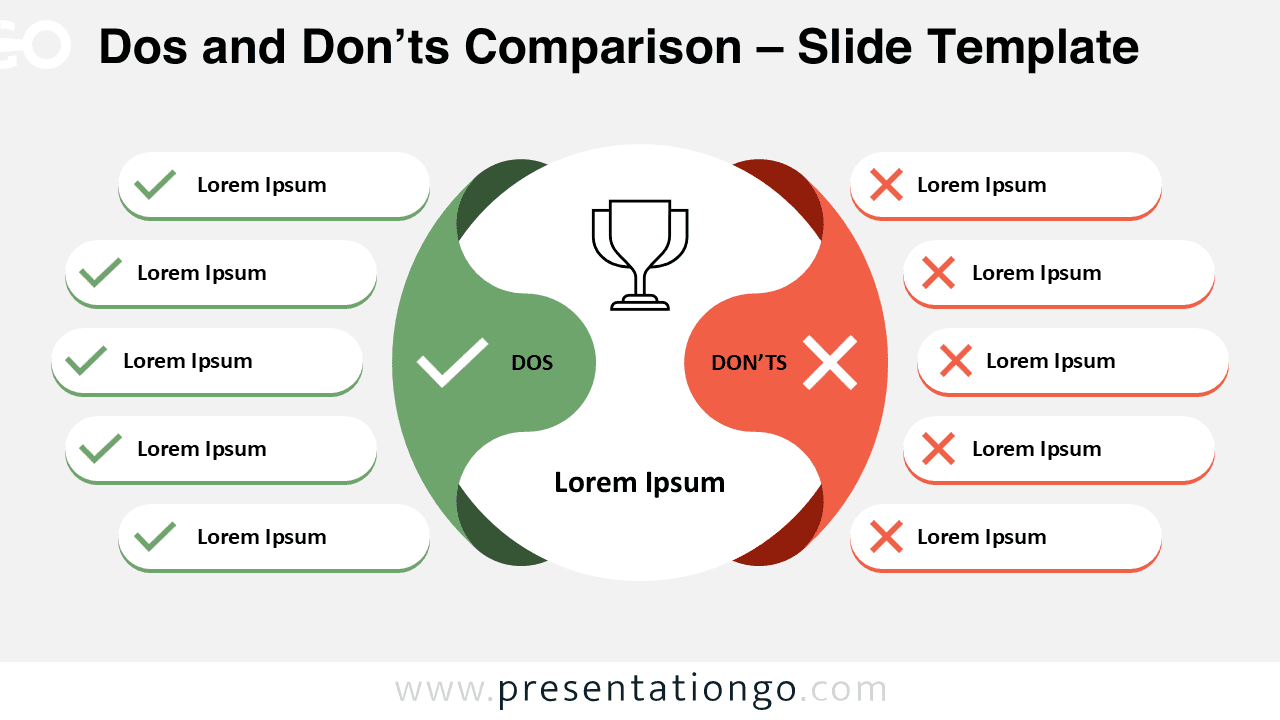
Download this Dos and Don’ts Comparison for PowerPoint and Google Slides. A free template to contrast behaviors or best practices visually.
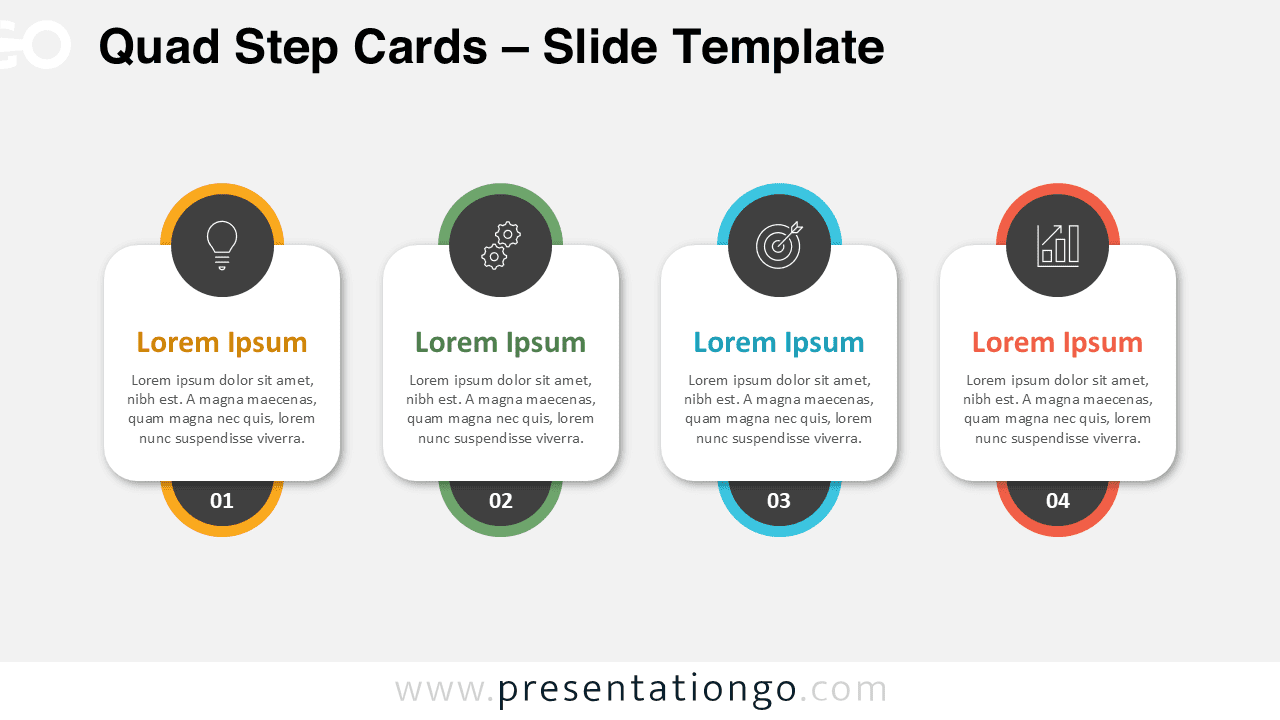
Download this free Quad Step Cards slide template for PowerPoint and Google Slides to illustrate 4 steps or ideas with clarity and flow.
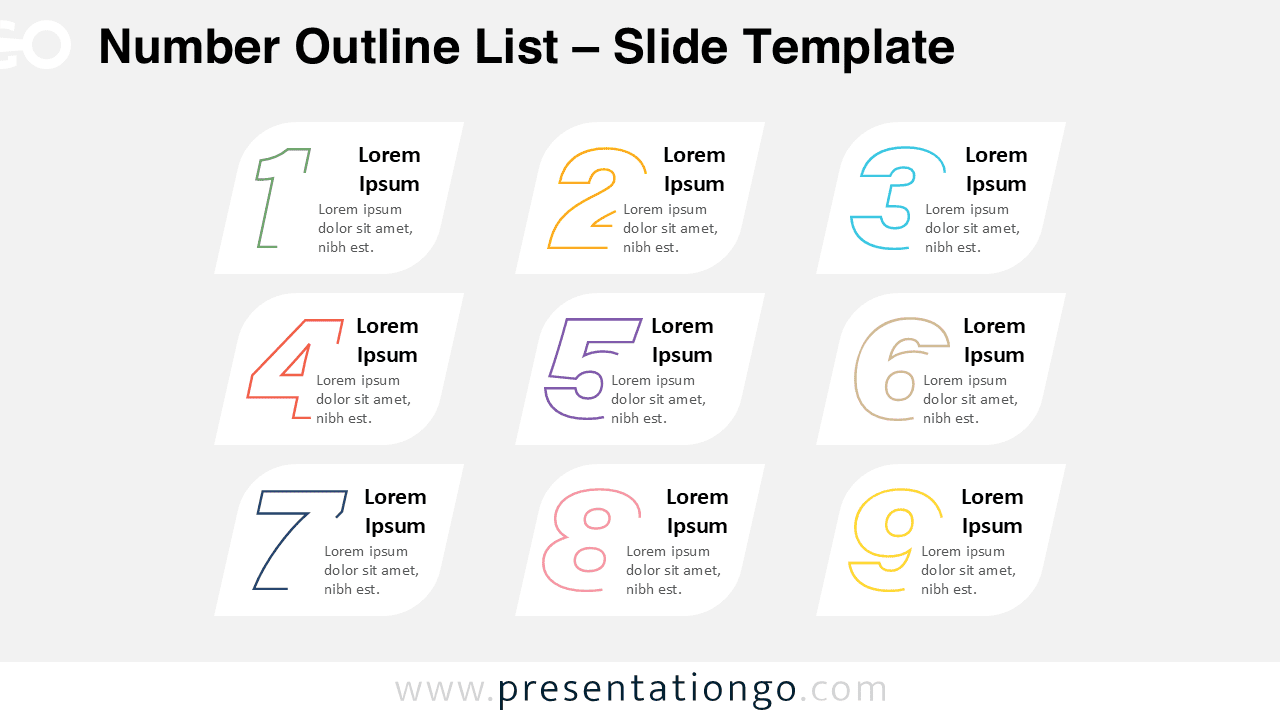
Download the Number Outline List template for PowerPoint and Google Slides, featuring nine steps to present sequential information.
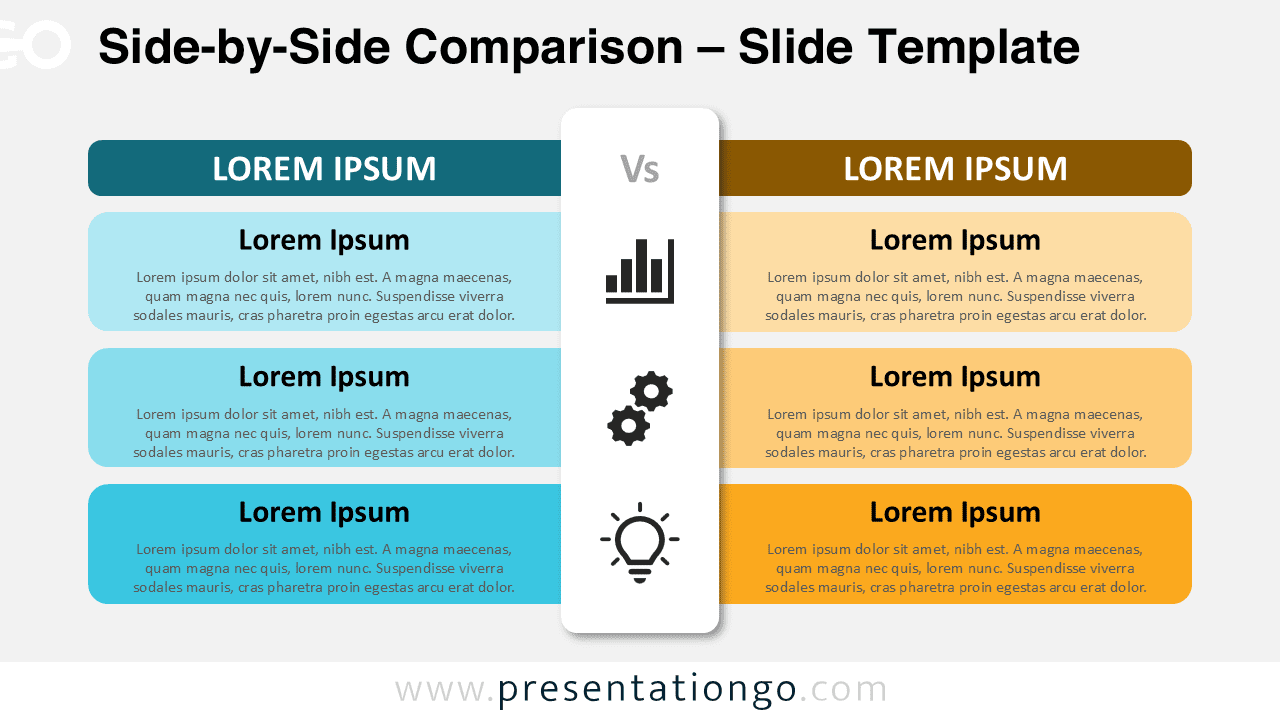
Download this Side-by-Side Comparison template for PowerPoint and Google Slides. Perfect for evaluations, comparisons, or decision-making slides.
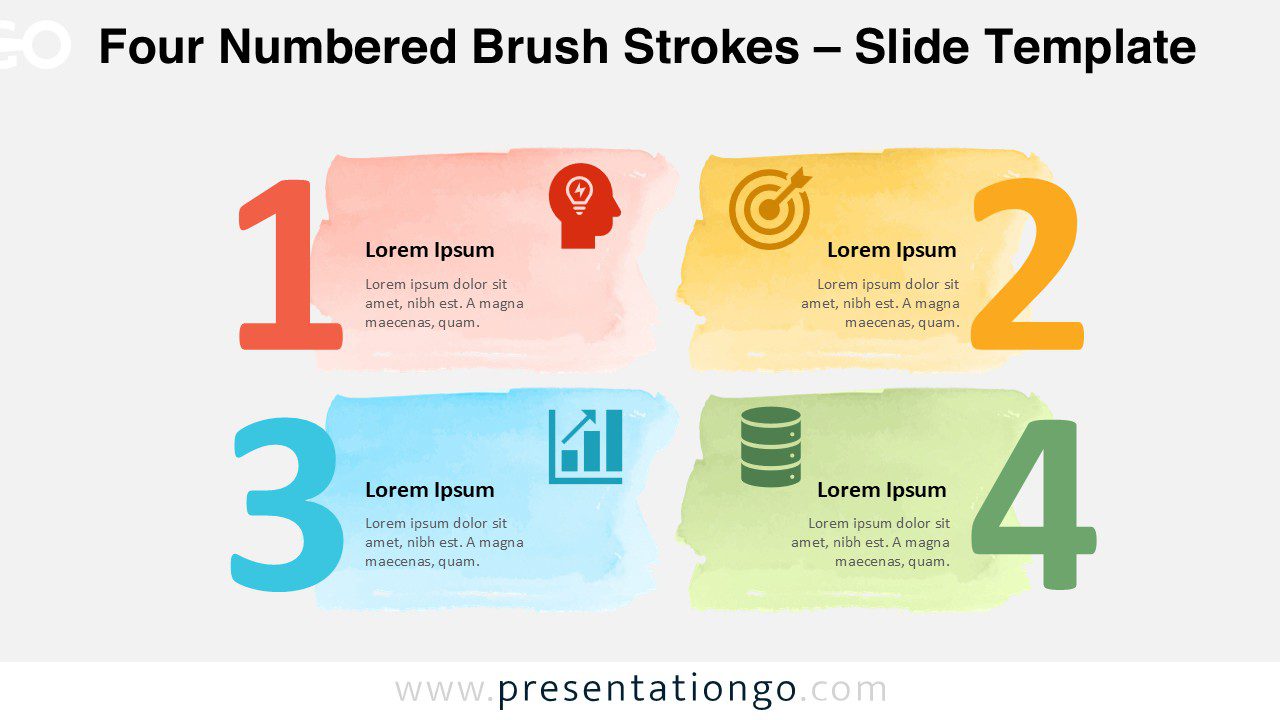
The Four Numbered Brush Strokes template for PowerPoint and Google Slides shows four steps with icons, brush effects, and full customization.
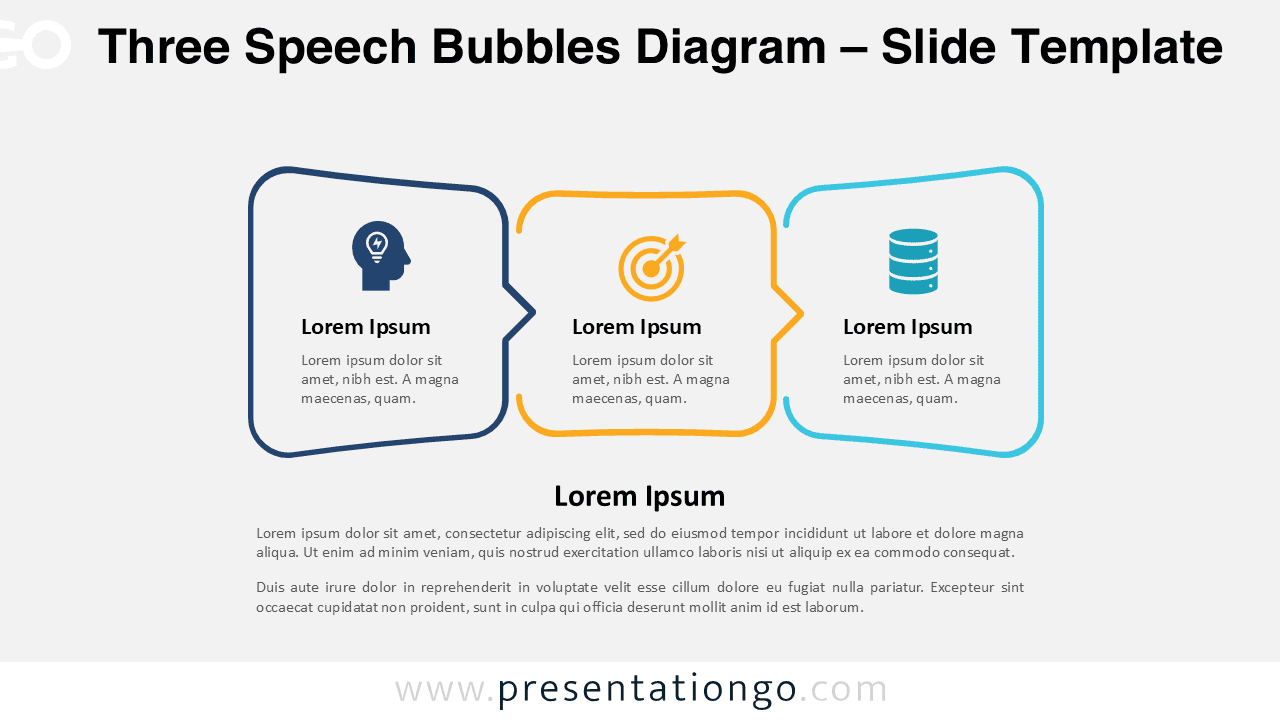
Download this Three Speech Bubbles Diagram for PowerPoint and Google Slides to highlight dialogue, viewpoints, and collaborative thinking.
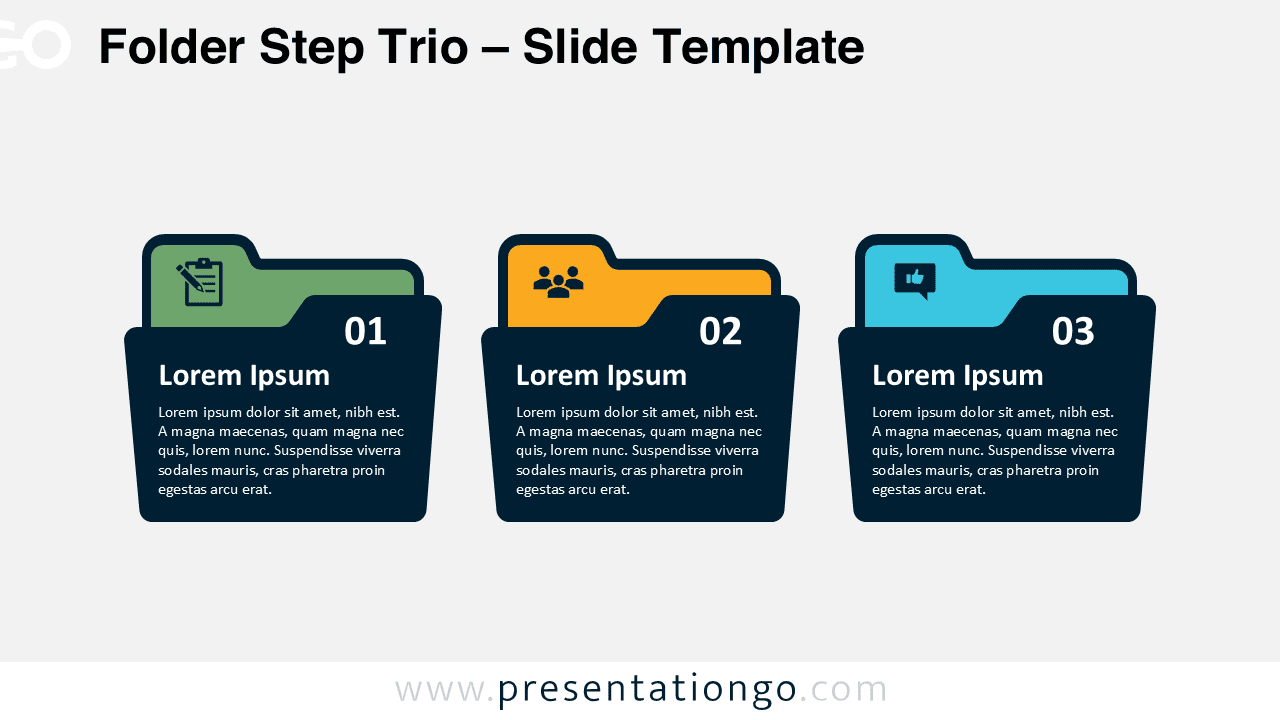
Download the Folder Step Trio for PowerPoint and Google Slides to display categorized steps using colorful folders with text and icons.
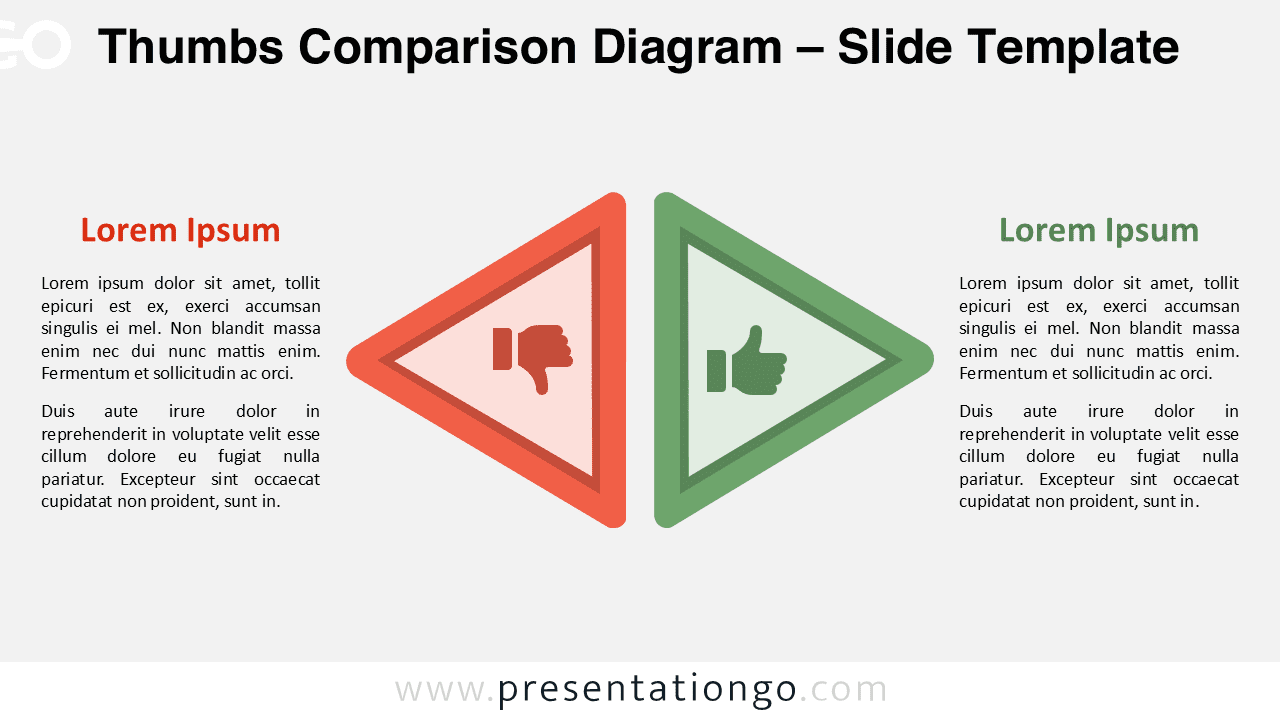
Download the Thumbs Comparison Diagram for PowerPoint and Google Slides to present pros vs. cons with clarity using mirrored triangle shapes.
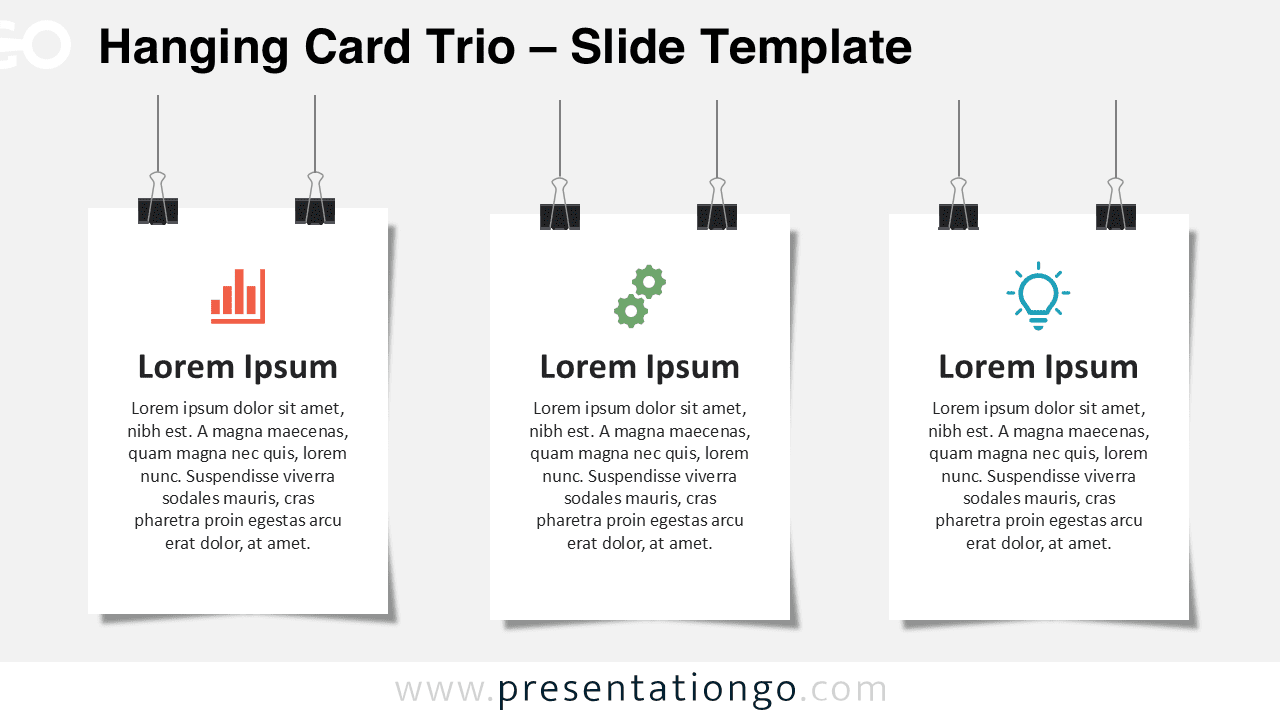
Download the Hanging Card Trio for PowerPoint and Google Slides. A 3-card design for showcasing categories, steps, or topics side-by-side.
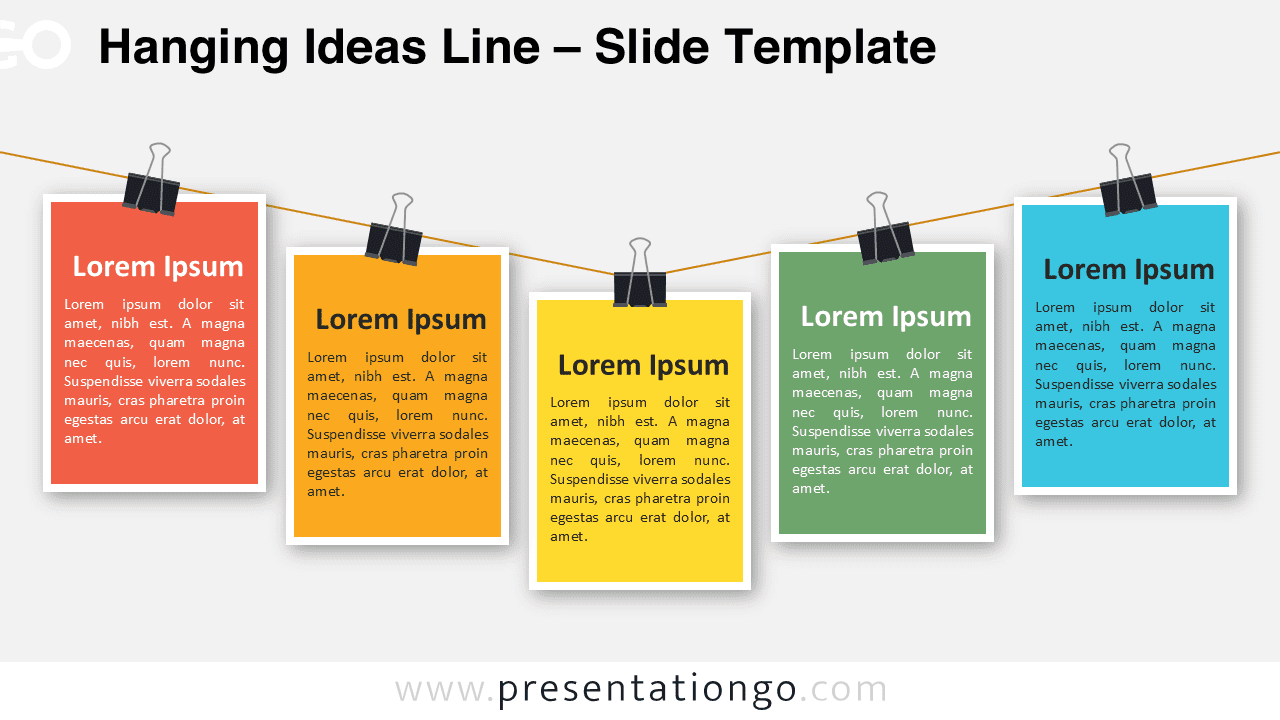
Download the free Hanging Ideas Line template for PowerPoint and Google Slides—perfect for showcasing five steps, features, or team members
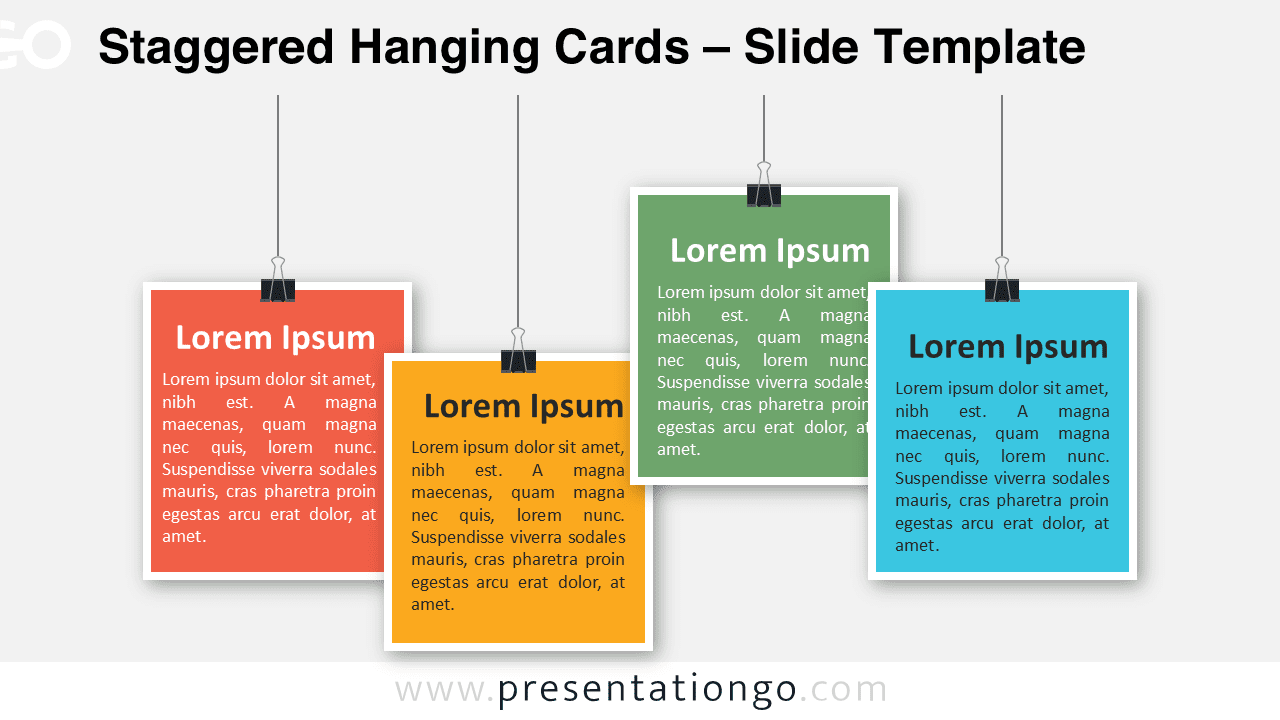
Download this Staggered Hanging Cards layout for PowerPoint and Google Slides to illustrate 4 key steps with editable text boxes.
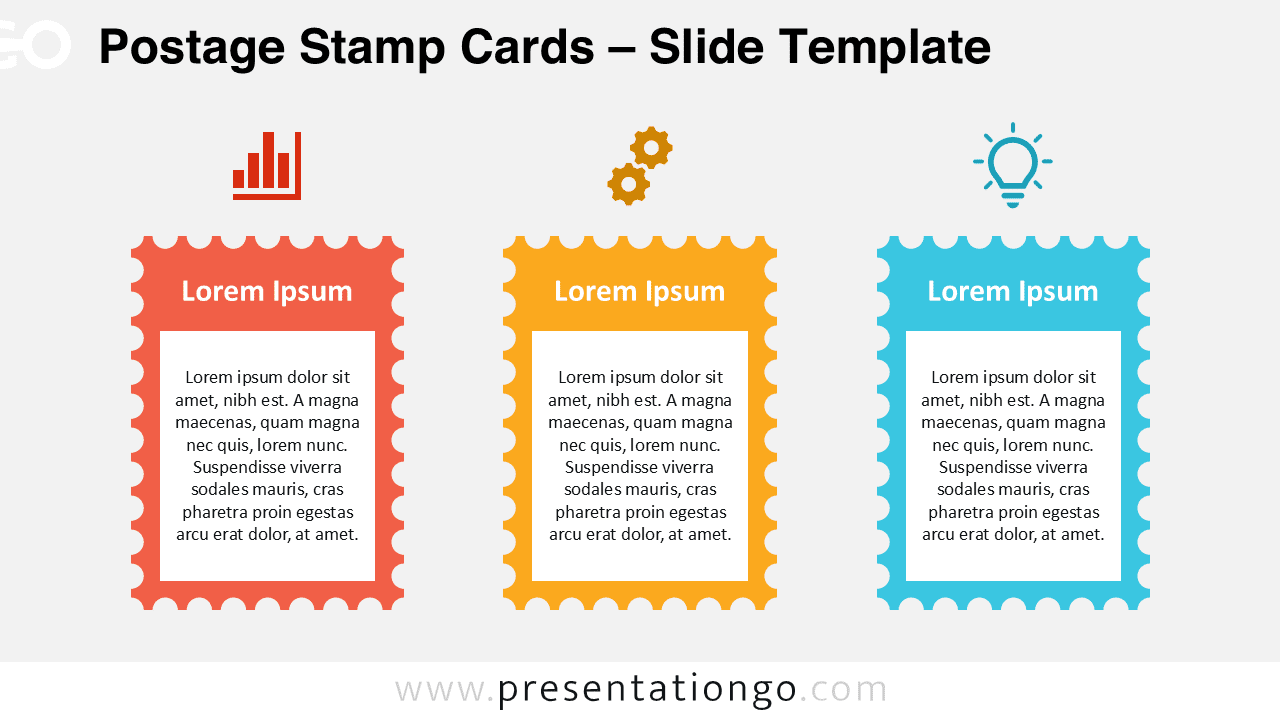
Download Postage Stamp Cards for PowerPoint and Google Slides—featuring 3 editable sections to highlight messages or compare key ideas.
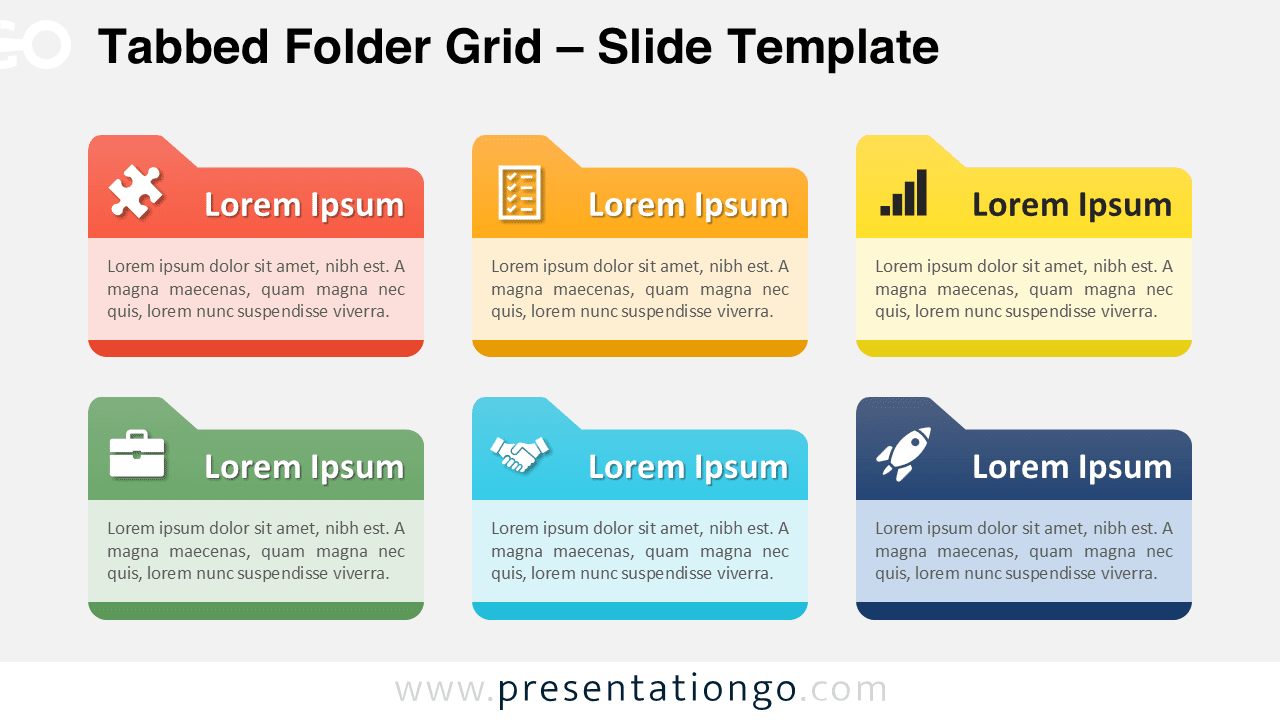
Download this free Tabbed Folder Grid for PowerPoint and Google Slides to present ideas in six editable and clearly defined blocks.
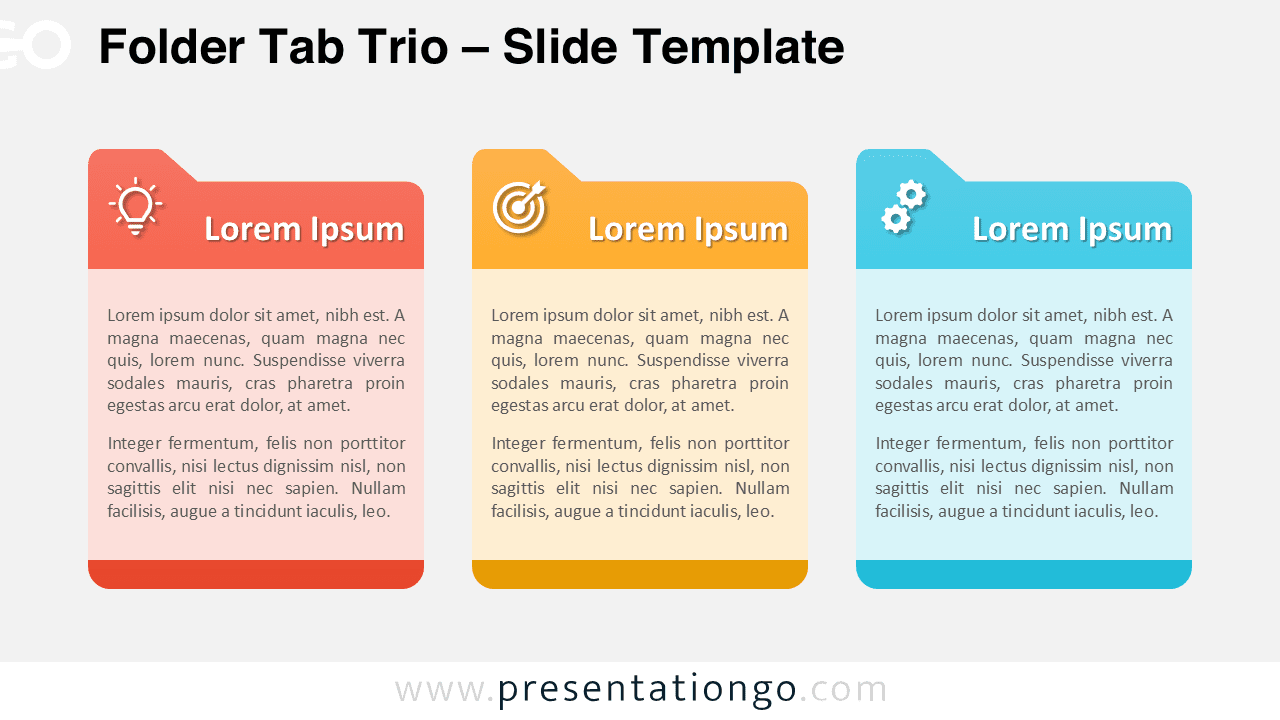
Download this Folder Tab Trio for PowerPoint and Google Slides. Present 3 organized categories using free, editable tab-style blocks.
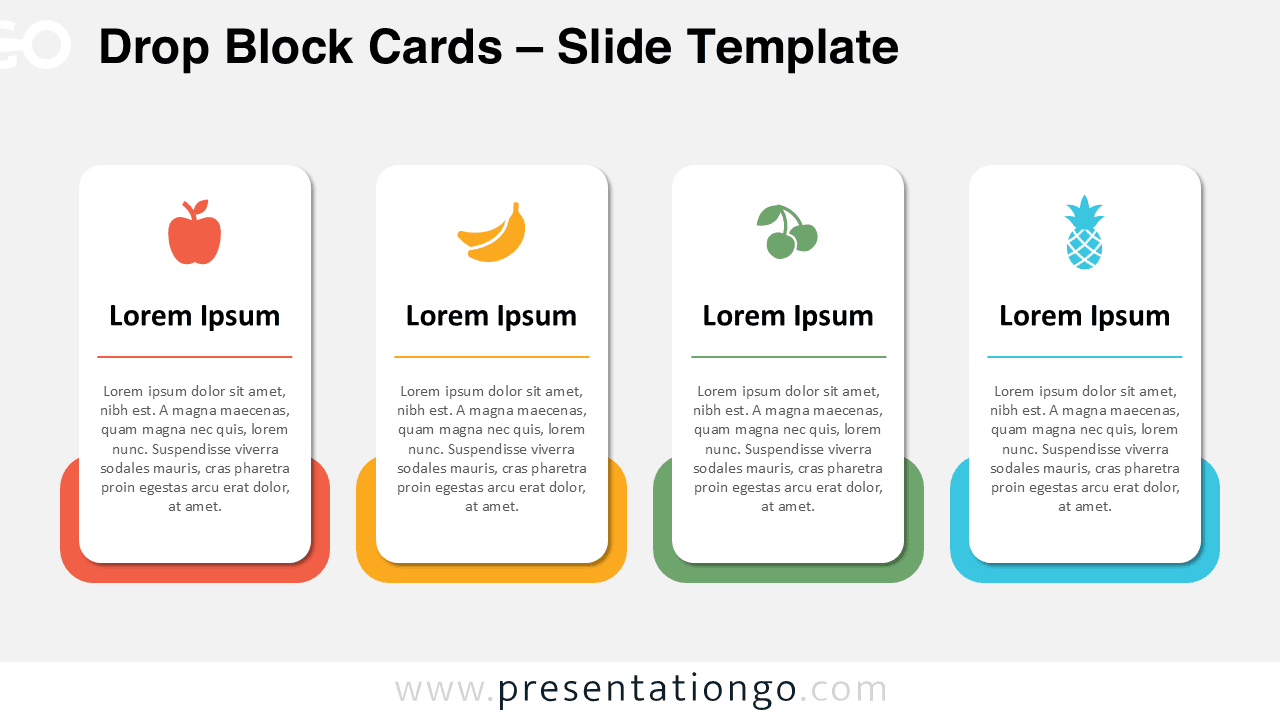
Download the Drop Block Cards for PowerPoint and Google Slides, a free 4-step layout perfect for comparing features or categories.
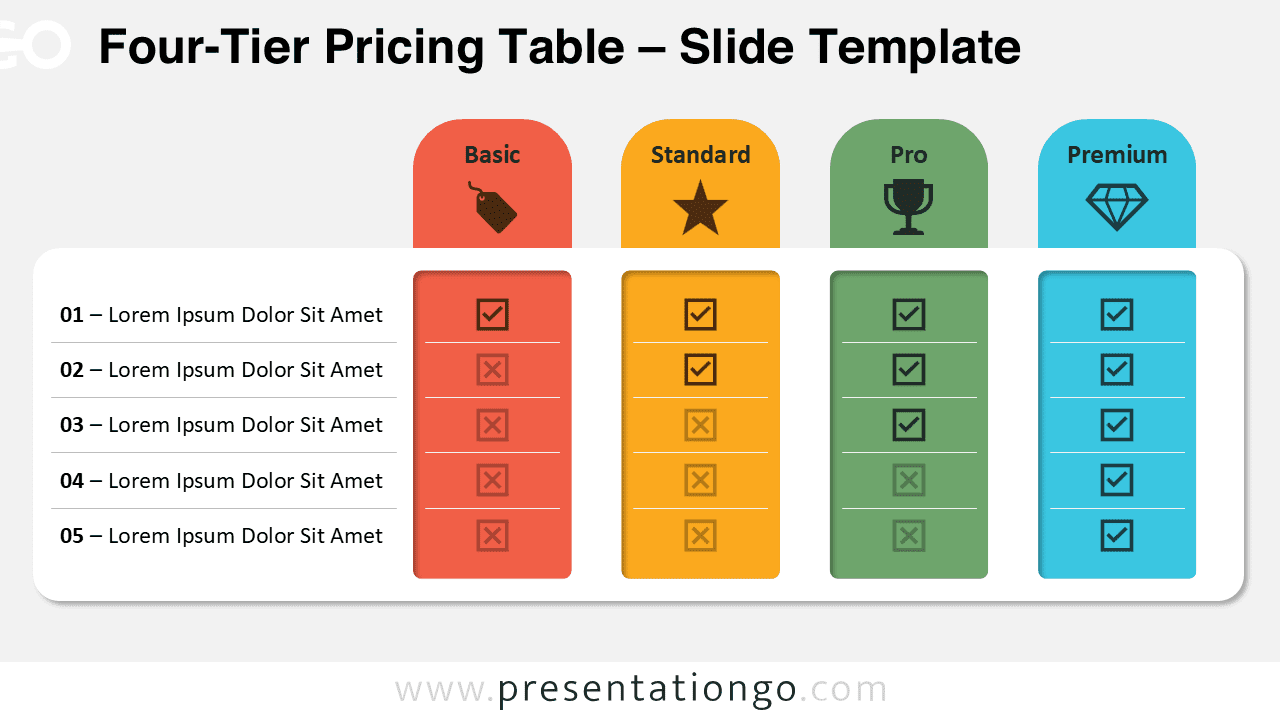
Download this Four-Tier Pricing Table for PowerPoint and Google Slides—customizable, professional, and ready to showcase pricing plans.