Loading resources…
Total 3480 resources
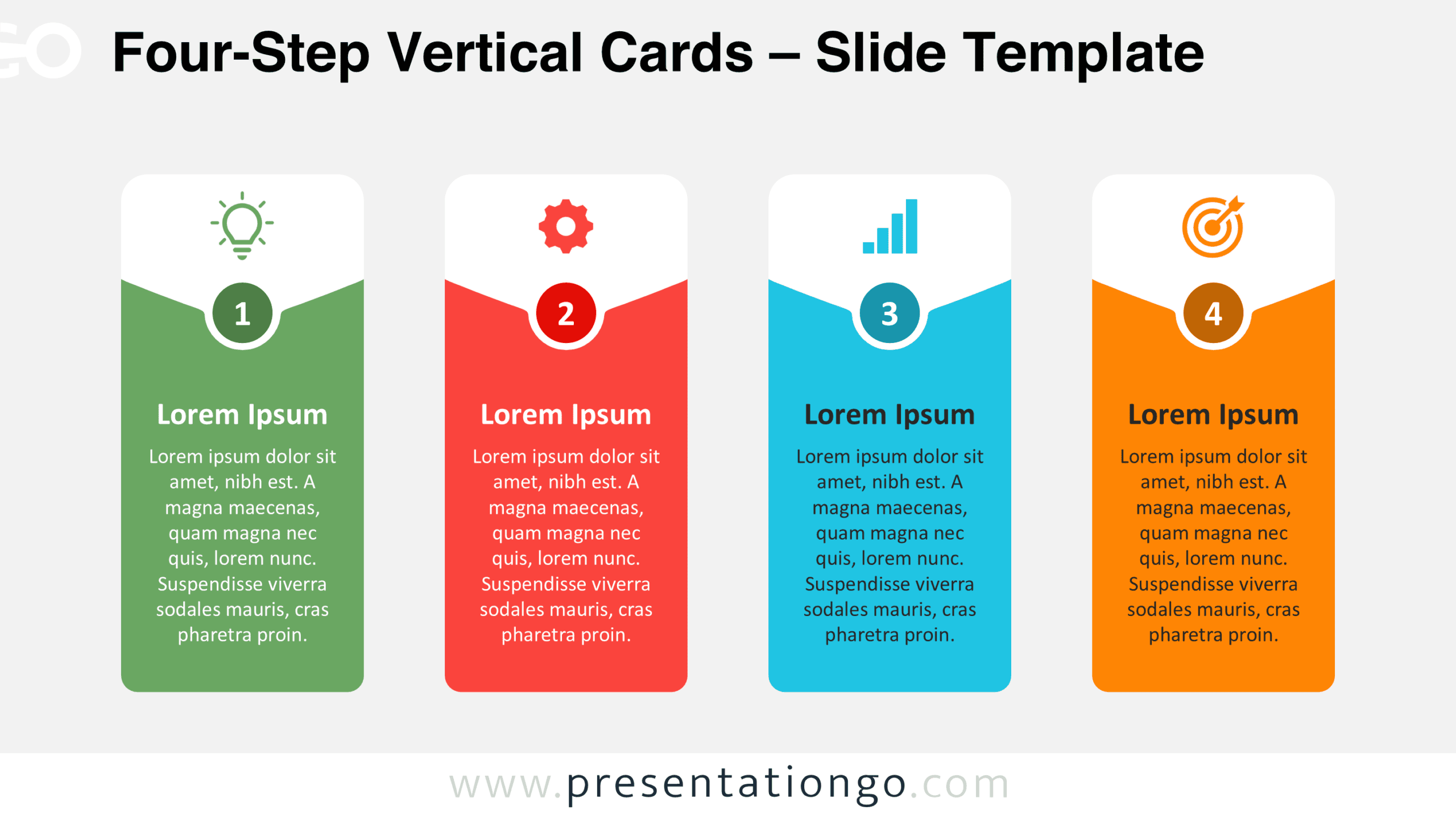
Download Four-Step Vertical Cards for PowerPoint and Google Slides. This free four-stage infographic includes numbered panels, icons, and editable text areas.
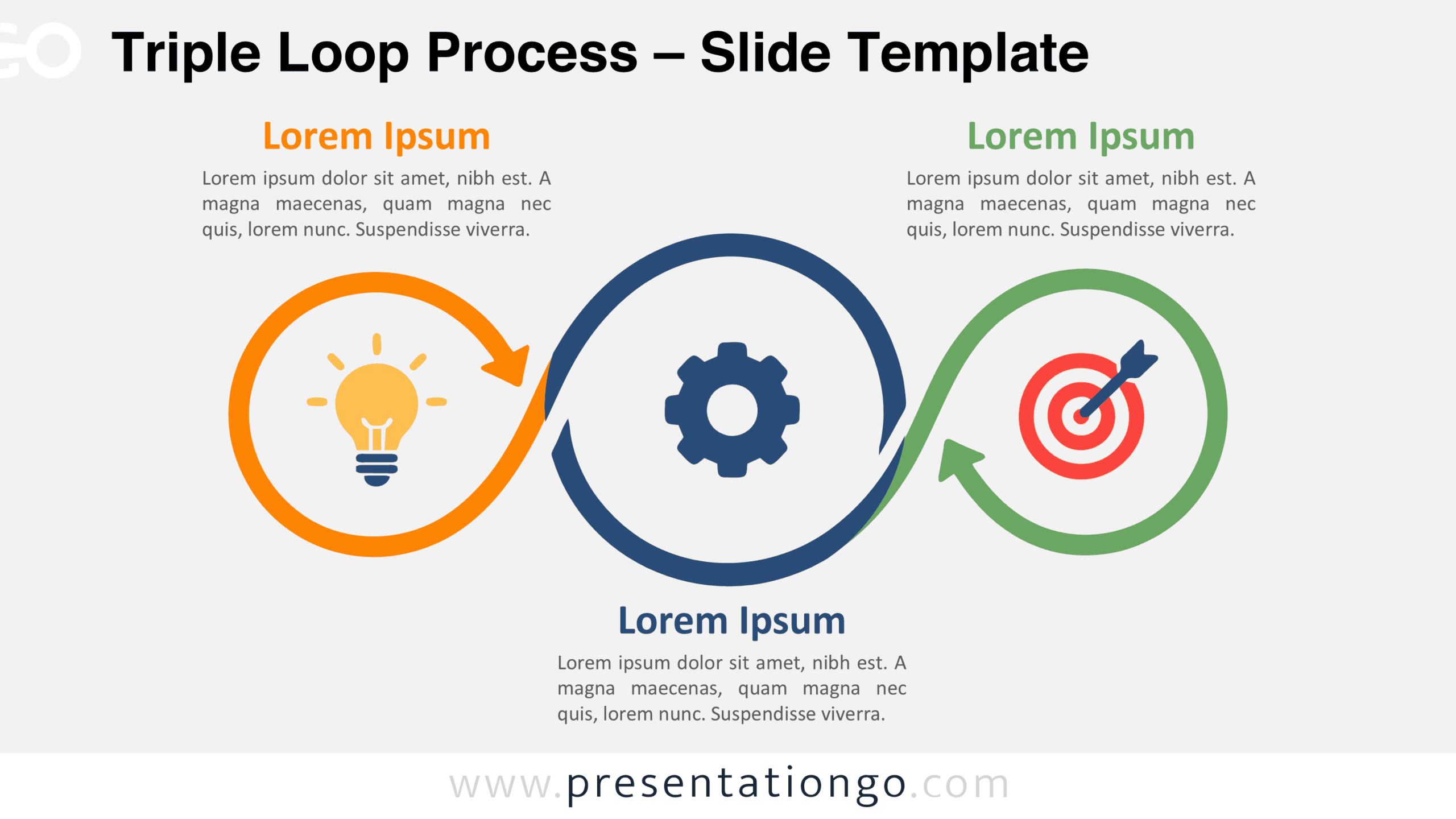
Download the Triple Loop Process diagram for PowerPoint and Google Slides. Present three connected stages with editable arrows, text, and icon placeholders.
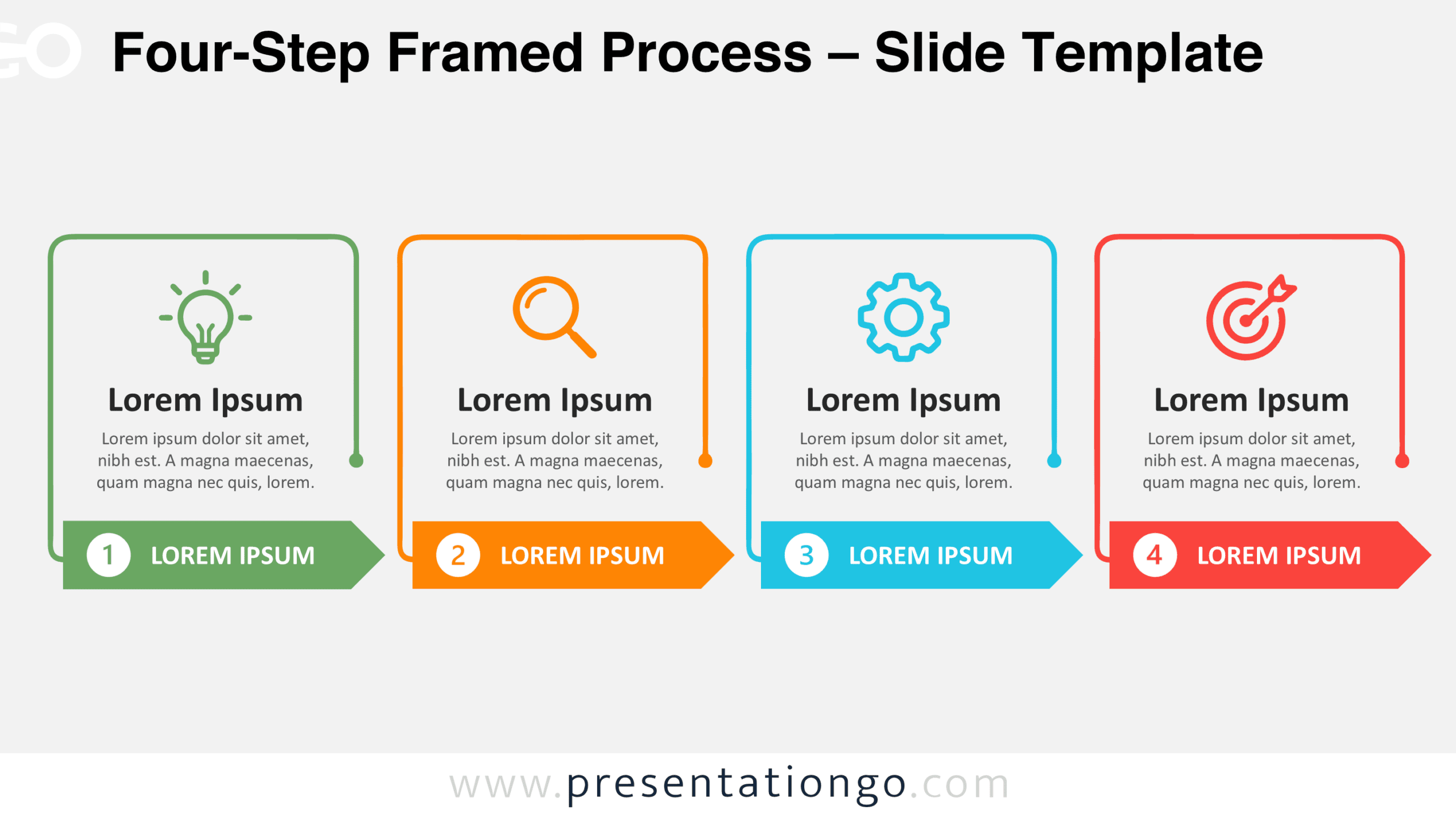
Download the Four-Step Framed Process diagram for PowerPoint and Google Slides. Present four stages with frames, numbered arrows, and icon placeholders.
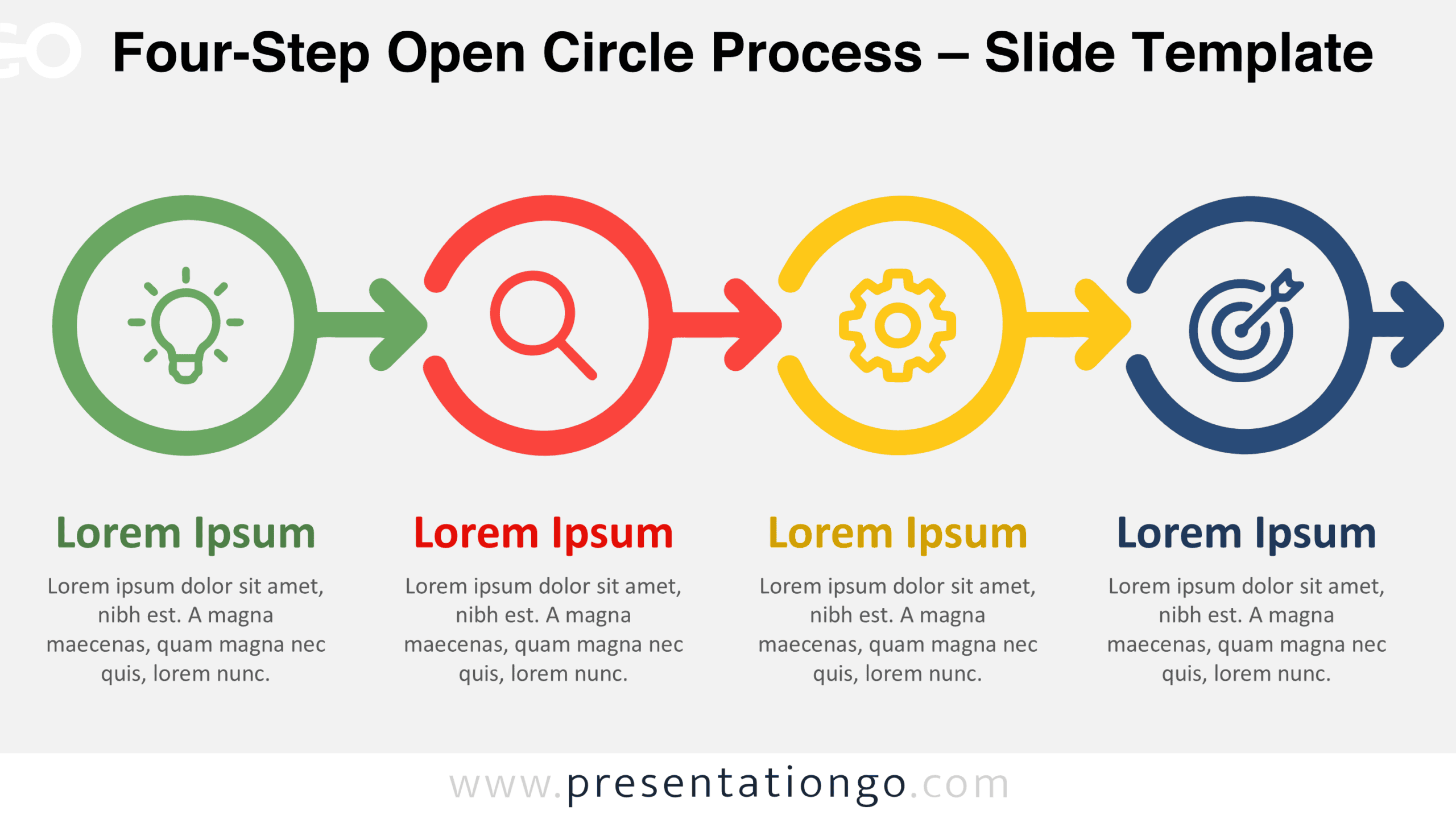
Download the Four-Step Open Circle Process diagram for PowerPoint and Google Slides. Customize four connected stages, arrows, icons, and text for your projects.
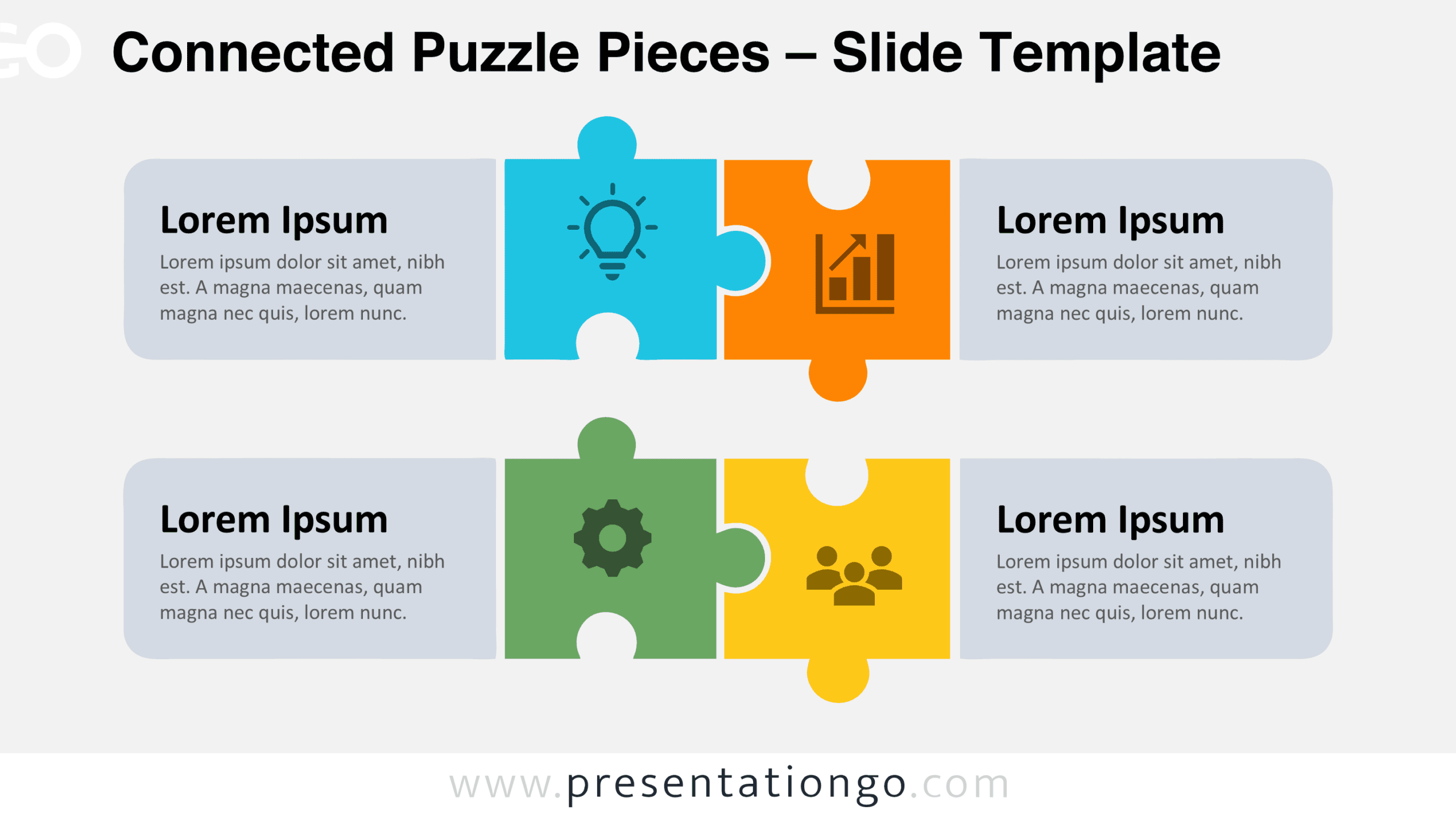
Download the free Connected Puzzle Pieces diagram for PowerPoint and Google Slides. Customize four interlocking pieces, icons, and text for your presentation.
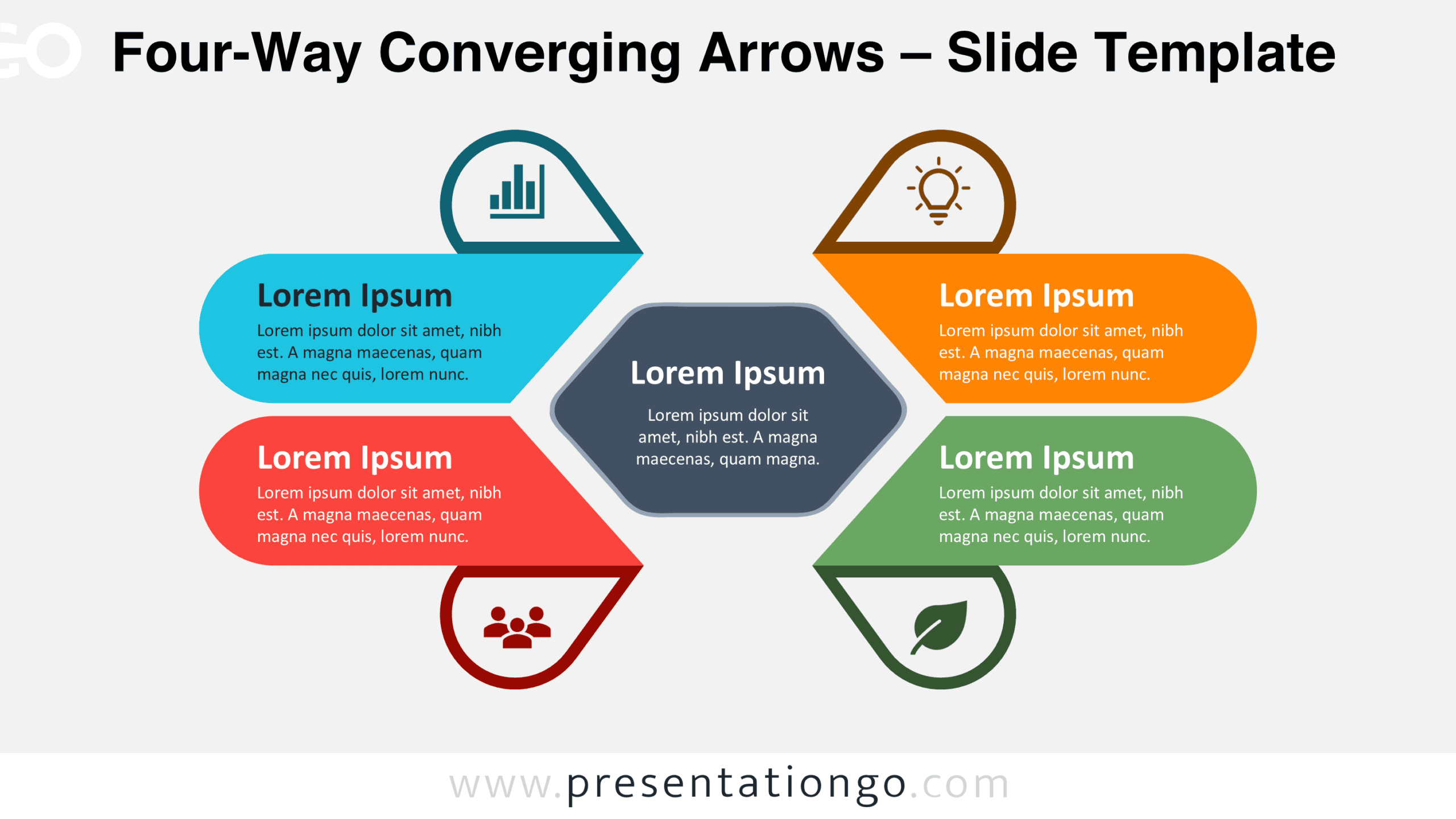
Download the free Four-Way Converging Arrows diagram for PowerPoint and Google Slides. Present four connected ideas around one central goal in your slides.
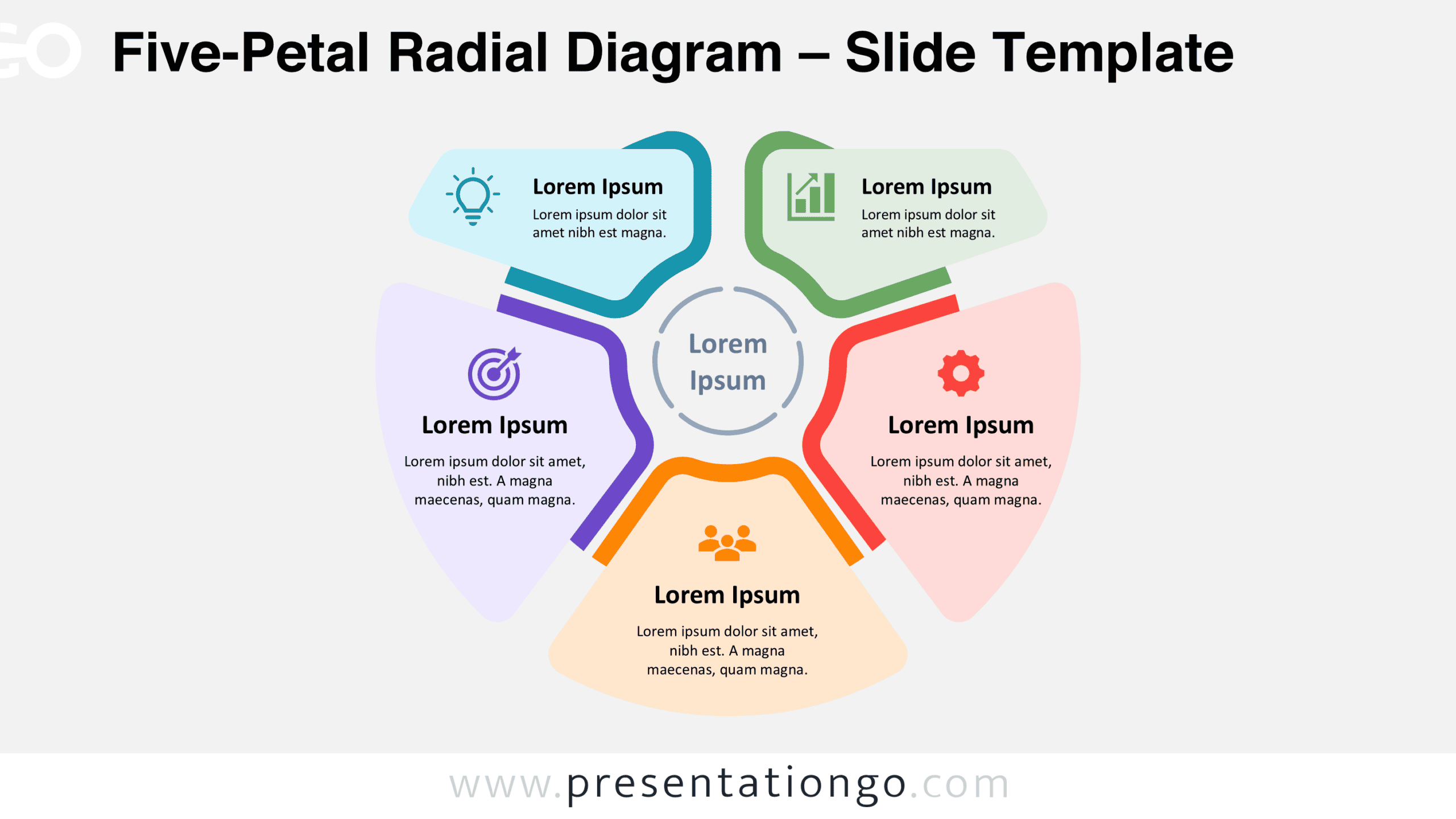
Download the free Five-Petal Radial Diagram for PowerPoint and Google Slides. Customize five interconnected sections, text, and icons to present key ideas.
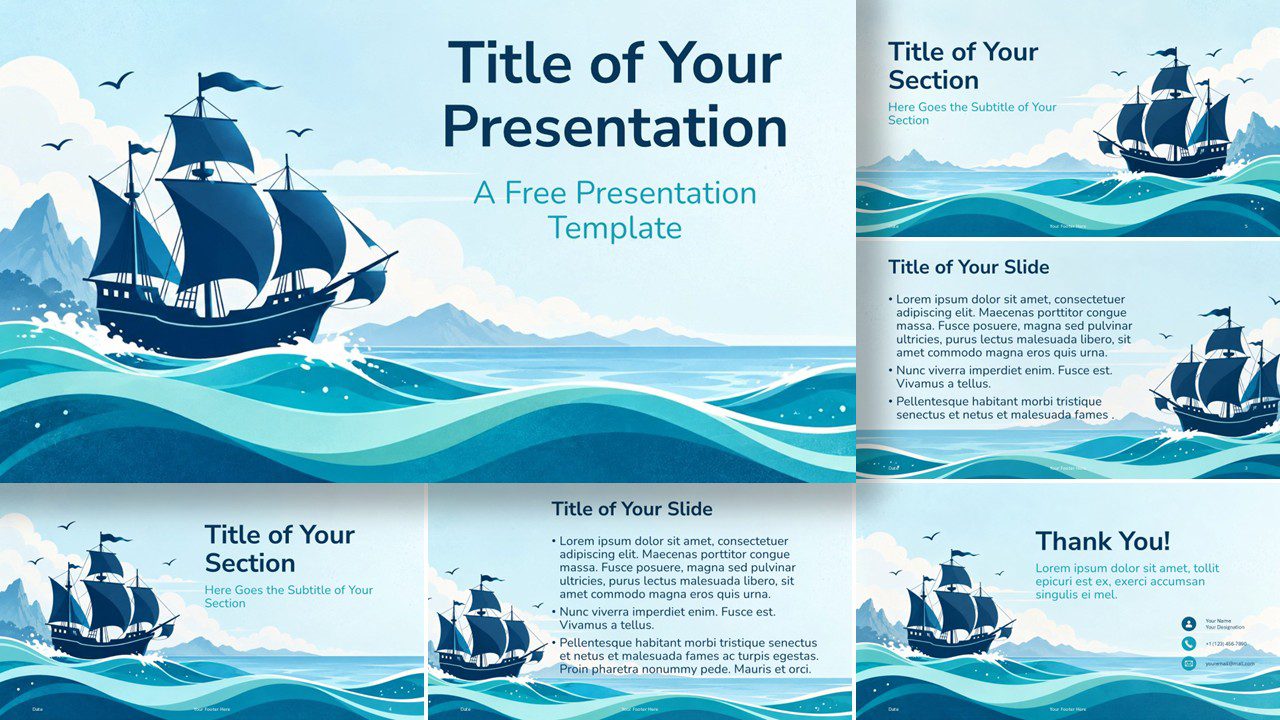
Explore Columbus Day with Sailing Into Adventure, a free PowerPoint and Google Slides template featuring ocean artwork, six slide layouts, and custom colors.
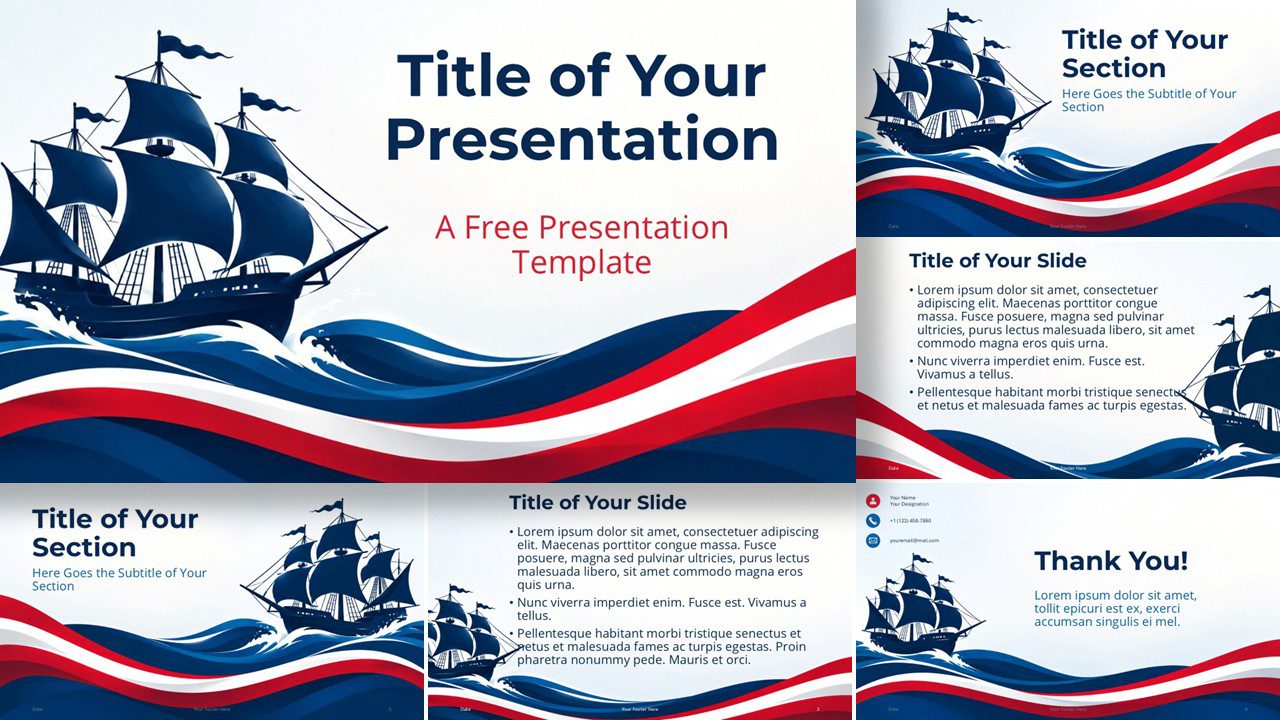
Celebrate Columbus Day with Patriotic Voyage, a free PowerPoint and Google Slides template featuring sailing ships, ocean waves, and six presentation layouts.
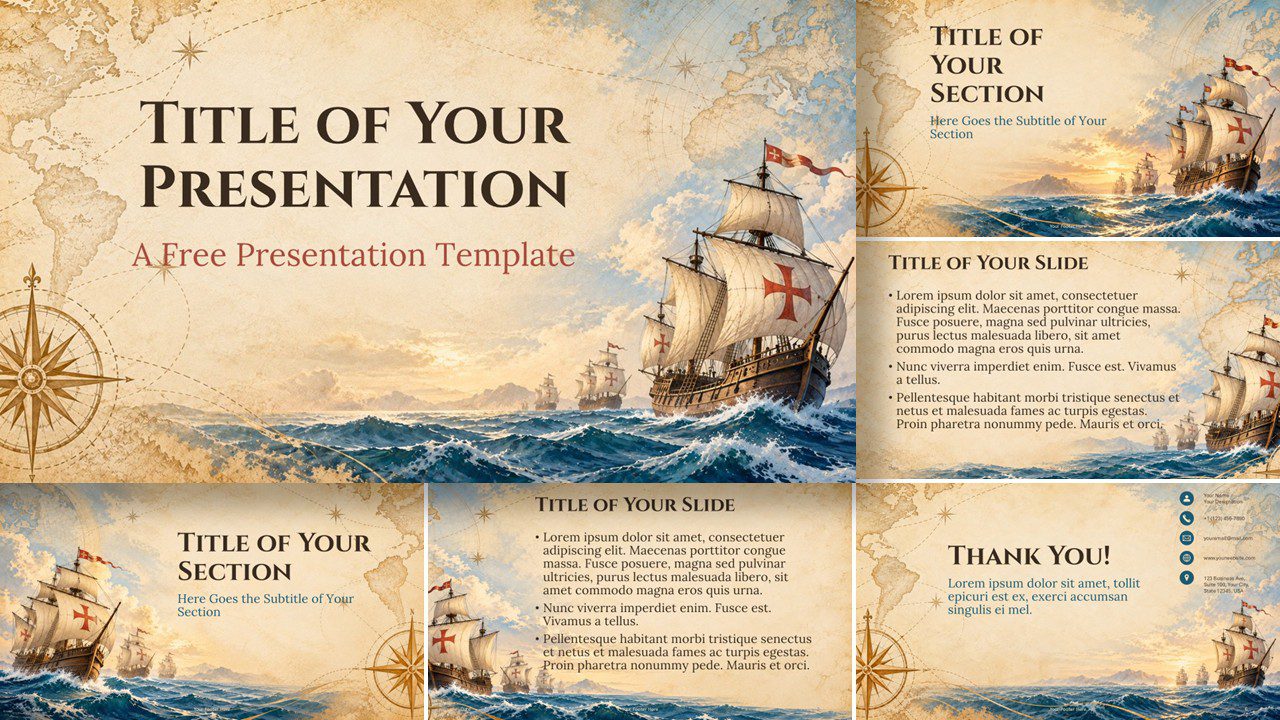
Download the free Age of Exploration PowerPoint template for Columbus Day. Create historic voyage presentations with six editable slides for Google Slides.
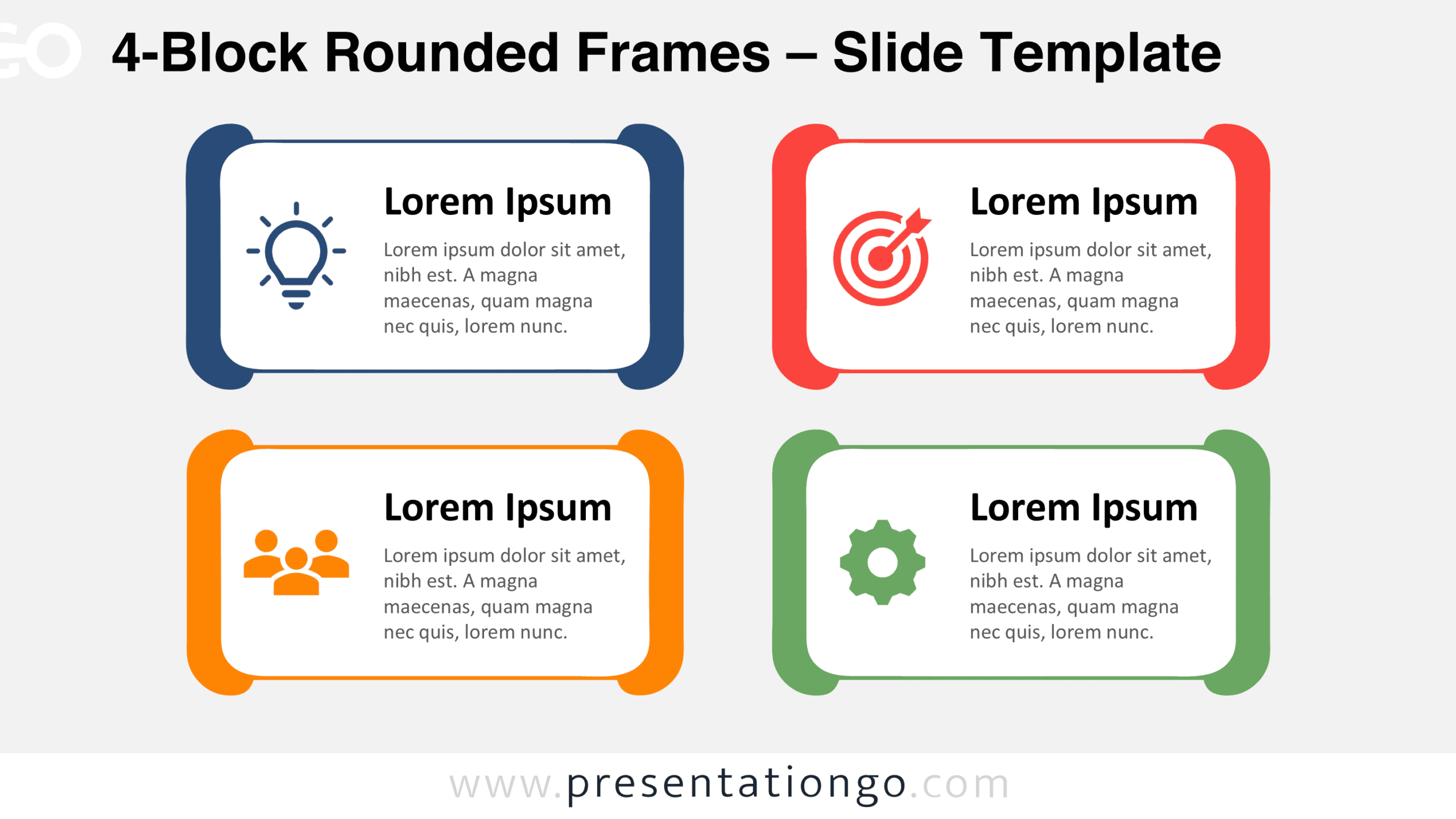
Use the 4-Block Rounded Frames diagram in PowerPoint and Google Slides to show four concepts, pillars, or services with editable text blocks and icons.
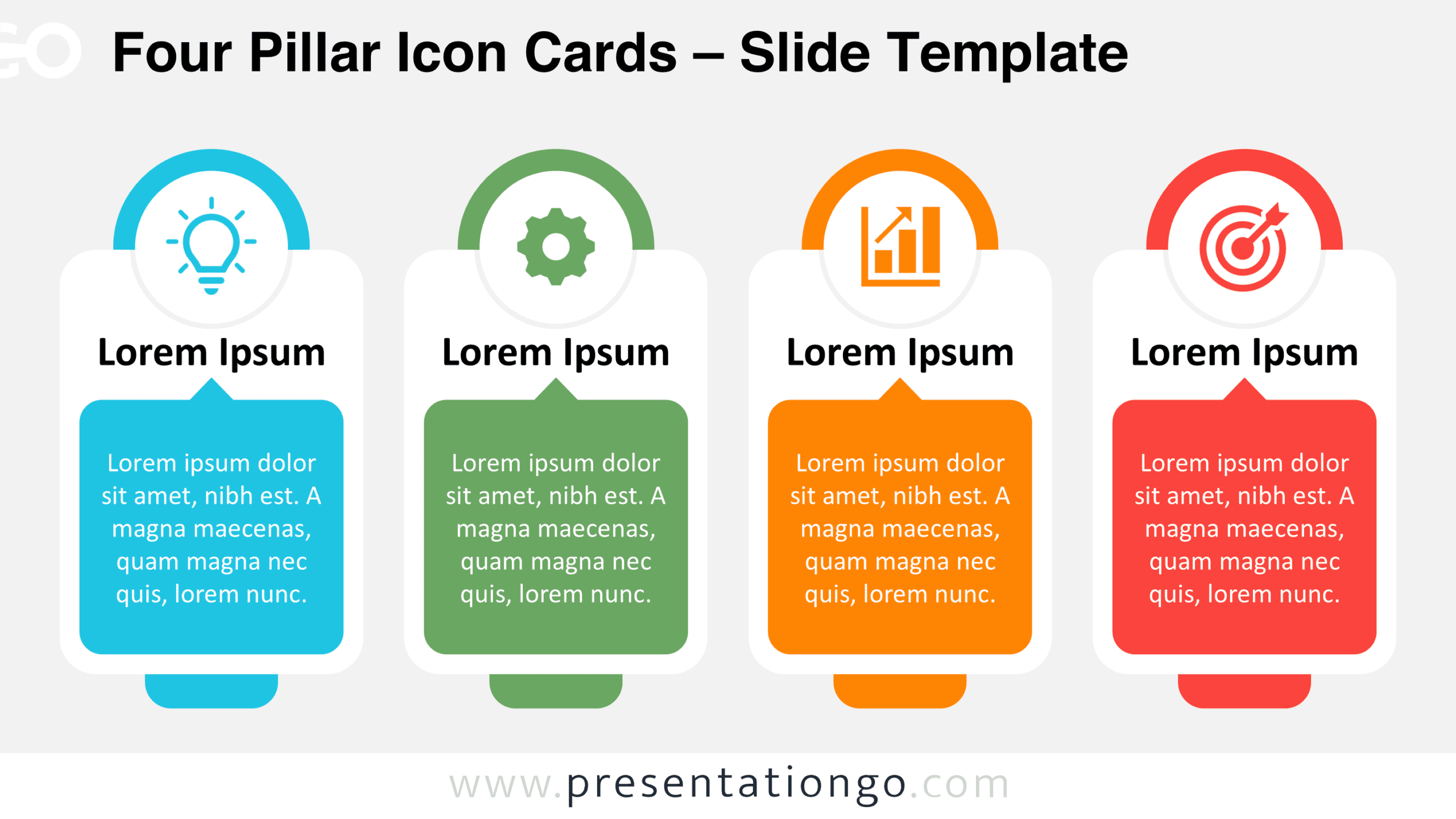
Download the Four Pillar Icon Cards diagram for PowerPoint and Google Slides. Present four related ideas with editable cards, text, shapes, and icons.
Download the Four Icon Information Cards diagram for PowerPoint and Google Slides, featuring four editable content blocks with Office icon placeholders.
Present four sequential stages with Numbered Arch Process Cards for PowerPoint and Google Slides, featuring editable shapes, text, and icon placeholders.
Download the Central Spine 6-Step Flow diagram for PowerPoint and Google Slides. Present six connected ideas, priorities, or process steps in one layout.
Present four sequential stages with the Four-Step Connected Cards diagram for PowerPoint and Google Slides, featuring editable cards, text, and icons.
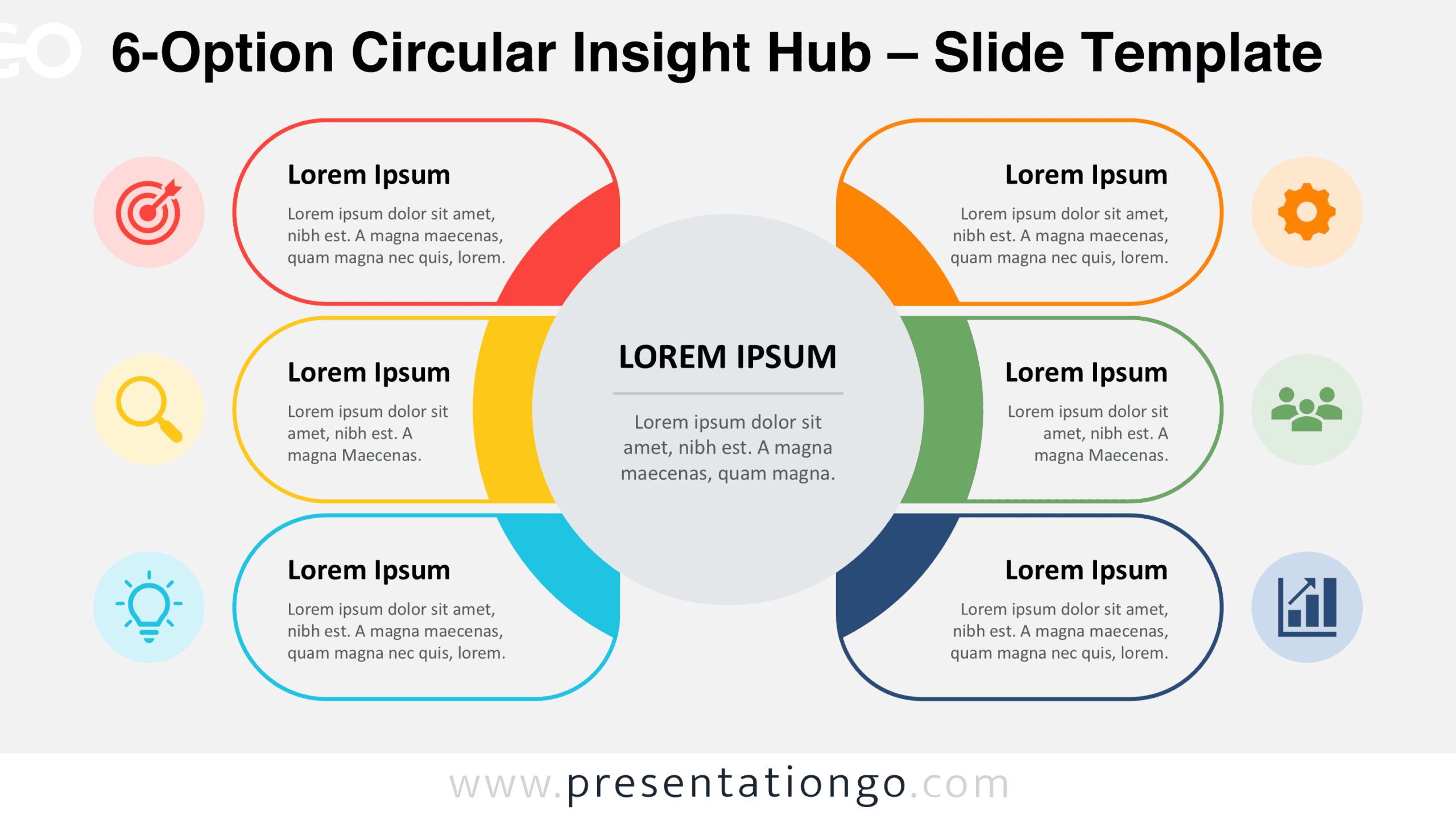
Organize six business concepts around one central message with the 6-Option Circular Insight Hub for editable PowerPoint and Google Slides presentations.
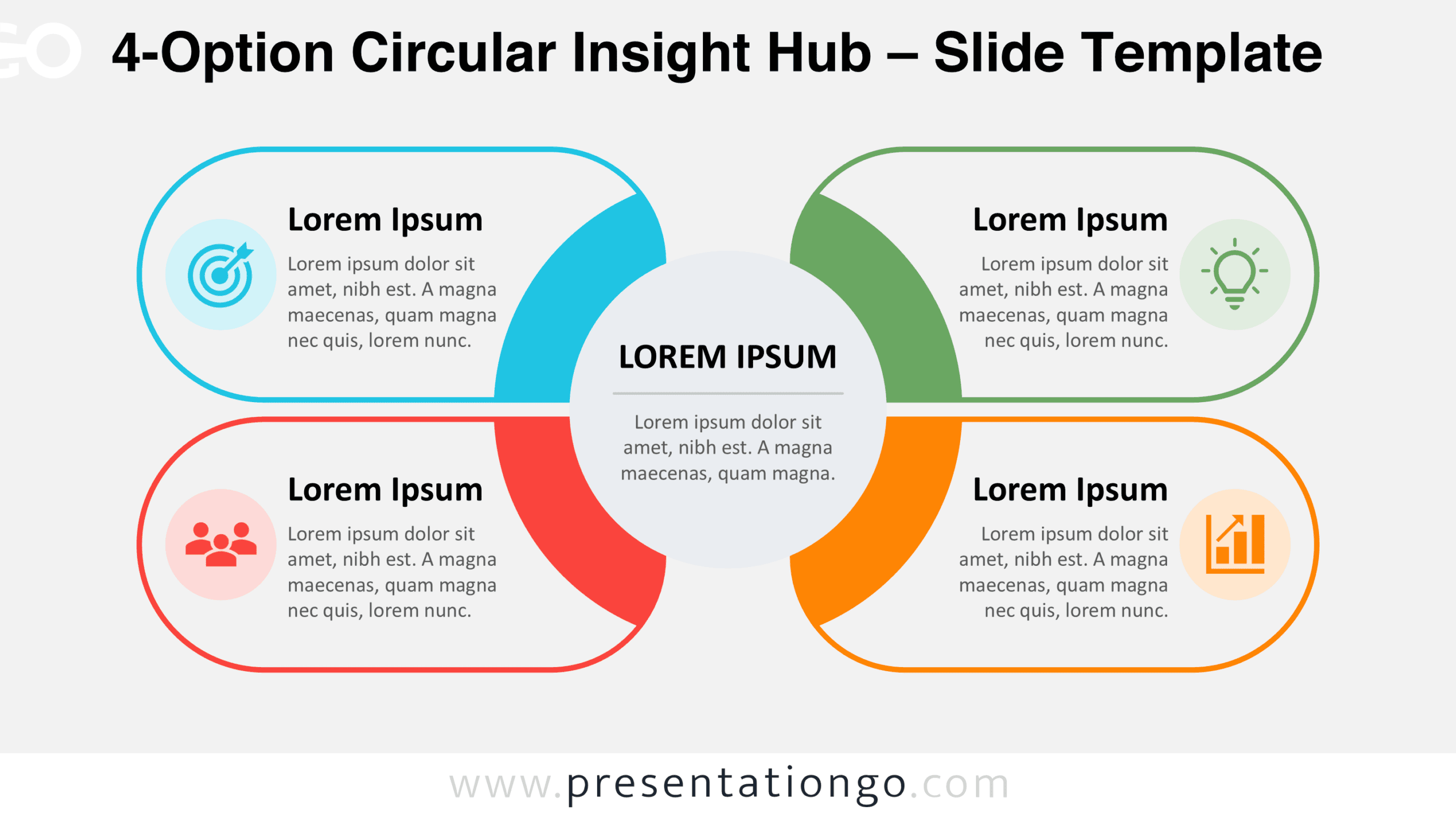
Download the 4-Option Circular Insight Hub for PowerPoint and Google Slides, featuring four editable sections around a central message for structured ideas.
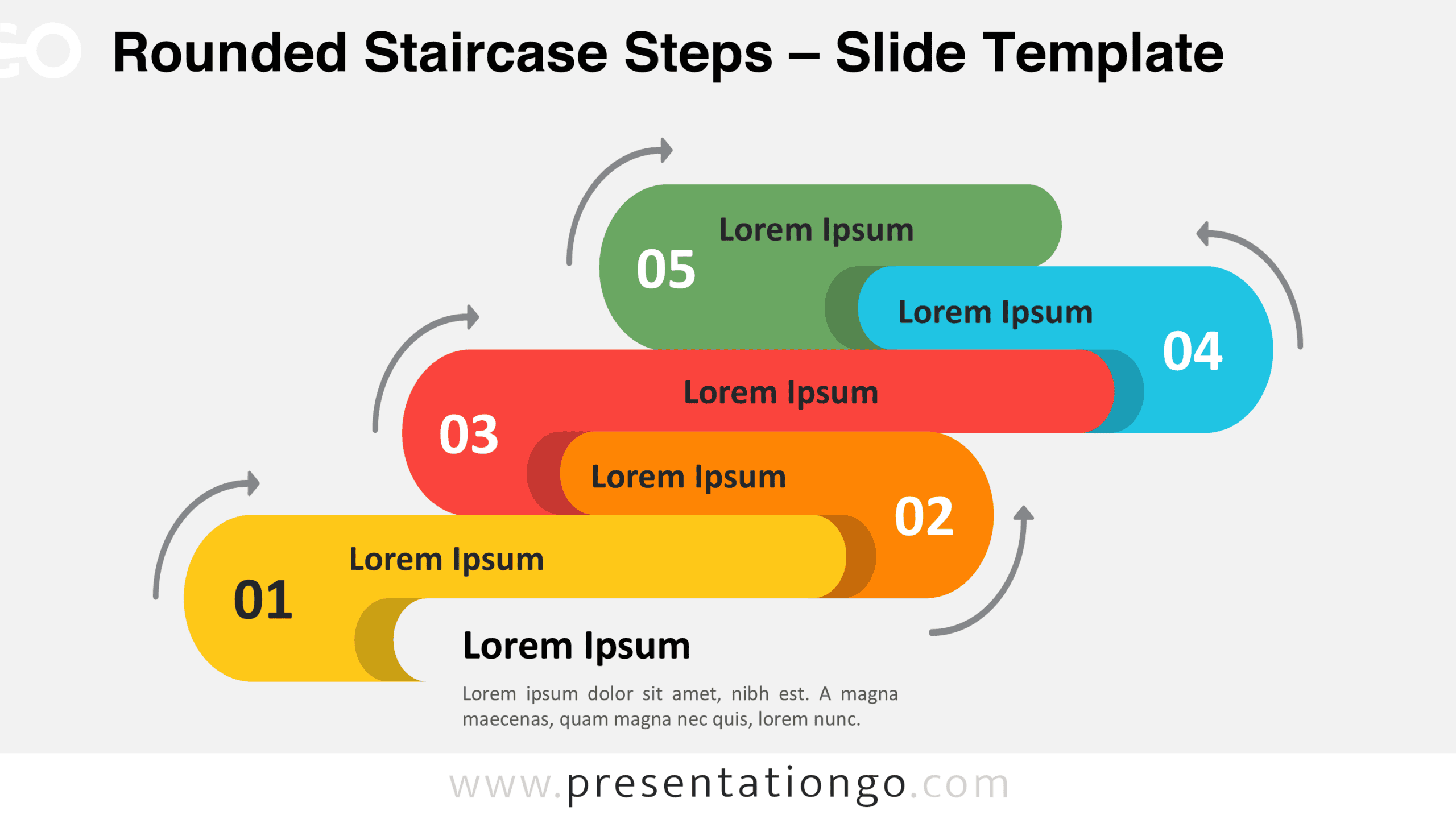
Download Rounded Staircase Steps for PowerPoint and Google Slides, a five-stage process diagram with editable shapes, text, and directional arrows.
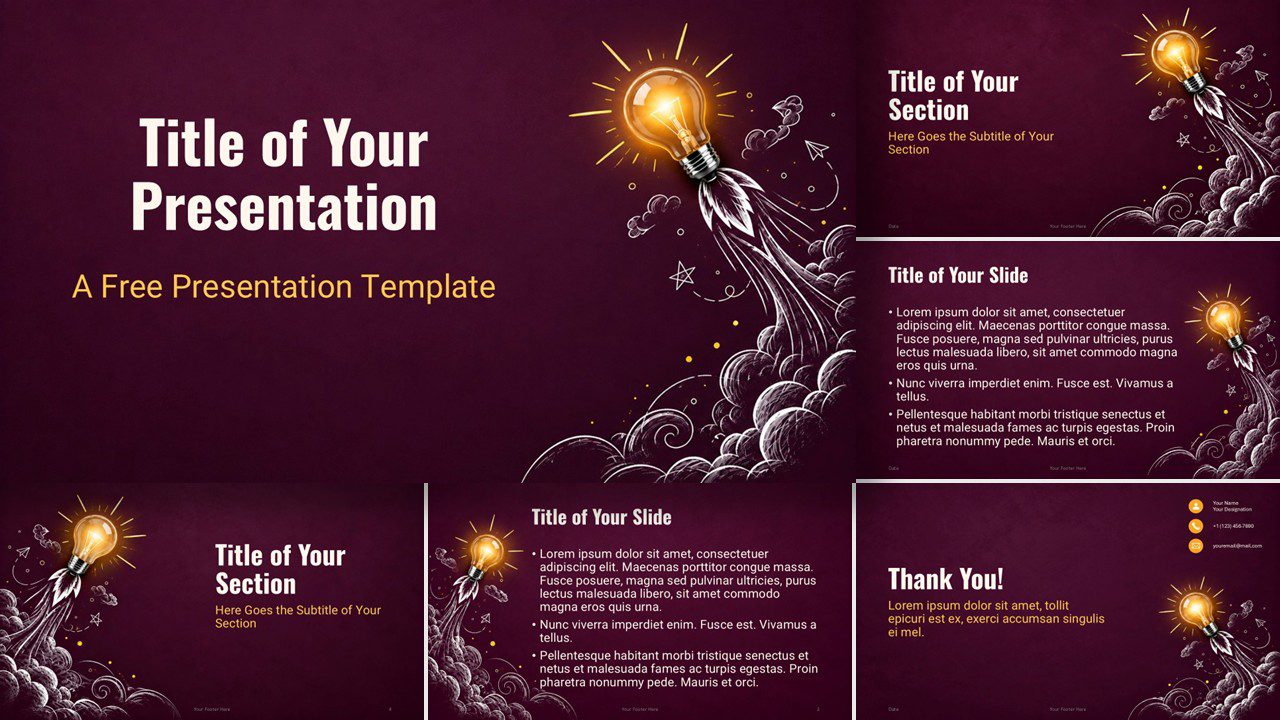
Bring ideas to life with the Creative Spark presentation template for PowerPoint and Google Slides, featuring six layouts and a vibrant custom palette.
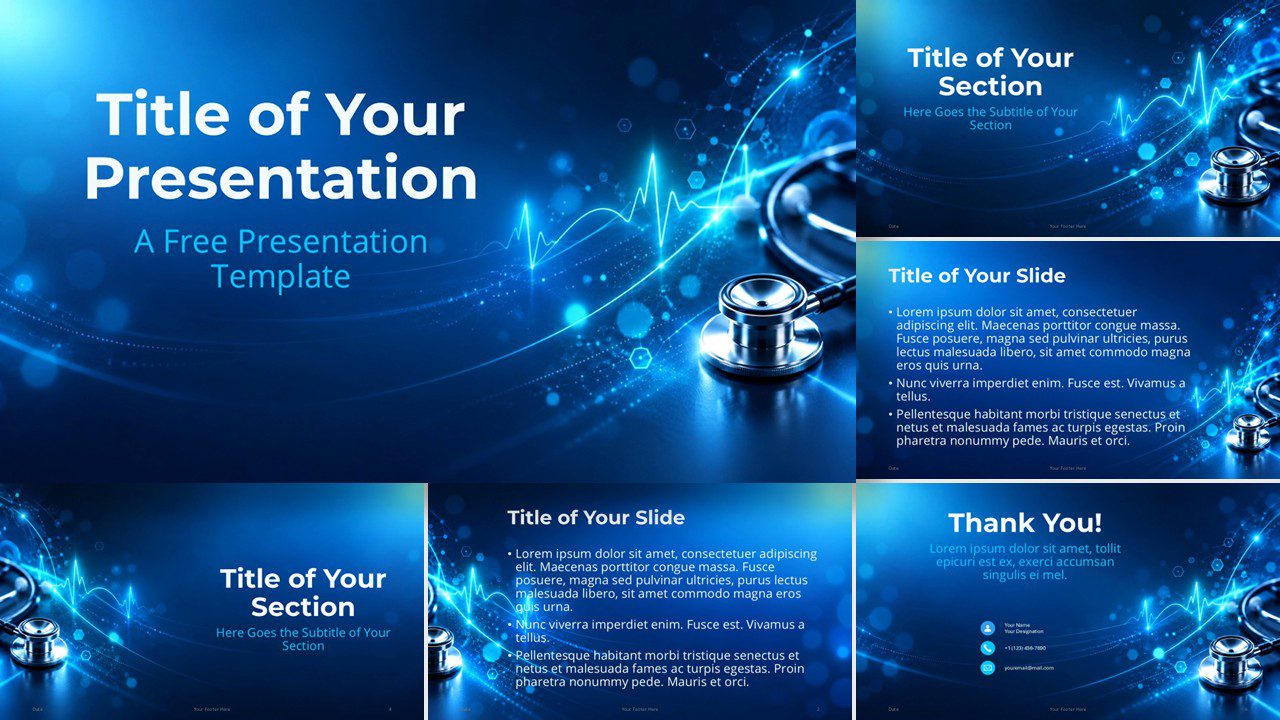
Download the Digital Health Pulse presentation template for PowerPoint and Google Slides, featuring modern medical visuals and editable slide layouts.
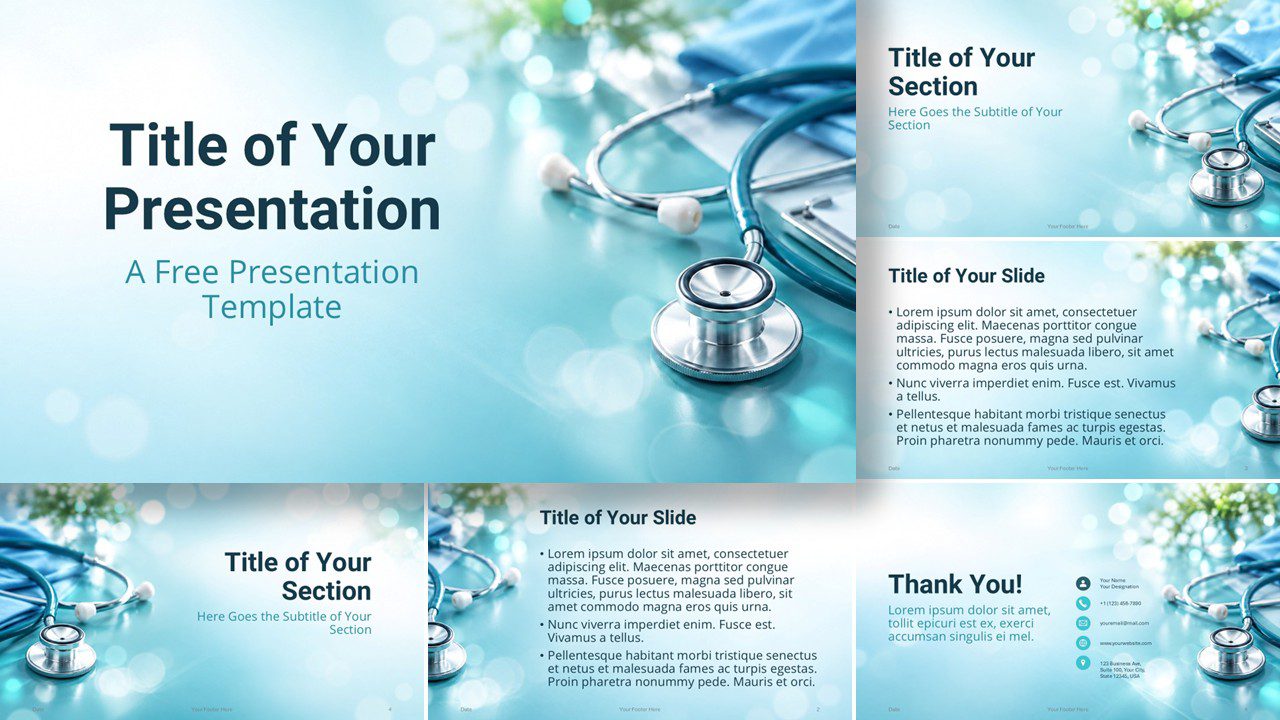
Download Medical Pulse, a free medical template for PowerPoint and Google Slides with 6 professional slides, healthcare imagery, and custom colors.
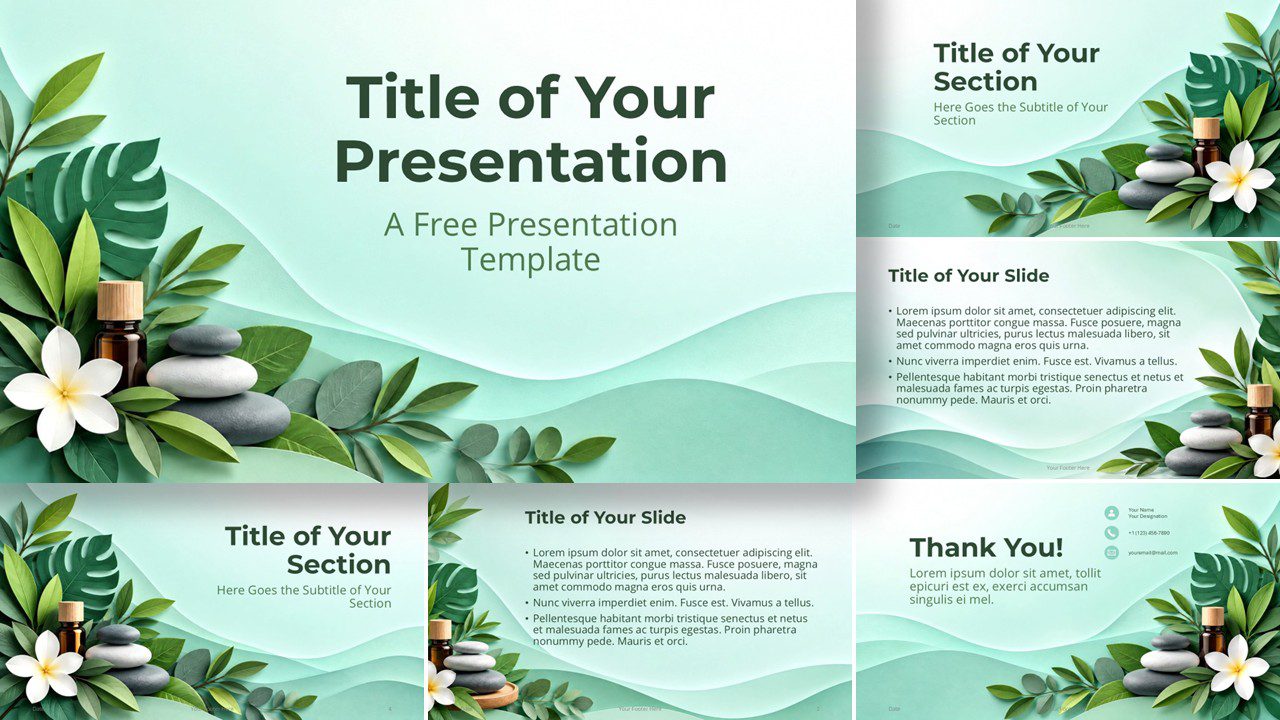
Create a calming presentation with the free Spa Serenity template for PowerPoint and Google Slides, with six layouts and a custom color palette.
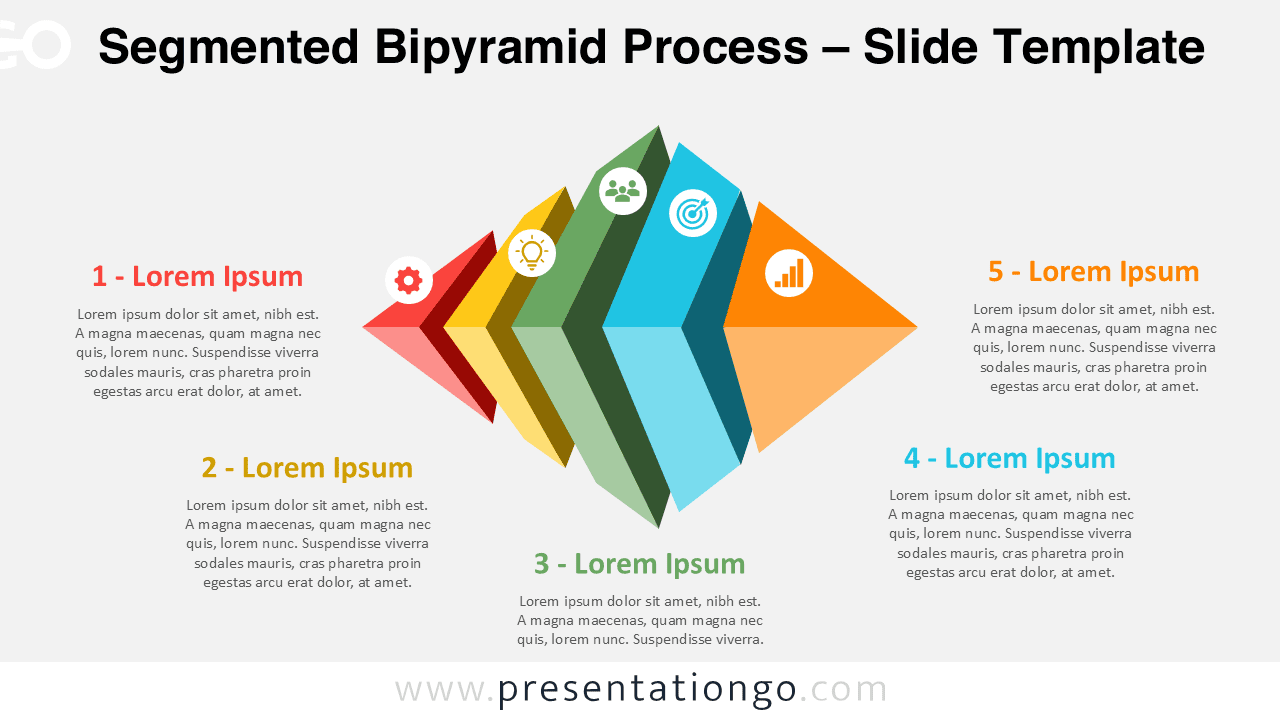
Download the Segmented Bipyramid Process Diagram for PowerPoint and Google Slides. Present five connected stages with editable shapes, text, and icons.