Loading resources…
Total 3480 resources
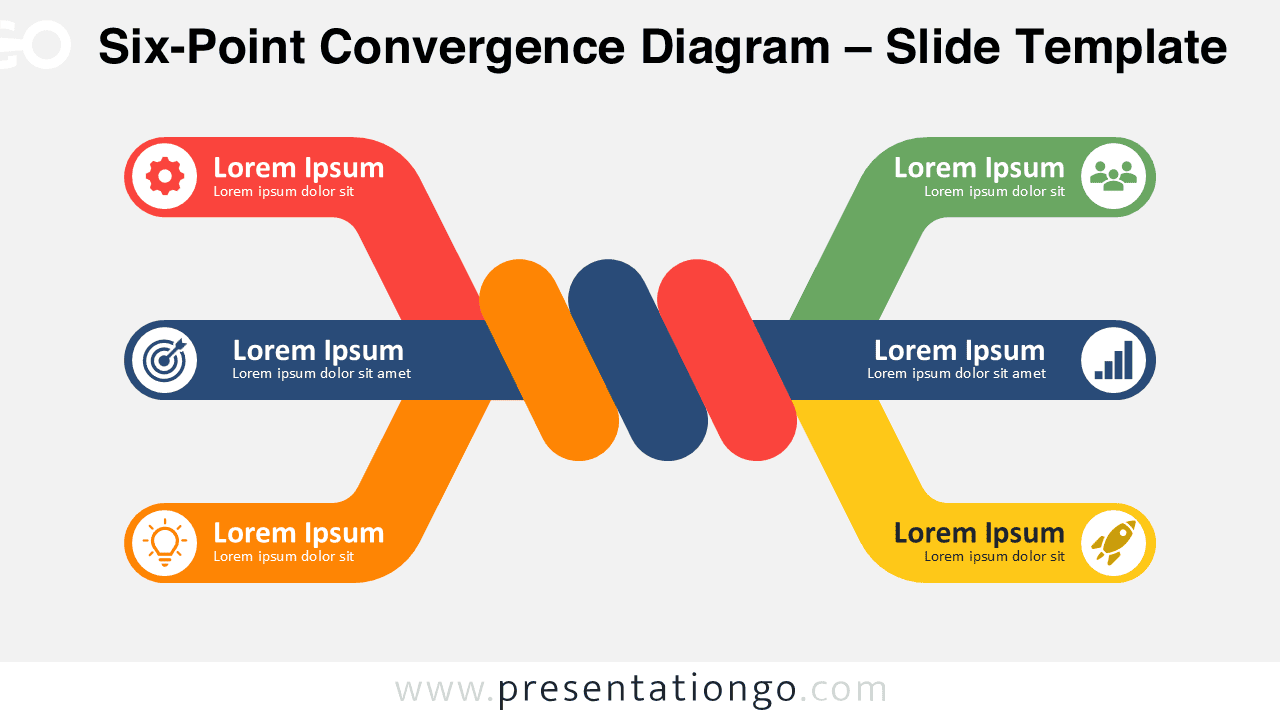
Six-Point Convergence Diagram for PowerPoint and Google Slides with six editable branches for strategies, relationships, processes, and business topics.
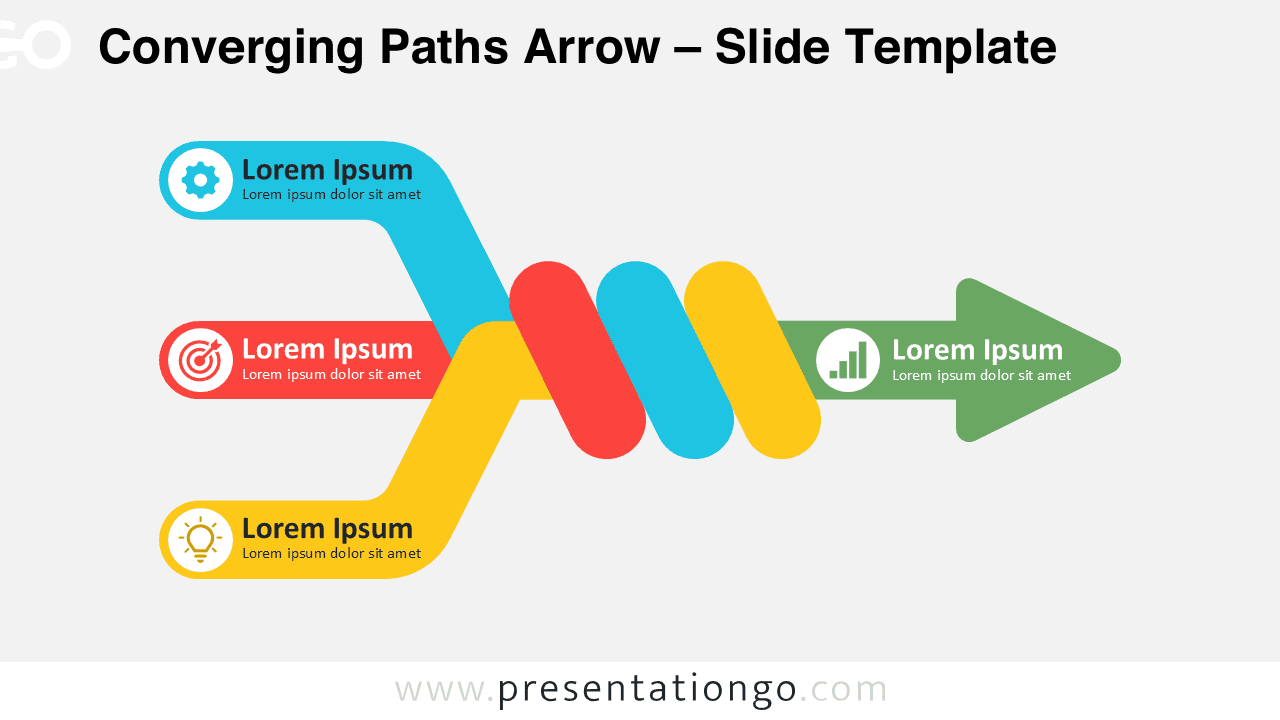
Download the Converging Paths Arrow for PowerPoint and Google Slides. Show three separate inputs converging into one unified direction or outcome.
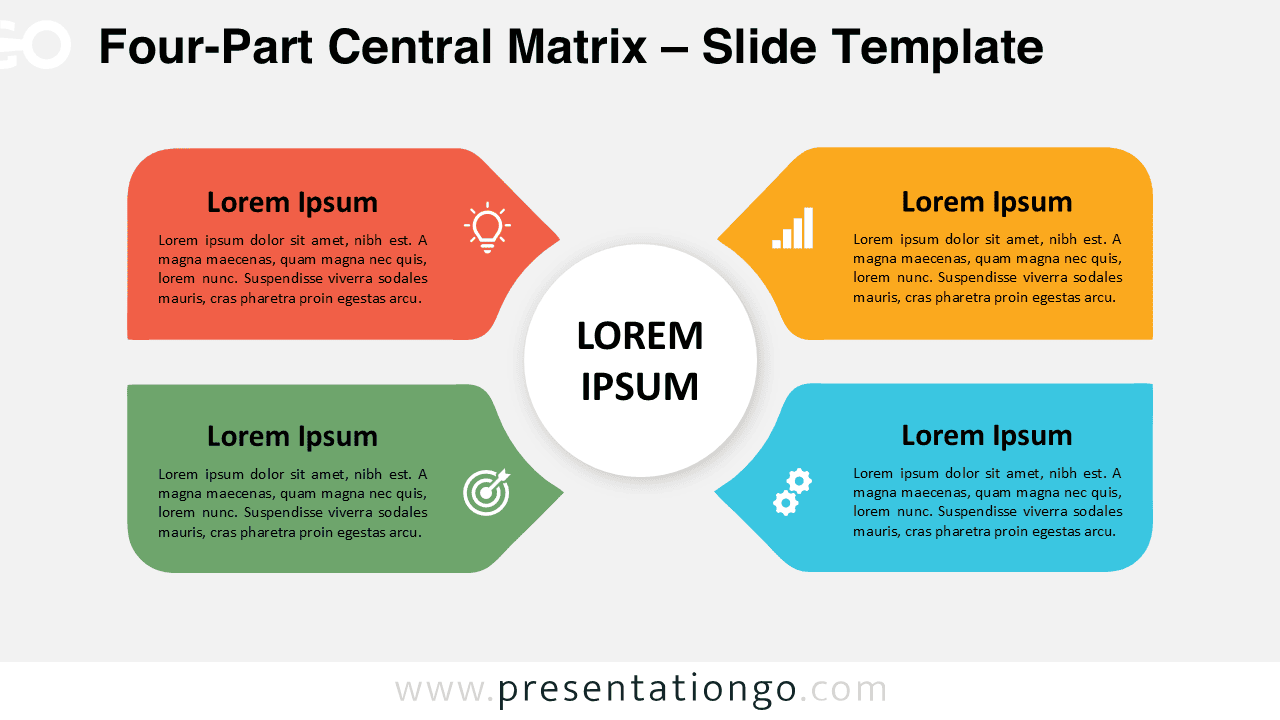
Download the Four-Part Central Matrix for PowerPoint and Google Slides, featuring four editable sections connected to one central concept.
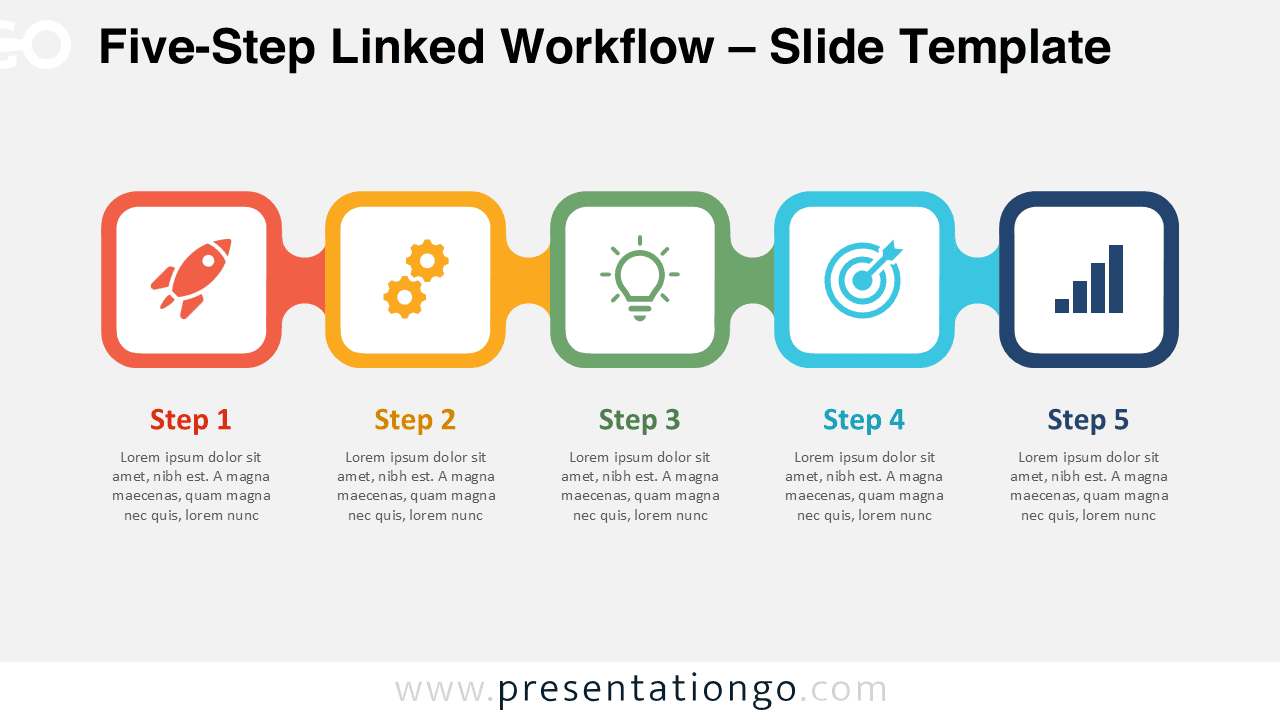
Download the Five-Step Linked Workflow for PowerPoint and Google Slides. Edit five connected stages, text, shapes, and icon placeholders for projects.
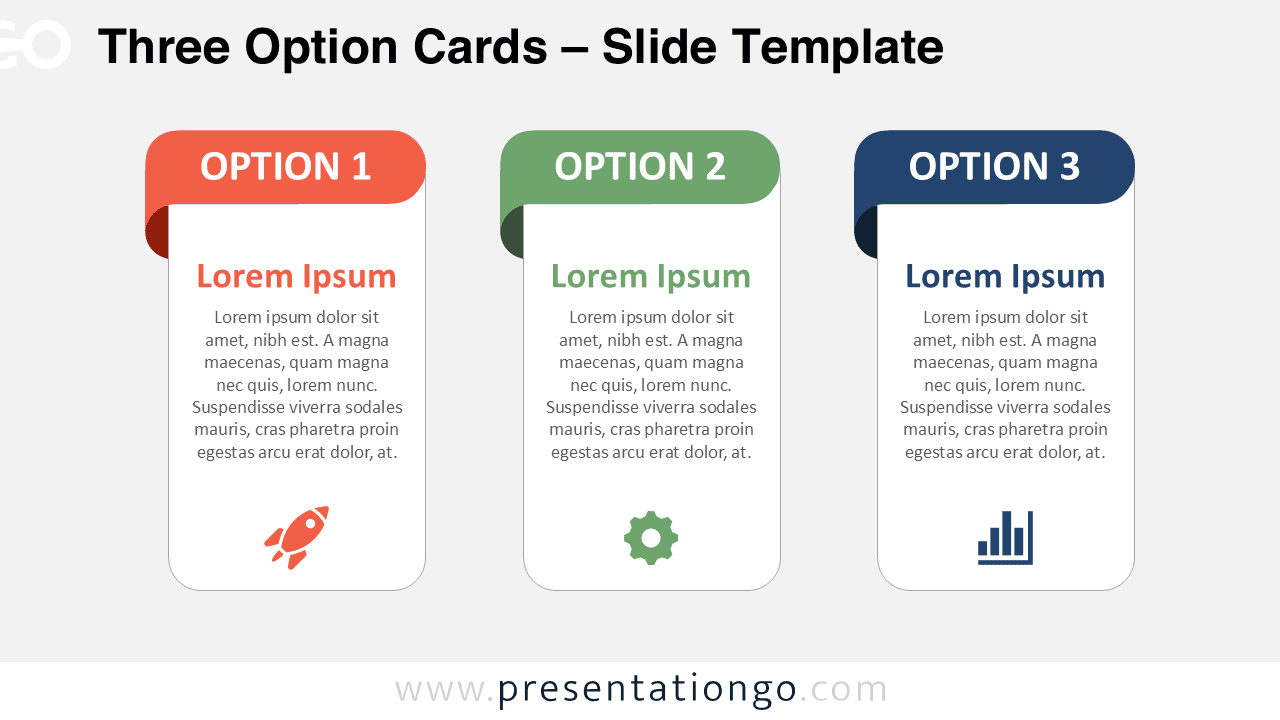
Download the Three Option Cards PowerPoint diagram to compare three choices. Edit text, shapes, and icons in PowerPoint or Google Slides.
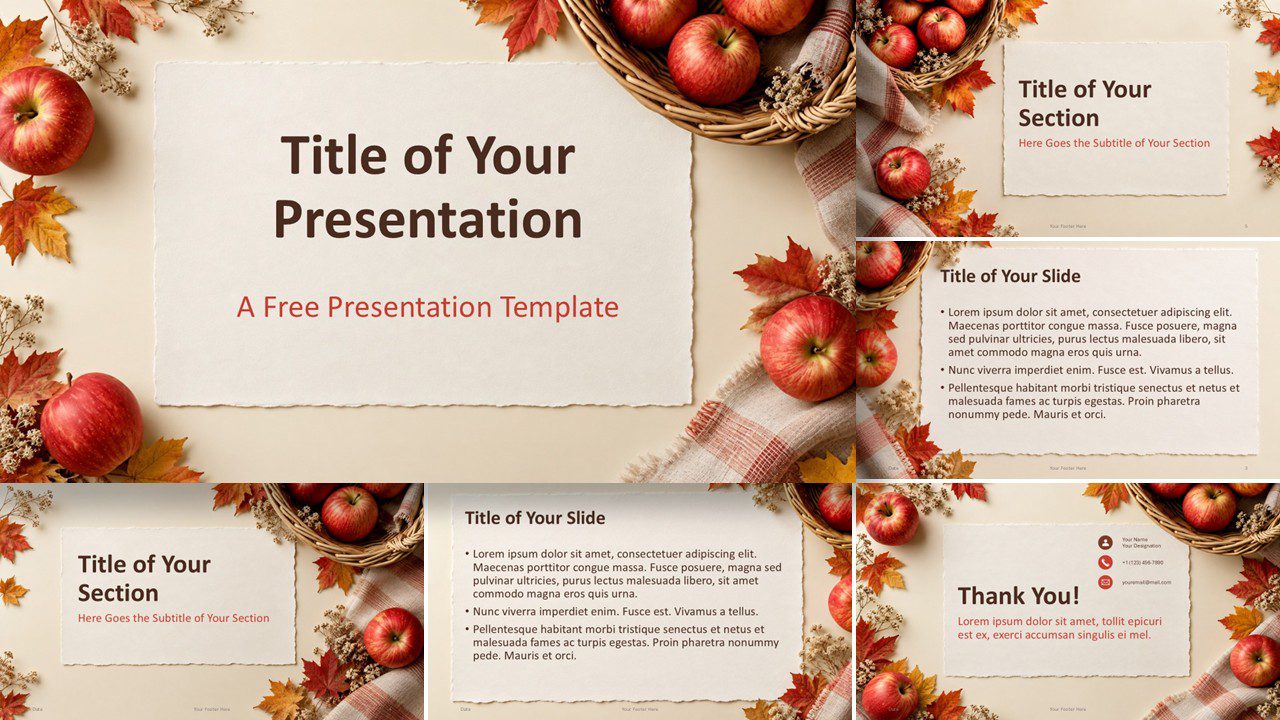
Download the Apple Harvest PowerPoint and Google Slides template with 6 editable slides, autumn apple imagery, warm colors, and rustic seasonal layouts.
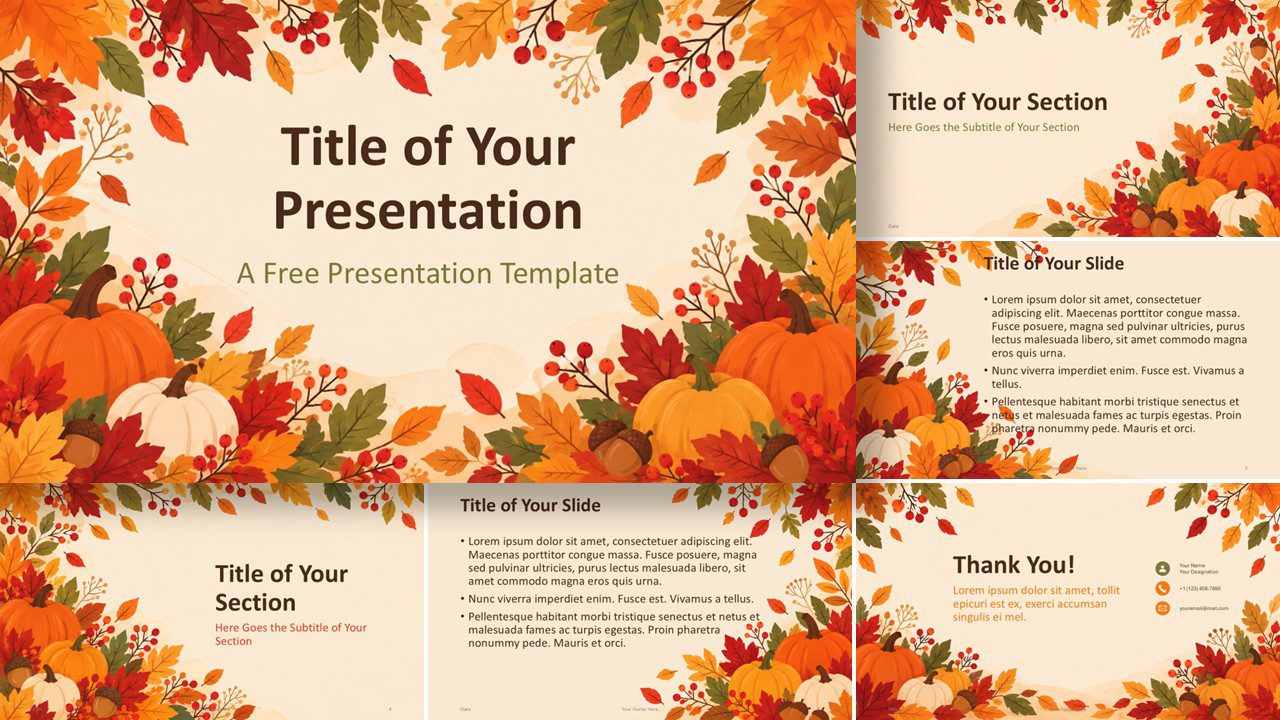
Download the Pumpkin Season template for PowerPoint and Google Slides, featuring 6 warm autumn slides, seasonal artwork, and a custom color palette.
Download the Golden Leaves Nature template for PowerPoint and Google Slides, with six seasonal layouts, warm autumn (fall) colors.
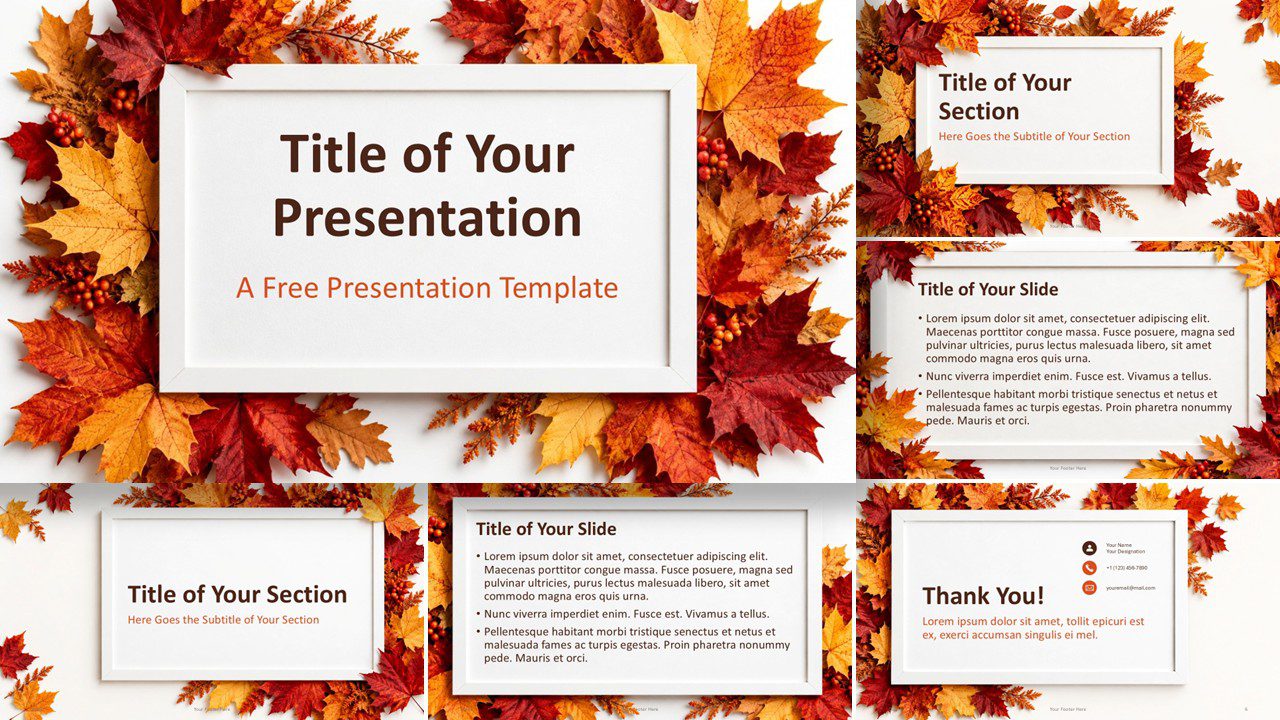
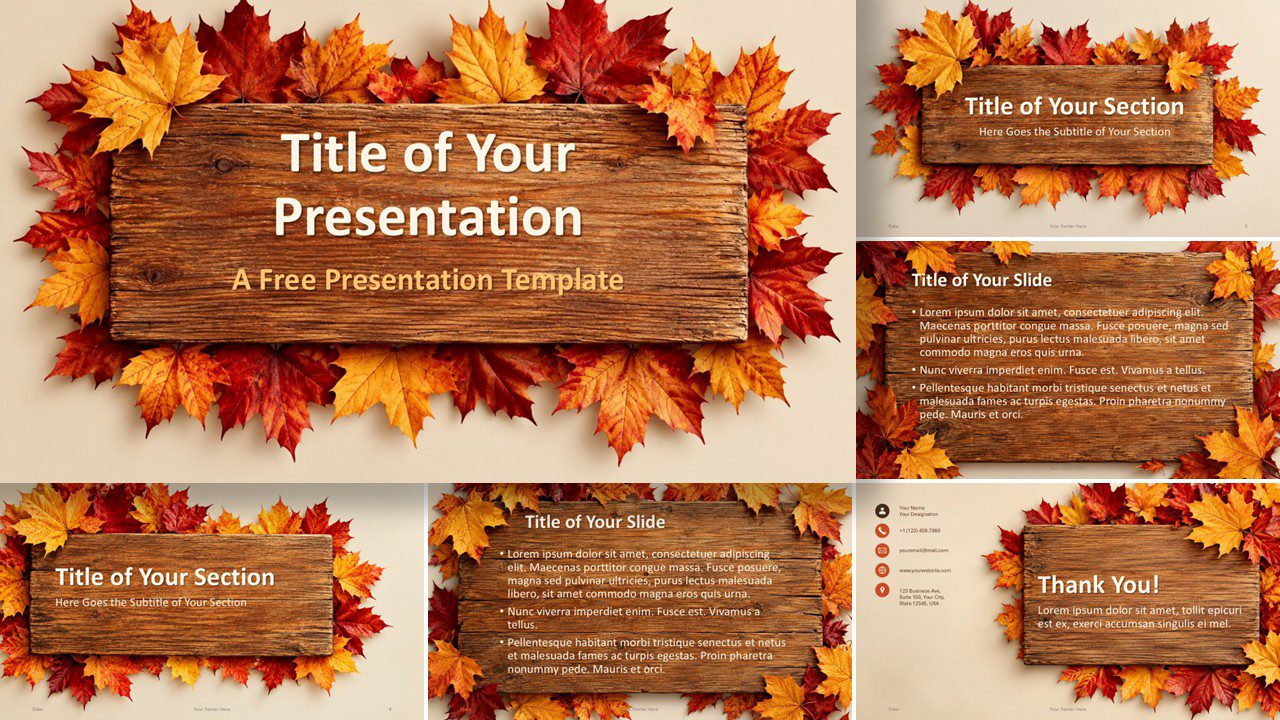
Download the Autumn Maple template for PowerPoint and Google Slides with six seasonal layouts, rustic wood textures, and a custom fall color palette.
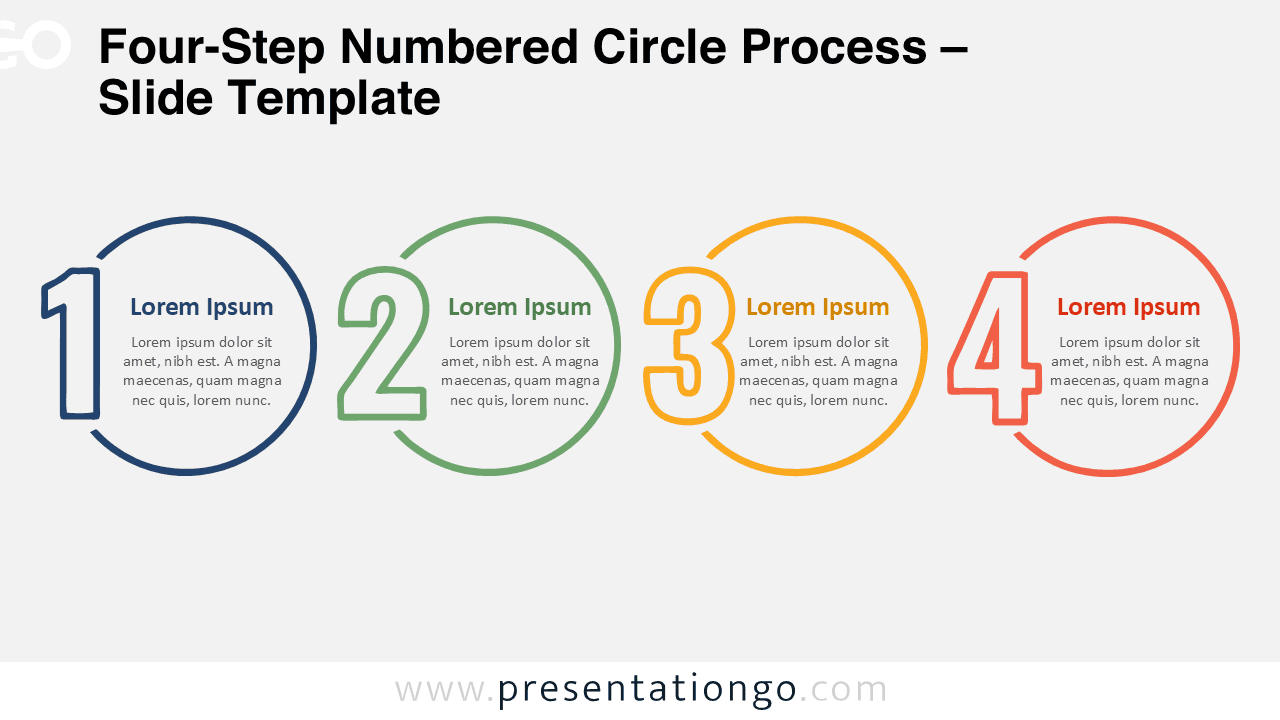
Download the Four-Step Numbered Circle Process diagram for PowerPoint and Google Slides, with four editable stages for workflows, plans, and milestones.
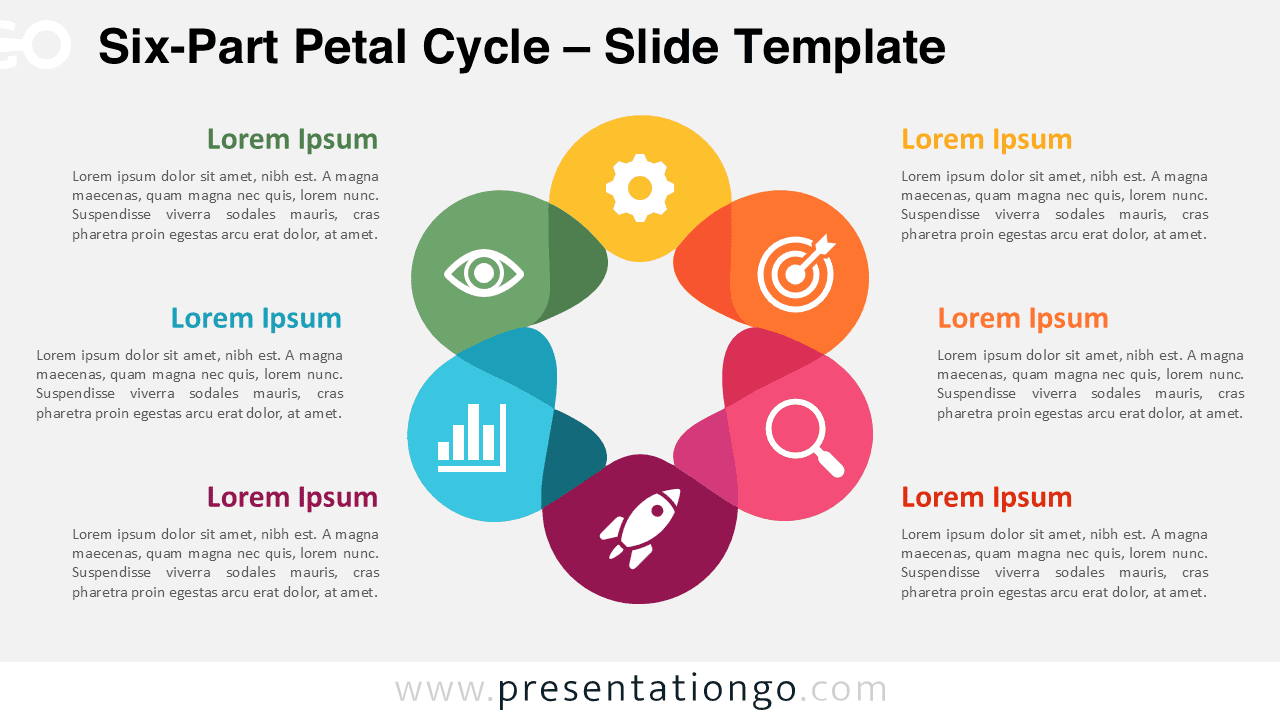
Download the Six-Part Petal Cycle diagram for PowerPoint and Google Slides, with six connected sections for processes, strategies, and key concepts.
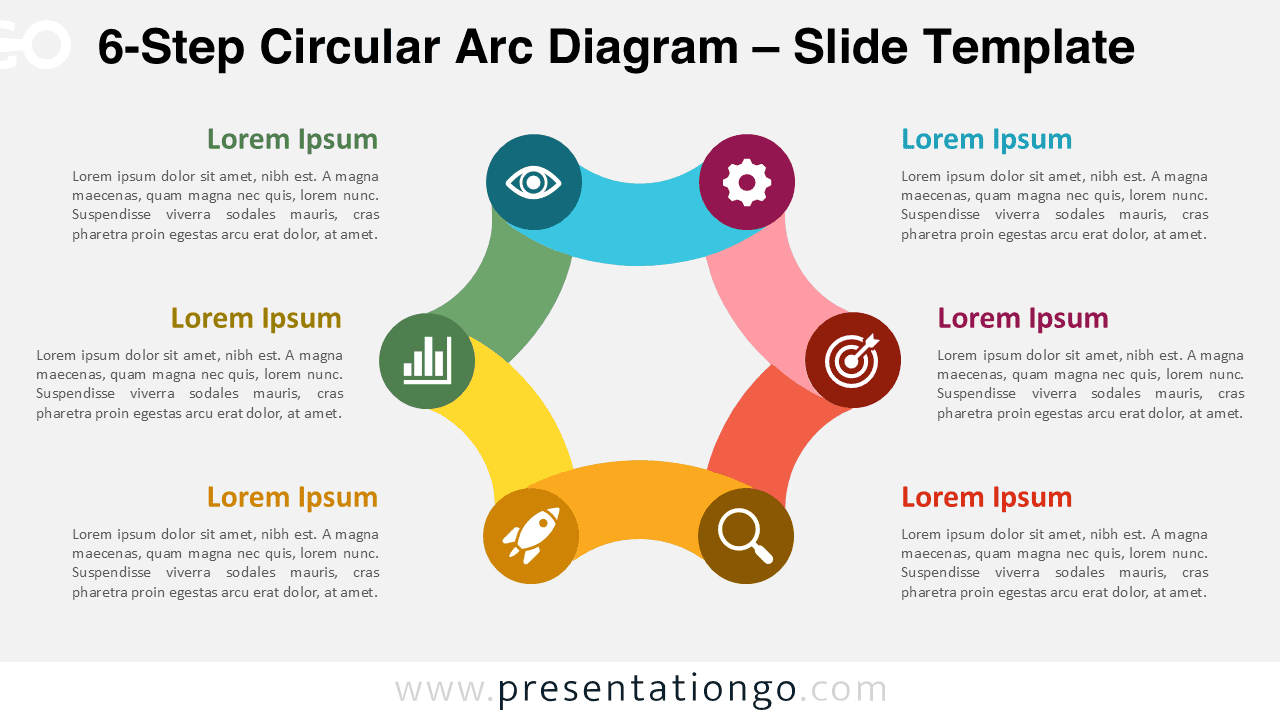
Use the 6-Step Circular Arc Diagram in PowerPoint and Google Slides to present cyclical workflows, six-stage processes, strategy loops, and recurring plans.
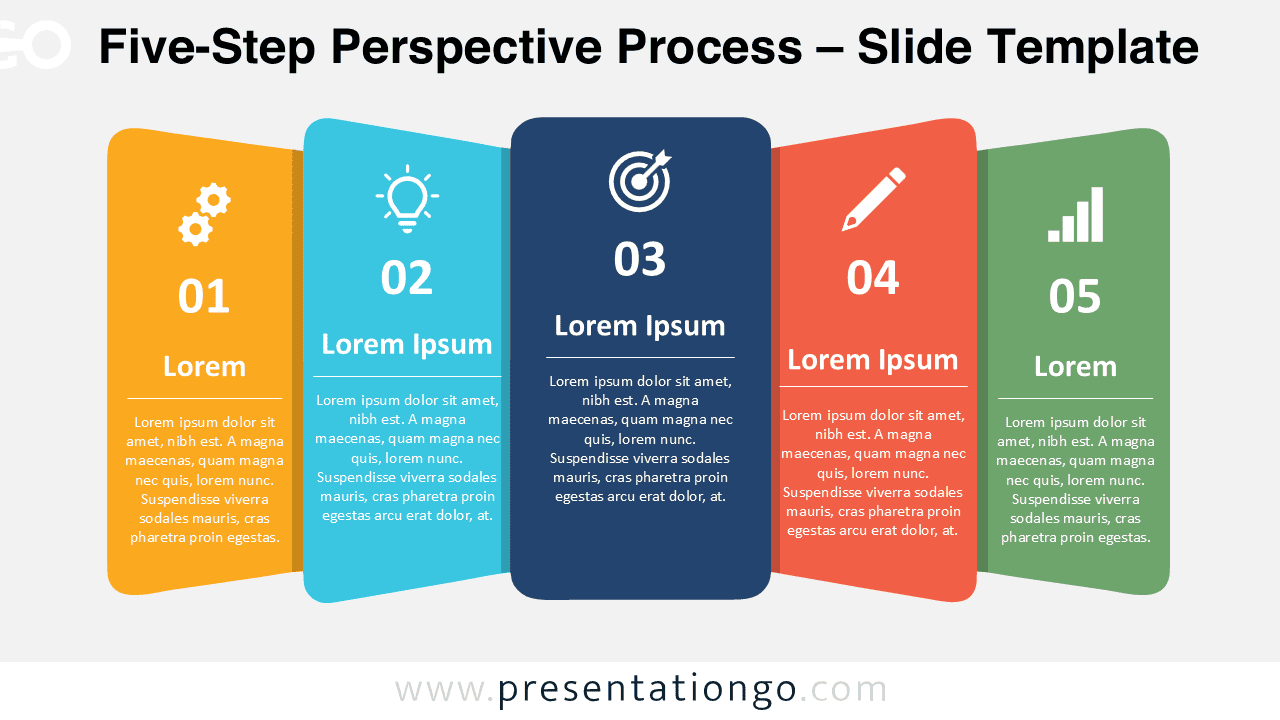
Download the Five-Step Perspective Process for PowerPoint and Google Slides, with editable stages, text, shapes, and Office library icons.
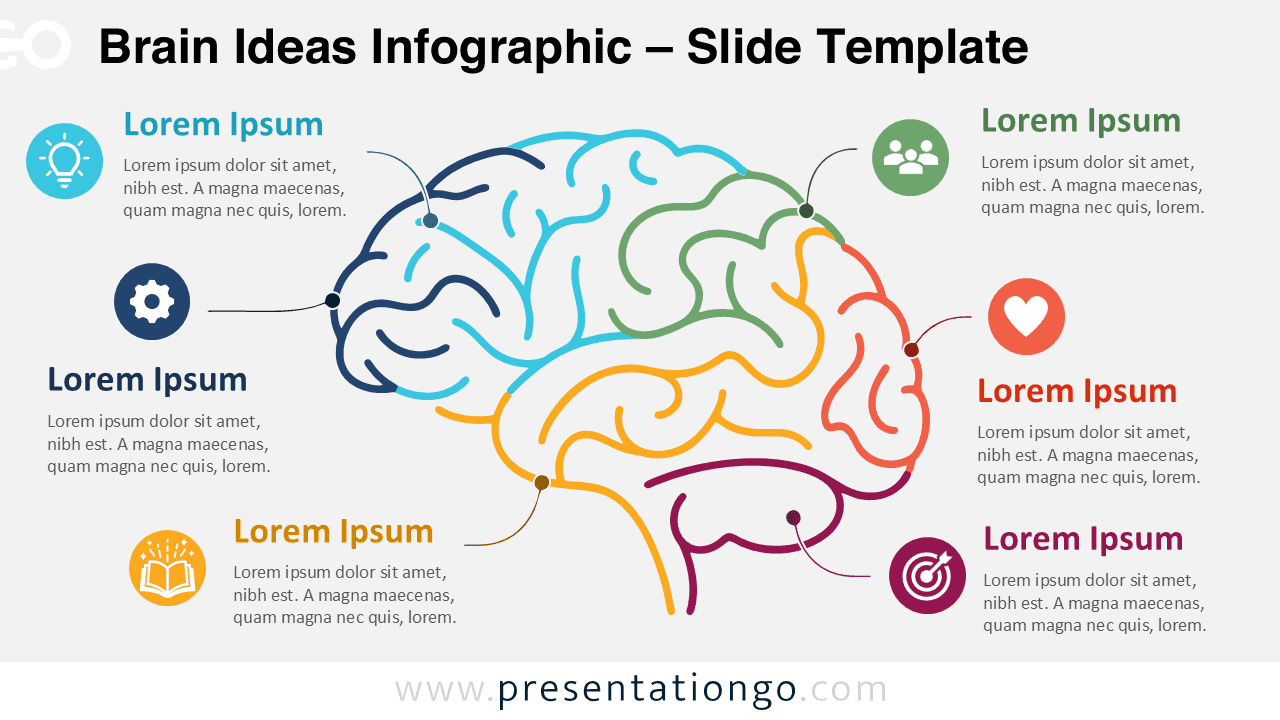
Download the Brain Ideas Infographic for PowerPoint and Google Slides with editable brain sections, callouts, text, shapes, and icon placeholders.
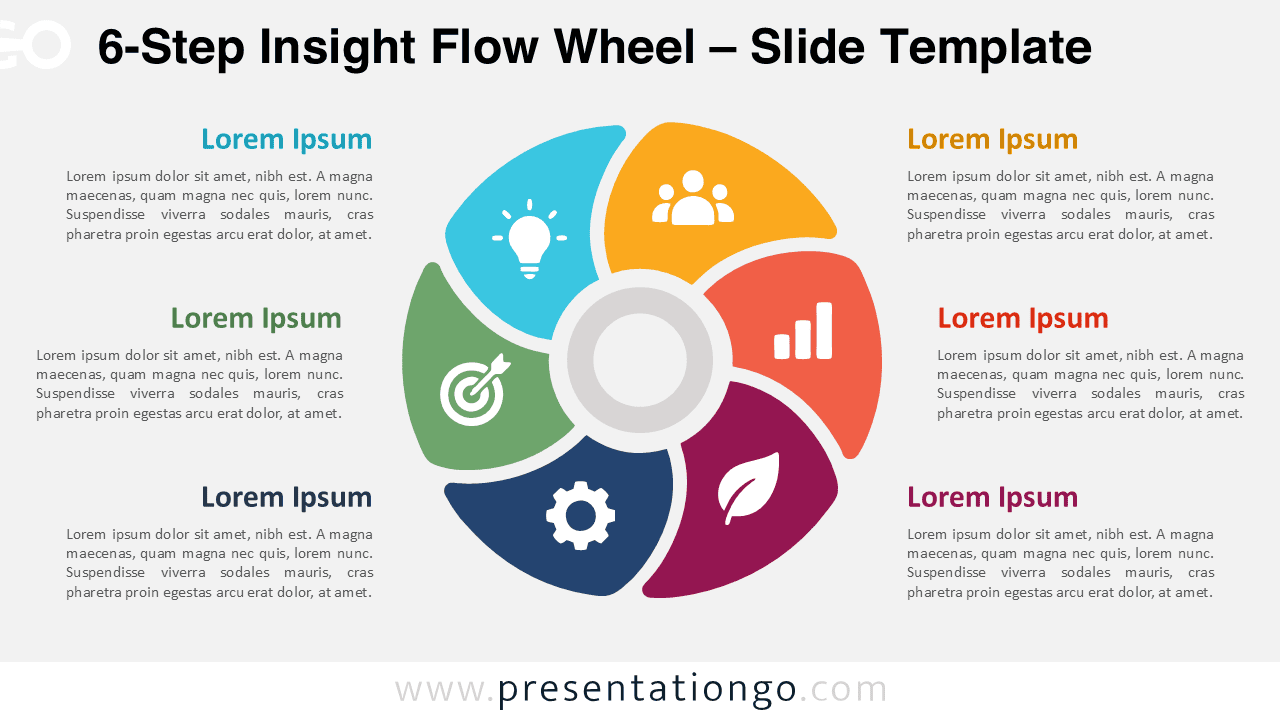
Download the 6-Step Insight Flow Wheel for PowerPoint and Google Slides with six editable segments, icon placeholders, and matching text areas.
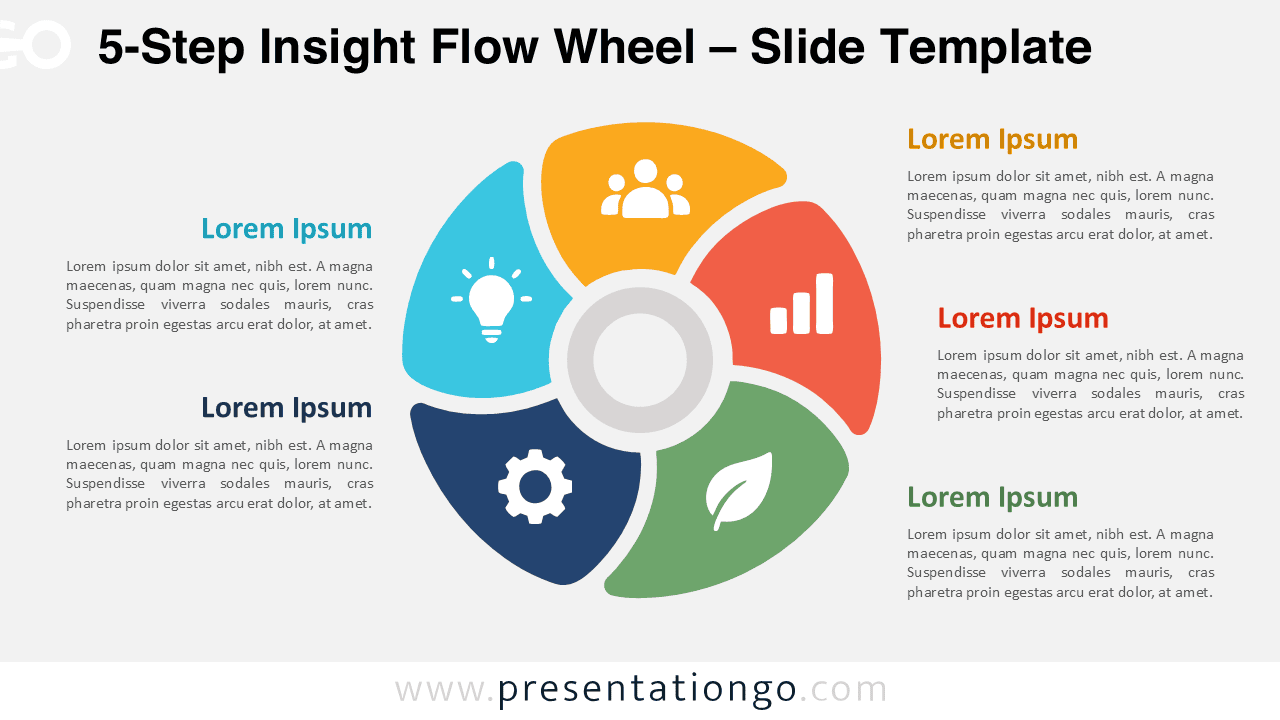
Use the 5-Step Insight Flow Wheel in PowerPoint and Google Slides to organize five connected ideas with editable segments, icons, and text.
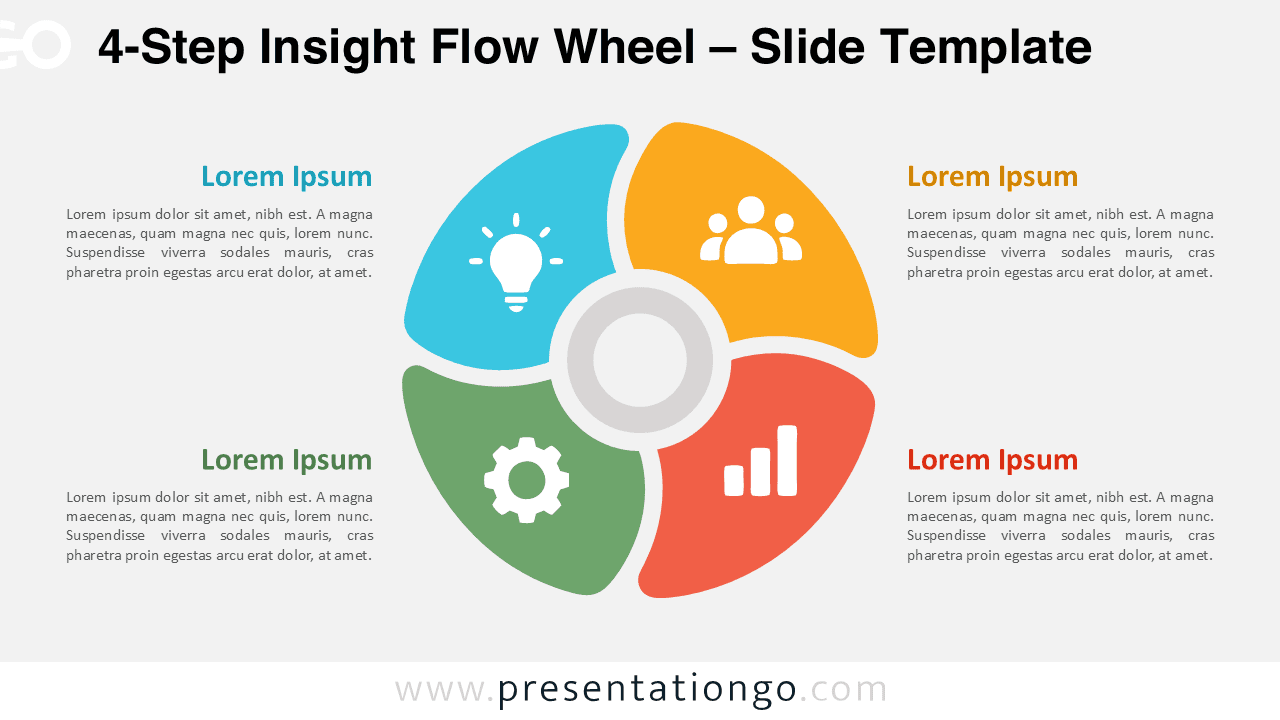
Download the 4-Step Insight Flow Wheel for PowerPoint and Google Slides, featuring four editable segments, icon placeholders, and text areas.
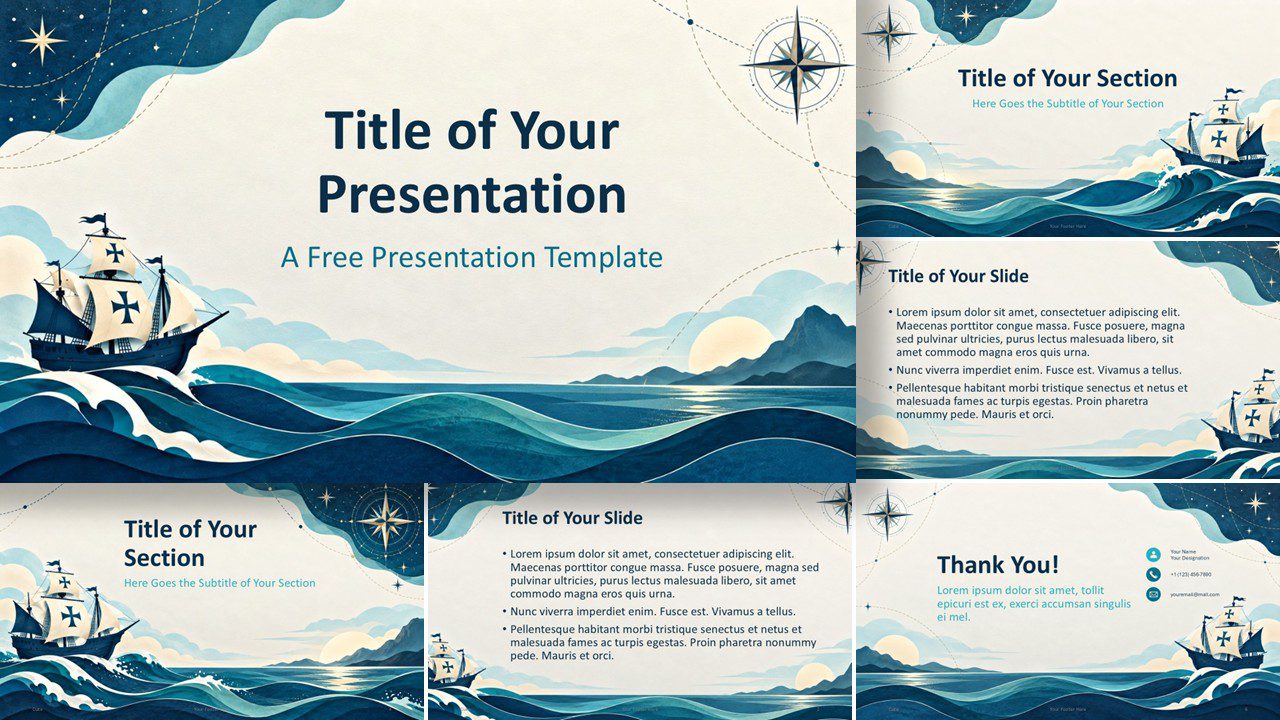
Download the Columbus Voyage Columbus Day presentation template for PowerPoint and Google Slides, with six nautical slides and a custom ocean palette.
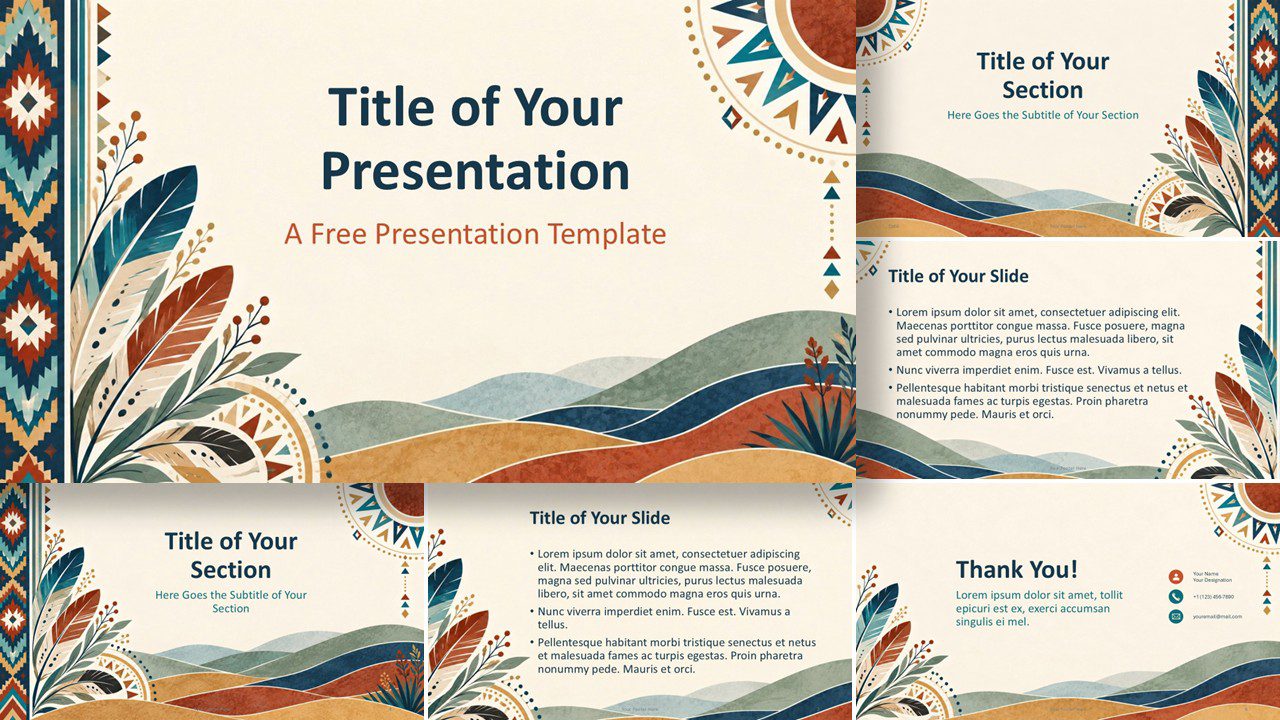
Download the Native American Heritage presentation template for PowerPoint and Google Slides, with six cultural, editable layouts and earthy colors.
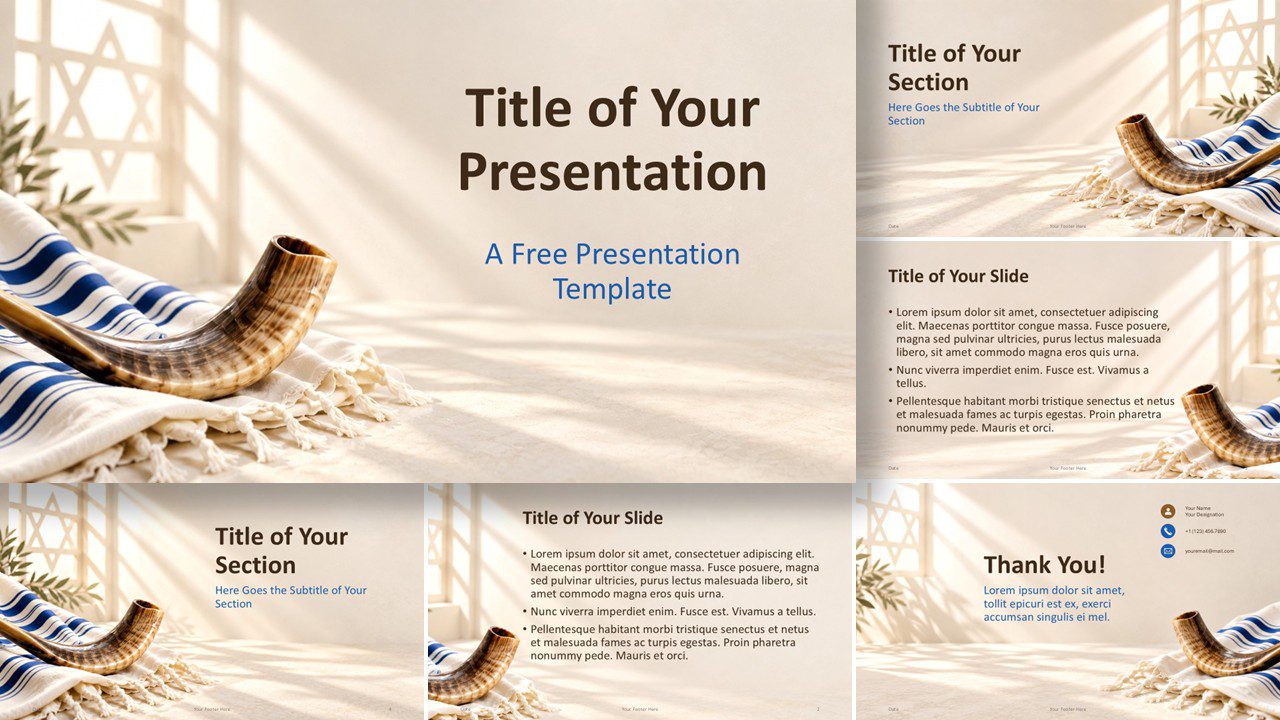
Download the free Yom Kippur Light presentation template for PowerPoint and Google Slides, with reflective Jewish imagery and and warm ceremonial colors.
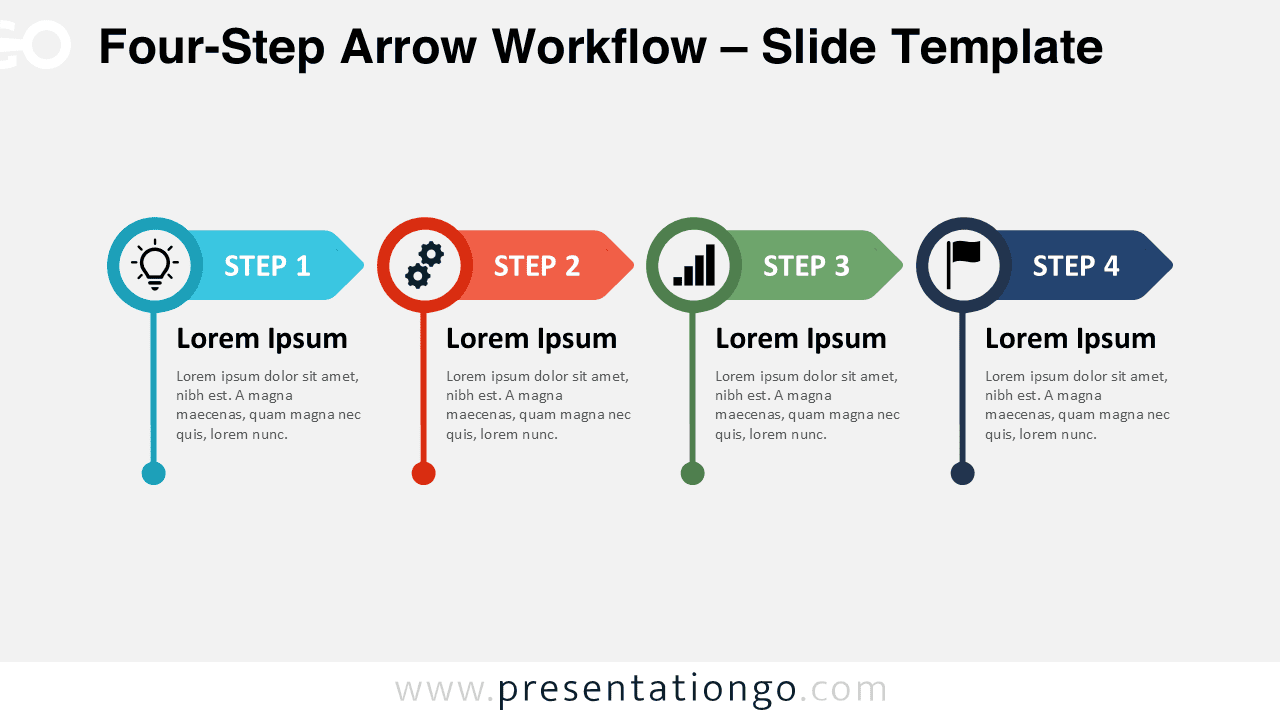
Four-Step Arrow Workflow for PowerPoint and Google Slides with editable arrows, icons, text, and shapes for processes, plans, and project stages.
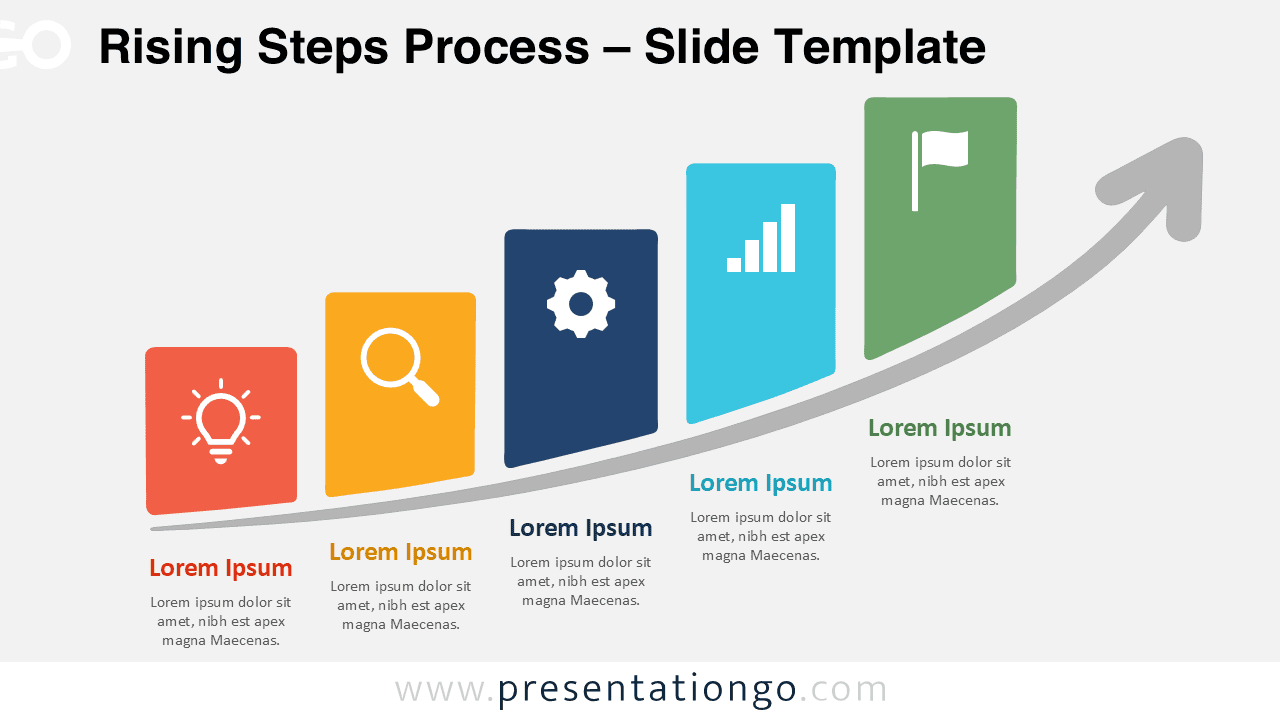
Download the Rising Steps Process diagram for PowerPoint and Google Slides. Show five stages of growth, progress, strategy, or project development.
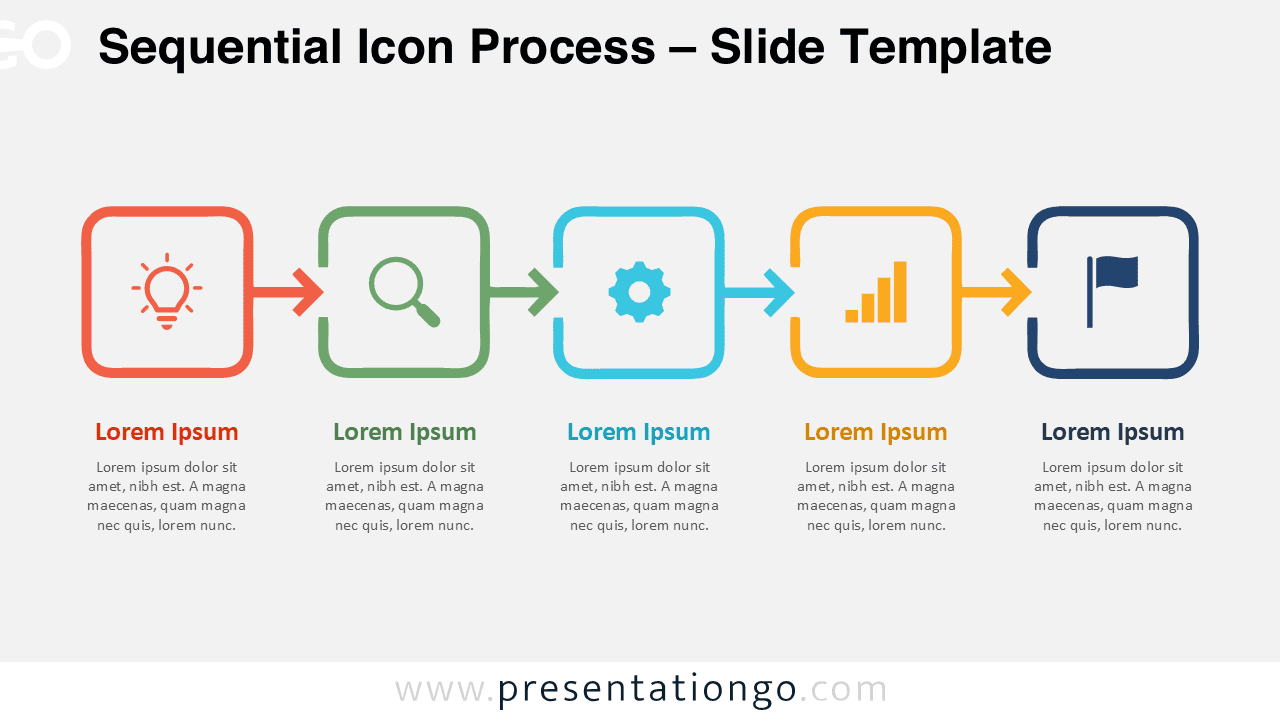
Create clear five-step workflows with the Sequential Icon Process for PowerPoint and Google Slides, featuring editable stages, arrows, text, and icons.
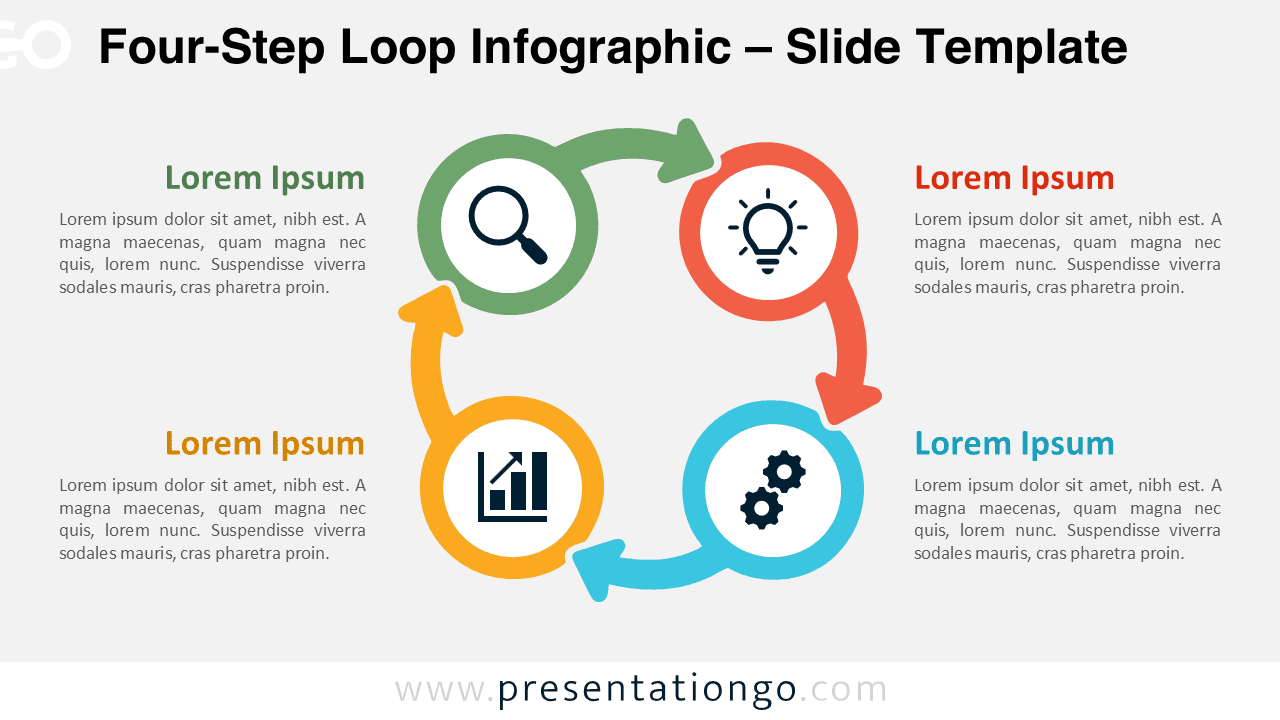
Download the Four-Step Loop Infographic for PowerPoint and Google Slides, featuring an editable circular process with four connected stages.